

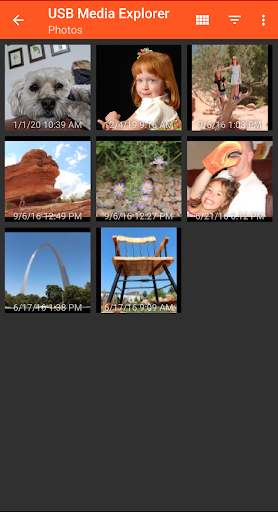
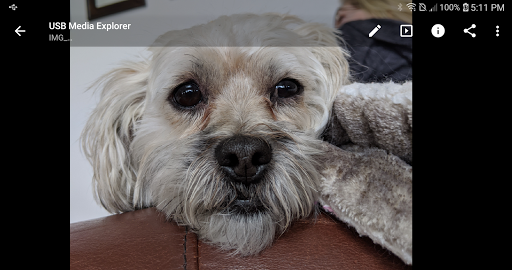
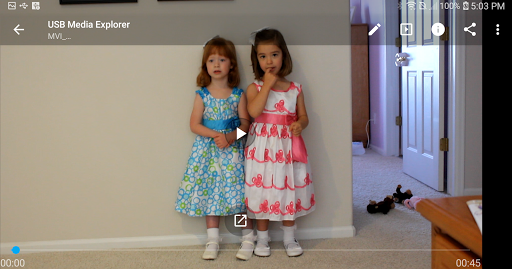
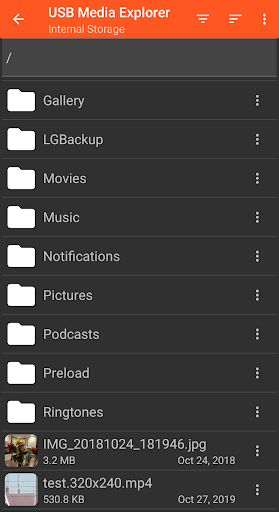
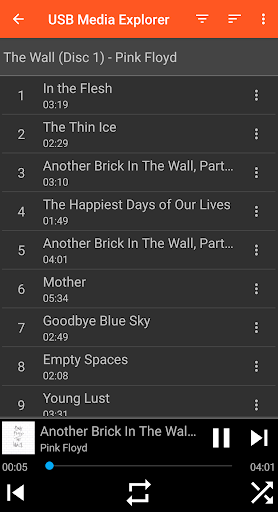
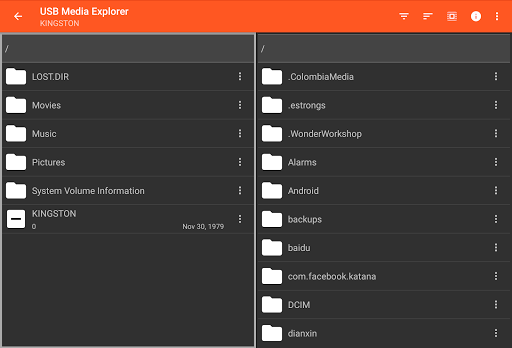
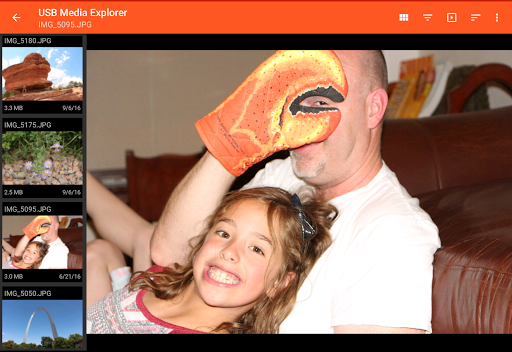
USB Media Explorer (UME) is a versatile photography app that enables users to view photos, stream videos, listen to music, and manage documents from various USB storage devices. With specialized viewing modes for different media types, it offers a comprehensive solution for accessing and managing your digital content on the go.
The app supports a wide range of devices including flash drives, card readers, hard drives, cameras, and even other Android devices. Its standout feature is the ability to view full-size photos and videos directly without the need for importing, making it an essential tool for photographers and multimedia enthusiasts who require instant access to their files.
Whether you're a professional photographer needing to review raw images on location or a traveler wanting to watch movies stored on a portable hard drive, USB Media Explorer provides a practical solution that enhances productivity and convenience.
USB Media Explorer stands out with its specialized screens dedicated to different media types - photos, videos, music, documents, and file management. This thoughtful design ensures optimal viewing and organization experience for each content category.
The app's robust file transfer capabilities allow users to copy files to and from USB devices seamlessly. It supports various video and audio formats, though for certain formats not natively supported by Android, it recommends using third-party players like VLC.
What truly sets UME apart is its compatibility with numerous device types and its ability to handle both Jpeg and Raw photo formats. The app also implements necessary power management features for high-power devices like hard drives, ensuring stable performance across different hardware configurations.
User-friendly interface
Wide device compatibility
Direct file viewing
Robust file management
Versatile media support
Requires OTG cable
No live image support
Limited DVD support
Proprietary protocol issues
External power may be needed

How would you look like with a differently shaped nose, chin or lips?
 3.90
3.90
Edit like a pro with Hypic. Apply filters, AI effects, & magic touch.
4.40
Perfect body tune & face app - photo retouch, makeup, slim body & beautify face.
4.80
Take videos and pictures with the popular TikTok TIME WARP SCAN filter.
4.60
AI photo enhancer with Sora 2! Enhance, descratch, and colorize your old photos.
4.50
Professional quality photo edits with the new Snapseed.
4.00
Fit multiple photos on one post. Create carousels & scroll layouts for Instagram
4.50
Hair color changer, AI haircut app, fun hair editor and buzz cut filter for all!
3.80
Catch sunlight, sunrise sunset times and sun phases with the AR sun tracker.
4.10
Amazing Photo Effects - The most fun you can have with your photos!
4.70
Android Native system HD camera app. Never been so simple and faster.
4.70
Light-weight Media Gallery app for Android made with Jetpack Compose
4.60
Cut and paste photo editor & eraser to customize photos easy and swap faces fun
4.50
AI photo editor with hair editor, retouch tools, hair color changer & filters!
4.50
AI portrait generator and polaroid AI selfie, fun AI generated AI photo creator!
4.30
Natural Beauty, Selfie Retouch
4.30
Create AI Photos, Improve and restore quality of blurry, old or damaged pics.
4.20
How old age camera Gender Swap App Face Shape Hairstyle App Hair Styler App fun!
4.00
Turn photos into cartoons & avatars! - Photo Editor, Cartoon Face!
3.90


User Reveiws