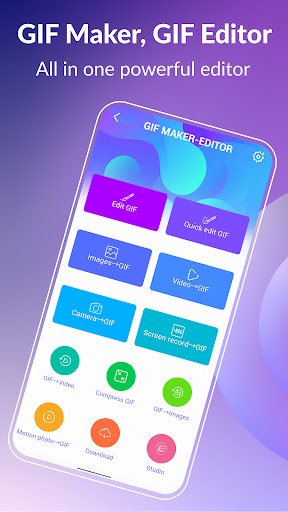
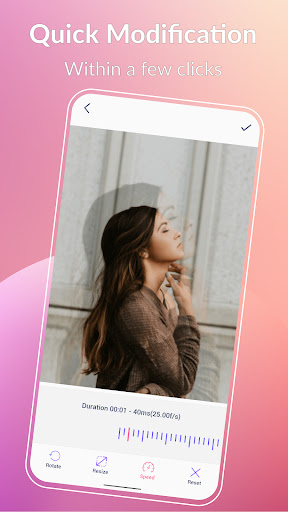

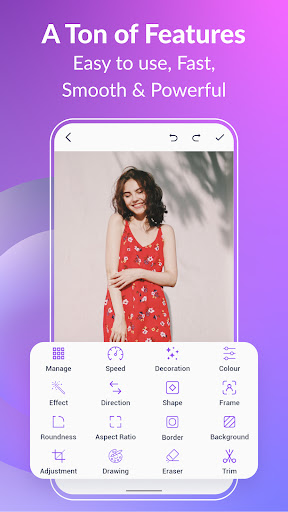

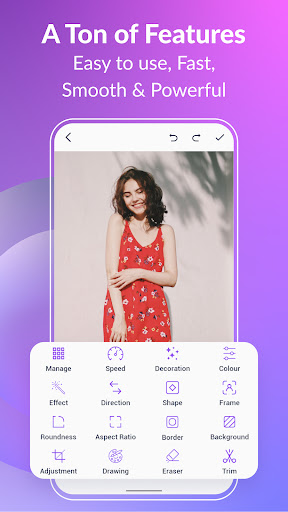
GIF Maker, GIF Editor Pro is a comprehensive photography app designed for creating and editing high-quality animated GIFs. The app supports up to 600 frames and 720x1280(HD) pixels, offering users the ability to transform images, videos, screen recordings, and existing GIFs into stunning animations without any watermarks. With an intuitive interface, it caters to both beginners and advanced users who wish to explore their creativity in making unique GIFs.
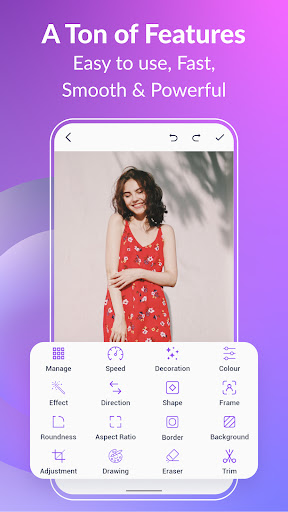
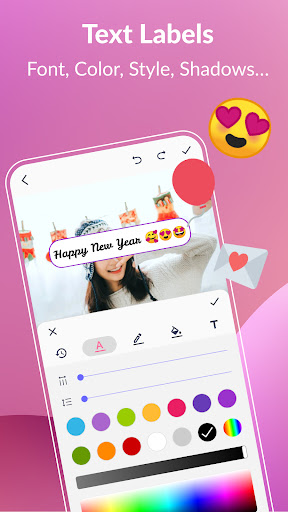
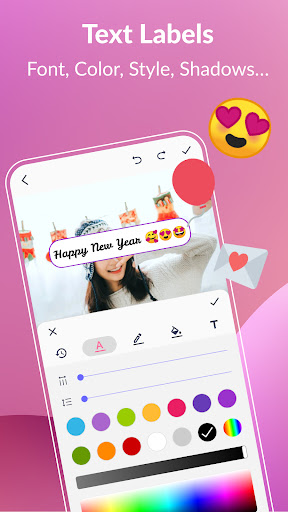
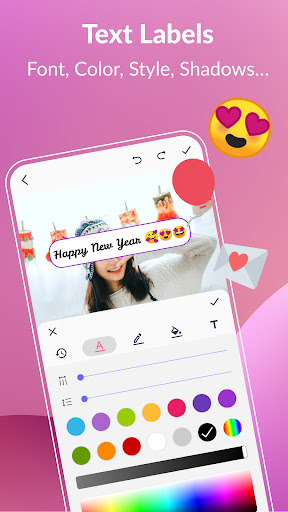
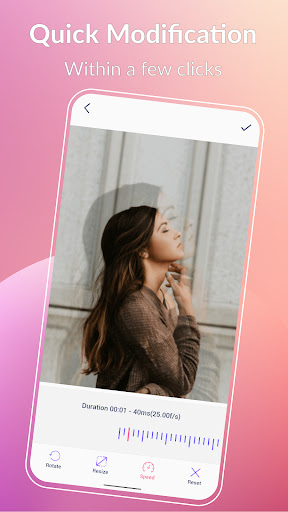
One of the standout features of this app is its support for a wide range of formats including PNG, JPEG, MP4, MPEG, FLV, 3GP, and more. This versatility allows users to customize their creations with various editing tools such as crop, resize, speed adjustment, filters, stickers, and text labels. Whether you're looking to create memes or professional animations, GIF Maker, GIF Editor Pro provides all necessary tools within a user-friendly environment.
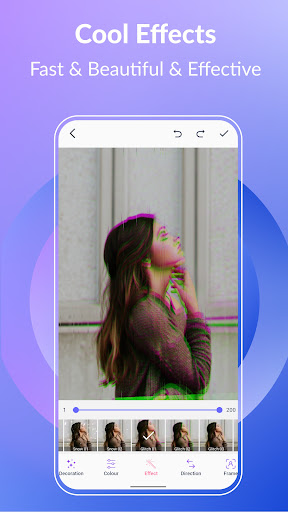
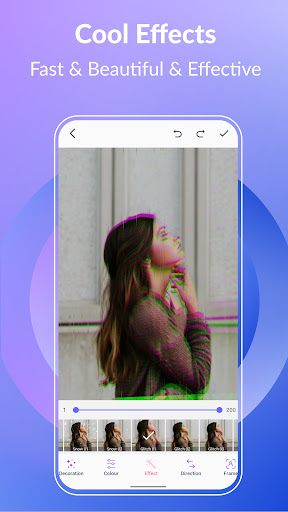
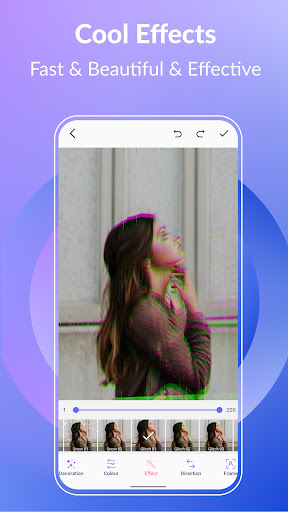
The app's value extends beyond simple creation; it also offers robust editing capabilities like compressing GIFs, converting GIFs to videos, adding effects, color filters, and managing collections efficiently. These features make it suitable for social media enthusiasts, content creators, and professionals alike who need to produce engaging visual content quickly and easily.
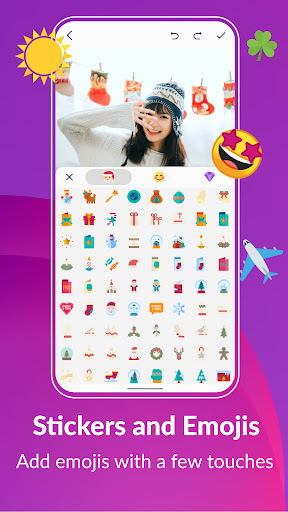
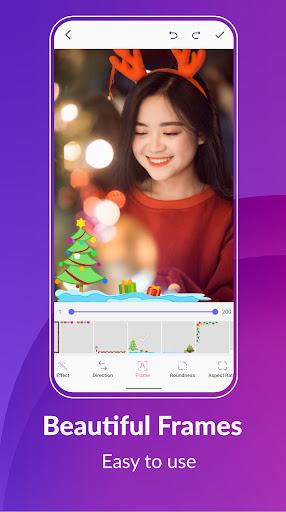
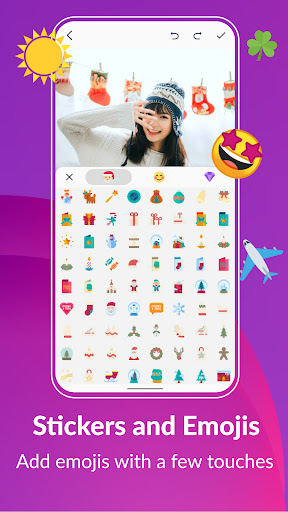
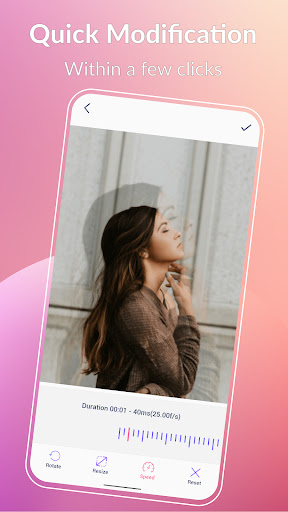
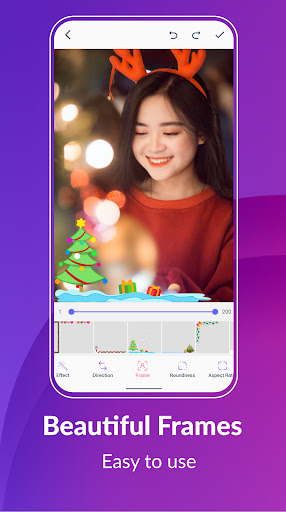
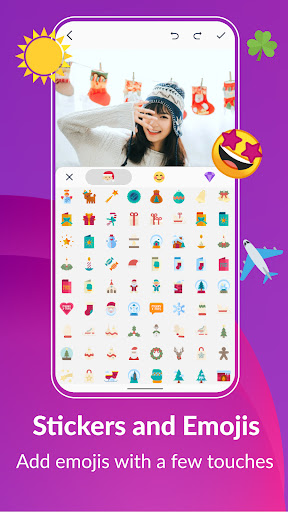
GIF Maker, GIF Editor Pro stands out with its extensive feature set tailored for both casual users and professionals. The app allows you to unleash your creativity by transforming various media types into high-quality GIFs. You can convert video clips, combine multiple images, or even record your screen while enjoying advanced editing options such as cropping, resizing, adjusting speed, applying filters, and adding stickers or emojis.
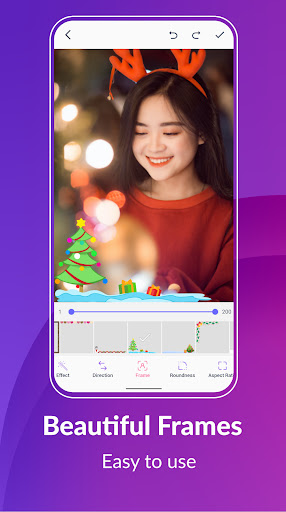
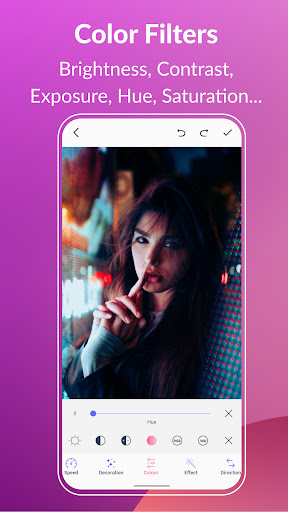
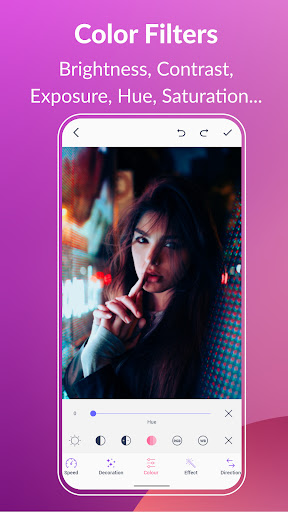
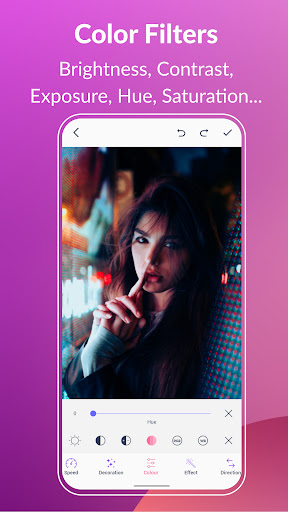
For those needing more control over their creations, the app provides tools for managing frame rates (up to 50 fps), aspect ratios, roundness adjustments, and background settings like transparency or solid colors. Additionally, the inclusion of color filters enables fine-tuning brightness, contrast, exposure, hue, saturation, and white balance—ensuring your GIFs look exactly how you envision them.
Beyond basic creation and editing, the app facilitates efficient sharing on popular platforms like WhatsApp, Facebook, Twitter, and others. It also includes functionalities such as exporting frames from a GIF, compressing file sizes without losing quality, and converting GIFs to videos seamlessly. Such comprehensive features ensure that whether you are crafting personal projects or professional content, GIF Maker, GIF Editor Pro has you covered.
User-friendly interface
High-quality output
Extensive format support
Versatile editing tools
Efficient sharing options
Limited free features
Subscription required
Occasional bugs
Heavy on storage
Learning curve for new users
A collection of tools and reference tables for DPs, ACs, DITs and Operators.
 4.70
4.70
Long exposure camera with computational photography
2.60
Safe & smart flight with Go Fly drone controller for 40+ drone camera, zone map
4.50
Create Business Headshots, Polaroid Filter, Retake Photos,Profile Pics,AI Photos
4.50
A reflected light meter with spot metering and incident light metering.
4.40
Luminar: Photo Editor - easy picture editing with AI
4.20
Easily create custom gifts, cards, photo books & more on the Shutterfly app!
4.60
Unblur, enhance & restore photos with powerful AI photo enhancer tools.
4.60
Astrophotography with your smartphone, photo live stacking and much more!
3.90
Collage your moments in one tap: 1000+ layouts, filters, stickers, and texts.
4.90
Cartoon and artistic effects for your photos and videos
4.70
Amazing Photo Effects - The most fun you can have with your photos!
4.70
Easily view, share, delete photos with Gallery.
4.70
Create AI photos & videos with Enhancer; restore, fix, beautify, enhance photos
4.50
RAW video capture with advanced controls
4.40
All-in-One Editor & AI Photo Enhancer, Beautify & Retouch, Collage, Cartoonify
4.20
Professional camera app that brings DSLR manual photography controls to Android.
4.20
Photobooth mini FULL app will allow you to add more fun to your parties
4.00
Perfect photos with body shaping, BG changer and object remover.
3.70


User Reveiws