
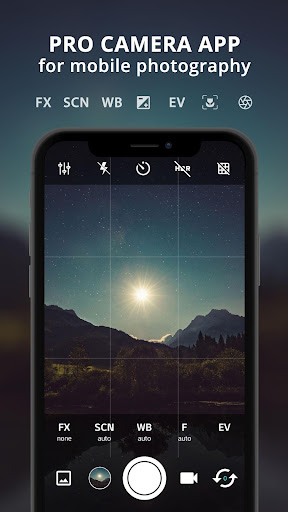
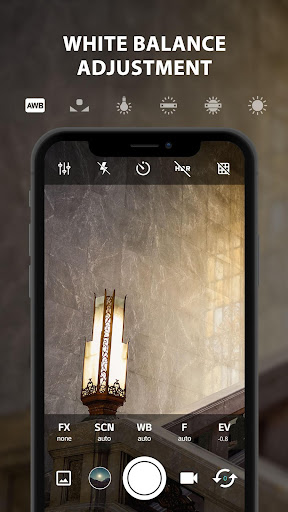
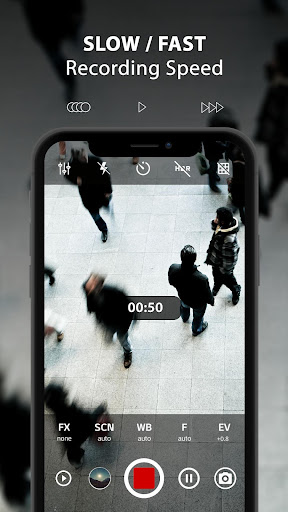
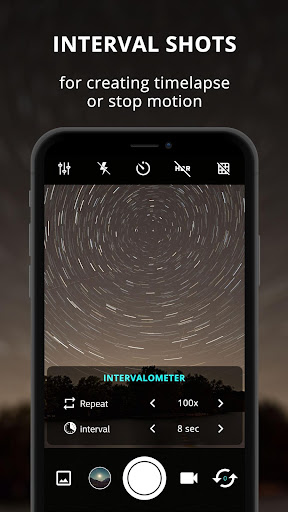
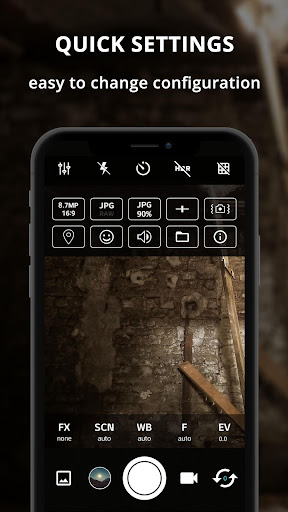
ProCam X transforms your smartphone into a professional-grade camera, offering full manual control over essential photography parameters. With precise adjustments for exposure, focus, white balance, ISO, and shutter speed, this app empowers users to capture high-quality photos and videos. The inclusion of advanced features like intervalometer, burst mode, and real-time filters makes it an ideal tool for both amateur photographers and professionals seeking greater creative control.
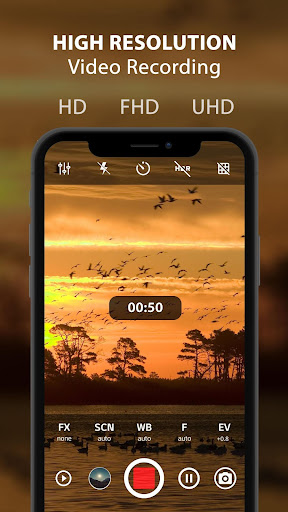
The application supports 4K video recording with customizable settings, including adjustable video bit rates and optional audio recording. Its intuitive interface provides quick access to DSLR-like functionalities such as manual focus, exposure lock, and ISO settings. Additional tools like geotagging, anti-shake, and golden ratio grids enhance the overall photography experience, while the ability to disable shutter sounds ensures discreet shooting in sensitive environments.
Designed for devices running Android 5.0 and above with Camera2 API support, ProCam X is particularly beneficial for creating time-lapse sequences and stop-motion videos. The app's comprehensive feature set, combined with its user-friendly design, makes it an excellent choice for mobile photographers looking to elevate their craft without carrying bulky equipment.
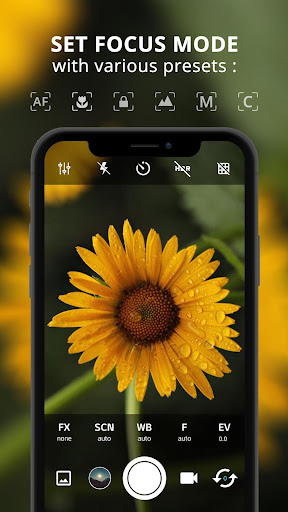
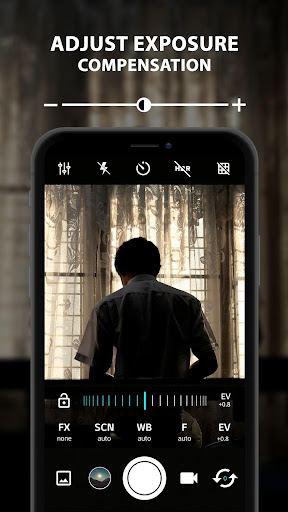
ProCam X distinguishes itself through its extensive array of professional-grade features. The app offers complete manual control over camera settings, including adjustable ISO ranges from 50 to 3200, shutter speeds from 1/80000s to 60s, and precise focus distances. These capabilities allow photographers to fine-tune their shots according to specific lighting conditions and creative requirements, making it possible to capture images that rival those taken with dedicated DSLR cameras.
Among its notable features is the intervalometer function, which enables automated time-lapse photography by capturing images at set intervals. The burst mode allows rapid sequential shooting, perfect for action photography or creating stop-motion sequences. Real-time filters and color effects provide instant artistic enhancements, while advanced options like RAW (DNG) file support ensure maximum post-processing flexibility for professional workflows.
The application also includes practical tools such as facial recognition, front-back camera switching, and customizable volume key functions. Its interface adapts seamlessly to different orientations, and the option to lock photo orientation prevents unwanted rotations during critical shots. These comprehensive features, packaged in a clean and efficient user interface, make ProCam X a powerful tool for mobile photography enthusiasts and professionals alike.
Full manual controls
4K video recording
RAW file support
Real-time filters
Intervalometer feature
Complex for beginners
Device compatibility
Advanced features locked
Interface cluttered
Battery consumption

Add Watermark - Sign your pictures with a text or logo. Effective, quick, easy!
 4.50
4.50
Shooting photos and records video easily and efficient with professional Camera
4.30
Safe & smart flight with Go Fly drone controller for 40+ drone camera, zone map
4.50
Easily stitch panoramas from multiple photos or video.
4.40
Create funny photos and videos with the popular Time Warp Scan filter.
4.90
Viewfinder, Light meter, Reciprocity failure time, DOF & Bellows Extension
4.60
Raw Image Viewer. Gallery with support of raw images (.cr3, .cr2, .nef, .raf).
2.00
RAW video capture with advanced controls
4.40
Solocator stamps photos you take with GPS location, Compass Direction, Date/Time
3.80
Perfect body tune & face app - photo retouch, makeup, slim body & beautify face.
4.80
The original Rarevision VHS look seen everywhere!
4.70
Discover & download millions of art for The Frame TV or Hisense CanvasTV
4.60
Photo editor & gallery. Crop pictures & edit photos offline, no wifi!
4.50
Trendy TikTok time warp scan funny filter app brings you unique photos & videos.
4.40
AI-powered video creator by MiniMax - Where ideas meet cinema
4.20
live datamoshing
4.00
Turn photos into cartoons & avatars! - Photo Editor, Cartoon Face!
3.90
USB Storage Access for Photos, Videos, Music and Documents
3.80
An interval timer to automate photo taking process for timelapse
2.90


User Reveiws