
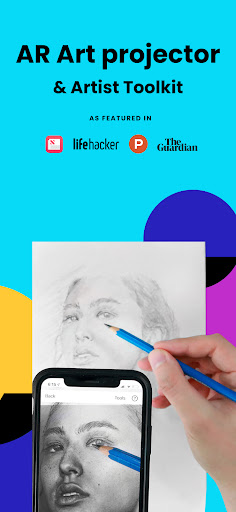
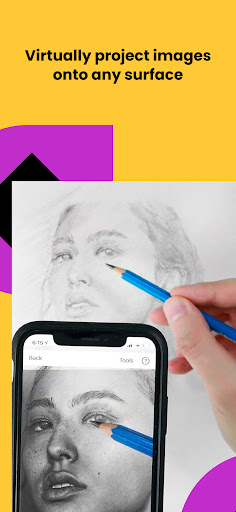
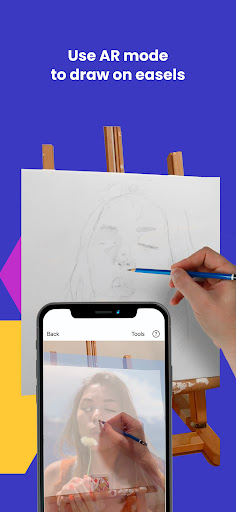
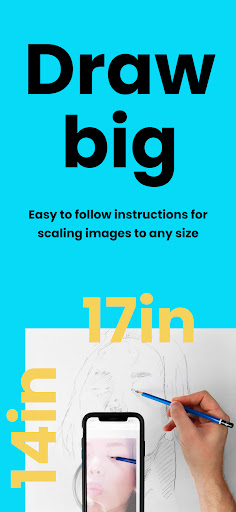
Da Vinci Eye's AR Art Projector is a revolutionary tool for artists of all skill levels, offering an augmented reality tracing and sketching experience. The app allows users to create hyper-realistic drawings by projecting images onto their canvas, making it easier to capture accurate proportions and intricate details.
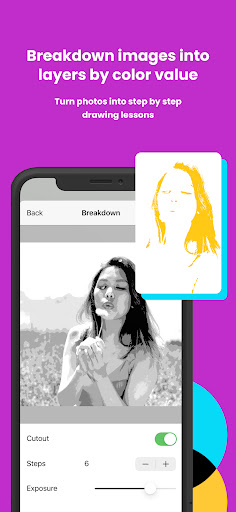
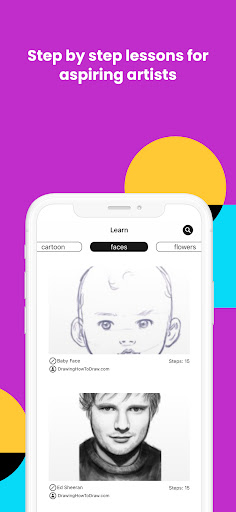
Beyond basic tracing, the app provides advanced features like color layer separation, time-lapse recording of drawing sessions, and step-by-step image breakdowns. These tools help artists master light and shadow placement while learning professional techniques through video tutorials and community support.
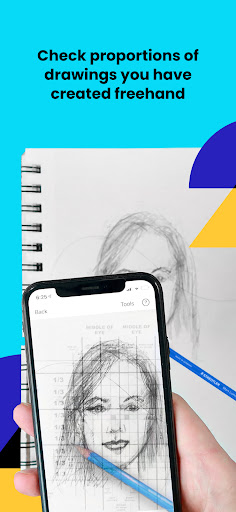
Perfect for various creative professionals including illustrators, tattoo artists, and animators, this app transforms any photo into a detailed drawing lesson. Whether you're checking your work as you progress or using the unique patent-pending learning method, Da Vinci Eye ensures significant improvement in drawing skills.
Da Vinci Eye stands out with its innovative AR tracing technology that anchors images to real-world objects, allowing artists to move their canvas or device without losing alignment. This feature, combined with classic mode functionality, offers flexibility similar to traditional art projectors but with enhanced digital capabilities.
The app's robust feature set includes strobe effects for hyper-realistic drawings, zoom functions for capturing micro-details, and filters that simplify the drawing process. Users can also separate images into color value layers, helping them understand complex shading techniques.
Additional notable features include insanely fast customer support, community sharing options, and compatibility with various devices. While AR mode requires newer devices with high-quality cameras and processors, the app's comprehensive toolset makes it one of the top Graphics & Design applications worldwide.
User-friendly interface
Innovative AR technology
Comprehensive learning tools
Active artist community
Excellent customer support
AR mode device limitations
Subscription fees required
Learning curve for beginners
Occasional rendering issues
Limited free content

Create trending AI photos & videos with powerful effects and 3D styles.
 3.20
3.20
Apply cartoon, caricature, and portrait effects to make your photos stand out!
3.60
Create neon drawing with magic doodle and fun doodle art effects!
4.50
Your Essential Color Theory Guide: Red, Yellow, Blue (RYB)
4.3
Nano Banana AI Image Generator, Anime Filter, AI Portrait, AI Photo Generator
4.30
Experience next-gen icons with a modern liquid glass look.
3.60
Create and Design Custom Logos in Seconds with AI-Powered Tools!
4.40
How to draw anime step by step for beginner easily by AR drawing sketch & paint.
3.60
Multiplayer Drawing game, Coloring, Painting・Sketch, Handwriting・Paint, draw
4.30
Discover Cartoon Dream : Unleash Your Creativity with CuttingEdge AI
4.50
Draw anime & manga drawing, art with templates to create stunning picture!
4.50
Draw Trace image sketch by, AR art projector app, Easy to trace any image.
4.50
Stylish letters, Stylish Keyboard, Symbols, Emojis, Cool nickname
4.40
Photo blender app to create overlay photos & double exposure.
4.40
Trace, draw, and create art with AR - from memes to masterpieces!
4.30
800+ Drawing, Painting Lessons App to Practice, Sketch & Paint Art.
4.30
Text to Image, Image to Video & AI Chat
4.20
Paint with oils and sketch with natural tools on a realistic virtual canvas.
3.80
Inky runs Inkscape on Android devices and Chromebooks
2.90


User Reveiws