

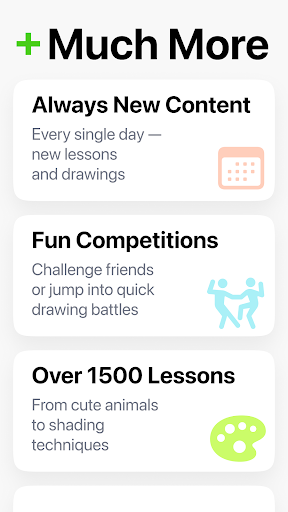
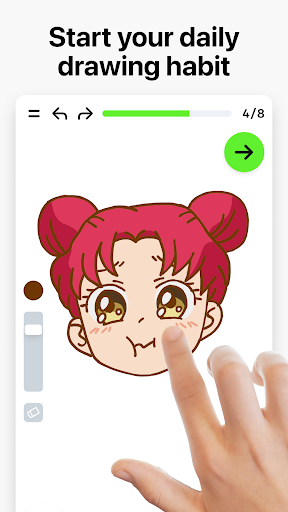
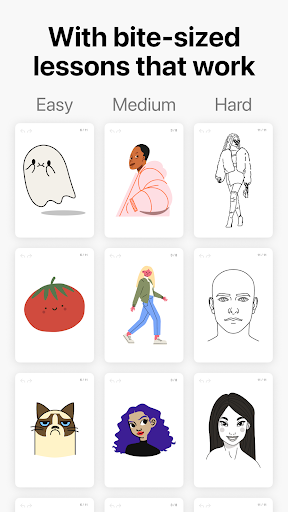

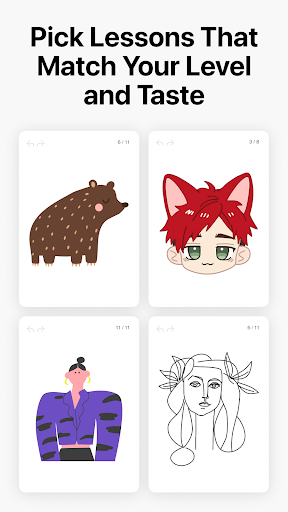
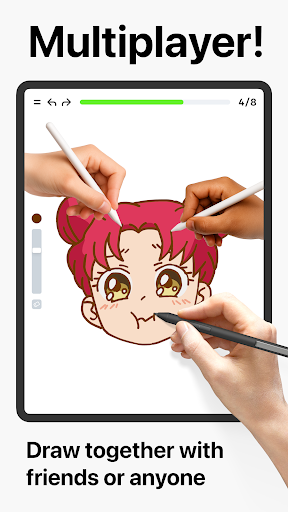
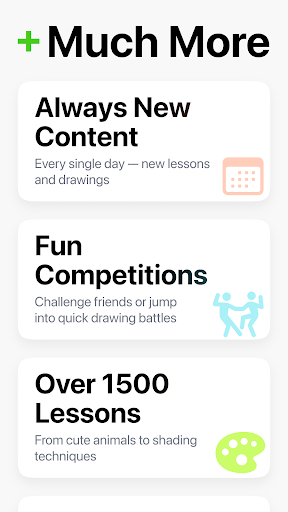
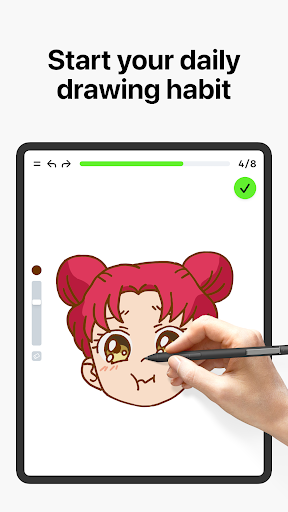
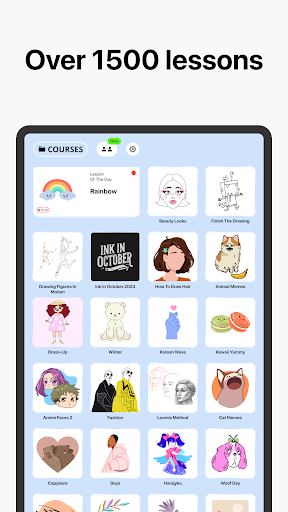

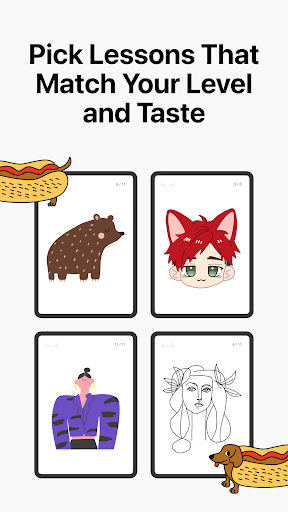
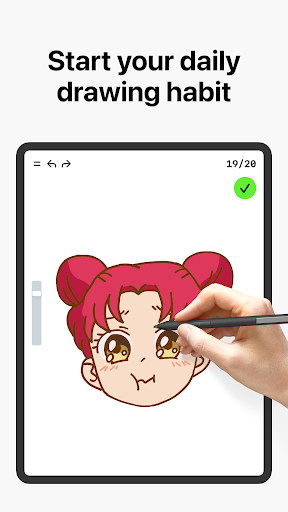

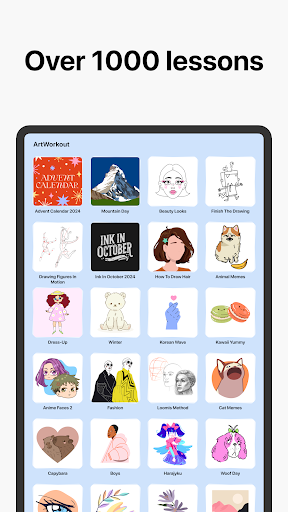


Learn how to draw is an innovative drawing and painting trainer app that combines art education with interactive gameplay. Designed for users of all ages, the app offers over 1000 step-by-step tutorials that cater to both beginners and experienced artists. The unique multiplayer mode allows users to draw and trace together in real time, creating a collaborative creative space. Whether you're learning basic sketching techniques or perfecting advanced skills, this app provides a comprehensive platform for artistic growth.
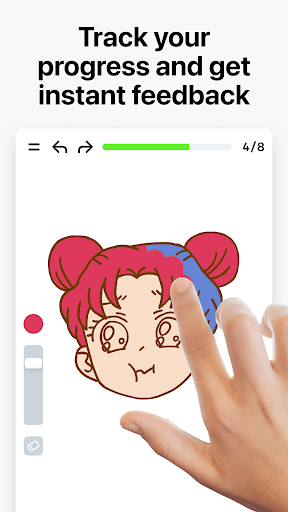
The app's dynamic tutorials break down each lesson into 10-30 simple steps, making it easy to follow along and master various drawing techniques. With its innovative scoring system, users can track their progress and see tangible evidence of improvement. The app also features interactive courses covering multiple art forms including doodling, sketching, painting, and handwriting. Regular updates bring new themed courses weekly, often inspired by global cultures and holiday events.
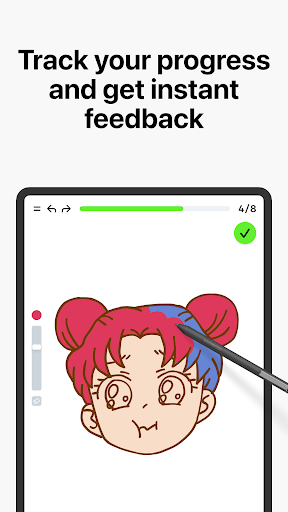
Learn how to draw stands out from other art apps through its unique combination of features and educational tools. The app actively measures users' drawing accuracy and evaluates stroke quality, providing detailed feedback on steadiness, cleanliness, and expressiveness of lines. This analytical approach goes beyond simple tracing, helping users refine their technique through meaningful practice sessions.
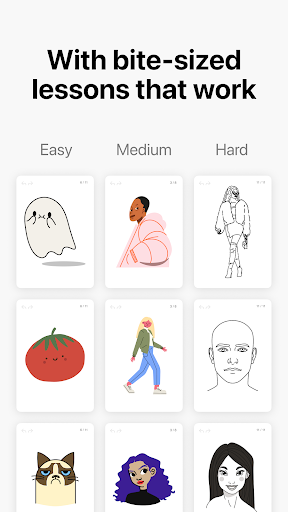
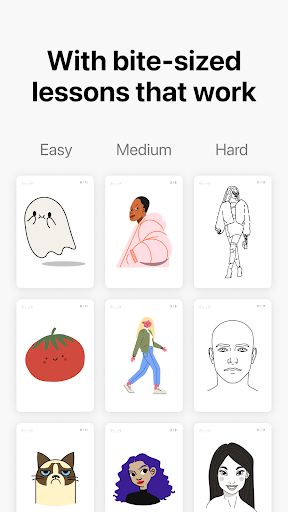
The app's comprehensive curriculum balances essential theory with practical exercises, delivered in bite-sized lessons that make learning enjoyable and manageable. Special skill trainers offer immediate feedback, while the multiplayer mode enables real-time collaboration and friendly competition. With its supportive community engagement through Discord and Telegram, plus regular content updates, Learn how to draw creates an engaging environment where artists can grow and connect with others who share their passion for art.
User-friendly interface
Comprehensive tutorials
Real-time multiplayer
Progress tracking system
Regular content updates
Limited advanced tools
Internet connection required
Premium content locked
Occasional bugs reported
Steep learning curve

Discover Cartoon Dream : Unleash Your Creativity with CuttingEdge AI
 4.50
4.50
AI Assistant, powered by ChatGPT GPT-4 & GPT-4o. Your intelligent companion.
3.50
Digital, Abstract, Classic - all types of color wheels in one app!
4.60
Nano Banana AI Image Generator, Anime Filter, AI Portrait, AI Photo Generator
4.30
Draw Trace image sketch by, AR art projector app, Easy to trace any image.
4.50
Create and Design Custom Logos in Seconds with AI-Powered Tools!
4.40
Create cute cat emojis & PFPs! Fun, custom avatars for cat lovers.
3.70
How to draw anime step by step for beginner easily by AR drawing sketch & paint.
3.60
All-in-One art, logo & collage maker. Design photos and edit video backgrounds
4.80
Make your phone cooler and have a fantastic experience
4.80
Draw on screen: FP sDraw is a simple and lightweight drawing app
4.70
Share the joy of painting with ibis Paint! Drawing anime and manga art.
4.50
Experience next-gen icons with a modern liquid glass look.
3.60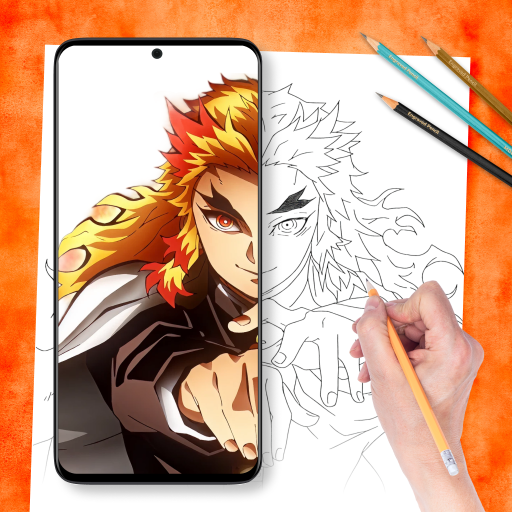
Draw anime easily with AR guidance, sketch templates & trace tools!
3.10
Art of Combination Wear OS Watch faces (for Wear OS 5+ devices)
3.00
Premium version of Shimeji-ee app with no ads & no limit active shimeji
4.4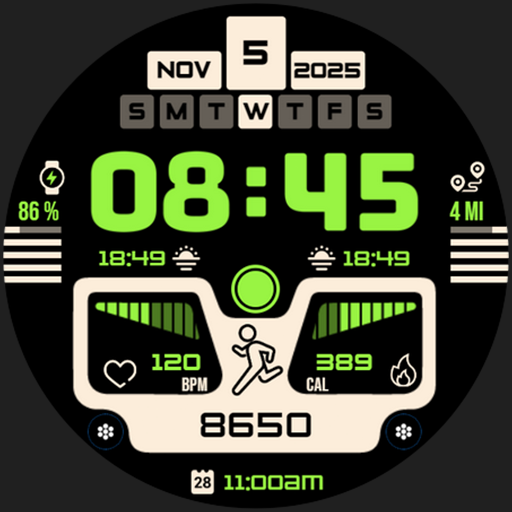
Download now for a stylish and functional timepiece
4.1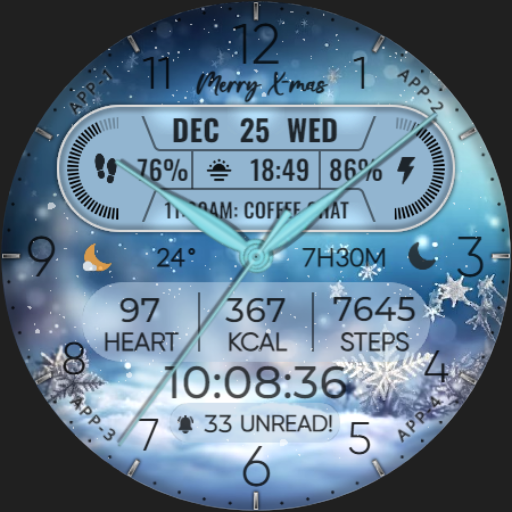
Art of Combination Wear OS Watch faces
4.1
Art of Combination Wear OS Watch faces
4.5


User Reveiws