


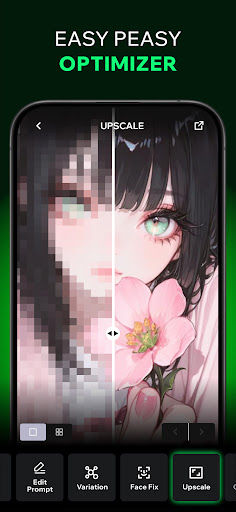
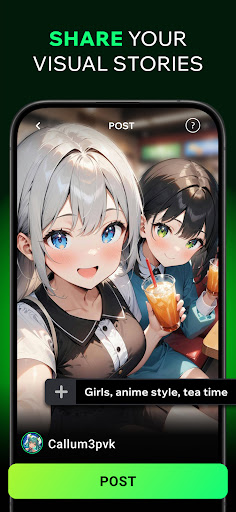
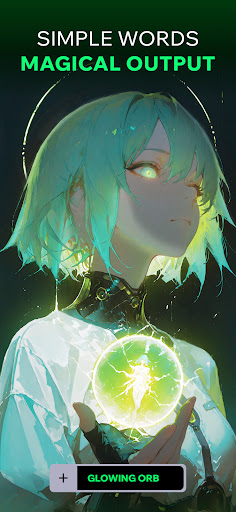
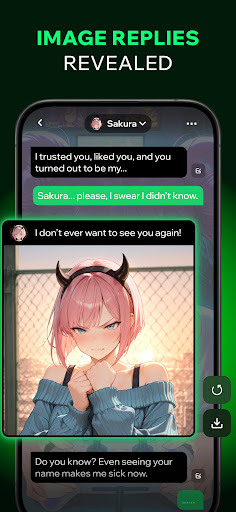
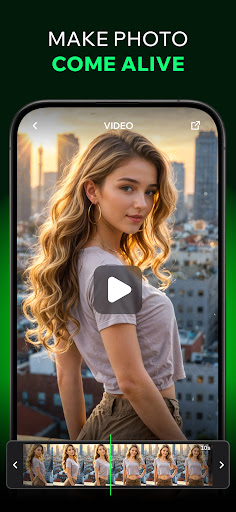
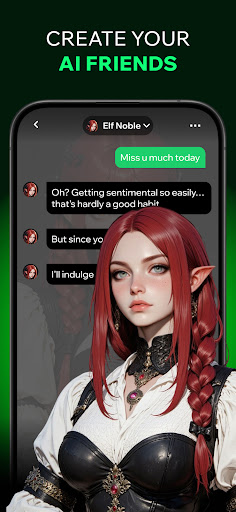
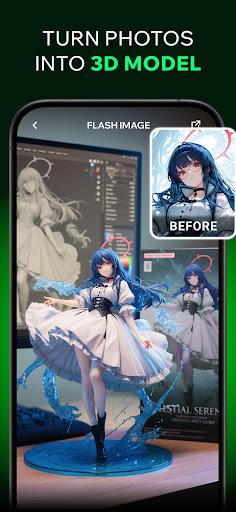
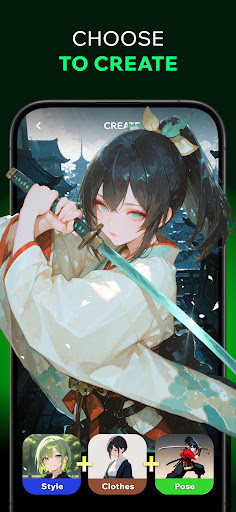
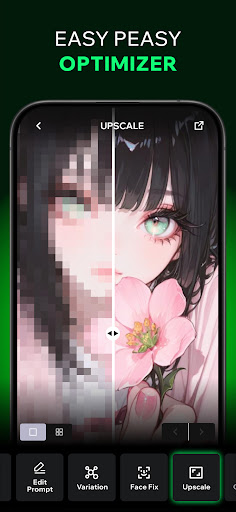


Spellai is an innovative app in the Art & Design category that allows users to effortlessly transform text into captivating photos and drawings using advanced AI technology. The app's core functionality lies in its ability to generate stunning visuals through simple conversational inputs, making it accessible to both beginners and professionals.
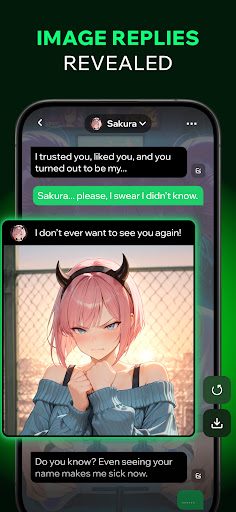
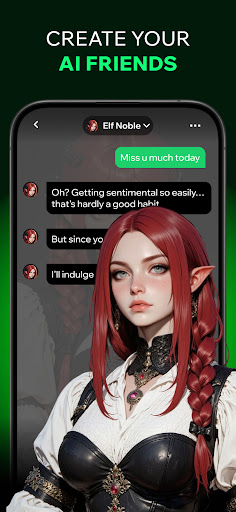
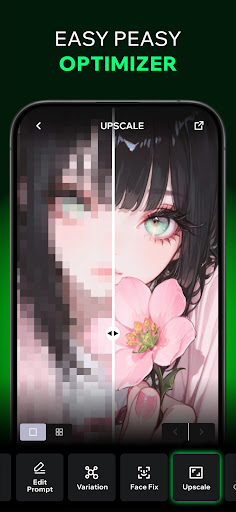
One of the standout features is the AI Chat capability, where users can engage in natural conversations with AI friends while creating images on the spot. Whether you're looking to create anime-inspired artwork, lifelike portraits, or custom wallpapers, Spellai delivers breathtaking image quality without requiring any prior design experience. This makes it perfect for social media content creation or personal projects.
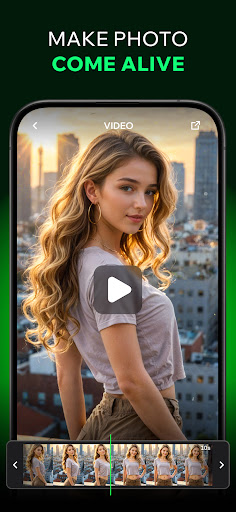
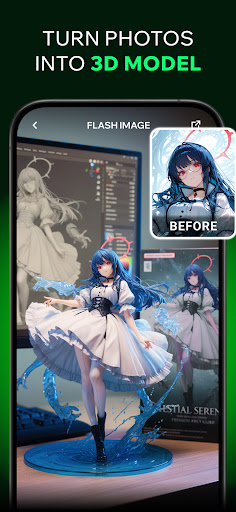
The app also includes a cutting-edge collaboration tool called Nano Banana, developed with Google DeepMind, which enhances image generation and editing capabilities. Additionally, users can turn their static images into dynamic videos, expanding creative possibilities. With community sharing features and customizable avatars, Spellai offers a complete creative ecosystem for designers, content creators, and anyone interested in exploring the world of AI-generated art.
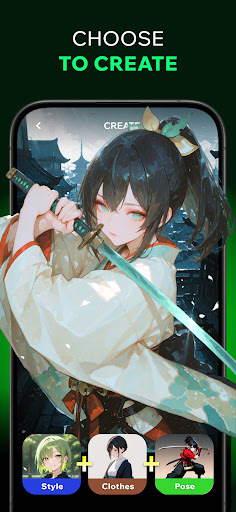
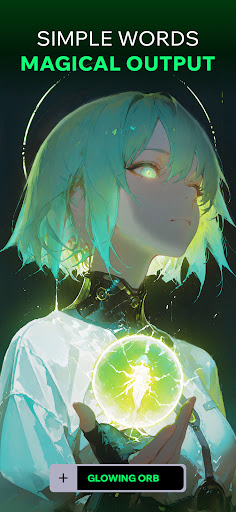
Spellai stands out with its diverse range of powerful features tailored for creativity and ease of use. At the heart of the app is its Text-to-AI-Art functionality, which enables users to convert written descriptions into visually appealing artworks. From dreamy illustrations to vibrant character designs, this feature caters to various artistic styles without needing technical expertise.
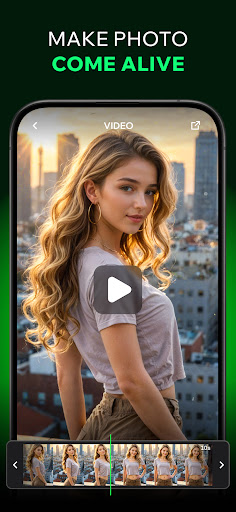
Another key highlight is the Chat Edit Feature powered by Gemini 2.5 Flash Image technology (codenamed 'Nano Banana'). This collaboration with Google DeepMind allows users to refine their creations through multimodal interactions, combining conversational input with precise editing tools. For those who want to take their projects further, the app provides an option to transform images into videos, adding motion and life to static visuals.
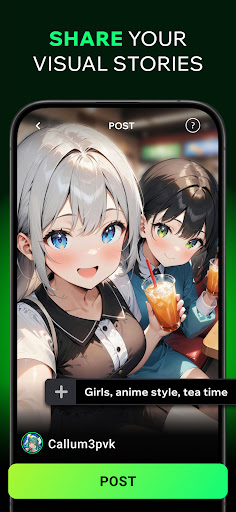
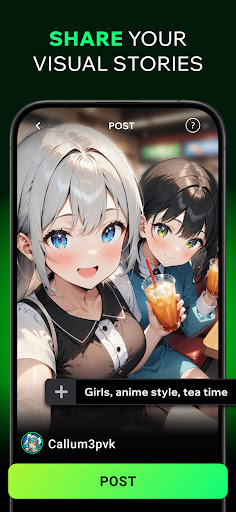
Additionally, Spellai fosters a strong sense of community with its sharing platform, where users can post their work, receive feedback, and connect with fellow artists. The inclusion of pre-made prompts and customizable AI chat characters ensures that every user has the resources they need to explore their imagination fully. These comprehensive features make Spellai not just an art tool but a complete creative companion.
User-friendly interface
High-quality image generation
Versatile art styles
Advanced AI collaboration
Active community support
Limited free features
Subscription costs
Occasional rendering delays
Learning curve for new users
Device compatibility issues

Paint with oils and sketch with natural tools on a realistic virtual canvas.
 3.80
3.80
Digital, Abstract, Classic - all types of color wheels in one app!
4.60
Get creative and make art with your Sesame Friends!
4.00
Mobile pixel art editor. Simple. Fast. Portable.
4.80
OneUI 8.5 icons ✨ Smooth, modern & based on the latest Play Store design ??
4.10
Inky runs Inkscape on Android devices and Chromebooks
2.90
Create cute cat emojis & PFPs! Fun, custom avatars for cat lovers.
3.70
An intuitive, high-performance painting app that lets you focus on creating
4.40
Multiplayer Drawing game, Coloring, Painting・Sketch, Handwriting・Paint, draw
4.30
Draw glowing spinners, relax, and spin your creative art
4.60
Get an overview over all your embroidery threads, projects and more.
4.60
Create color palette from Image, RGB & RYB Color wheel harmonies, Color Scheme
4.50
Draw anime & manga drawing, art with templates to create stunning picture!
4.50
Photo blender app to create overlay photos & double exposure.
4.40
Trace, draw, and create art with AR - from memes to masterpieces!
4.30
Custom Character Creator & PFP Maker!
4.20
Unleash Your Creativity with Draw Cartoon - AR Drawing App
4.10
Apply cartoon, caricature, and portrait effects to make your photos stand out!
3.60
Art of Combination Wear OS Watch Faces
4.3


User Reveiws