
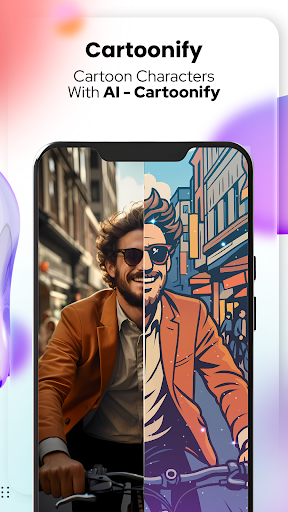

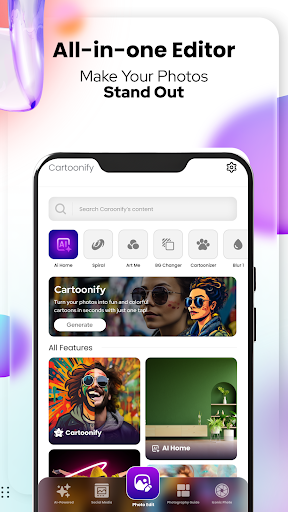

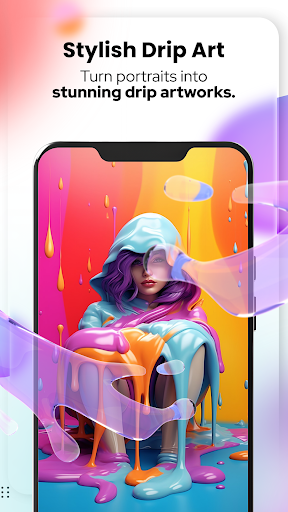
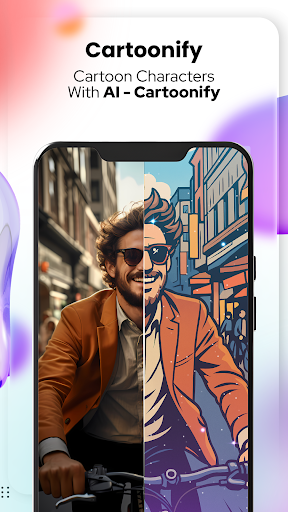


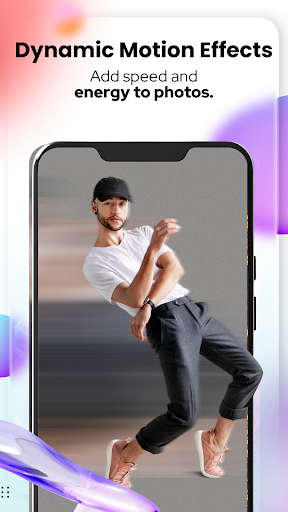
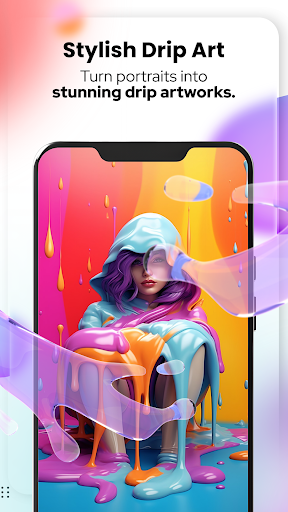
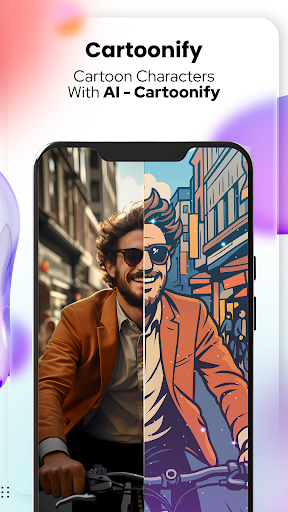
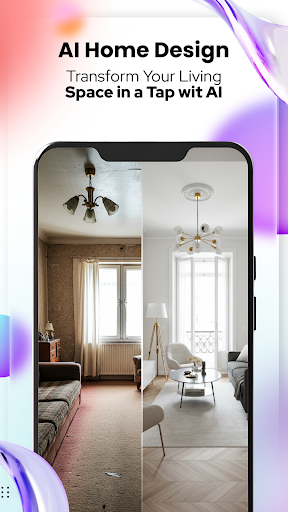
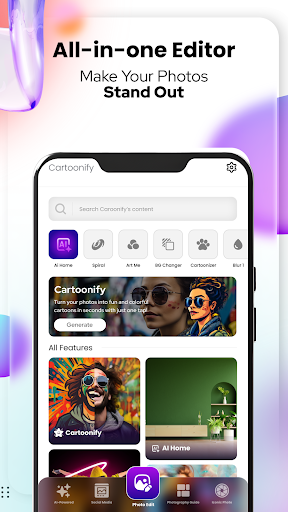
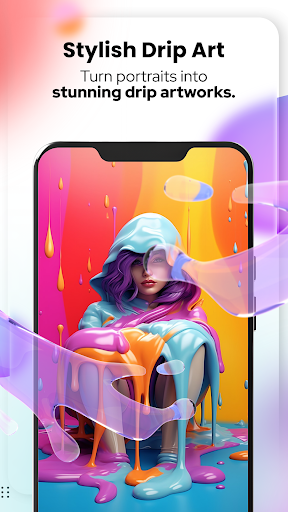

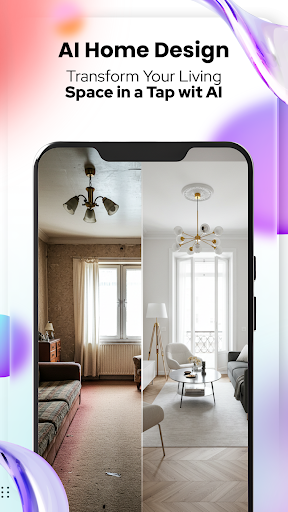
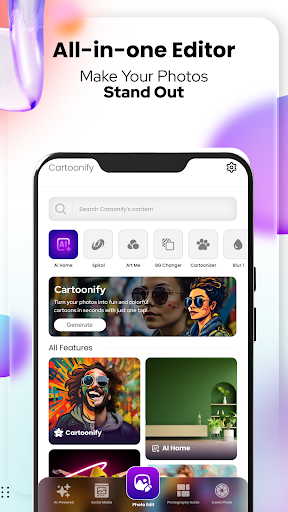
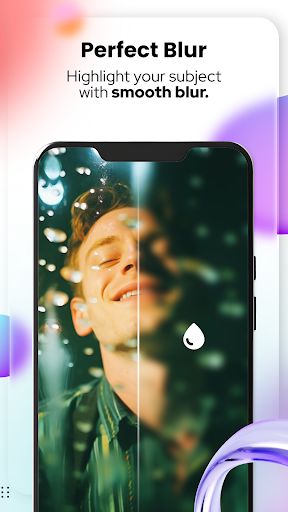
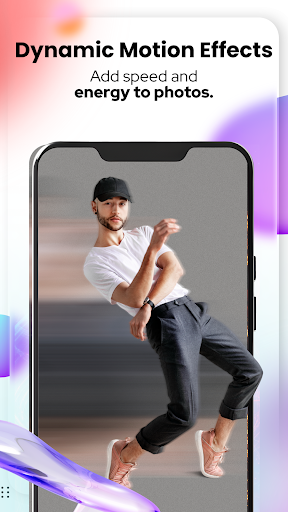
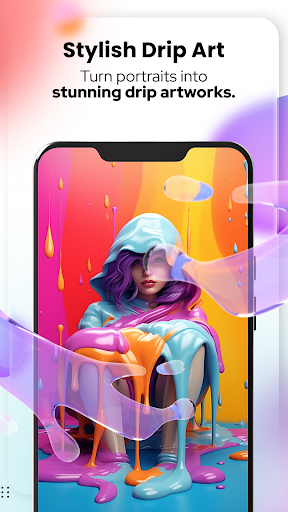
Cartoon Photo Editor - Toon Art is an innovative photo editing application designed for creative enthusiasts who want to transform their images into stunning cartoon-style artworks. The app offers a range of powerful features including Cartoonify, which turns any uploaded photo into a fun cartoon portrait within seconds. Perfect for enhancing social media presence or creating unique profile pictures, this tool brings a playful touch to personal imagery.
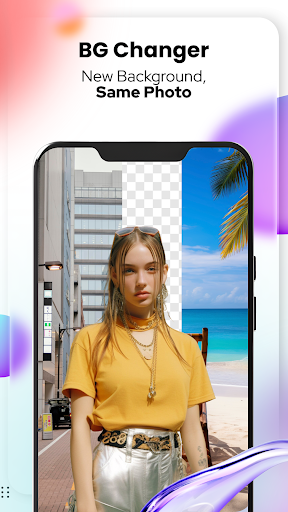
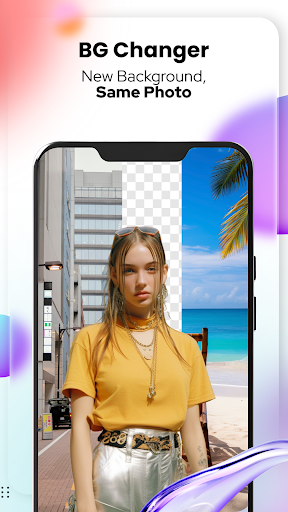
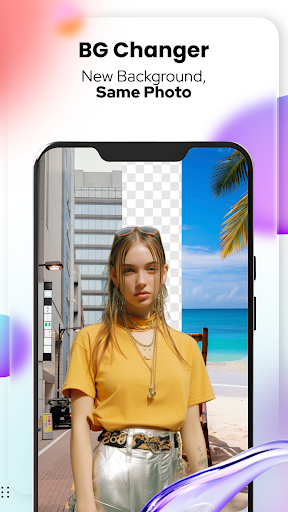
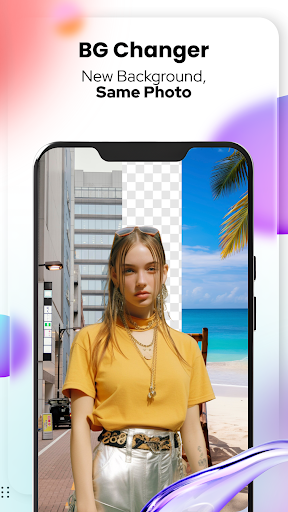
In addition to its core cartoon transformation feature, the app provides advanced functionalities such as Art Me, allowing users to apply breathtaking artistic filters that give portraits a professional and unique appearance. Pet lovers can also enjoy the Pet Cartoonizer feature, offering charming caricature effects specifically tailored for animal photos. With additional tools like Background Changer and Sketching, users have everything they need to create truly personalized masterpieces.
Cartoon Photo Editor - Toon Art stands out with its diverse set of creative tools. The Cartoonify feature uses sophisticated algorithms to convert regular photos into engaging cartoon representations, making it ideal for social media sharing. The Art Me functionality takes this a step further by providing various art styles and filters that elevate the aesthetic quality of images, ensuring each piece looks like a work of art.
For pet enthusiasts, the dedicated Pet Cartoonizer offers specialized effects that highlight the unique characteristics of animals in a delightful cartoon format. Meanwhile, practical tools such as Background Changer empower users to modify image settings effortlessly, while the new Sketching option delivers hand-drawn pencil caricatures without requiring any artistic skills. These comprehensive features make the app suitable for both casual hobbyists and serious artists looking to expand their creative repertoire.
User-friendly interface
Wide range of filters
Quick processing speed
Pet-specific effects
Versatile editing tools
Limited free features
Subscription required
Ads in free version
Occasional bugs
High system requirements

Customizable Outlined Fonts. Watch Face Format. Battery friendly Digital Clock.
 4.20
4.20
Custom Character Creator & PFP Maker!
4.20
Meet the magic aı 3d photo generator and smart AI video generator app.
3.20
Trace, draw, and create art with AR - from memes to masterpieces!
4.30
Draw on screen: FP sDraw is a simple and lightweight drawing app
4.70
Create stunning video, photo & magic from text with FlixAI GPT video generator.
3.10
OneUI 8.5 icons ✨ Smooth, modern & based on the latest Play Store design ??
4.10
Turning simple sketches into captivating tales filled with life and motion
3.90
Draw, fidget, and spin glow art! Relax and express your creativity with a finger
4.60
See Color, Paint Color
4.90
Photo editor for art, avatars, filters & fun transformations.
4.60
Digital illustration drawing & painting pad app to paint Anime and Manga art
4.50
Create color palette from Image, RGB & RYB Color wheel harmonies, Color Scheme
4.50
Paint with oils and sketch with natural tools on a realistic virtual canvas.
3.80
Powerful home decoration & house design that allows you to design dream home.
3.80
AI Face Swap, Video Effects Editor, Realtime Morph, Funny Video FX,AI Filters
3.70
AI Art Generator transforms your words into AI generated art & paintings.
3.70
Premium version of Shimeji-ee app with no ads & no limit active shimeji
4.1
Transform photos into amazing monochrome dither art with professional algorithms
4.4


User Reveiws