ArtRage Vitae Mobile Painting

3.80

Information

Category:

Art & Design

Price:

$ 2.49

Rank:

33

Rating:

3.80

Overview

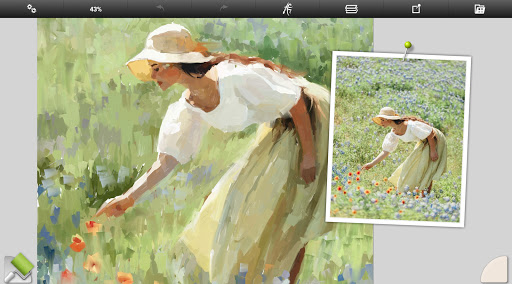
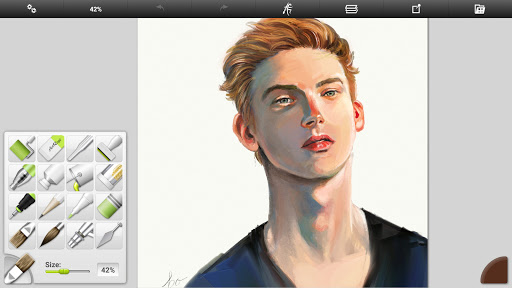
ArtRage Vitae Mobile Painting is a premium natural painting application designed for artists who want to create realistic artwork on mobile devices. The app offers an impressive range of professional-grade tools that mimic real-world art supplies, allowing users to mix oil paints, draw with pencils, and blend watercolors on a digital canvas. With support for large canvas sizes up to 4096px x 4096px and tool sizes up to 500%, it provides exceptional detail and creative freedom.

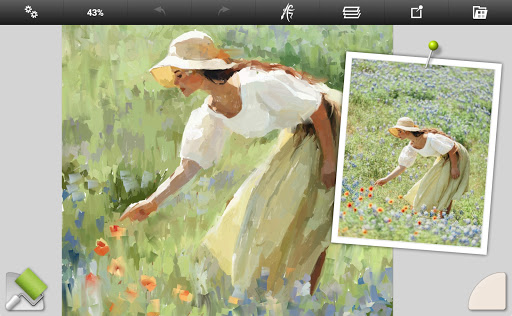
The application stands out with its intuitive interface and powerful digital utilities like Layers, Blend Modes, and Tracing Images, making it suitable for both beginners and professionals. Whether you're sketching, painting, or applying special effects, ArtRage Vitae ensures a seamless experience by combining traditional techniques with modern technology. Its compatibility with desktop versions and Android sharing systems further enhances its value as a versatile art tool.

Features

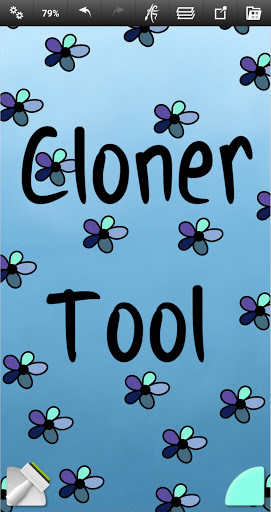
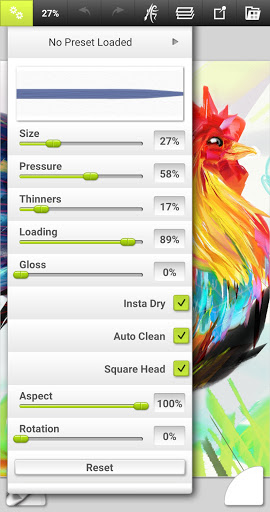
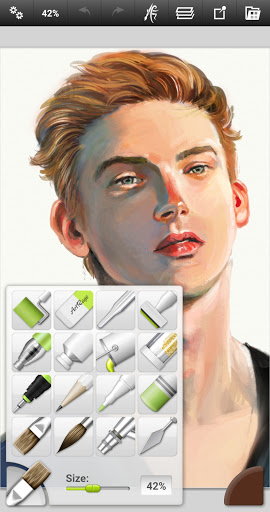
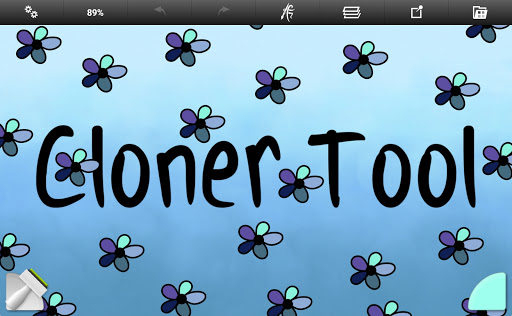
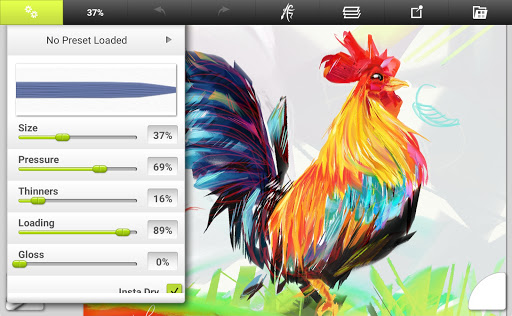
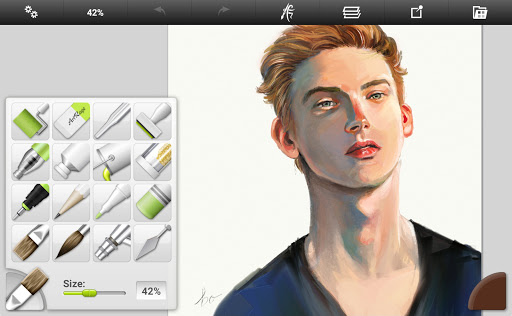
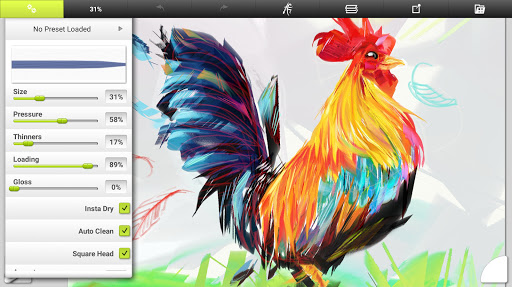
ArtRage Vitae boasts a comprehensive set of features tailored for artistic expression. It includes 16 tools with customizable presets, such as Oil Brush, Watercolor, Palette Knife, and specialized tools like the Cloner and Glitter Tube. Each tool reflects natural properties, such as paint thickness or pencil softness, providing an authentic feel. Users can also adjust canvas textures to simulate various surfaces, from coarse paper to smooth canvases.

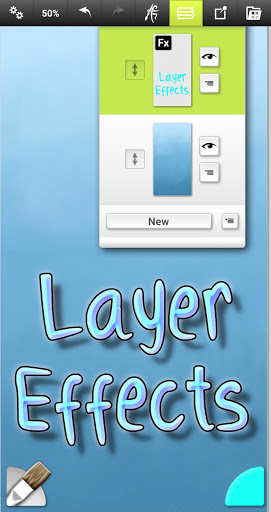
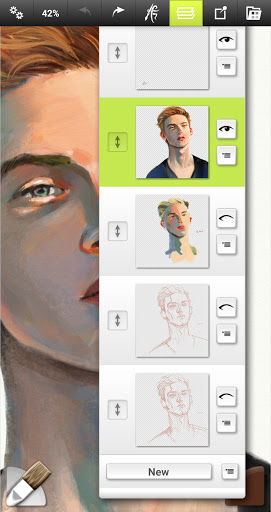
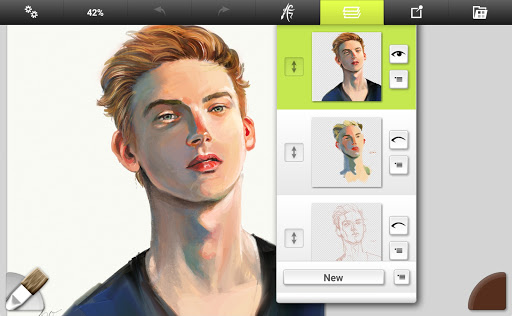
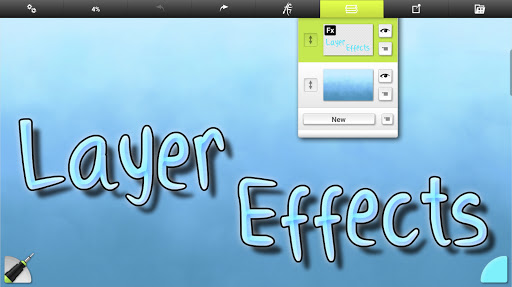
Beyond its natural painting tools, the app offers advanced utilities like Layer Effects, which allow users to add highlights, shadows, and 3D effects to individual layers. The inclusion of unlimited Undo/Redo, industry-standard Layer Blend Modes, and multi-touch canvas manipulation ensures precision and flexibility. Additionally, the app supports exporting projects in JPG or PNG formats and integrates seamlessly with Android's sharing system, enabling artists to showcase their work effortlessly.

Creative tool completeness

Creative tool completeness refers to the range and depth of artistic instruments and utilities available in an application that empower users to fully express their artistic visions. In ArtRage Vitae Mobile Painting, this aspect is exceptionally well-developed, offering a comprehensive suite of 16 diverse tools with countless variations accessible through presets and settings. These include natural painting tools like the Oil Brush, Watercolor, Palette Knife, Paint Roller, and Paint Tube, which mimic real-world counterparts with remarkable accuracy. For those inclined towards sketching and drawing, the app provides tools such as the Airbrush, Ink Pen, Felt Pen, Pencil, Wax or Chalk Pastel, and Eraser, each reflecting natural properties like paint thickness or pencil softness. Special effect tools like the Cloner, Glitter Tube, and Gloop Pen add unique touches to artworks. The inclusion of utility tools such as Flood Fill and Color Sampler further enhances the creative process. Each tool can apply texture and blend under the digital brush, allowing for highly customizable and realistic results. Users can store their favorite settings as custom presets, ensuring quick access to preferred configurations. Canvas texture options are adjustable, enabling artists to work on coarse surfaces, smooth papers, or anything in between. Real color blending options and layer effects that let users add highlights, shadows, and 3D effects to individual layers significantly expand creative possibilities. This extensive array of tools ensures that whether users are beginners exploring digital art or professionals seeking a mobile extension of their studio, ArtRage Vitae Mobile Painting offers all the necessary instruments to create amazing art effortlessly.

Canvas/format flexibility

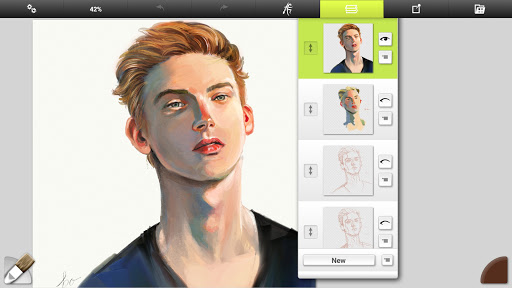
Canvas and format flexibility pertains to an application's ability to accommodate various canvas sizes and formats, thus providing artists with the freedom to choose dimensions that best suit their projects. ArtRage Vitae Mobile Painting excels in this area by offering a maximum canvas size of 4096px x 4096px across all devices, a significant increase that caters to detailed and expansive artworks. This expanded canvas size allows artists to work on highly intricate pieces without feeling constrained by space limitations. Additionally, the app supports multiple layers with opacity control, enabling complex compositions and non-destructive editing. Layer effects such as highlights, shadows, and 3D enhancements provide further depth and dimension to artworks. The app also includes industry-standard layer blend modes, giving users advanced control over how different elements interact visually. Unlimited undo and redo functions ensure that artists can experiment freely without fear of making irreversible mistakes. Moreover, ArtRage Vitae Mobile Painting facilitates seamless file management through its built-in gallery system, where users can organize and manage their paintings efficiently. Exporting and sharing capabilities are robust, supporting JPG and PNG formats via Androidu2019s sharing system, which makes it easy to showcase work on various platforms. Compatibility with desktop versions of ArtRage extends the flexibility even further, allowing users to start projects on mobile and finish them on larger screens if desired. Script recording functionality adds another layer of versatility, letting users record their painting processes for playback on desktop versions. This combination of expansive canvas options, flexible layer management, and versatile file handling ensures that ArtRage Vitae Mobile Painting meets the needs of both casual hobbyists and professional artists who demand precision and adaptability in their creative workflows.

Props

User-friendly interface

Realistic painting tools

Extensive customization options

Powerful layer management

Cross-platform compatibility

Cons

Higher cost compared to similar apps

Steep learning curve for beginners

Limited free features

Requires significant storage space

Occasional performance issues on older devices

Features and Functions

What is this app and what can I use it for?

A premium painting app mimicking real-world art tools for creative expression.

How do I download and install this app on my device?

Visit Google Play Store, search 'ArtRage Vitae', tap Install, and open after download.

How do I get started after opening the app for the first time?

Start by exploring presets, adjusting canvas settings, and trying basic tools like brushes.

What are the main features and capabilities of this app?

Includes 16 tools, layer effects, blend modes, tracing images, and texture adjustments.

How can I customize my experience and adjust preferences?

Adjust tool settings, save presets, and customize canvas texture via the settings menu.

How do I save or bookmark my favorite content for later access?

Use layers with opacity control and export finished pieces as JPG or PNG files.

How can I share content with friends or on social media?

Export your artwork and share directly via Android's integrated sharing options.

How do I access detailed information and explore more content?

Access detailed guides in the built-in manual or explore advanced tool settings.

What permissions does this app need and how do I manage them?

Needs storage access for saving files; camera access may be required for imports.

How do I check for updates and keep the app running smoothly?

Enable auto-updates in Google Play Store or manually check for updates regularly.
Show more

User Reveiws

{{ comment.reviewer_name }}
{{ comment.review_date_formatted}}
{{ comment.review_content }}
{{ tab.name }}
{{ comment.reviewer_name }}
{{ comment.review_date_formatted}}
{{ comment.review_content }}
No reviews with this rating