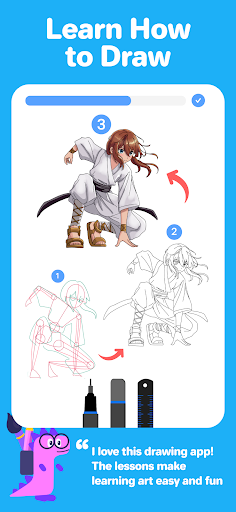
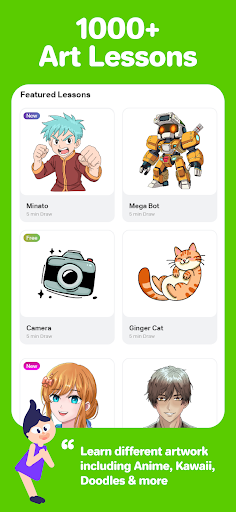
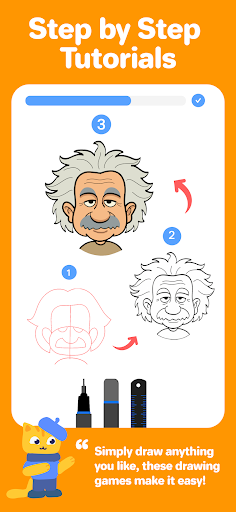

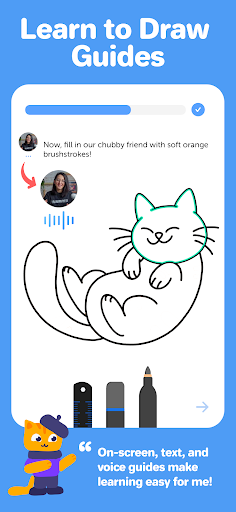
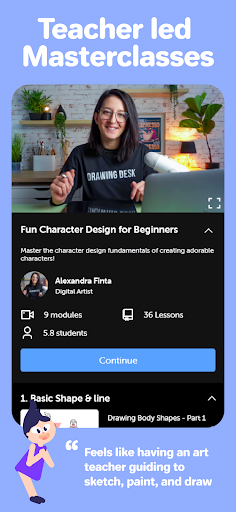
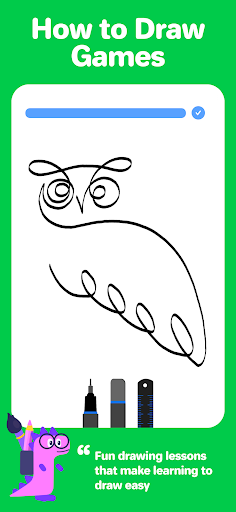
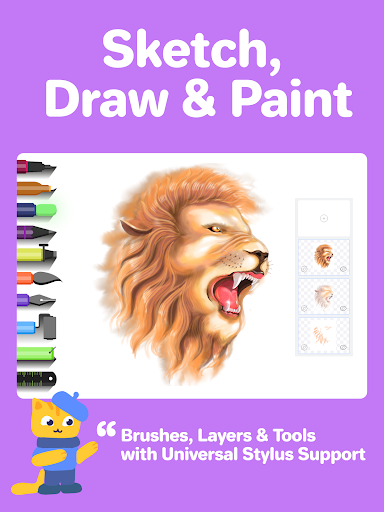
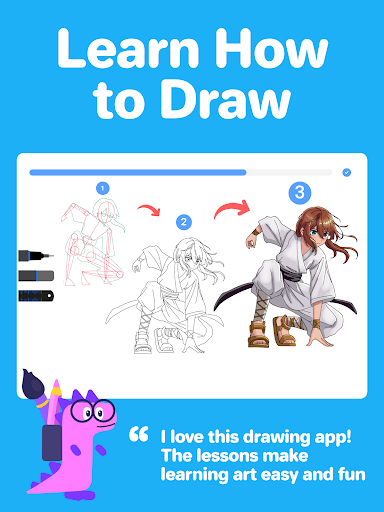
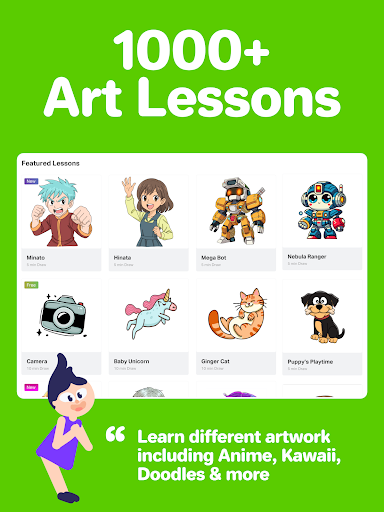
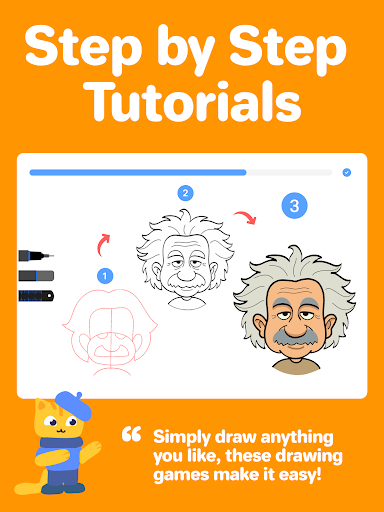
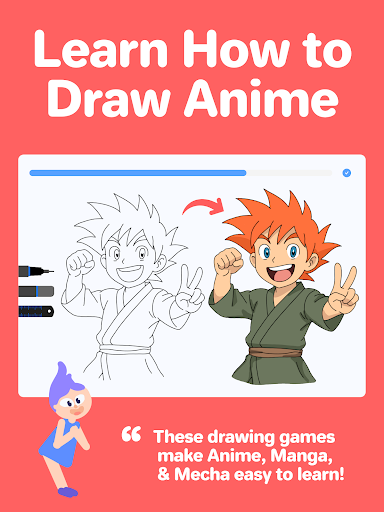
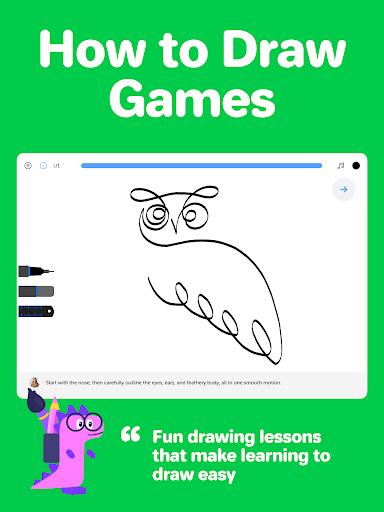
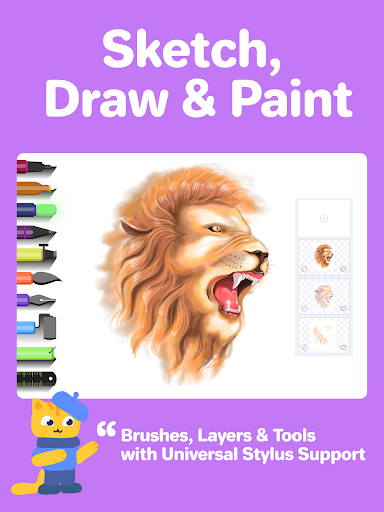

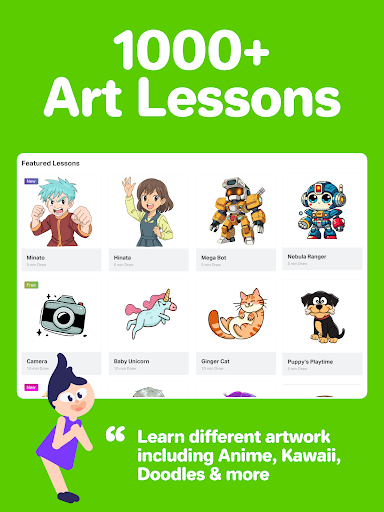
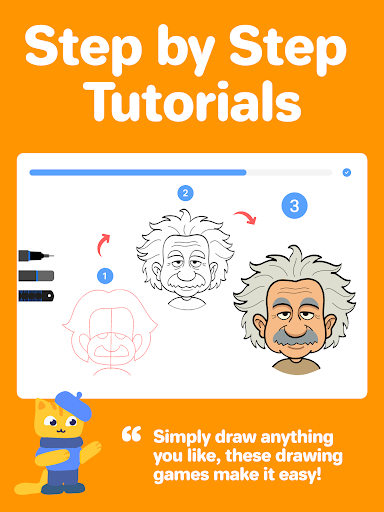
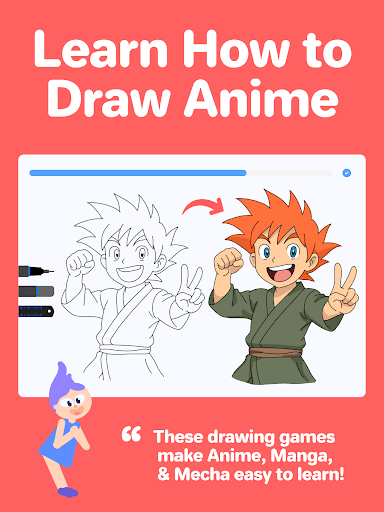
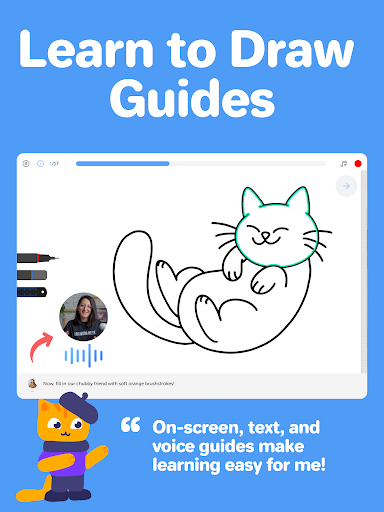

Drawing Desk is a premier digital art application designed for both beginners and advanced artists. With over 70 million users globally, it offers an extensive suite of drawing and painting tools including pencils, crayons, watercolor brushes, and more. The app provides a structured learning path with 1000+ step-by-step lessons covering various styles such as Anime, Manga, and Art Therapy.
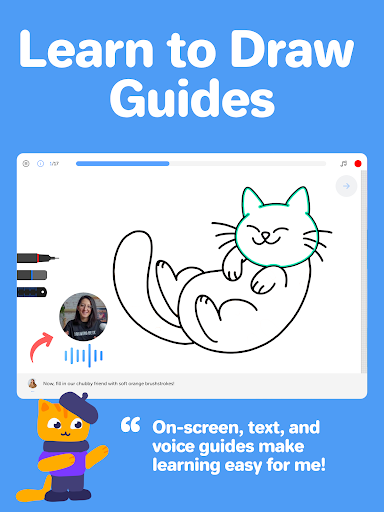
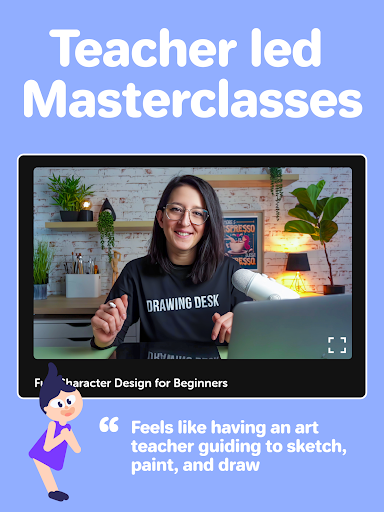
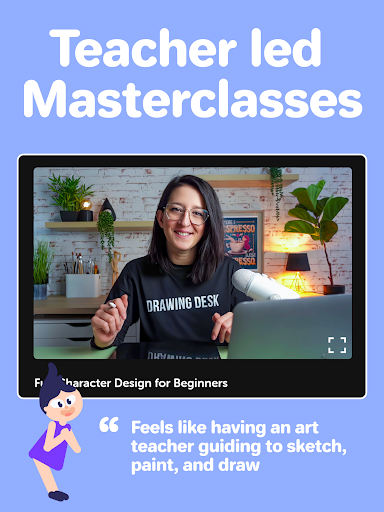
One of the standout features is the Drawing Desk Masterclasses, which are conducted by professional artists. These classes offer comprehensive video tutorials, on-screen guides, and voice instructions to help users learn from scratch or refine their skills. Additionally, the app includes AI-powered tools like Sketch to Art AI and Auto Colorize, making it easier than ever to create stunning artwork.
Whether you're looking to practice your drawing skills or create professional illustrations, Drawing Desk caters to all levels of artistic ability. Its intuitive interface and robust feature set make it an essential tool for anyone interested in digital art.
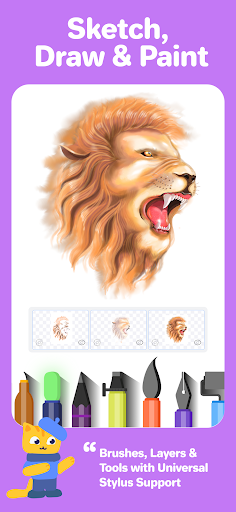
Drawing Desk boasts a rich array of features that cater to diverse artistic needs. It includes 25+ sketch tools such as pens, pencils, crayons, neon markers, and watercolor brushes. Users can work on various canvas sizes and utilize unlimited layers to build complex compositions. The symmetry tool and quick shape functions allow for precise drawings, while the fill bucket tool offers 125+ textures.
The app also incorporates AI-powered creative tools like Sketch to Art AI, Text to Art AI, and Auto Colorize, which can transform sketches into artworks within seconds. Additionally, it provides functionalities to remove backgrounds and unwanted objects from photos, enhancing the creative process. These innovative features ensure that users have everything they need to bring their artistic visions to life.
For those focused on learning, Drawing Desk offers curated lesson plans and personalized goals. Users can select an artistic goal and receive a tailored learning path with step-by-step guidance. This structured approach keeps users motivated and helps them achieve their artistic aspirations efficiently.
User-friendly interface
Extensive toolset
AI-powered features
Structured learning paths
Professional masterclasses
Some features may require purchase
Advanced tools can be complex
Occasional performance issues
Limited offline functionality
High storage requirements

Design your dream room with AI. Get decor ideas & plan home interiors
 3.90
3.90
Meet the magic aı 3d photo generator and smart AI video generator app.
3.20
Logo Generator powered by AI: Create stunning logos effortlessly!
4.70
See Color, Paint Color
4.90
Digital, Abstract, Classic - all types of color wheels in one app!
4.60
Draw anime easily with AR guidance, sketch templates & trace tools!
3.10
Minecraft & Roblox Clothes
4.70
OneUI 8.5 icons ✨ Smooth, modern & based on the latest Play Store design ??
4.10
Explore future self face age filter & remove background image for a unique look.
3.50
Image resizer to resize, crop, rotate, flip, change dpi photo or picture in bulk
4.60
Discover Cartoon Dream : Unleash Your Creativity with CuttingEdge AI
4.50
Unleash your drawing and painting potential
4.50
Draw Trace image sketch by, AR art projector app, Easy to trace any image.
4.50
Share the joy of painting with ibis Paint! Drawing anime and manga art.
4.50
Bring One UI 8.5 Icons to life -elegant dark icons with a modern, premium touch.
4.30
Easy 3D drawing design maker & creator. Model designing, Sculpting. Create&paint
4.00
Sketch, trace and master AR drawing with awesome anime art!
3.30
Art of Combination Wear OS Watch faces
4.5
A luxurious gold watch face for an elegant and refined look.
4.1


User Reveiws