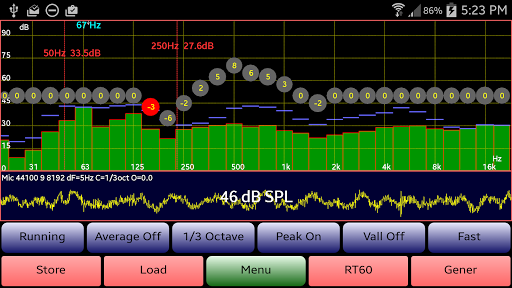

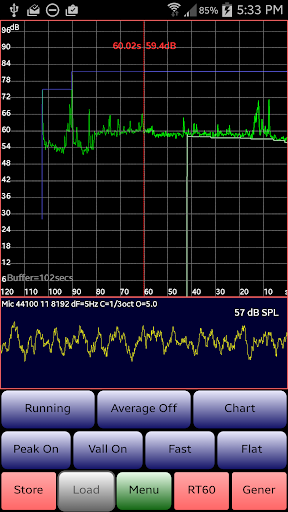
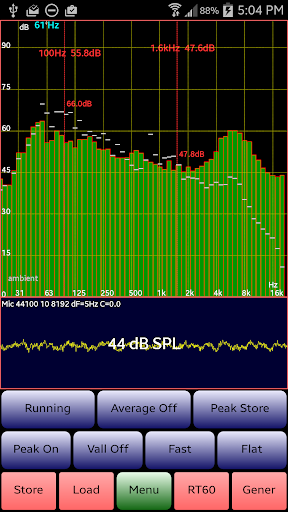
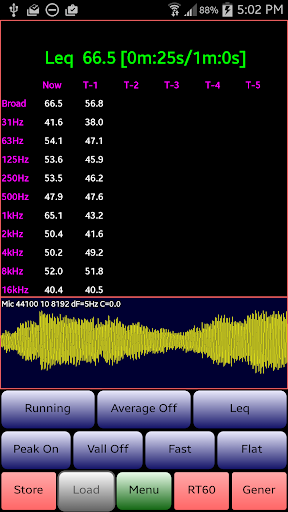
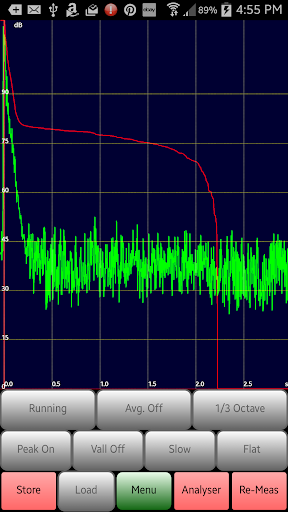
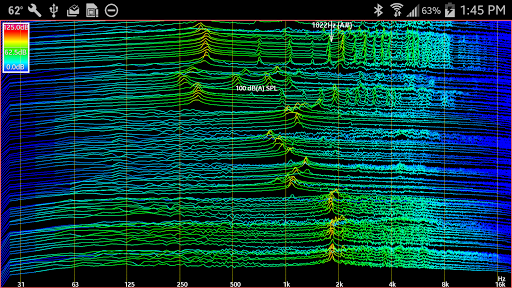


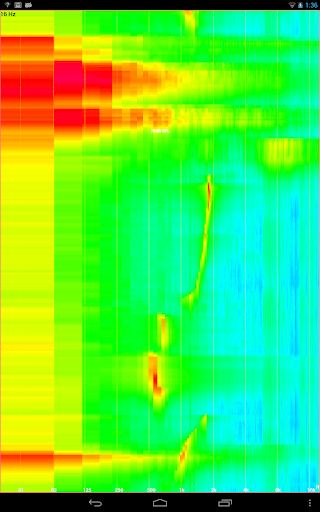
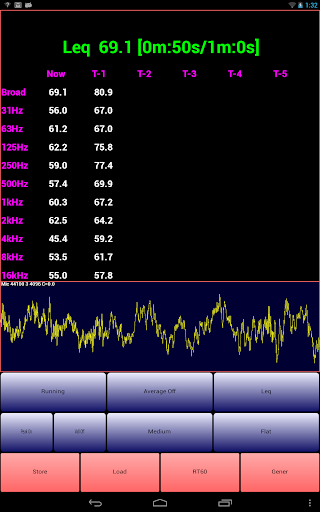
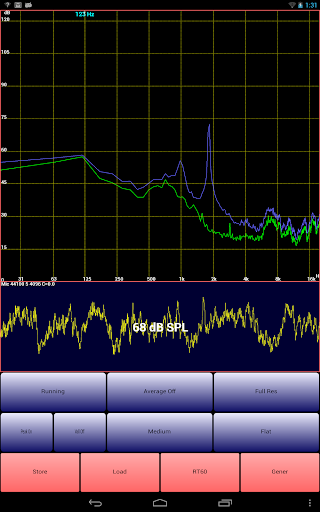
AudioTool is a comprehensive audio measurement and analysis application designed for audio engineers, acoustics professionals, and enthusiasts. The app features advanced tools such as an SPL (Sound Pressure Level) meter with RT60, Leq, Sone measurements, Spectrum Analyzer, Spectrogram, Chart Recorder, Signal Generator, Polarity Checker, and Mic calibration capabilities.
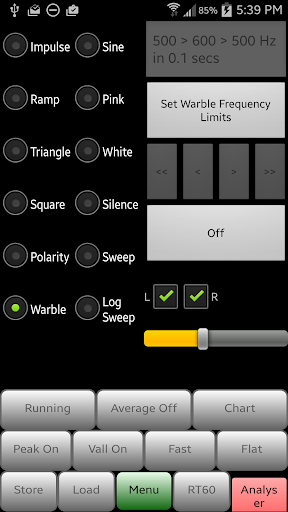
This versatile app supports multiple octave RTA modes (1/1, 1/3, 1/6 & 1/12), various filters (Impulse, Fast, Medium & Slow), A/C Weighting, film industry X Curve, and more. AudioTool also allows users to generate different types of signals including White/Pink Noise, Sine, Square, Triangle, Sweep, Log Sweep, Warble, Ramp, and Impulse signals. It's widely recommended by industry experts and loved by audio engineers globally.
Whether you're conducting gig measurements, setting up home theater systems, or analyzing acoustics in cars, AudioTool provides the necessary tools to ensure accurate sound assessments and adjustments. Its extensive feature set makes it an invaluable tool for both professional and personal use cases.
AudioTool stands out with its rich feature set tailored for detailed audio analysis. One of its key features is the real-time spectrum analysis that includes 1/1, 1/3, 1/6, and 1/12 octave RTA modes, allowing users to conduct precise frequency response evaluations. The app also offers advanced functionalities like Leq (wideband, Octave, variable duration), Sones (Loudness), and RT60 measurements which are crucial for acoustic assessments.
In addition to spectrum analysis, AudioTool provides signal generation capabilities with options for White/Pink Noise, Sine, Square, Triangle, Sweep, Log Sweep, Warble, Ramp, and Impulse signals. This versatility enables users to test and calibrate audio equipment effectively. The app further enhances user experience with tools like the loudspeaker polarity checker, L/R select, Hann windows, pinch to zoom, scroll to center, and exclusive ISO 1/3 Octave Calibration.
AudioTool continuously updates its features based on user feedback. Recent updates include new functionalities such as loading stored spectrum files for comparison with live data, swapping phase of Right stereo signals, setting resolution options, and introducing a 1/12 Octave RTA mode. These innovations ensure that AudioTool remains at the forefront of mobile audio measurement technology.
Comprehensive audio tools
Real-time spectrum analysis
Wide range of signal generators
Exclusive ISO calibration
User-friendly interface
Complex for beginners
Dependent on hardware quality
No iOS version available
Occasional bugs reported
Advanced features need learning

Make music anywhere. Turn your device into an instrument.
 4.0
4.0
Advanced 10-Band Audio Graphic Equalizer Sound Booster Pro
4.30
The best music and audio player, with beautiful UI, music search and equalizer.
4.60
Super Sound Editor, Song Maker & Mixer, Vocal Remover, Voice Recorder & Changer!
4.60
Unleash your creativity! Turn simple prompts into full fledged songs.
4.70
Enjoy singing any song, no matter how high or low it is
4.30
Play KORG’s revolutionary touch-based instrument on a variety of devices.
4.40
Manage your Sonos system directly from your home-screen!
4.40
Master Salsa Rhythm quickly and with a lot of fun!
4.30
Voice recorder - Audio recorder. Best recorder for recording
4.90
Walkout Song DJ is the most intuitive app to manage your sports music.
4.70
SqueezePlayer turns your Android phone or tablet into a SqueezeBox on its own!
4.60
Formerly known as Spotistats! View your top tracks, artists, albums and more!
4.40
Ringtone Maker is free app create ringtone from music files or your recording.
4.40
Learn and play 2M+ music tabs & chords on guitar, ukulele, bass, and more
4.30
Powerful 10-Band equalizer pro with sound booster improves Android audio quality
4.30
Network/Cloud Streaming, Visualization, Graphic Equalizer and Sound Effects.
4.20
No wifi music app. Mp3 offline. Tuner radio, young radio music. Music downloader
4.20
The Cubase remote control app
3.60


User Reveiws