
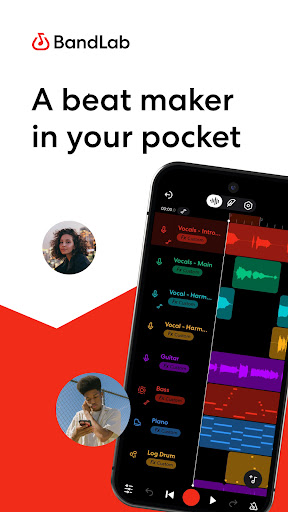

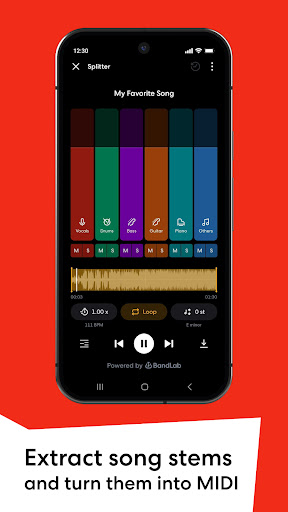
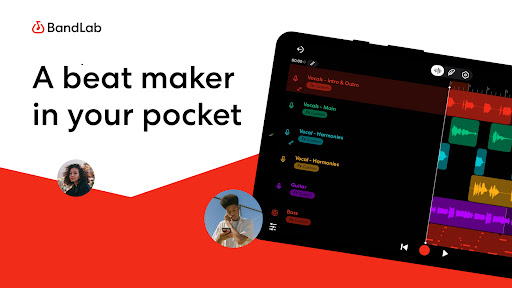
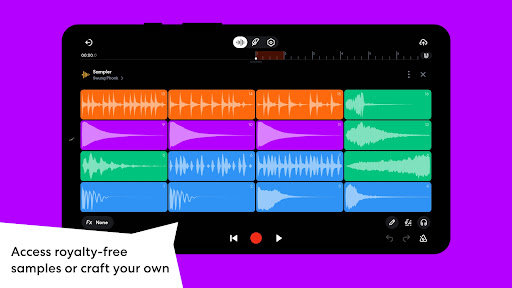


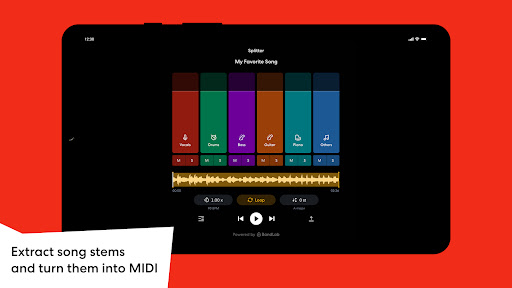
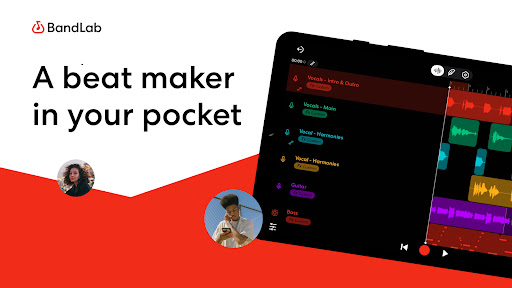
BandLab is a comprehensive music production studio that empowers users to create, mix, and share their music directly from their mobile devices. This free digital audio workstation (DAW) offers an extensive suite of professional-grade tools including a massive royalty-free sample library, advanced MIDI instruments, and AI-powered stem separation features.
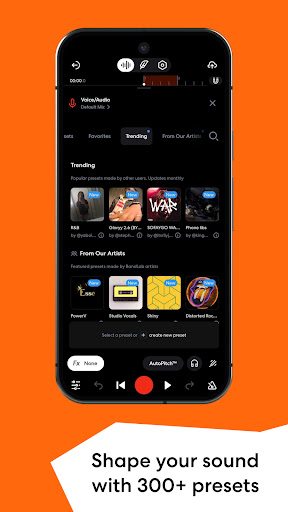
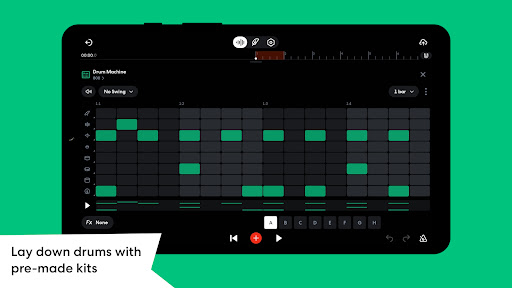
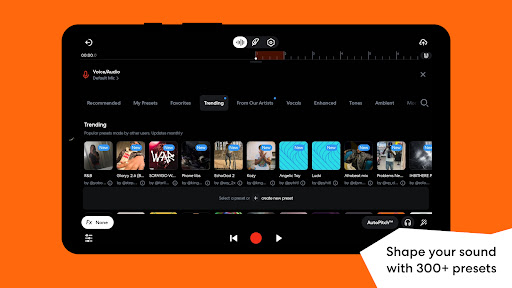
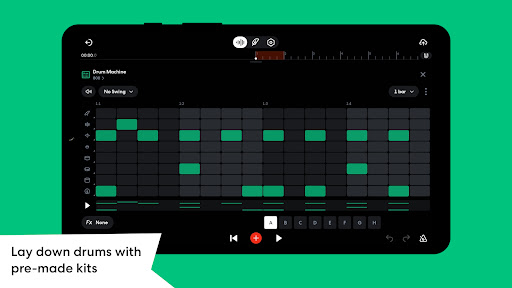
The app's intuitive interface makes it accessible for both beginners and experienced musicians. Users can craft beats using the built-in drum machine, experiment with 300+ audio presets, or utilize the innovative SongStarter feature to overcome creative blocks. With cloud storage integration and cross-device syncing capabilities, BandLab ensures seamless music creation across multiple platforms.
Whether you're producing your first track or preparing for a global release, BandLab provides all necessary tools to bring musical ideas to life while offering direct distribution to popular streaming services, making it an invaluable tool for modern music creators.
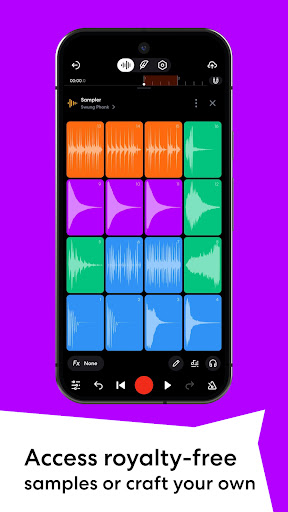
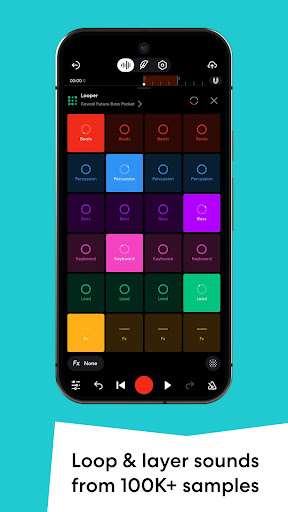
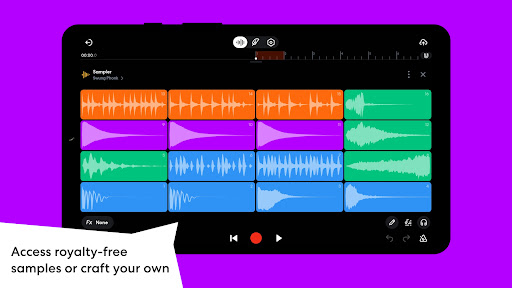
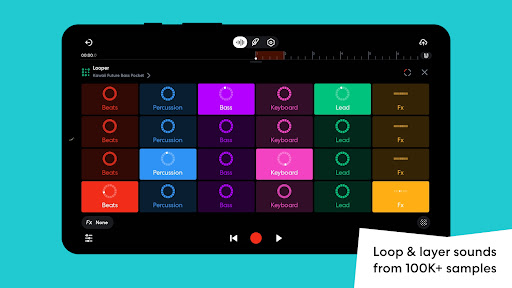
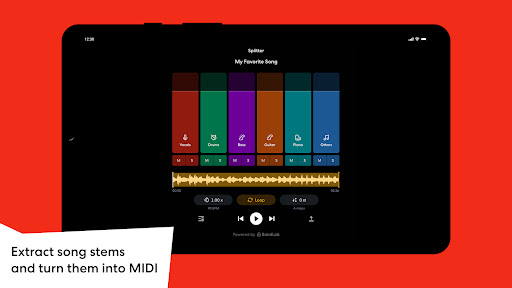
BandLab distinguishes itself through its robust feature set designed for professional music production. The app includes a powerful sampler with over 100,000 royalty-free samples, complemented by 385+ virtual MIDI instruments for diverse sound creation possibilities. Its AI-driven stem separation tool allows users to extract individual elements from existing tracks for remixing or practice purposes.
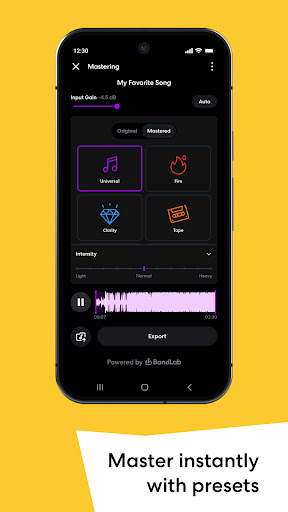
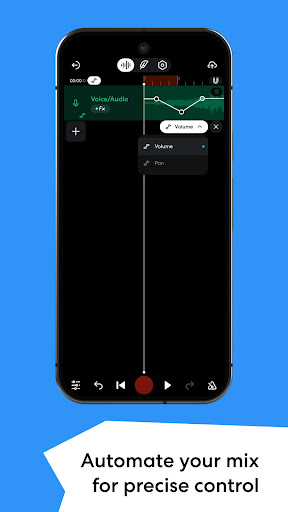
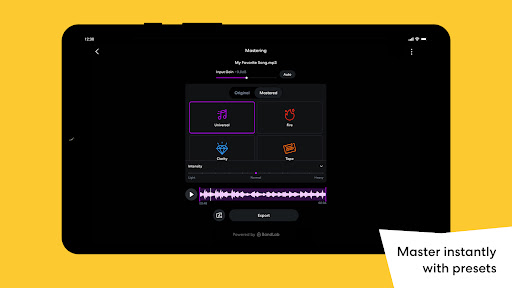
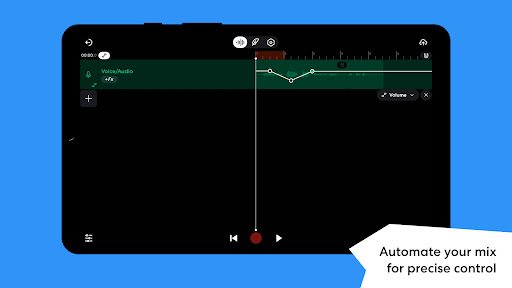
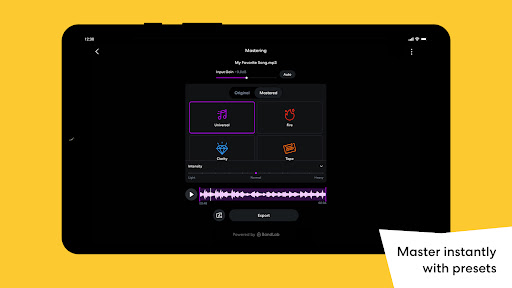
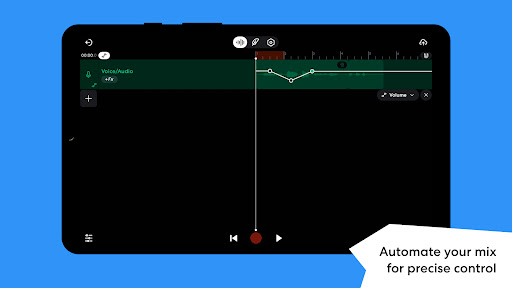
Advanced production tools such as automation controls, precise mixing parameters, and mastering presets developed by Grammy-winning engineers ensure professional-quality results. The inclusion of features like Drum Machine, Looper, and SongStarter caters to various production styles and skill levels, while the ability to save custom presets streamlines workflow efficiency.
Unique to BandLab is its comprehensive ecosystem that combines ideation, production, and distribution within a single platform. Users can maintain unlimited multi-track projects, access free cloud storage, and distribute their music globally while retaining 100% of their earnings, establishing BandLab as a complete solution for independent music creators.
User-friendly interface
Extensive sound library
Professional mixing tools
Free cloud storage
Direct distribution options
Mobile interface limitations
Occasional stability issues
Internet connection required
Limited advanced editing
Ads in free version

Formerly known as Spotistats! View your top tracks, artists, albums and more!
 4.40
4.40
Taal player that lets you sing any Indian & Western song with Tabla & Tanpura
4.60
DJ Music Mixer - DJ Remix: remix songs, make beat music & record mix of DJ.
4.40
A High-Precision Audio Spectrum Analysis App
4.20
Music Streaming suite for Ampache, Nextcloud Music and compatible backends.
4.0
Play your hearts out on TouchTunes jukeboxes & connect with fellow music lovers.
4.80
Offline Music Player&MP3 Player with themes, equalizer, lyrics, music play mode
4.60
Learn the notes on the guitar fretboard fast with this easy and fun app
4.60
Offline Tunes, Unlimited Vibes
3.90
Brian Eno and Peter Chilvers’ acclaimed music app Bloom, radically reinvented.
4.80
Listen to live FM radio stations, sports, music and news on global radios online
4.70
Most Advanced AI Song Generator and Music Creator. Rap, Pop, Rock, Gospel & more
4.70
Over 100 million tracks available for high quality streaming and download
4.60
Time Trainer: accurate metronome w tools to help you develop your internal time!
4.20
Network/Cloud Streaming, Visualization, Graphic Equalizer and Sound Effects.
4.20
The iconic iOS metronome app is now on Android.
3.70
Control your MIDI USB or Bluetooth devices in app and avoid some trampling
3.30
The Skullcandy App Experience
3.20
Make music anywhere. Turn your device into an instrument.
4.2


User Reveiws