
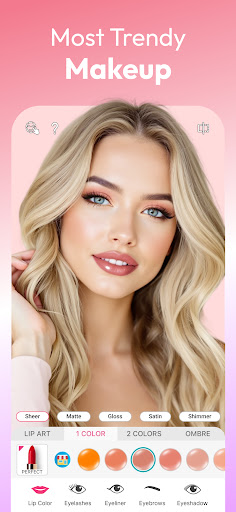
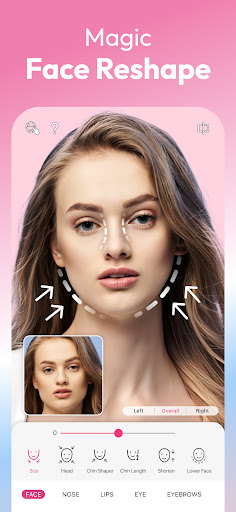
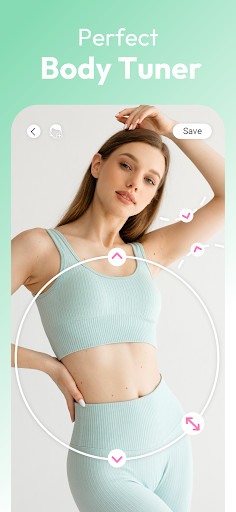
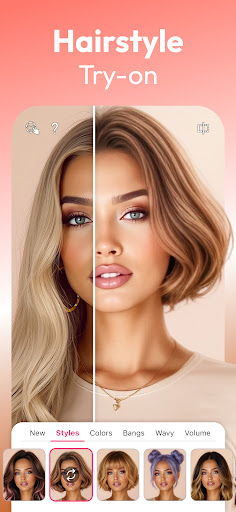
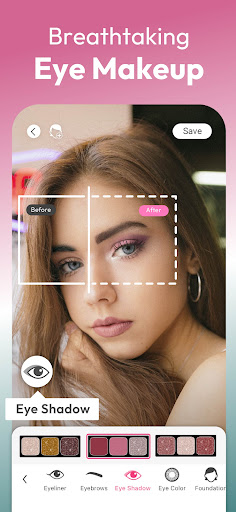
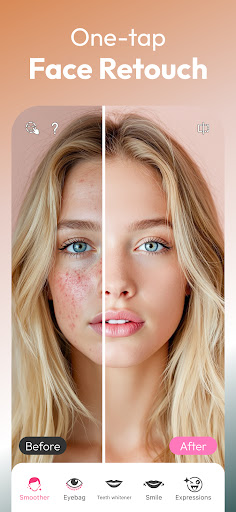
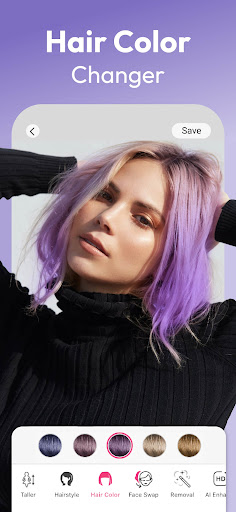
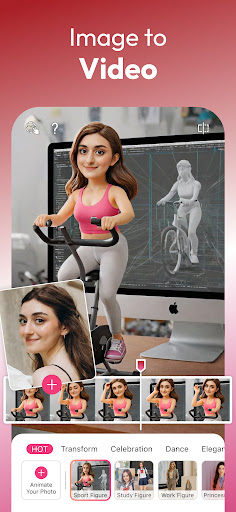
YouCam Makeup is the world's leading AR makeup and beauty camera application, utilizing advanced AI technology to provide users with a comprehensive virtual makeover experience. The app offers hundreds of virtual makeup styles, instant face retouch filters, and body tuning tools that allow for detailed customization of facial features and overall appearance.
With specialized tools like the Face Shaper, Skin Smoother, and AI-powered photo enhancement features, YouCam Makeup caters to users seeking both everyday natural beauty touch-ups and glamorous full-face makeovers. Its unique AI hairstyle and color filters, along with professional makeup palettes, enable users to experiment with new looks virtually before committing to any real-world changes.
This app is ideal for anyone looking to enhance their selfies or explore different makeup and hairstyles in a risk-free digital environment. Whether it's refining facial features, trying bold fantasy hair colors, or perfecting body proportions, YouCam Makeup delivers professional-level results directly on mobile devices.
YouCam Makeup stands out with its extensive range of innovative features designed to transform your digital beauty routine. The app includes an advanced makeup editor that allows users to apply lipstick, foundation, blush, and more, creating flawless beauty looks tailored to individual preferences.
One of the key highlights is the AI-powered Face Retouch toolset, which provides precise control over facial shaping, skin smoothing, teeth whitening, and blemish removal. These tools ensure every selfie reflects perfection, while customizable contour and highlight options add professional-grade finishing touches.
Beyond traditional makeup, YouCam Makeup offers creative AI-driven functionalities such as AI Avatar creation, virtual outfit trials through AI Clothes, and even Image-to-Video conversion for dynamic animated selfies. With premium upgrades unlocking exclusive content and ad-free usage, this app truly redefines mobile beauty editing by combining practicality with cutting-edge technology.
User-friendly interface
Extensive makeup options
Advanced AI tools
Variety of style presets
Realistic beauty effects
Premium features costly
Occasional ads in free version
High system requirements
Limited offline functionality
Subscription model

Viewfinder, Light meter, Reciprocity failure time, DOF & Bellows Extension
 4.60
4.60
Over 800 film simulation recipes for Fujifilm. Black Friday Offer!
4.3
Movie camera, supports pro recording settings for filming. Try it and be amazed!
4.50
Create amazing frames with up to five photos. Rounded corners, effects and more!
3.60
A reflected light meter with spot metering and incident light metering.
4.40
Snap photos remotely using your Garmin watch as the camera trigger
4.4
Catch sunlight, sunrise sunset times and sun phases with the AR sun tracker.
4.10
Effortlessly make high-quality GIFs from images & videos without any watermarks.
4.70
Solocator stamps photos you take with GPS location, Compass Direction, Date/Time
3.80
Gallery show photo, video, slideshow, is perfect 3D effect private photo albums.
4.80
AI Photo Editor with 100+ Filters, Effects! Remove BG, Retouch & Photo Enhancer.
4.80
Easily create custom gifts, cards, photo books & more on the Shutterfly app!
4.60
AI photo enhancer with Sora 2! Enhance, descratch, and colorize your old photos.
4.50
Use AI Video Generator to turn your words to ai generated videos.
4.50
Edit like a pro with Hypic. Apply filters, AI effects, & magic touch.
4.40
What celebrity do you look like? Celebs will find your celebrity match!
4.10
Create & Edit with AI: AI Remove, Enhance, Retouch, Filter
4.10
Astrophotography with your smartphone, photo live stacking and much more!
3.90
Photo Album Watch Face shows your favorite pictures as a Watchface.
1.90


User Reveiws