
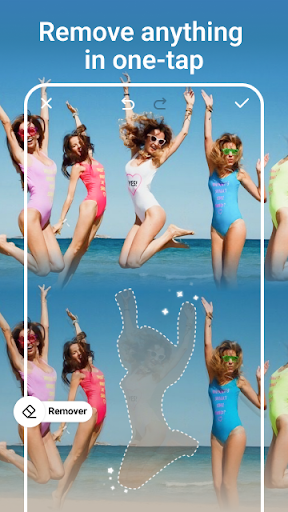
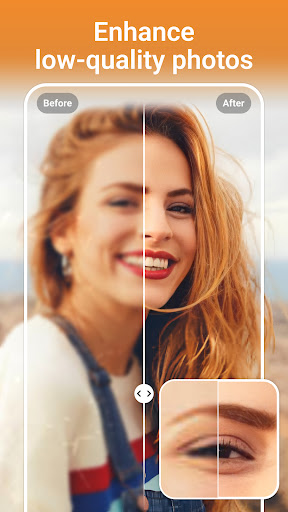
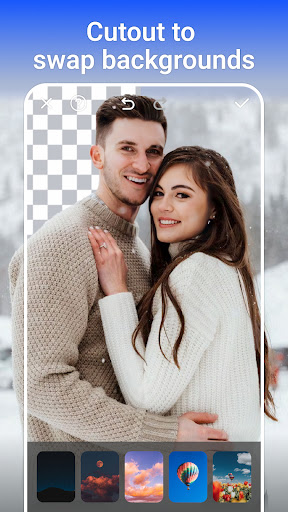
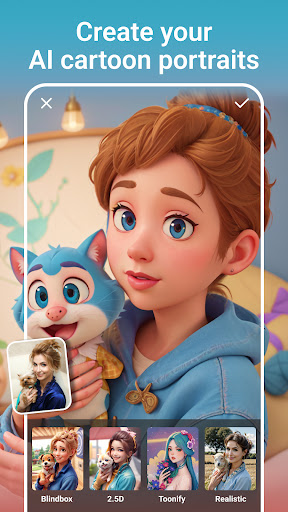

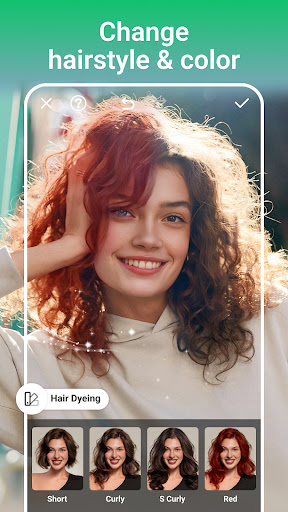
AI Photo Editor - PhotoArt is a comprehensive photography application that utilizes artificial intelligence to provide users with professional-grade photo editing capabilities. The app offers an extensive suite of features including AI Face Swap, Magic Eraser, and One-Tap Enhance, allowing users to effortlessly improve their photos. With over 100 filters and effects, users can explore various styles such as retro, film, and portrait to create unique images.
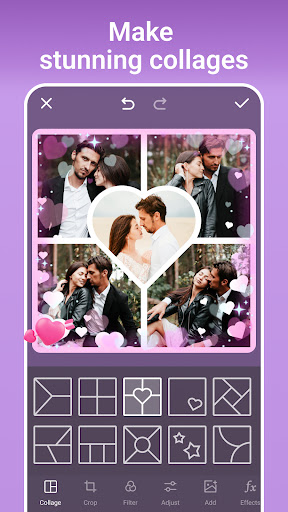
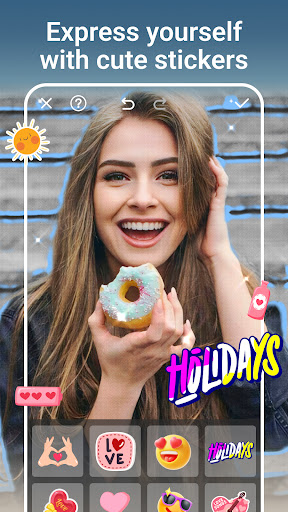
In addition to its creative tools, PhotoArt also provides practical solutions like AI Background Removal and resolution enhancement for restoring old photos. Users can create collages, add text, stickers, and experiment with color adjustments using advanced tools like HSL and Curves. Whether you're looking to enhance your portraits or transform your photos into cartoon art, PhotoArt delivers the tools necessary to unleash your creativity.
This versatile app is suitable for both amateur photographers who want to enhance their social media presence and professionals seeking efficient editing solutions. By offering watermark-free results and seamless sharing options to platforms like Instagram and Facebook, PhotoArt ensures that your work looks polished and is ready for immediate sharing.
PhotoArt stands out in the Photography category due to its innovative use of AI-driven features. The app's One-Tap Enhance allows users to instantly improve image quality, while the Magic Eraser intelligently removes unwanted objects from photos. Its AI Face Swap feature lets users exchange faces in photos seamlessly, providing endless fun and creative possibilities.
The app includes specialized tools such as Double Exposure for artistic photo blending, and an array of light effects including fog and rainbow filters. For those interested in portrait enhancement, PhotoArt offers makeup styling, body reshaping, and height adjustment features. Additionally, the Age Changer tool enables users to visualize themselves at different stages of life, adding a unique twist to personal storytelling through imagery.
With functionality extending to background changes, sky replacement, and even graffiti creation, PhotoArt empowers users to push the boundaries of traditional photo editing. Each feature is designed not only to be powerful but also intuitive, ensuring that users of all skill levels can achieve professional-looking results without extensive training or experience.
User-friendly interface
Extensive filter selection
Advanced AI tools
High-quality editing
Free to download
Some features may require in-app purchases
Advanced tools might overwhelm beginners
Occasional performance lags on older devices
Limited offline functionality
Ads present in free version

Effortlessly organize, view and share your photos & videos with Gallery app!
 4.40
4.40
Long exposure camera with computational photography
2.60
Add Watermark - Sign your pictures with a text or logo. Effective, quick, easy!
4.50
Photo Exif Editor allows to view, add and modify EXIF data of multiple photos
4.50
Photo editor & gallery. Crop pictures & edit photos offline, no wifi!
4.50
Raw Image Viewer. Gallery with support of raw images (.cr3, .cr2, .nef, .raf).
2.00
Smart, light, and fast photo and video gallery
4.30
Unblur, enhance & restore photos with powerful AI photo enhancer tools.
4.60
Your personal guide to the sun and moon. Plan ahead, visualize and predict!
4.70
Photo prints, cards, & gifts at Walgreens. Easy ordering & fast local pickup !
4.80
Android Native system HD camera app. Never been so simple and faster.
4.70
Cartoon and artistic effects for your photos and videos
4.70
Automatically backup your photos and videos to computer, NAS and Cloud services
4.60
Movie camera, supports pro recording settings for filming. Try it and be amazed!
4.50
[3DSteroid Pro] is a stereoscopic application for Android.
4.30
Turn your phone into a professional camera - full DSLR manual photography
4.30
What celebrity do you look like? Celebs will find your celebrity match!
4.10
Gallery Slideshow is slideshow maker app for slideshow from your gallery photos.
3.90
Professional video recording application with manual controls for filmmakers!
2.80


User Reveiws