

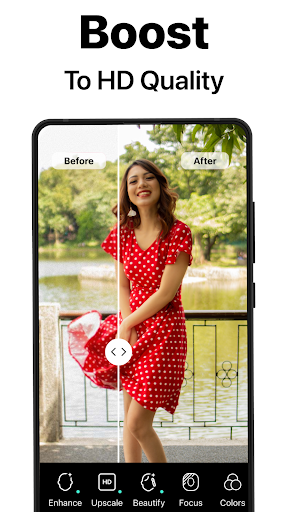
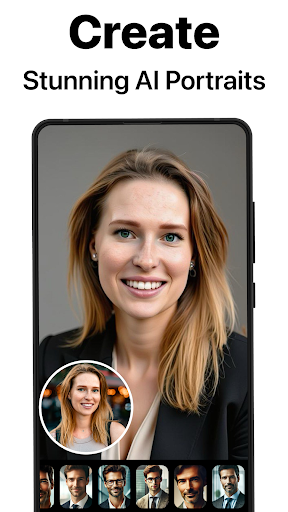
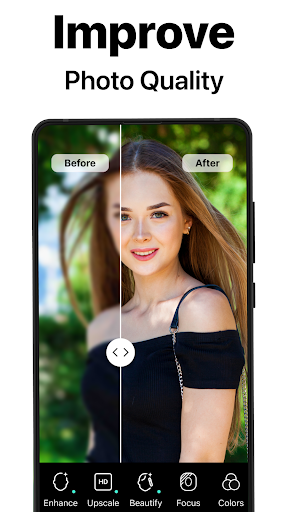
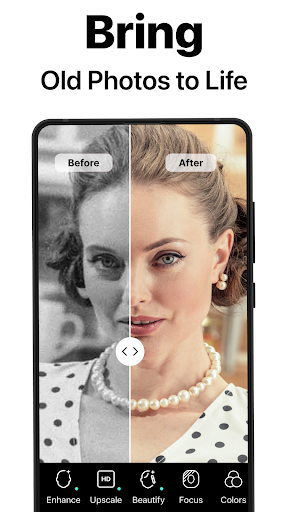
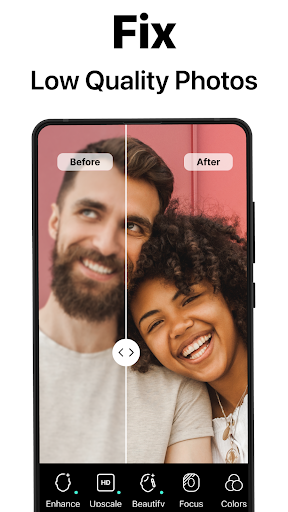
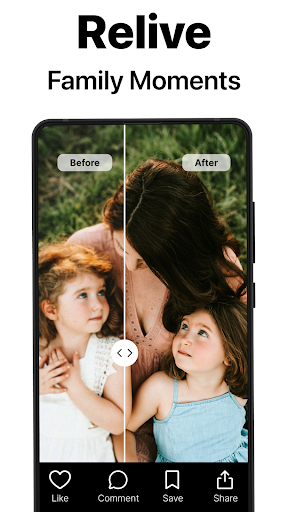
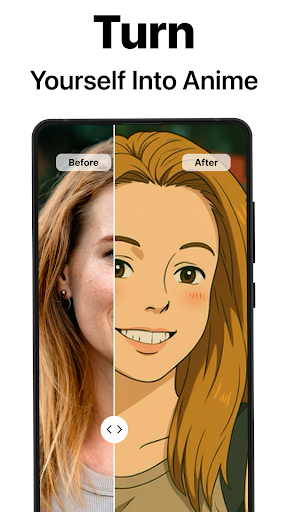
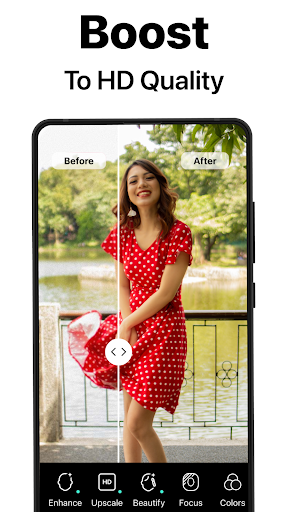
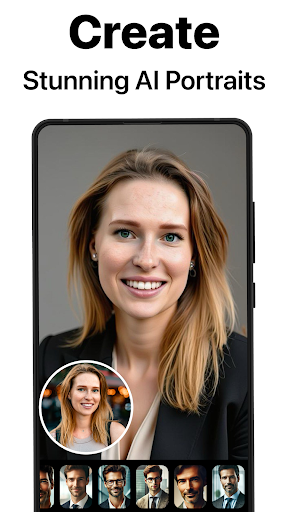

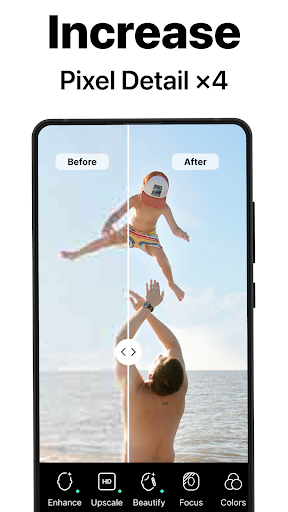
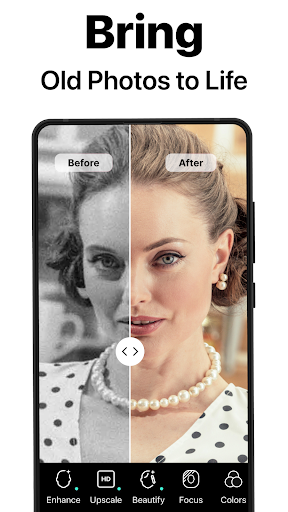
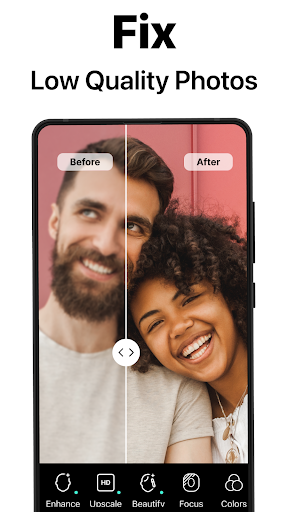
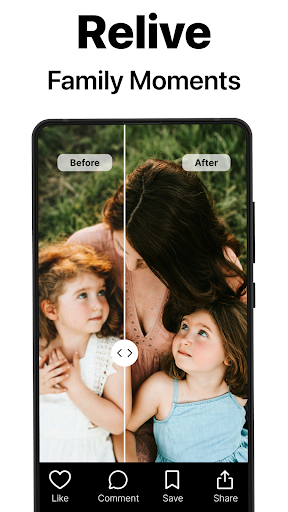
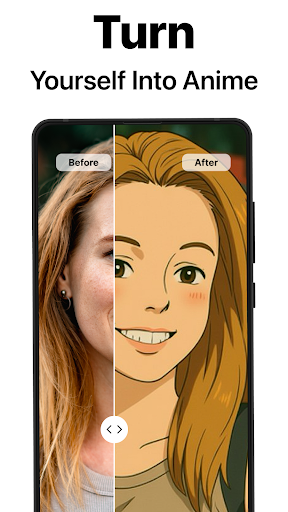
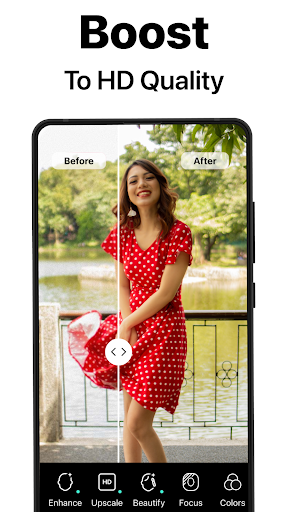
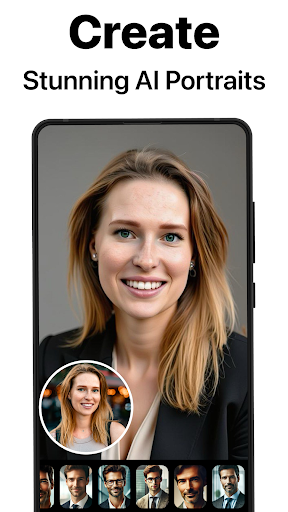
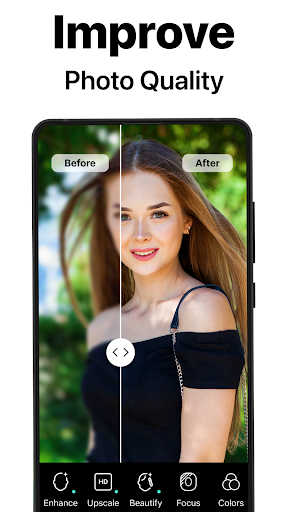
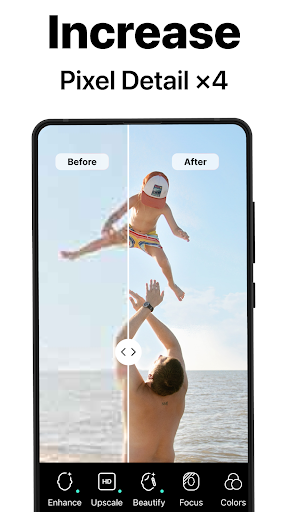
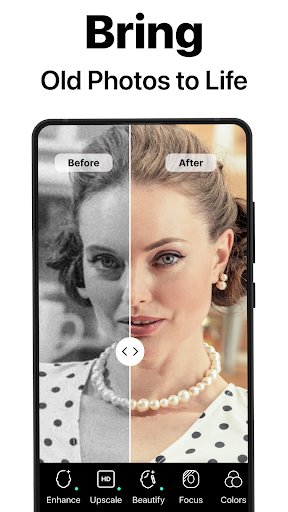
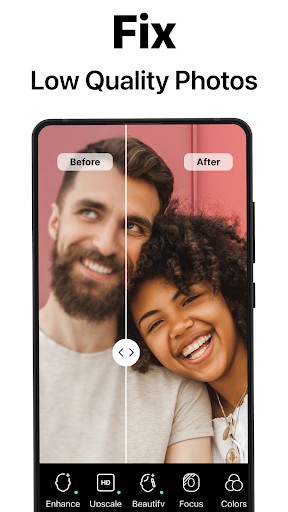
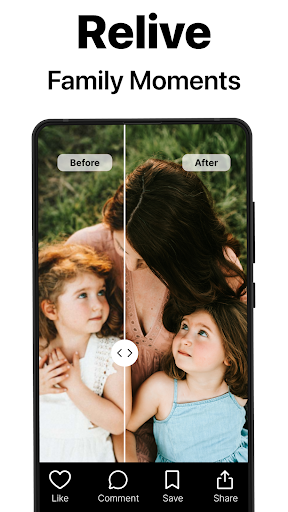
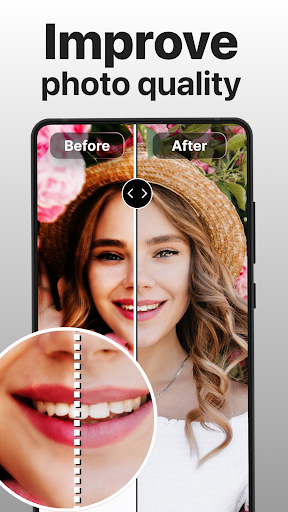

PhotoBoost is a powerful photography app that uses advanced AI technology to enhance and transform your photos. The app specializes in sharpening blurry images, restoring old or damaged photos, and creating stunning AI-generated avatars. With its cutting-edge features, PhotoBoost allows users to revive cherished memories and create professional-quality portraits with ease.
The app's standout feature is its AI Avatars functionality, which offers an extensive selection of styles and themes for transforming selfies into creative masterpieces. Whether you're looking to celebrate holidays, dive into fantasy worlds, or generate sleek headshots, PhotoBoost provides versatile tools for every need. Its ability to upscale images without quality loss makes it perfect for both casual users and photography enthusiasts.
PhotoBoost is ideal for anyone seeking to improve their photo quality or explore creative possibilities. From social media enthusiasts to professionals needing high-quality visuals, this app delivers exceptional results that cater to various user needs while maintaining impressive speed and reliability.
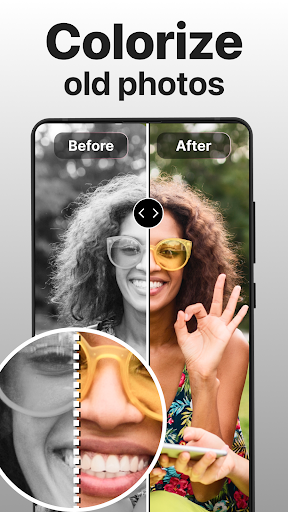
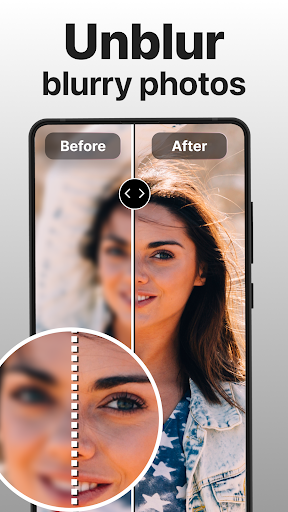
PhotoBoost stands out with its comprehensive suite of AI-powered photo editing tools. The app's primary feature is its ability to instantly sharpen blurry photos, making them suitable for sharing on social media or preserving family memories. It also excels at restoring old or damaged photographs by repairing scratches, eliminating pixelation, and adding vibrant colors to faded images.
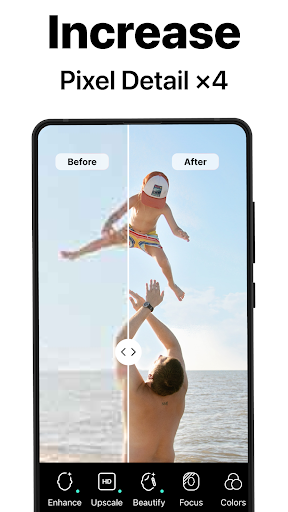
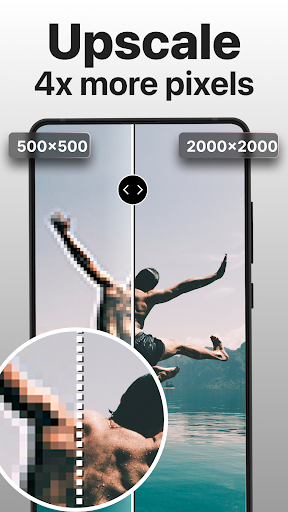
One of the most innovative aspects of PhotoBoost is its AI Avatars feature. This tool lets users transform their selfies into unique creations across multiple themes, including fantasy characters, artistic masterpieces, and professional portraits. With over 30 style options and regular updates, the possibilities are virtually endless. Additionally, the app supports advanced image upscaling, allowing users to enlarge photos without compromising resolution.
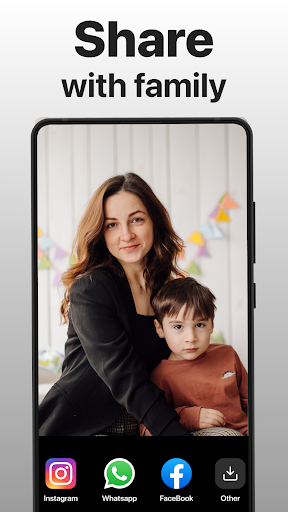
Other notable features include side-by-side comparison views for before-and-after transformations and seamless sharing capabilities. These functionalities ensure that users can easily showcase their enhanced images while enjoying a smooth editing experience. The combination of speed, versatility, and quality makes PhotoBoost a top choice for modern photo enhancement needs.
Advanced AI technology
Extensive avatar styles
Fast processing speed
User-friendly interface
Regular feature updates
Paid subscription model
Limited free trial
Internet connection required
High system requirements
Occasional bugs

HD Photo gallery and photo manager to edit, hide private photos, videos & albums
 4.4
4.4
What celebrity do you look like? Celebs will find your celebrity match!
4.10
Future baby face generator: AI kids generator, kid face! What my baby look like?
4.40
Luminar: Photo Editor - easy picture editing with AI
4.20
live datamoshing
4.00
Your personal guide to the sun and moon. Plan ahead, visualize and predict!
4.70
A light meter for true photographers.
4.20
The original Rarevision VHS look seen everywhere!
4.70
Solocator stamps photos you take with GPS location, Compass Direction, Date/Time
3.80
Gallery show photo, video, slideshow, is perfect 3D effect private photo albums.
4.80
Cartoon and artistic effects for your photos and videos
4.70
HD Camera Pro with HD Video shooting, Panorama, Photo editor , Beauty Camera.
4.50
Photo editor & gallery. Crop pictures & edit photos offline, no wifi!
4.50
Shooting photos and records video easily and efficient with professional Camera
4.30
Create AI Photos, Improve and restore quality of blurry, old or damaged pics.
4.20
Gallery Slideshow is slideshow maker app for slideshow from your gallery photos.
3.90
USB Storage Access for Photos, Videos, Music and Documents
3.80
GCamera allows all GCam features on all phone models! Better photos with GCamera
3.30
Photo Album Watch Face shows your favorite pictures as a Watchface.
1.90


User Reveiws