
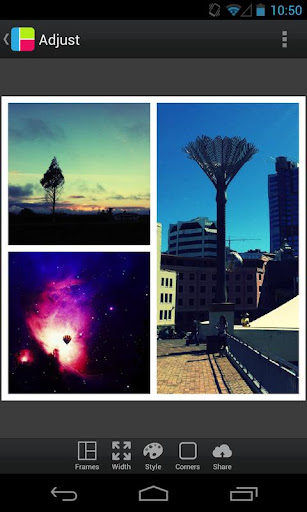
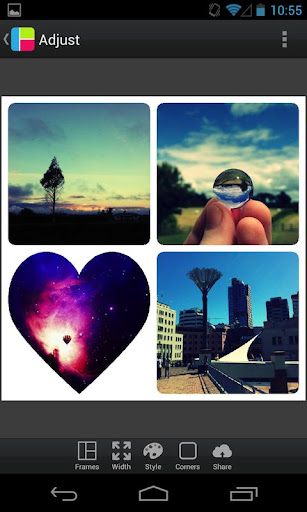
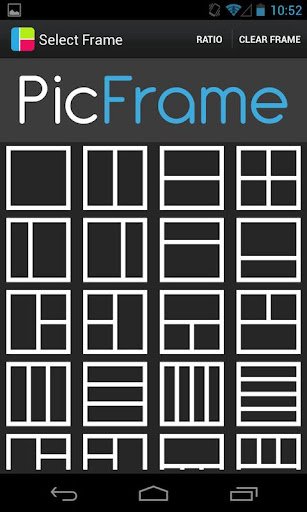

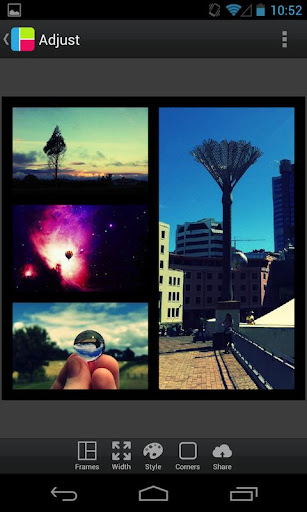
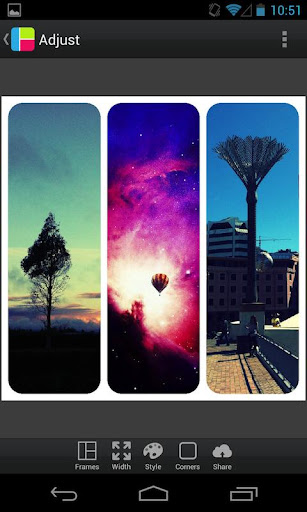
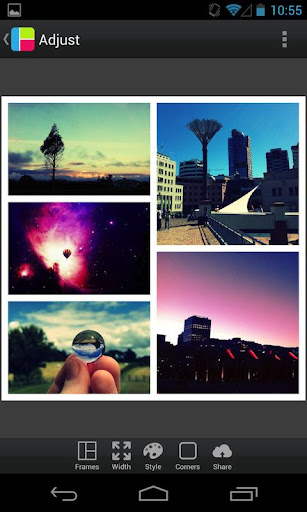
PicFrame is a versatile photography app that allows users to create stunning photo collages by combining multiple images into customizable frames. With 36 adjustable frame layouts, users can include up to five photos in a single frame, offering endless creative possibilities.
The app stands out with its advanced editing features such as rounded corners, shape customization, and precise control over borders and colors. Whether you're looking to share memories with loved ones or enhance your social media posts, PicFrame provides the tools to make every collage unique.
PicFrame offers an impressive array of features designed to maximize creative expression. Users can customize every aspect of their frames, from adjusting border widths to selecting from 52 background patterns. The ability to change photo shapes into hearts, circles, or hexagons adds an artistic touch.
Additionally, PicFrame includes essential photo editing tools like brightness, contrast, and saturation adjustments for each individual photo. With support for various aspect ratios and seamless integration with social media platforms, this app ensures your creations look perfect on any device or platform.
User-friendly interface
Extensive customization options
Variety of frame styles
Advanced photo editing tools
Excellent social media integration
Limited to five photos per frame
No automatic enhancement feature
Some features may feel overwhelming to new users
Occasional performance lags
In-app purchases required for full functionality

Pet Camera
 3.70
3.70
Photo prints, cards, & gifts at Walgreens. Easy ordering & fast local pickup !
4.80
A must-have app for landscape photographers
4.60
GCamera allows all GCam features on all phone models! Better photos with GCamera
3.30
Collage your moments in one tap: 1000+ layouts, filters, stickers, and texts.
4.90
Turn photos into cartoons & avatars! - Photo Editor, Cartoon Face!
3.90
Snap photos remotely using your Garmin watch as the camera trigger
4.1
Catch sunlight, sunrise sunset times and sun phases with the AR sun tracker.
4.10
Enhance, upscale, and transform your images — on your device, without limits
4.70
Find time and duration of different sunlight phases at any location
4.90
Light-weight Media Gallery app for Android made with Jetpack Compose
4.60
Unblur, enhance & restore photos with powerful AI photo enhancer tools.
4.60
AI photo editor with hair editor, retouch tools, hair color changer & filters!
4.50
HD Camera Pro with HD Video shooting, Panorama, Photo editor , Beauty Camera.
4.50
Create AI photos & videos with Enhancer; restore, fix, beautify, enhance photos
4.50
AI photo enhancer with Sora 2! Enhance, descratch, and colorize your old photos.
4.50
Search, tag and rate your way to an organized image gallery
4.40
Create & Edit with AI: AI Remove, Enhance, Retouch, Filter
4.10
Be your best in every shot! Fix, edit and retouch your face in selfies & photos.
3.70


User Reveiws