Camera for Android

4.70

Information

Category:

Photography

Price:

Free

Rank:

46

Rating:

4.70

Overview

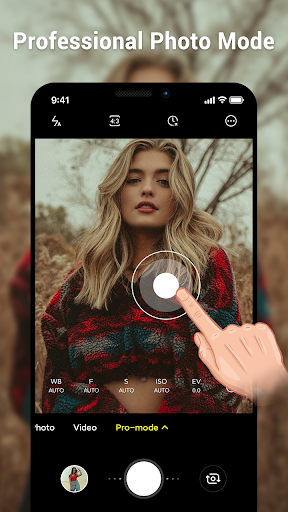
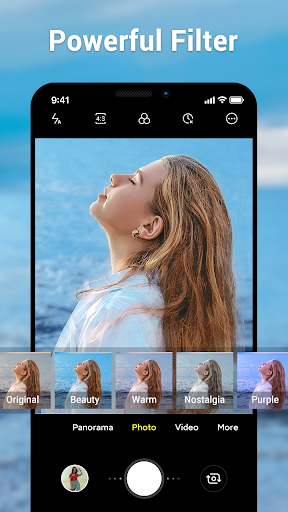
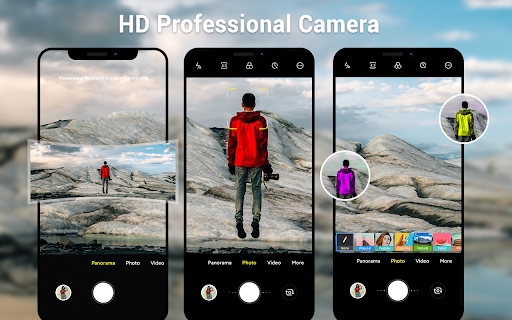
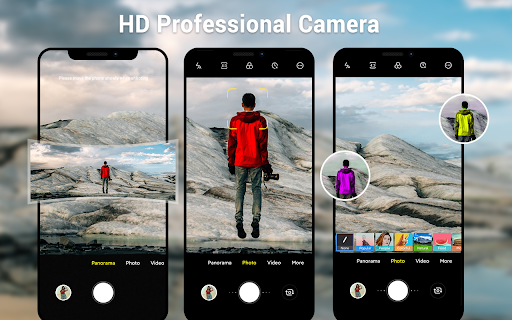
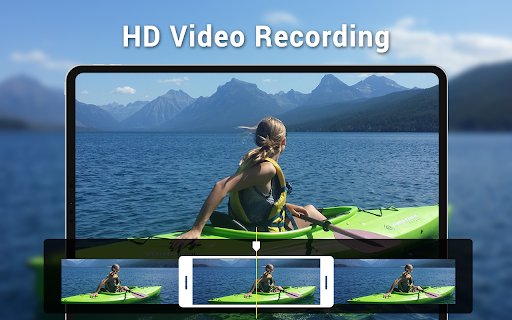
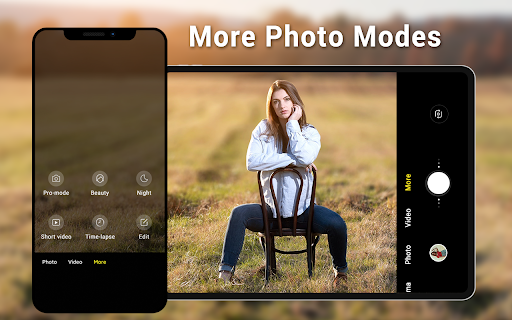
Camera for Android is a native system HD camera application designed to provide users with a simple and efficient way to capture high-quality photos and videos. The app supports multiple shooting modes including standard photo capture, video recording, and smart panorama features.

With its intuitive interface optimized for both phones and tablets, the app offers advanced functionalities such as pinch-to-zoom, countdown timer, exposure control, and various white balance settings. These features ensure users can take excellent photos in different lighting conditions while utilizing all the advantages of their devices.

Whether you're capturing everyday moments or creating professional-looking panoramas, Camera for Android delivers a reliable photography experience that meets diverse user needs across wide screen formats and customizable settings.

Features

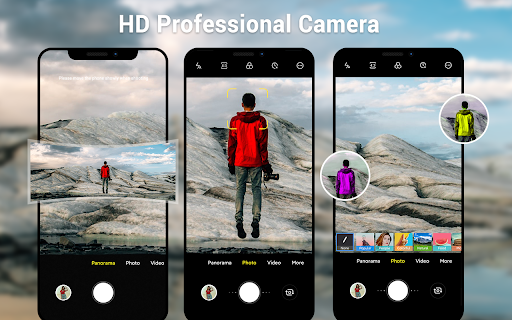
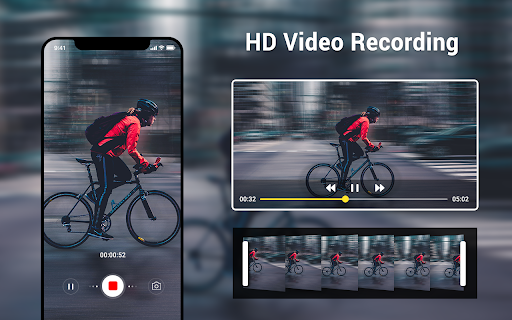
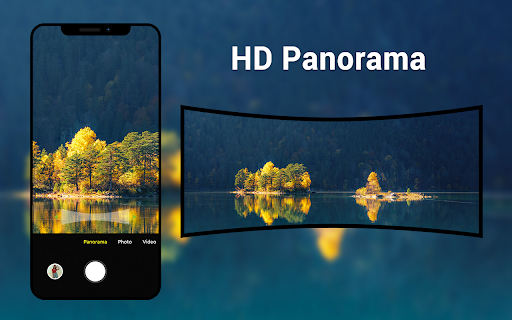
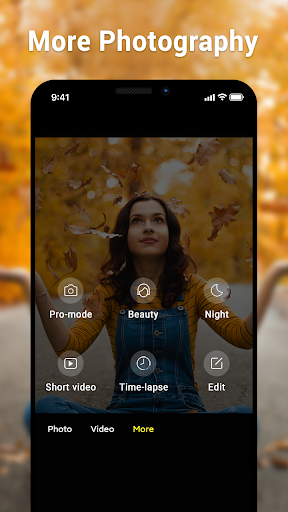
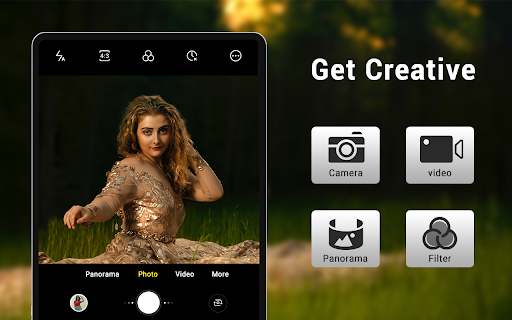
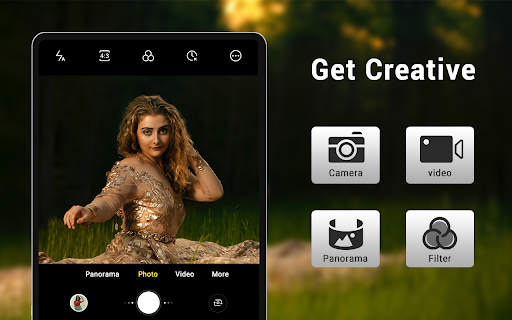
The app boasts an impressive array of features tailored to enhance your photography experience. It includes three primary modes: camera mode for still images, video recorder for dynamic footage, and panorama mode for expansive shots. Each mode leverages HD capabilities to deliver crisp and clear results.

Users benefit from advanced controls like pinch-to-zoom functionality, allowing precise framing; countdown timers for perfect selfies; and dynamic UI adjustments suitable for any device size. Additionally, options such as white balance settings (Incandescent, Fluorescent, Auto), exposure adjustments, and location targeting offer extensive customization possibilities.

Despite numerous camera applications available today, this native Android solution stands out by combining efficiency with comprehensive feature sets, ensuring it meets varied user requirements effectively while maintaining ease-of-use.

Real-Time Capture & Preview

Real-time capture and preview functionality is essential for any photography application as it allows users to frame their shots accurately and make necessary adjustments before taking a photo. In the Camera for Android app, this feature is implemented through an intuitive interface that utilizes the full advantage of the device's camera capabilities. The app supports HD camera and video features ensuring that every captured moment is in high definition. Users can pinch to zoom, adjust exposure, and select from various white balance settings such as Incandescent, Fluorescent, Auto, Daylight, and Cloudy. These functionalities provide users with the tools needed to capture professional-quality images directly from their mobile devices. The dynamic user interface adapts to both phone and tablet screens, offering wide screen picture modes and customizable picture quality settings. Additionally, the countdown timer and smart panorama shooting options enhance the user experience by providing more creative ways to take photos. With these features, users can be confident that they are capturing the best possible images in any situation, whether they are shooting action scenes, nightscapes, or sunsets. The real-time feedback provided by the app ensures that users can make instant adjustments, resulting in higher quality photographs and a more satisfying photography experience.

AI Beauty & Enhancement Naturalness

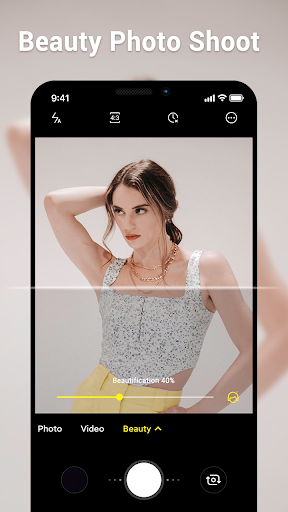
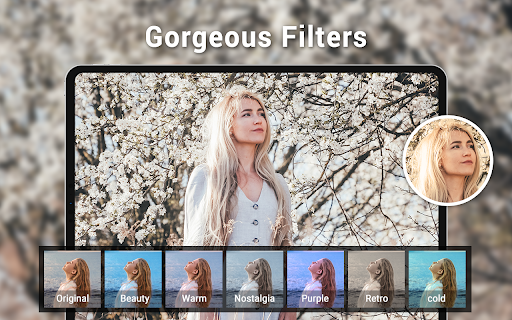
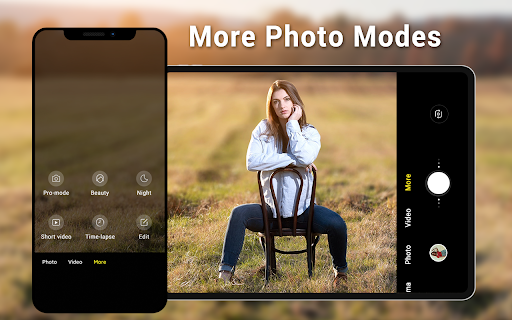
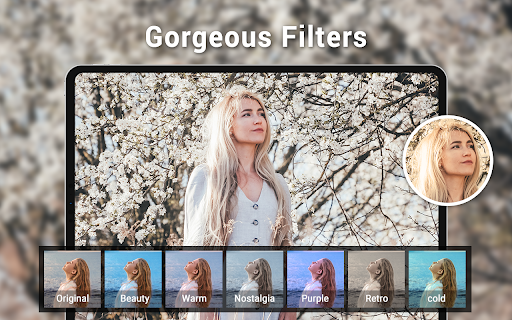
AI beauty and enhancement features have become increasingly popular in photography applications due to their ability to improve image quality while maintaining a natural look. The Camera for Android app incorporates advanced AI algorithms that automatically enhance facial features, skin tones, and overall image clarity without over-processing. This ensures that edited photos retain their authenticity and do not appear overly artificial. Users can benefit from these enhancements when taking selfies or portraits, as the AI technology intelligently adjusts elements like lighting, contrast, and color balance to create visually appealing images. Furthermore, the app offers various screen mode settings including Action, Night, Sunset, and Play, which optimize the camera settings for different environments and scenarios. For instance, the Night mode enhances low-light photography by reducing noise and improving brightness, while the Sunset mode adjusts the white balance to capture warm hues during sunset shots. The inclusion of location targeting adds another layer of personalization, allowing users to tag their photos with geographical data. Configurable volume keys offer additional convenience by enabling users to customize how they interact with the camera controls. Overall, the AI beauty and enhancement features in the Camera for Android app provide users with powerful tools to elevate their photography skills, ensuring that every photo taken is not only beautiful but also retains its natural essence. This combination of sophisticated AI technology and user-friendly features makes the app a valuable addition to any photographer's toolkit.

Props

User-friendly interface

High-definition imaging

Versatile shooting modes

Advanced customization options

Optimized performance on Android devices

Cons

Limited to Android platform

No advanced editing tools

Basic UI design

Occasional stability issues

Dependent on device hardware quality
Features and Functions

What is this app and what can I use it for?

A native Android camera app for capturing high-quality photos and videos efficiently.

How do I download and install this app on my device?

Visit Google Play Store, search 'Camera for Android', tap Install, and open after download.

How do I get started after opening the app for the first time?

Launch the app, grant necessary permissions, and start using default camera mode.

What are the main features and capabilities of this app?

Includes photo, video, panorama modes, HD features, zoom, timer, and more.

How can I customize my experience and adjust preferences?

Adjust settings via menu options like white balance, exposure, and screen modes.

How do I save or bookmark my favorite content for later access?

Save favorites automatically in gallery or manually select to bookmark.

How can I share content with friends or on social media?

Use built-in share button to post content directly to social media platforms.

How do I access detailed information and explore more content?

Explore detailed info through settings menu and additional online resources.

What permissions does this app need and how do I manage them?

Requires camera access; manage permissions in device settings if needed.

How do I check for updates and keep the app running smoothly?

Enable auto-updates in Google Play Store or manually check for updates regularly.
Show more

User Reveiws

{{ comment.reviewer_name }}
{{ comment.review_date_formatted}}
{{ comment.review_content }}
{{ tab.name }}
{{ comment.reviewer_name }}
{{ comment.review_date_formatted}}
{{ comment.review_content }}
No reviews with this rating