
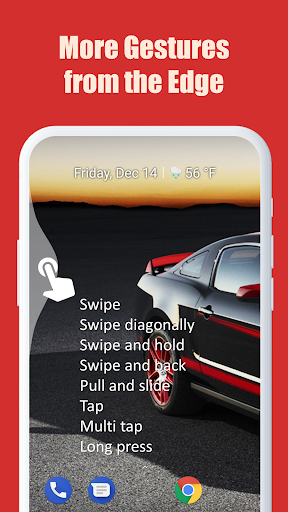
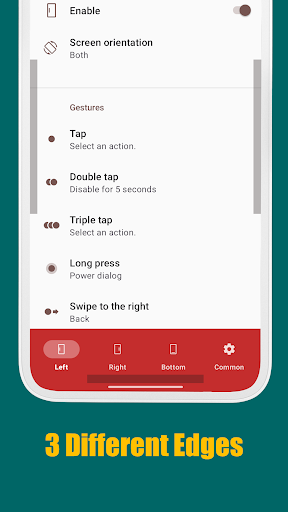
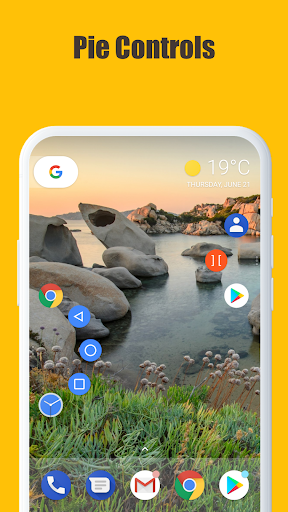
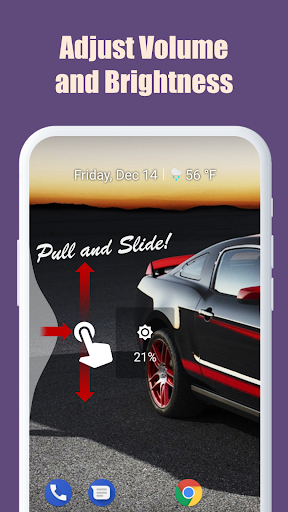
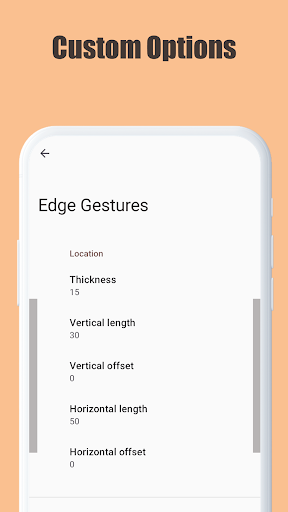
Edge Gestures is a powerful tool designed to enhance your device's usability through intuitive screen edge gestures. With support for multiple gesture types, including tap, swipe, and pie controls, this app allows you to execute various actions effortlessly.
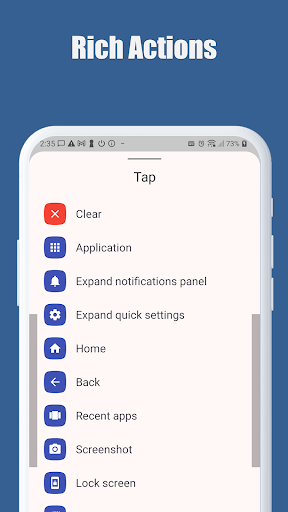
The application supports launching apps, controlling soft keys, expanding the status bar, adjusting brightness, and more. Its customizable edge areas let users tailor the thickness, length, and position to their preference, making it adaptable to different user needs and preferences.
Whether you're looking to improve productivity or simplify navigation, Edge Gestures offers a versatile solution that can streamline your interaction with Android devices, particularly those running Android 6.0 or higher.
Edge Gestures stands out with its extensive range of gesture types, including tap, double tap, long press, swipe, and unique pie controls. These gestures enable users to perform a variety of actions such as launching applications, controlling soft keys like back, home, and recent apps, and even adjusting device settings like brightness and volume.
One of the app's key features is its high level of customization. Users can modify the edge area's thickness, length, and position to suit their comfort and accessibility needs. This flexibility ensures that the app can be tailored to individual preferences, enhancing the overall user experience.
Additionally, Edge Gestures utilizes accessibility service APIs to implement advanced functionalities like expanding notifications, toggling split screens, and locking the screen. These features collectively contribute to a more efficient and personalized device interaction, setting Edge Gestures apart from other tools in its category.
Intuitive gestures
Highly customizable
Versatile actions
User-friendly interface
Efficient navigation
Limited to Android
Requires permissions
Complex for beginners
May conflict with other apps
Device compatibility issues

A convenient photo, video, and file recovery tool.
 4.00
4.00
Connect instantly to a fast, encrypted VPN with one tap
4.60
PDF Reader - Document Viewer: Read, Manage & Organize Your Documents
3.10
Learn the vast amount of system information about device and monitor it's state
4.70
Unlock your Essential Key. Create custom shortcuts to your favorite apps!
4.2
eXtended Permission Manager - a small app to manage permissions and AppOps
4.50
A non-root local ADB shell client. READ BELOW!
3.40
Unleash gamepad precision for ultimate mobile gaming dominance.
3.90
Play your X-Box games remotely in 1080p with any controller and zero latency
4.60
Navigate with Ease and Style
4.90
Excellent scientific calculator with symbolic algebra, integrals, derivatives
4.80
NFC Tools can read and write NFC tags.
4.70
FV File Manager Pro, Fast and powerful file manager for Android
4.60
Mirror your screen to Chromecast and Android TV - Super fast and simple
4.60
Mirror your screen to Fire TV - Super fast and simple
4.40
Making emulation easy for everyone!
4.30
App that Recover your pictures, videos or files after you delete them.
4.20
An open-source APK explorer for Android!
4.10
Download any file easily and quickly with Downloader
4.4


User Reveiws