
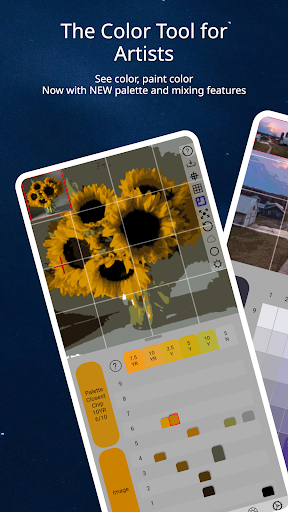


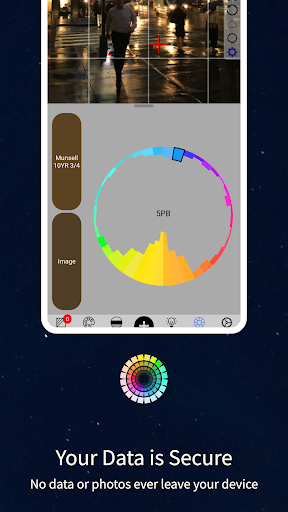

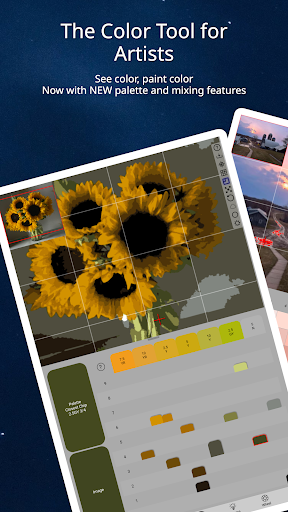
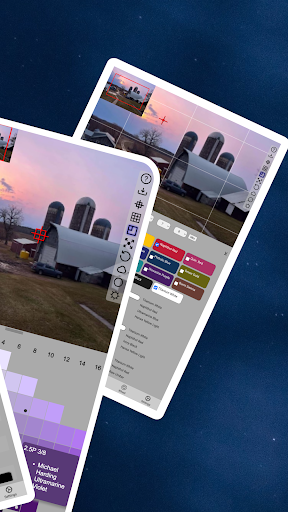
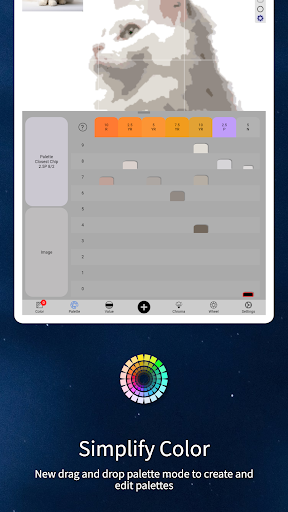
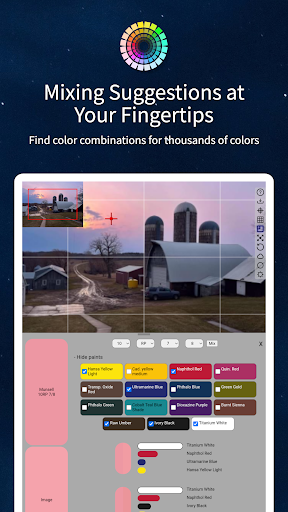
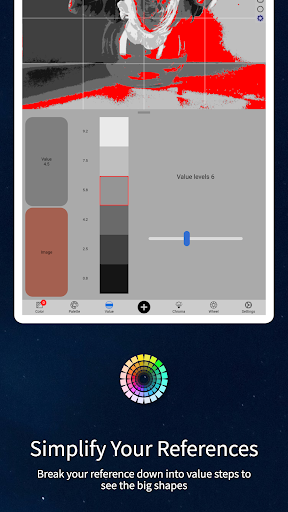
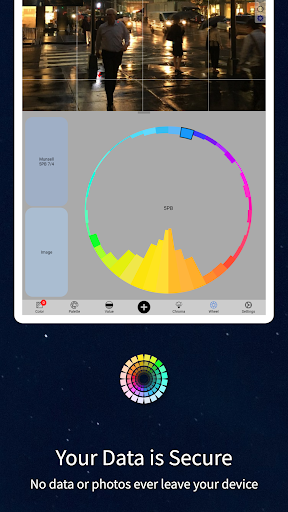
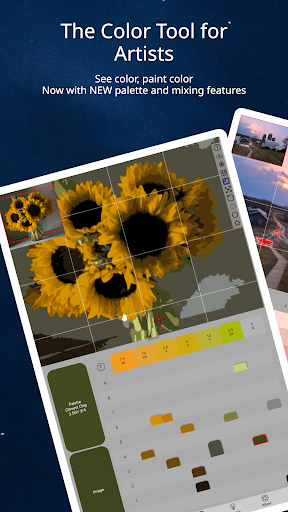
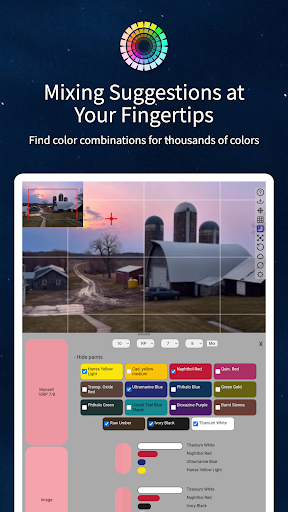
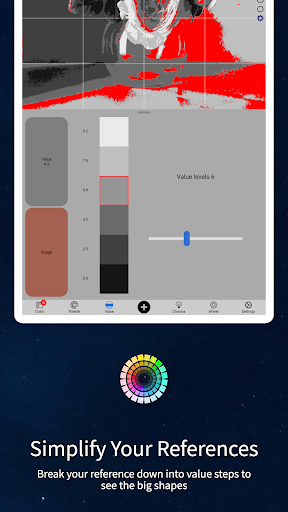
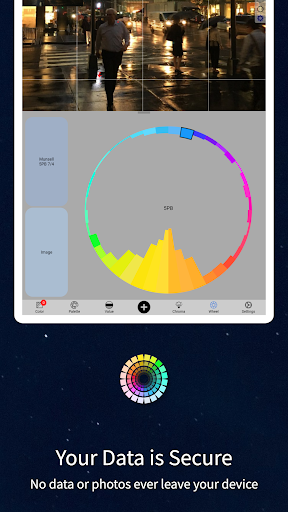
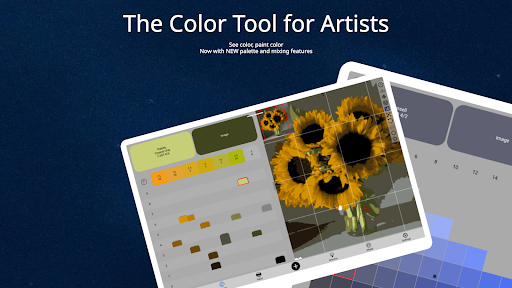


ChromaMagic is an innovative color analysis tool designed specifically for artists. This application helps users accurately identify and understand colors by breaking them down into hue, value, and chroma components. The app provides multiple viewing modes that allow artists to analyze their reference images in various ways, including value shapes, grayscale, saturation levels, and color wheel distribution.
The application's intuitive interface features buttery-smooth zoomable and pannable images, making color analysis more efficient and enjoyable. ChromaMagic works offline, making it perfect for use anywhere - from studio easels to mountain-top painting sessions. Additionally, the app offers practical features like paint recommendations and multi-pixel averaging for complex references.
This tool is particularly valuable for painters who want to improve their color mixing skills and better understand color theory. By providing precise Munsell-based color information and helping artists 'see' color more accurately, ChromaMagic bridges the gap between what artists observe and what they create on canvas.
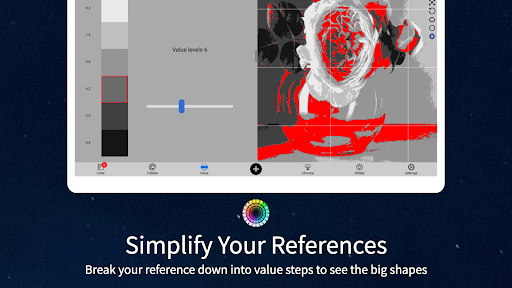
ChromaMagic stands out with its comprehensive set of professional-grade features. The core functionality revolves around five distinct viewing modes: Munsell color analysis, value shape organization, grayscale conversion, saturation visualization, and color wheel distribution. Each mode provides unique insights into color relationships and properties.
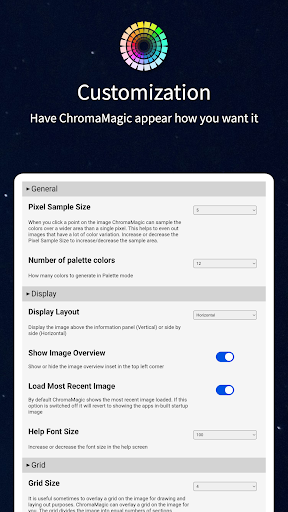
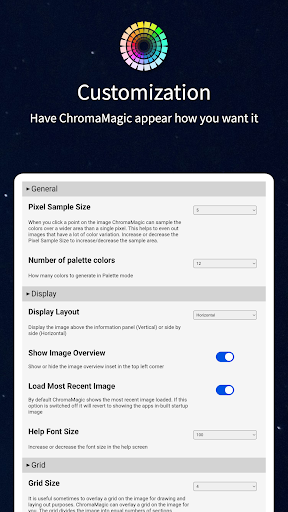
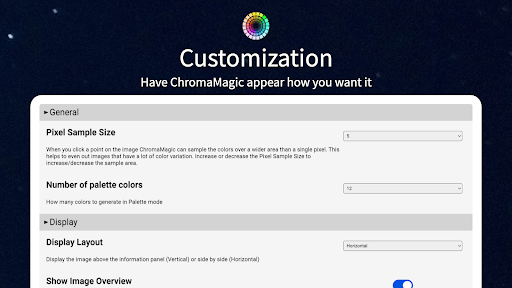
The application implements advanced image processing capabilities while maintaining a user-friendly interface. Artists can work seamlessly across devices, from desktops to tablets, with features like drag-and-drop file loading and customizable calibration settings. The offline functionality and multi-pixel averaging feature (up to 2500 pixels) make it especially practical for field work.
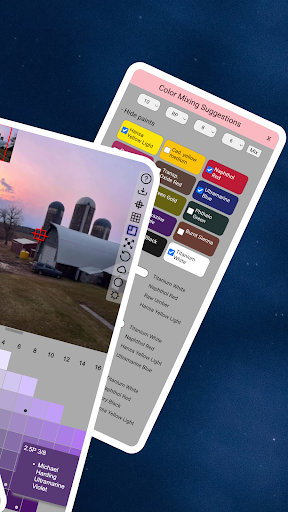
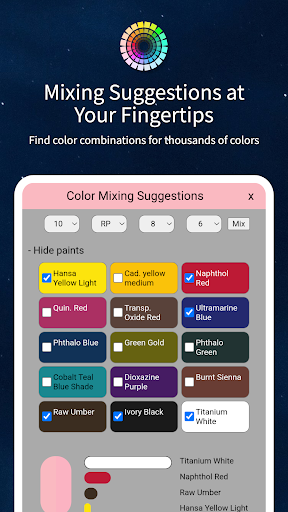
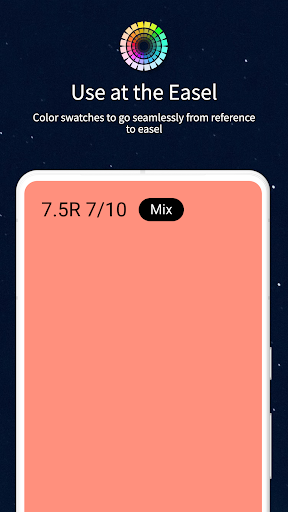
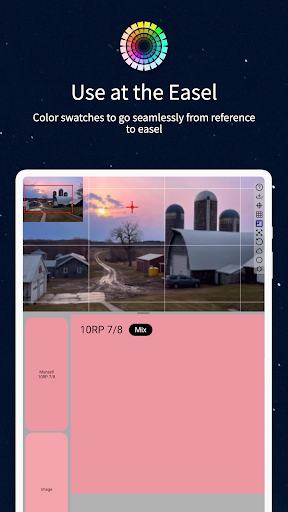
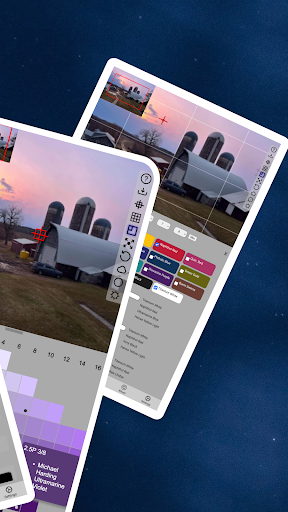
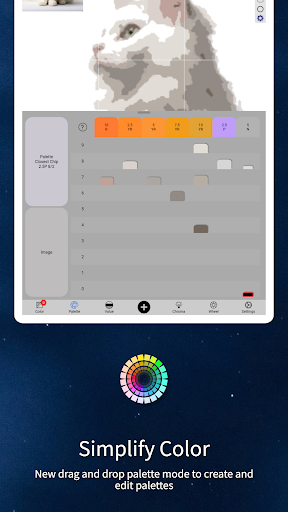
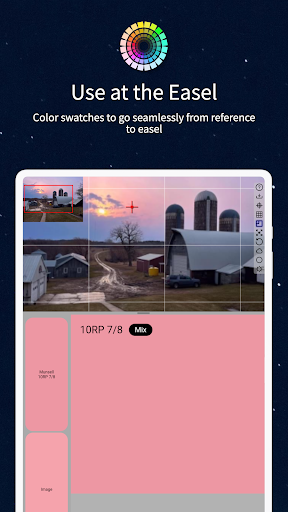
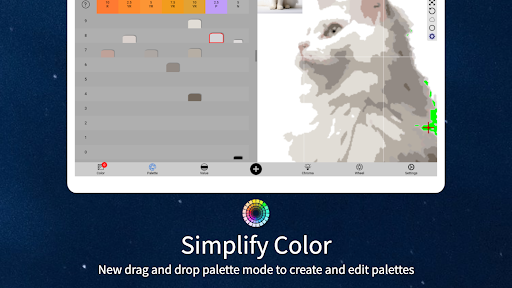
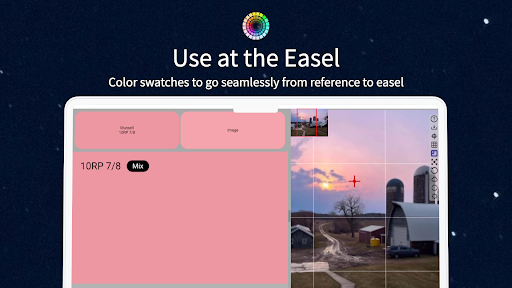
Additional notable features include paint brand cross-referencing, mixing swatches, and precise color sampling tools. These features work together to create a powerful ecosystem that supports artists throughout their entire workflow, from initial color analysis to final mixing at the easel.
Accurate color analysis
Offline functionality
Multi-device support
Intuitive interface
Comprehensive features
Steep learning curve
Advanced terminology
Resource intensive
Premium price point
Specialized audience

The ultimate tool for creating animations
 4.60
4.60
Learn how to draw with step-by-step tutorials, fun lessons & multiplayer drawing
4.70
Custom Character Creator & PFP Maker!
4.20
Create stylish invitation cards using templates for weddings, birthdays & RSVP.
4.20
Create stunning video, photo & magic from text with FlixAI GPT video generator.
3.10
Draw Trace image sketch by, AR art projector app, Easy to trace any image.
4.50
800+ Drawing, Painting Lessons App to Practice, Sketch & Paint Art.
4.30
Painting, drawing, & sketching
4.50
Retouch photos. Create or edit images. Endless capabilities.
2.70
Logo Generator powered by AI: Create stunning logos effortlessly!
4.70
Discover Cartoon Dream : Unleash Your Creativity with CuttingEdge AI
4.50
Create neon drawing with magic doodle and fun doodle art effects!
4.50
Photo blender app to create overlay photos & double exposure.
4.40
Bring One UI 8.5 Icons to life -elegant dark icons with a modern, premium touch.
4.30
Paint with oils and sketch with natural tools on a realistic virtual canvas.
3.80
Powerful home decoration & house design that allows you to design dream home.
3.80
Resize photos and print photos in exact size with our powerful photo printer!
3.80
Create cute cat emojis & PFPs! Fun, custom avatars for cat lovers.
3.70
Draw anime easily with AR guidance, sketch templates & trace tools!
3.10


User Reveiws