
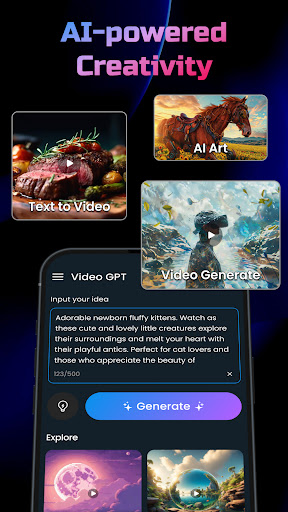
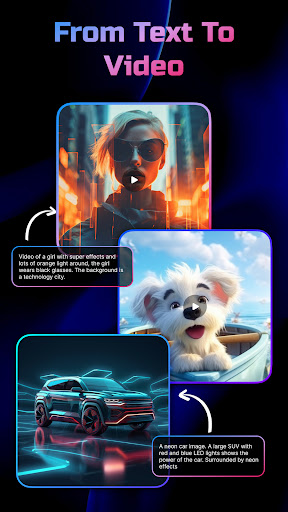
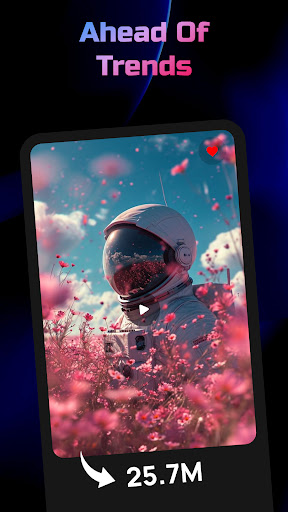
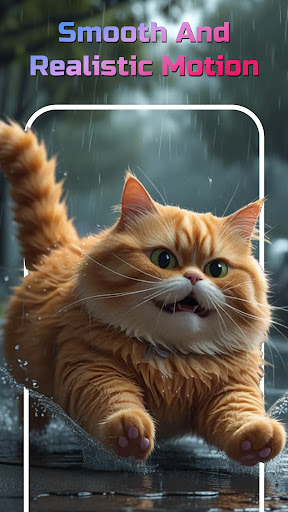
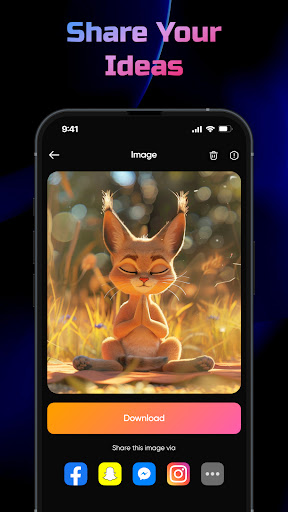
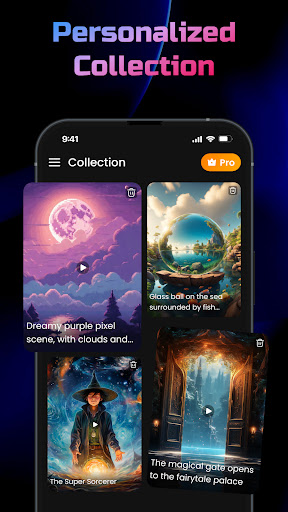
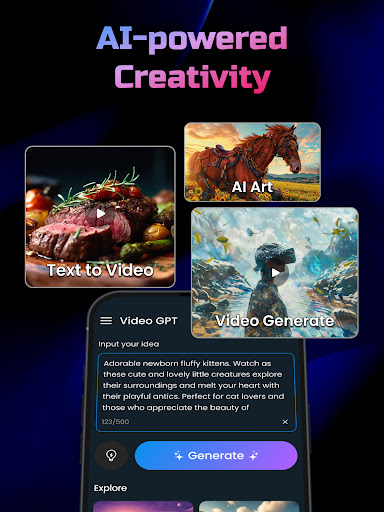
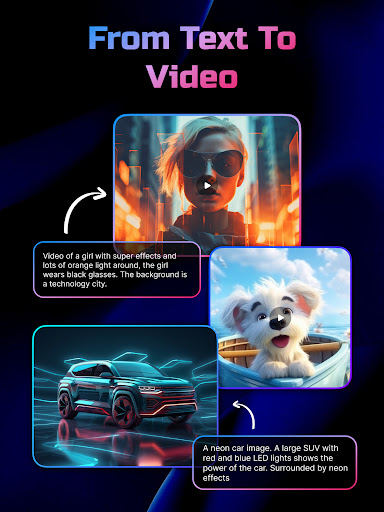
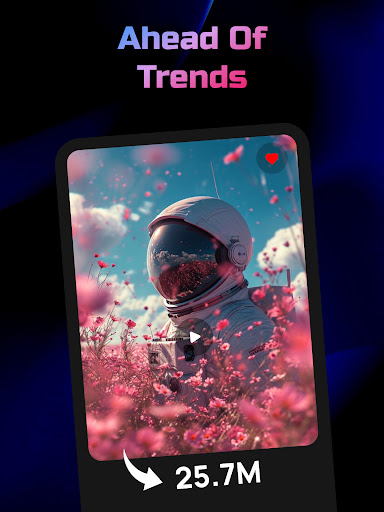
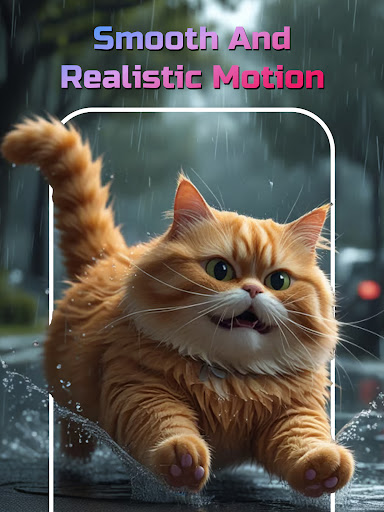
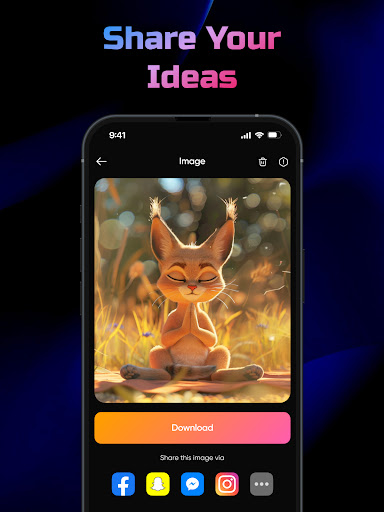
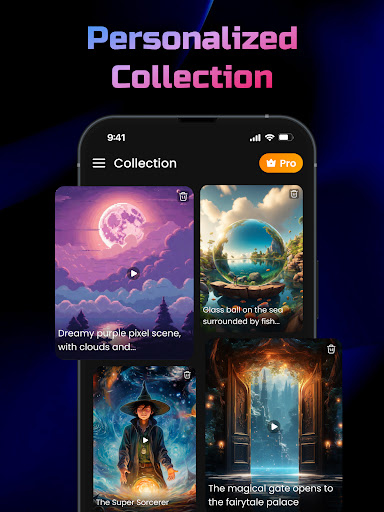
AI Video Generator is a cutting-edge application designed to transform text, scripts, and creative ideas into professional-quality videos and images. Powered by FlixAI GPT technology, this tool enables users to produce high-quality content effortlessly and for free. Whether you're crafting marketing materials, short stories, or social media posts, the app delivers polished results with minimal effort.
The app's standout feature is its ability to analyze input text and generate corresponding visuals, complete with effects, transitions, and dynamic storytelling elements. It supports various content formats, including AI-generated videos, realistic images, and even anime-style visuals. Its intuitive interface ensures that both beginners and professionals can create studio-grade videos with synced text, motion, and effects.
One practical use case is for content creators who need to produce engaging videos quickly. By simply entering a script or idea, users can generate professional videos ready for sharing across platforms. This functionality saves time and eliminates the need for advanced design skills, making it an invaluable tool for marketers, educators, and storytellers.
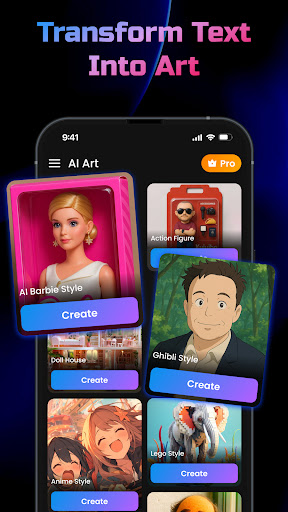
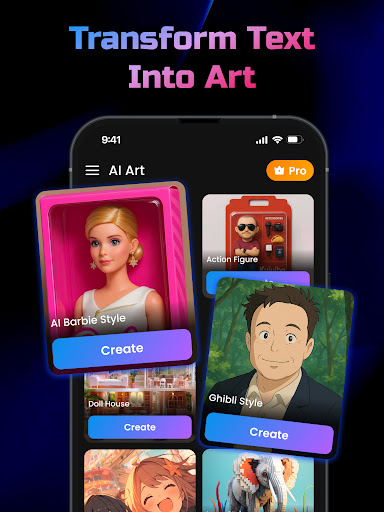
AI Video Generator offers a robust set of features tailored to streamline video creation. At its core is the AI Video Generator powered by GPT, which converts any text input into a fully-realized video using FlixAI technology. The app also includes a Text-to-Image Generator, allowing users to transform written descriptions into unique, art-inspired visuals.
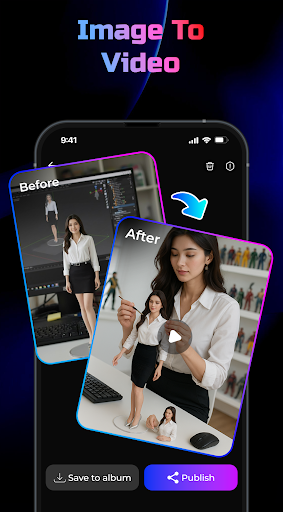
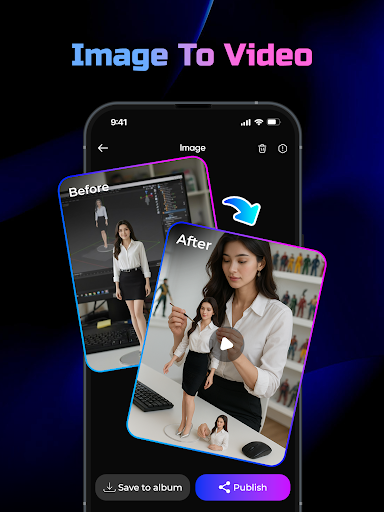
Another notable feature is the Image-to-Video Generator, which turns photos from your device into dynamic videos enhanced with smooth motion and 3D effects. The app emphasizes speed and ease of use, enabling lightning-fast video creation without compromising on quality. Each output is rendered in studio-style, complete with synchronized text overlays, fluid transitions, and professional-grade effects.
These features collectively empower users to focus on creativity rather than technical execution. By automating complex processes like animation and rendering, the app democratizes video production, making it accessible to everyone regardless of their skill level.
User-friendly interface
High-quality output
Fast rendering speeds
Versatile content options
Free to use
Limited customization
Requires internet
Occasional glitches
Few templates available
Ads may interrupt workflow

Vidu is an AI video generator made for creators and aspiring makers.
 3.30
3.30
Create neon drawing with magic doodle and fun doodle art effects!
4.50
Logo Generator powered by AI: Create stunning logos effortlessly!
4.70
Nano Banana AI Image Generator, Anime Filter, AI Portrait, AI Photo Generator
4.30
Draw glowing spinners, relax, and spin your creative art
4.60
Resize photos and print photos in exact size with our powerful photo printer!
3.80
2D animation studio for Android tablets - unlimited layers, infinite timeline
4.70
Unleash the artist in you with our AR drawing and tracing tool for photo drawing
4.10
Turning simple sketches into captivating tales filled with life and motion
3.90
Create stunning art with AI.
4.80
Learn how to draw with step-by-step tutorials, fun lessons & multiplayer drawing
4.70
Photo editor for art, avatars, filters & fun transformations.
4.60
Draw Trace image sketch by, AR art projector app, Easy to trace any image.
4.50
Just trace a projected picture on paper and color! Draw & Paint with AR drawing
4.40
Beauty Camera - Selfie Camera is the ultimate beauty camera and selfie app
4.30
Custom Character Creator & PFP Maker!
4.20
Create Logos, Tattoos, AI Art & more with our AI Photo Generator & Design Editor
4.20
Pose and morph realistic male and female models! 3D poser app
3.00
Inky runs Inkscape on Android devices and Chromebooks
2.90


User Reveiws