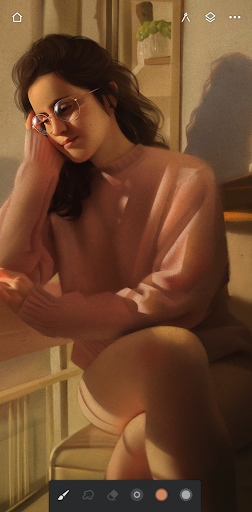
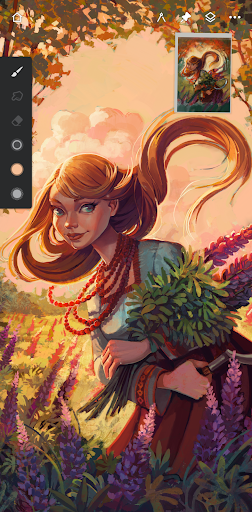

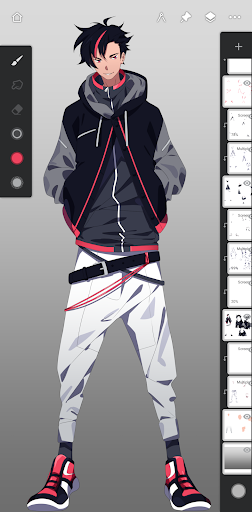
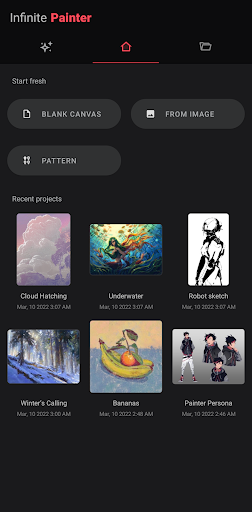

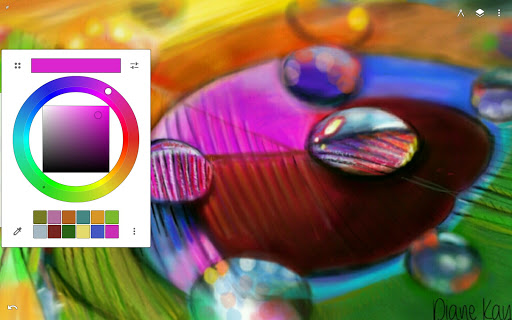
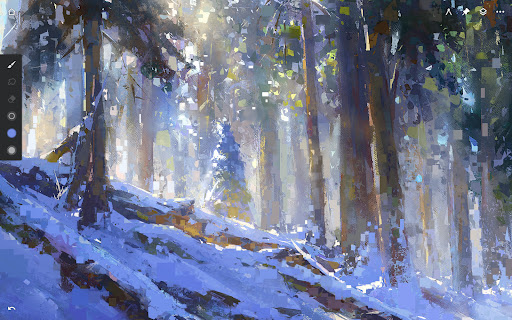

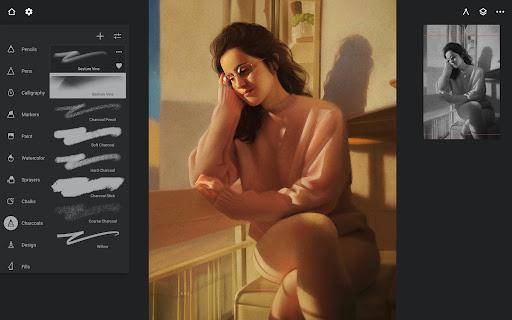
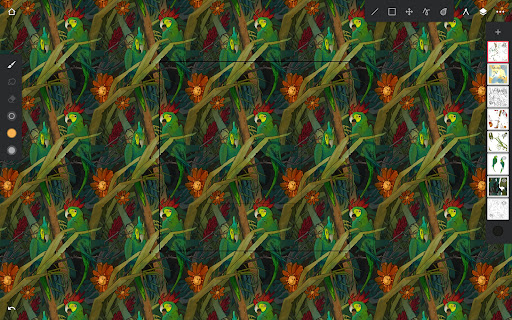
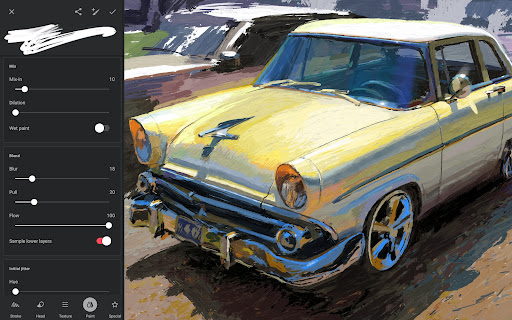

Infinite Painter is a premier digital art application designed for artists seeking professional-grade tools on their mobile devices. This award-winning app offers an extensive suite of features including hundreds of customizable brushes, advanced layer support with 30 blend modes, and precise drawing guides. The intuitive interface ensures maximum workspace while providing quick access to essential tools.
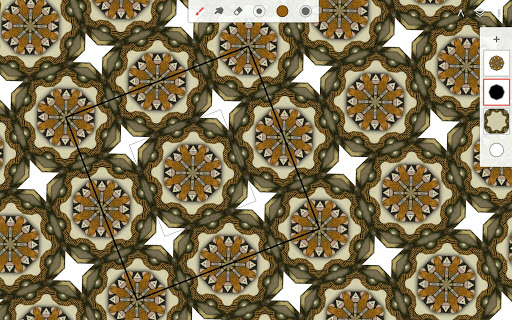
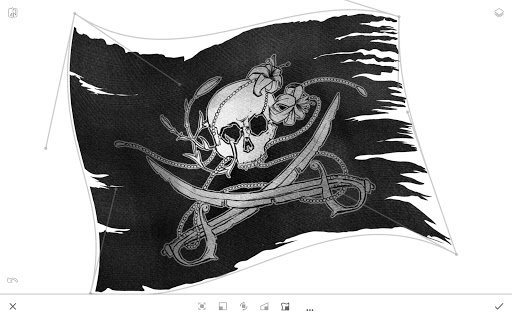
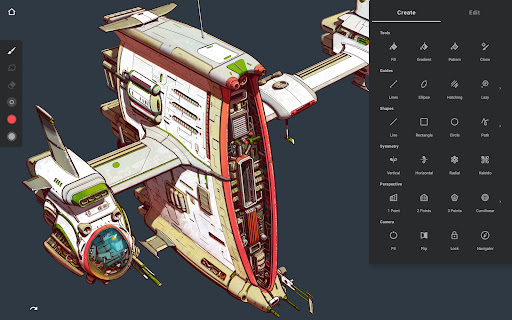
Artists can create complex symmetrical designs, apply realistic brush effects, and work with industry-standard color correction tools. The app supports various canvas sizes and provides professional features like liquify, gradient maps, and focus masking. With capabilities such as perspective drawing and pixel-perfect editing, Infinite Painter serves both hobbyists and professional artists across different skill levels.
The application's value extends beyond basic painting, offering time-lapse recording, seamless pattern creation, and a vibrant artist community. Whether you're sketching concepts, creating game art, or producing detailed illustrations, Infinite Painter delivers the performance and precision needed for high-quality digital artwork.
Infinite Painter distinguishes itself through its comprehensive feature set tailored for digital artists. The application includes best-in-class pencil tools and over 100 customizable brush settings, allowing users to create unique stroke patterns and textures. Advanced symmetry tools enable precise radial and kaleidoscope drawings, while smart shape detection helps in creating perfect geometric forms.
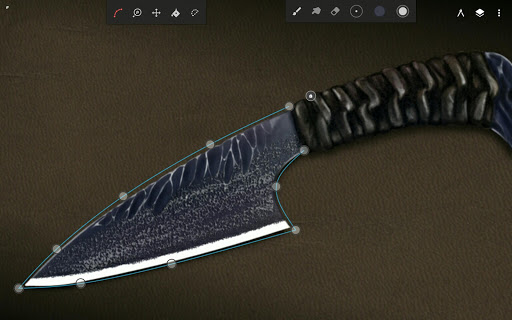
The app's innovative workspace management system maximizes canvas space with collapsible layers and dockable brush settings. Artists benefit from professional-grade transformation tools that work across multiple layers simultaneously. The selection and masking tools provide precise control over image editing, while the powerful color management system supports 64-bit deep color painting.
Additional features include a robust project history system, customizable interface elements, and comprehensive file export options. Users can import reference images, work with perspective grids, and utilize specialized tools for pattern creation. The app's ability to handle large canvas sizes and maintain quality through multiple transformations makes it an indispensable tool for serious digital artists.
Extensive brush library
Professional color tools
Intuitive UI design
Powerful layer system
Active artist community
Steep learning curve
Pro features subscription
High device requirements
Occasional performance lag
Complex interface for beginners
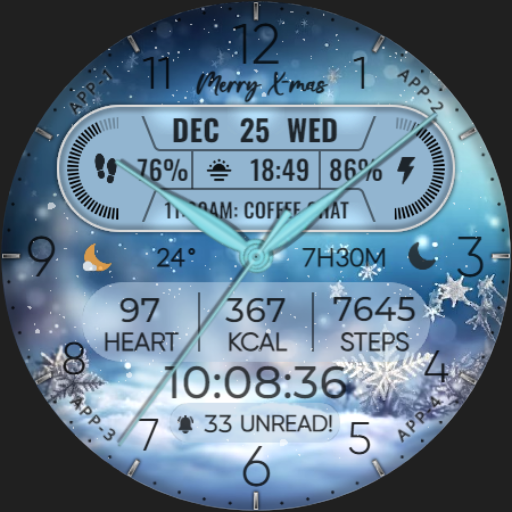
Art of Combination Wear OS Watch faces
 4.2
4.2
Create neon drawing with magic doodle and fun doodle art effects!
4.50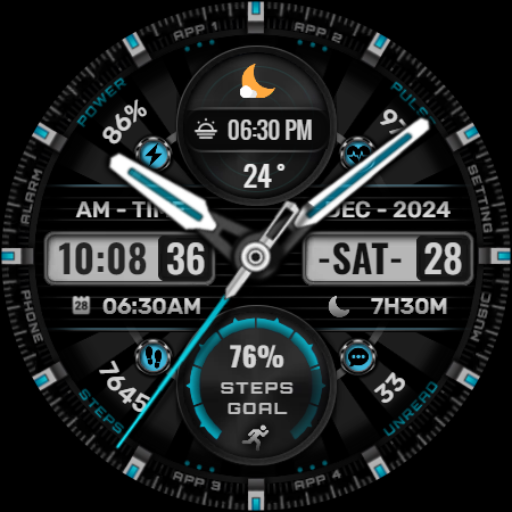
Art of Combination Wear OS Watch Faces
4.4
Digital, Abstract, Classic - all types of color wheels in one app!
4.60
Draw beautiful mandala's very easily
4.60
Create stunning art with AI.
4.80
Everything you need to create hand drawn animation, anywhere you go!
4.40
Kling AI is an image and video generation and editing studio powered by AI.
4.50
Explore future self face age filter & remove background image for a unique look.
3.50
Draw on screen: FP sDraw is a simple and lightweight drawing app
4.70
Convert image to JPG PNG HEIC PDF, support almost all kinds of image formats
4.70
Your AI soulmate — meaningful chats, and unique emotional moments
4.70
Image resizer to resize, crop, rotate, flip, change dpi photo or picture in bulk
4.60
Discover Cartoon Dream : Unleash Your Creativity with CuttingEdge AI
4.50
Draw anime & manga drawing, art with templates to create stunning picture!
4.50
Beauty Camera - Selfie Camera is the ultimate beauty camera and selfie app
4.30
Get creative and make art with your Sesame Friends!
4.00
Sketch and paint on your device with the feel and freedom of drawing on paper
4.00
Create sweet, cool and unique couple avatars easily, in just a few steps!
3.40


User Reveiws