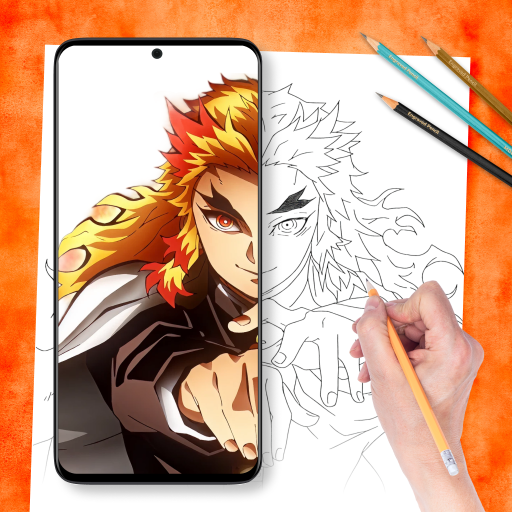
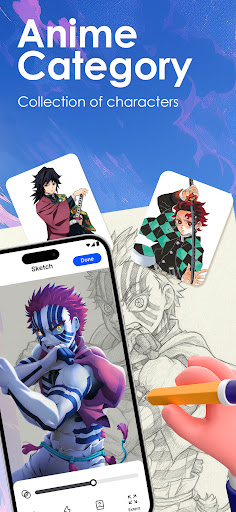

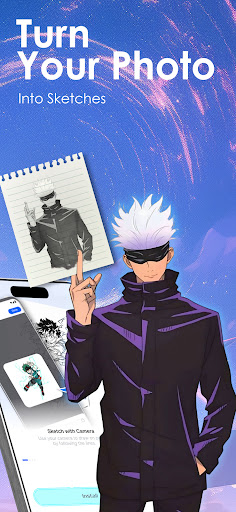
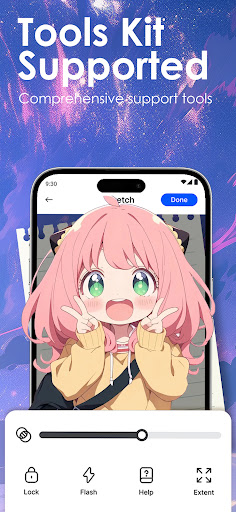

Draw Anime: AR Sketch & Trace is a revolutionary drawing application designed specifically for anime enthusiasts and artists. This app combines cutting-edge Augmented Reality (AR) technology with traditional sketching techniques, enabling users to create stunning anime artwork with ease. Whether you're a beginner or a professional artist, the app offers various tools and features that cater to all skill levels.
The core functionality includes AR-guided drawing, where users can trace anime characters, real objects, or their own designs through their device's camera. The app projects clear outlines onto paper, providing confidence while sketching. Additionally, it offers a vast library of templates covering anime, manga, chibi styles, and more, making it an ultimate drawing companion for anime fans worldwide.
This app is particularly useful for those who want to improve their drawing skills while exploring different anime art techniques. With personalized learning options, video tutorials, and the ability to import custom images, Draw Anime: AR Sketch & Trace provides unlimited creative possibilities for its users.
Draw Anime: AR Sketch & Trace stands out due to its innovative features tailored for anime artists. One of the key highlights is the AR Guidance tool, which allows users to trace anything through their phone's camera. This feature supports tracing anime characters, real-life objects, or custom designs, offering flexibility in artistic expression.
The app also includes a comprehensive learning system with beginner, intermediate, and expert levels. Users can practice anatomy, proportions, and other essential anime art techniques step by step. The built-in library contains numerous templates, including fanart and trending designs, ensuring there's always something new to explore.
Additional features include adjustable opacity and zoom settings, progress tracking, and the ability to record drawing sessions. These functionalities not only enhance the user experience but also provide valuable insights into one's artistic growth. Moreover, the community-sharing aspect enables users to showcase their work and inspire others, creating a vibrant ecosystem of creativity and learning.
User-friendly interface
Extensive template library
AR-guided drawing
Customizable learning paths
Vibrant artist community
Requires AR-compatible device
Some features may need subscription
Limited offline functionality
Steep learning curve for beginners
Occasional performance issues
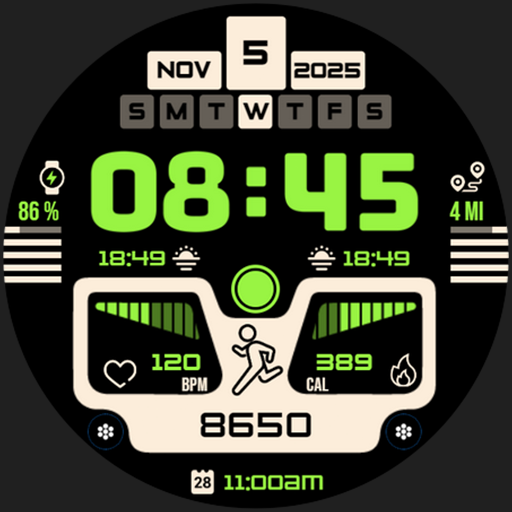
Download now for a stylish and functional timepiece
 4.1
4.1
Sketch, plan, take notes and illustrate on an infinite canvas.
4.20
Digital illustration drawing & painting pad app to paint Anime and Manga art
4.50
Create neon drawing with magic doodle and fun doodle art effects!
4.50
AI Face Swap, Video Effects Editor, Realtime Morph, Funny Video FX,AI Filters
3.70
Draw beautiful mandala's very easily
4.60
800+ Drawing, Painting Lessons App to Practice, Sketch & Paint Art.
4.30
Powerful home decoration & house design that allows you to design dream home.
3.80
Android 14 style widgets and wallpapers app.
4.5
Mobile pixel art editor. Simple. Fast. Portable.
4.80
Image resizer to resize, crop, rotate, flip, change dpi photo or picture in bulk
4.60
Digital, Abstract, Classic - all types of color wheels in one app!
4.60
Image/ Text to Video Generator
4.40
Photo blender app to create overlay photos & double exposure.
4.40
AI generated images & photos, turn your words into drawing, painting & pictures.
4.30
Design your dream room with AI. Get decor ideas & plan home interiors
3.90
Art of Combination Wear OS Watch faces (for Wear OS 5+ devices)
3.90
AI Assistant, powered by ChatGPT GPT-4 & GPT-4o. Your intelligent companion.
3.50
Art of Combination Wear OS Watch Faces
3.30


User Reveiws