
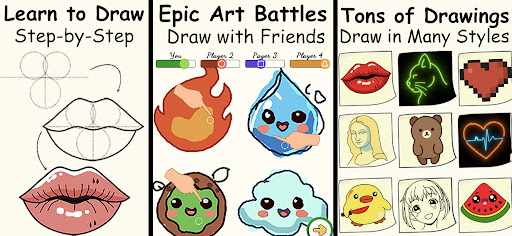
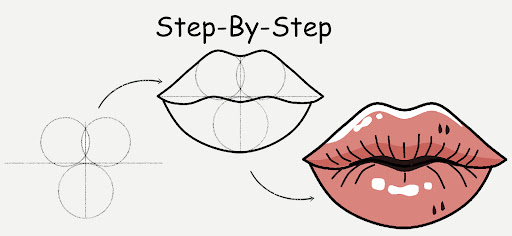
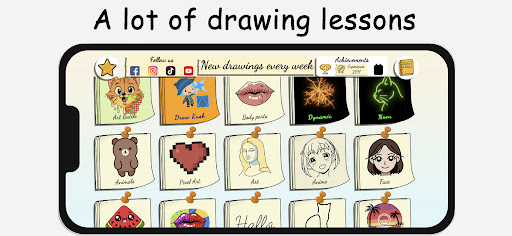
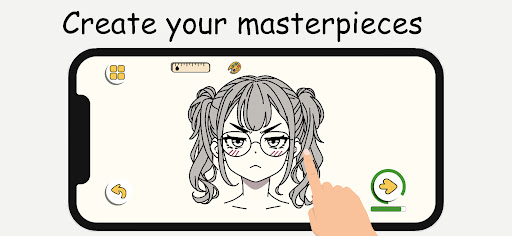


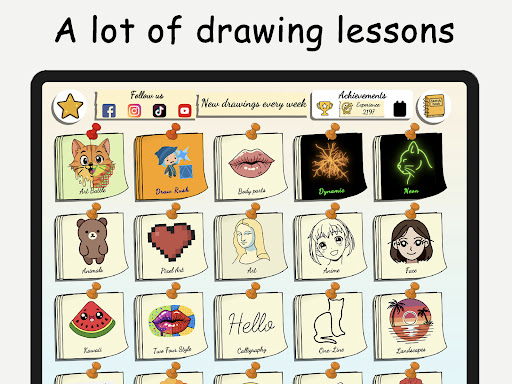
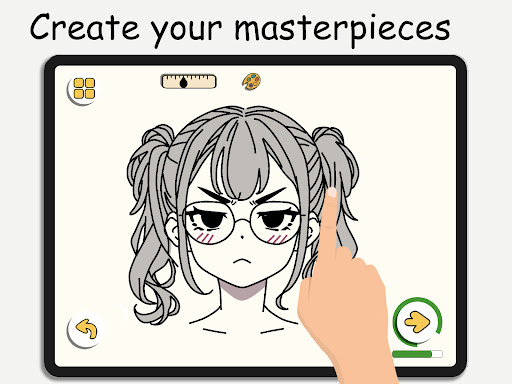
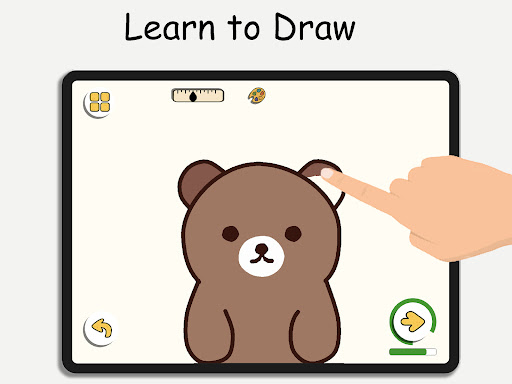
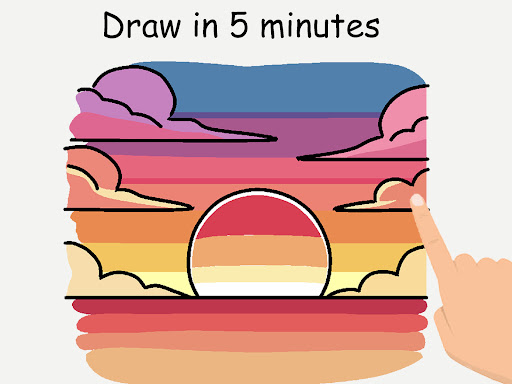
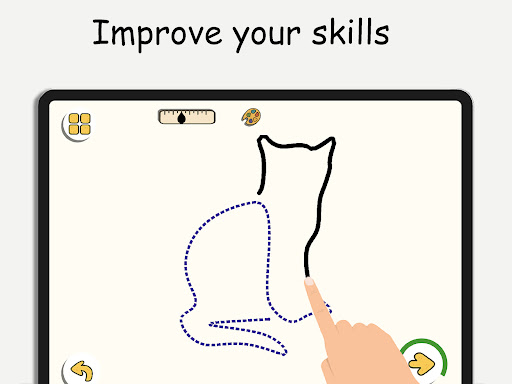
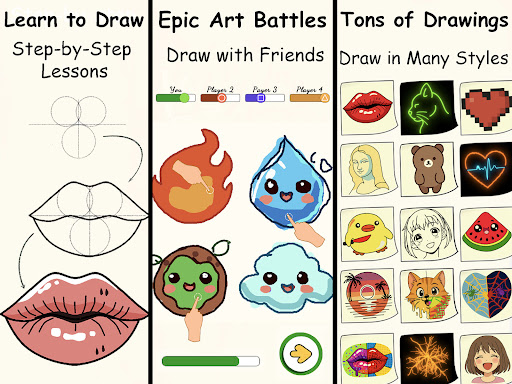
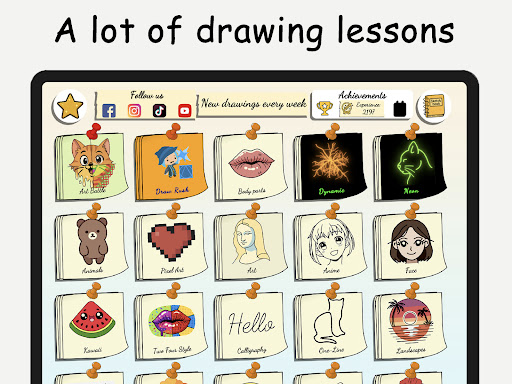
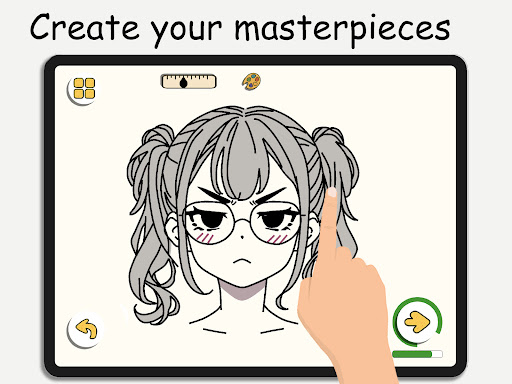

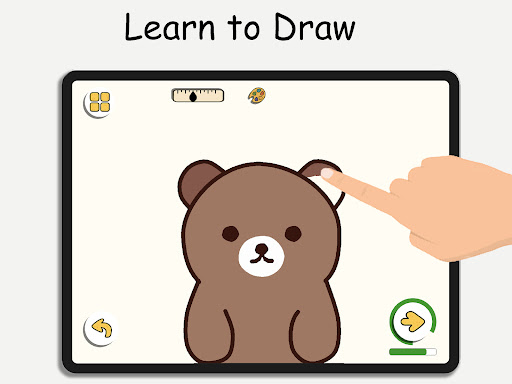
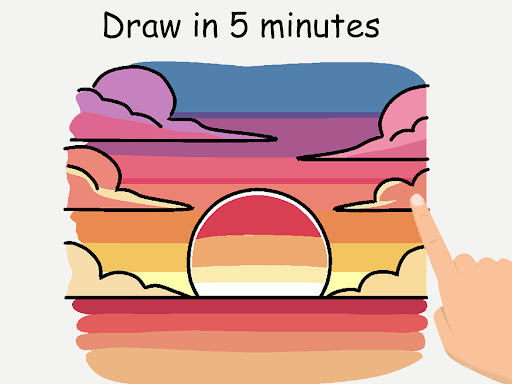

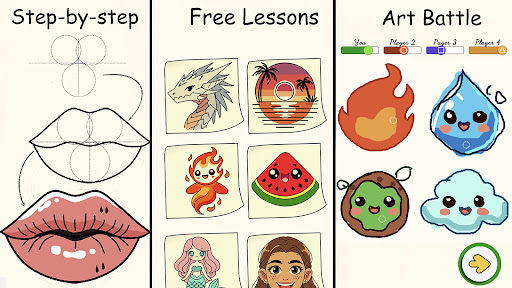
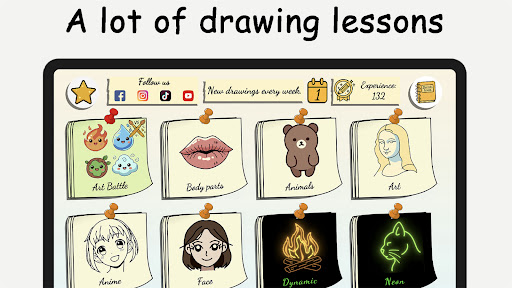

ArtLoop is a comprehensive drawing application designed to help users learn and improve their art skills through step-by-step tutorials, interactive challenges, and multiplayer drawing games. Whether you are a beginner or an experienced artist, this app offers structured lessons covering various topics such as sketching, anime, and cartoon drawing.
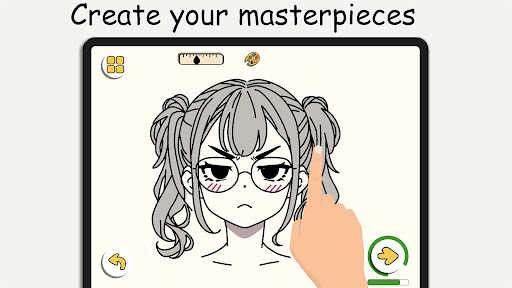
The app features tailored learning paths with categories ranging from cute animals to anime eyes, ensuring there's something for everyone. With intuitive drawing tools, smooth responsive features, and smart evaluation tools, ArtLoop provides everything needed to create amazing digital art while tracking progress over time.
One of the standout features is the ability to engage in multiplayer drawing battles, where users can challenge friends or random players. This competitive yet fun environment helps users refine their skills and stay motivated. Additionally, ArtLoop supports offline drawing, allowing users to practice anytime, anywhere without needing an internet connection.
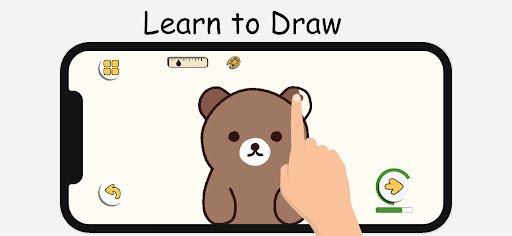
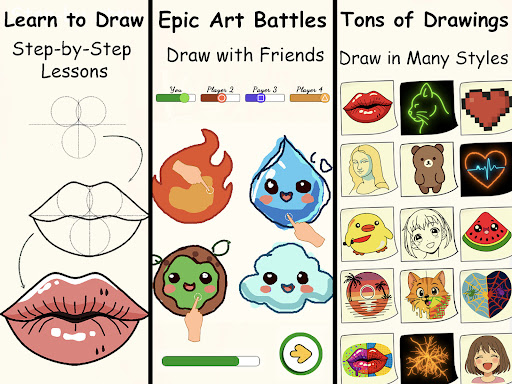
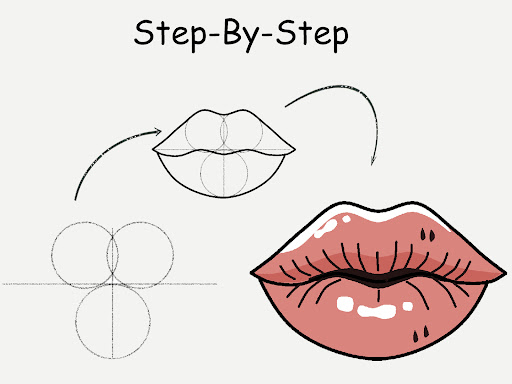
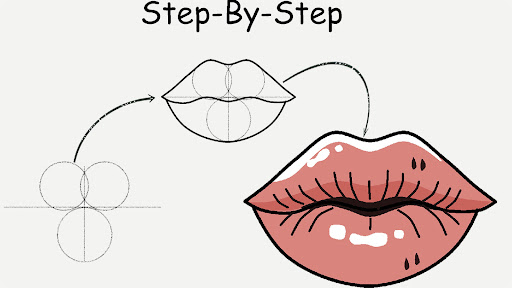
ArtLoop boasts a variety of features that cater to artists of all levels. The app includes step-by-step drawing lessons that cover a wide range of subjects including characters, animals, food, people, emojis, and anime. Each lesson is designed with clear instructions, making it easy for beginners to follow along and improve their technique.
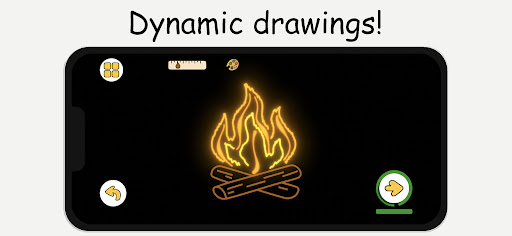
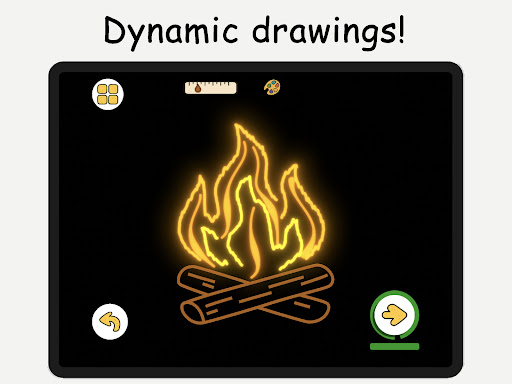
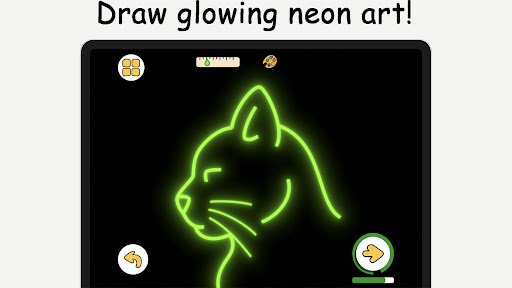
For those looking to enhance their skills further, ArtLoop offers quick draw and speed draw challenges. These timed sketch rounds push users to think fast and refine accuracy, serving as excellent warm-ups or competitive sessions. Moreover, the app includes pixel art mode and neon drawing options, providing grid-perfect pixel drawing and luminous brush effects respectively.
Another innovative feature is the 'Draw With Friends' option, which allows users to open private rooms and sketch together in real time. This collaborative environment fosters creativity and learning, making ArtLoop not just a tool but a community for aspiring artists.
User-friendly interface
Comprehensive tutorials
Multiplayer drawing games
Offline drawing capability
Smart evaluation tools
Limited advanced tools
Occasional bugs
Ads between lessons
Basic free version
Learning curve for new users

The ultimate tool for creating animations
 4.60
4.60
Art of Combination Wear OS Watch faces (for Wear OS 5+ devices)
3.00
Your AI soulmate — meaningful chats, and unique emotional moments
4.70
Turn your drawings into flipbook-style animations with simple creative tools
4.60
Art of Combination Wear OS Watch faces (for Wear OS 5+ devices)
3.90
Retouch photos. Create or edit images. Endless capabilities.
2.70
Create and Design Custom Logos in Seconds with AI-Powered Tools!
4.40
Just trace a projected picture on paper and color! Draw & Paint with AR drawing
4.40
Explore future self face age filter & remove background image for a unique look.
3.50
Minecraft & Roblox Clothes
4.70
Castle is social media for creating and playing games!
4.60
Draw Trace image sketch by, AR art projector app, Easy to trace any image.
4.50
Photo blender app to create overlay photos & double exposure.
4.40
Bring One UI 8.5 Icons to life -elegant dark icons with a modern, premium touch.
4.30
Customizable Outlined Fonts. Watch Face Format. Battery friendly Digital Clock.
4.20
Paint with oils and sketch with natural tools on a realistic virtual canvas.
3.80
Design unique, funny and adorable cat stickers that reflect your own style!
3.80
Sketch, trace and master AR drawing with awesome anime art!
3.30
Pose and morph realistic male and female models! 3D poser app
3.00


User Reveiws