
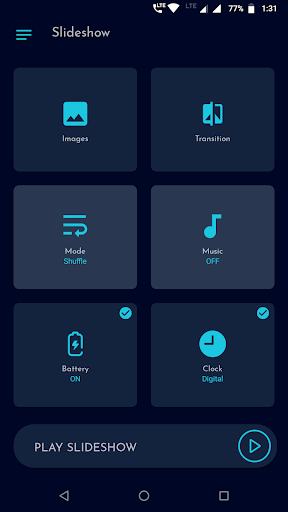

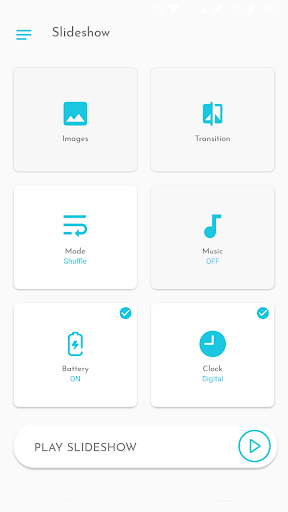
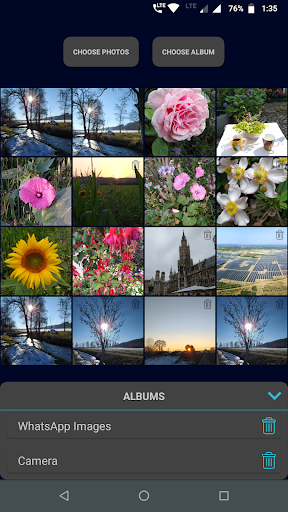
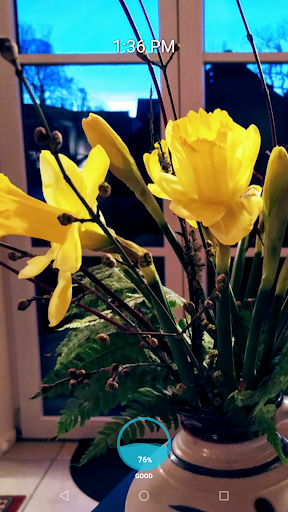
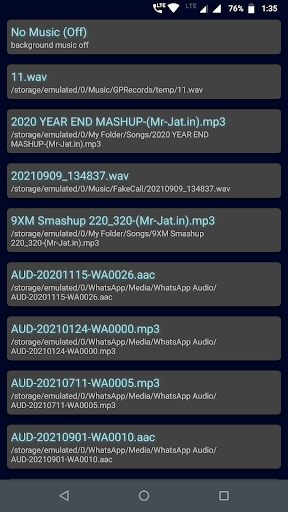
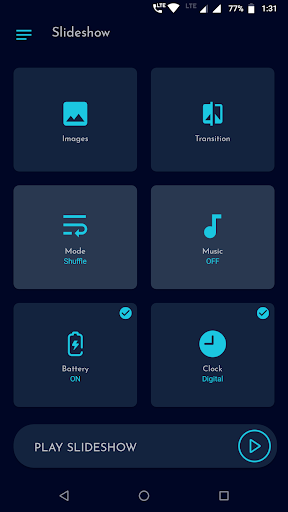
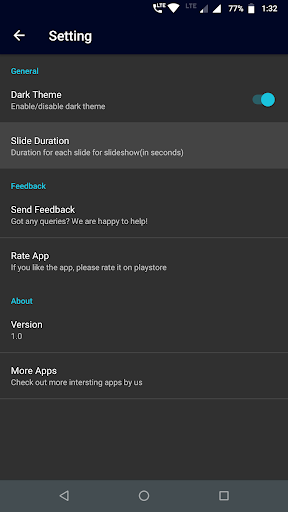

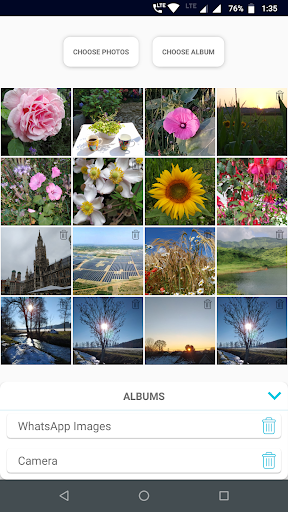
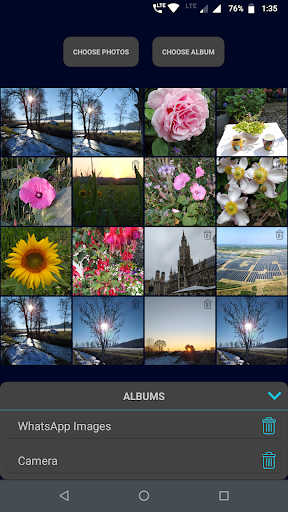
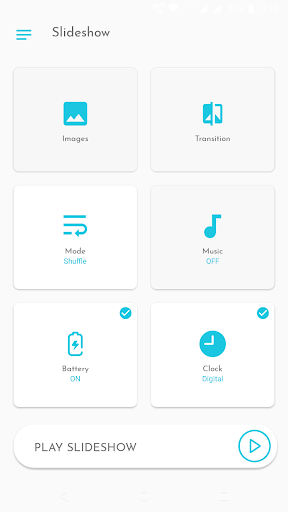
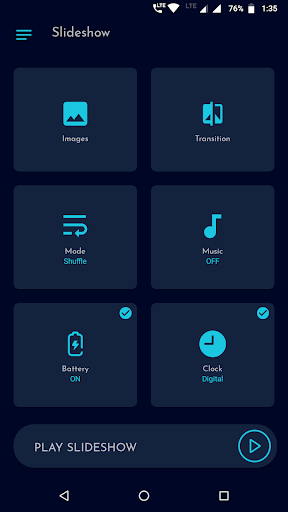
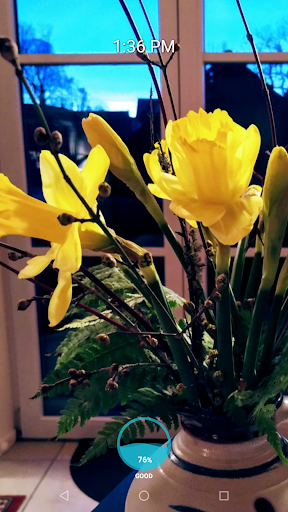
Gallery Slideshow is a photography app designed to display your gallery photos as dynamic slideshows on your phone screen with background music and transition effects. Unlike video editing or slideshow maker apps, this tool focuses on simplicity, allowing users to enjoy their photos without generating output files.
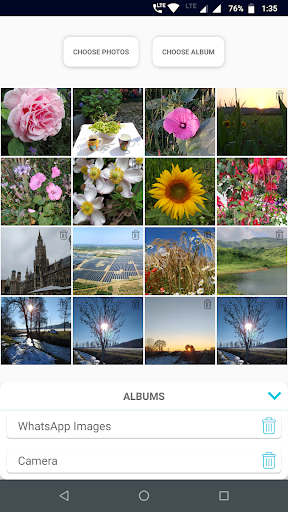
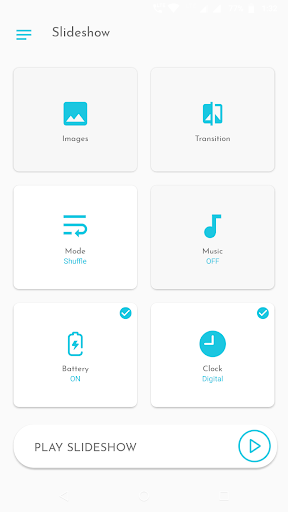
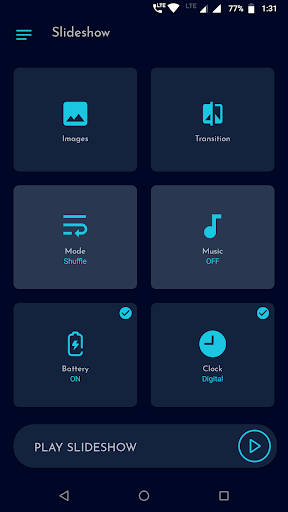
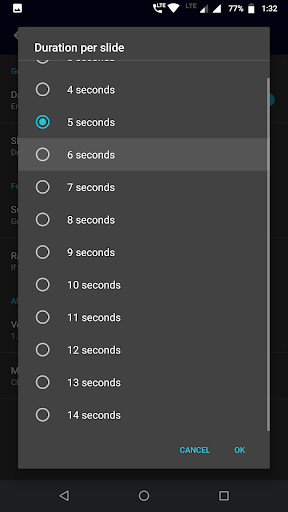
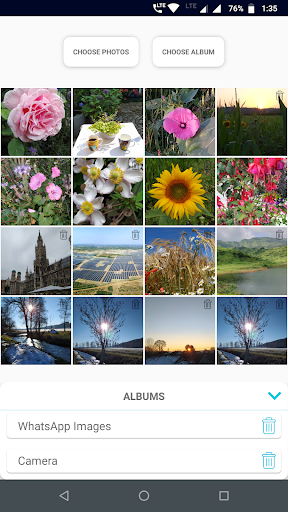
The app supports multiple photo selections, folder imports, and customizable settings such as transitions, durations, and shuffle modes. With additional features like battery percentage display, clock overlays, and music options, it enhances the viewing experience while maintaining ease of use.
Perfect for personal entertainment or sharing memories with friends, Gallery Slideshow offers a lightweight yet engaging way to revisit your favorite moments directly on your smartphone screen.
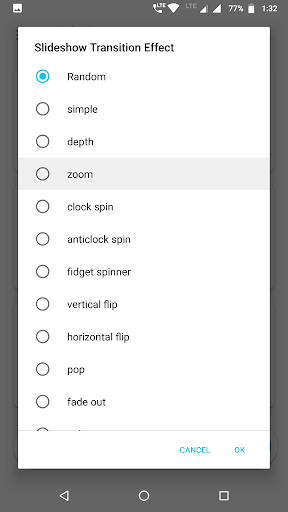
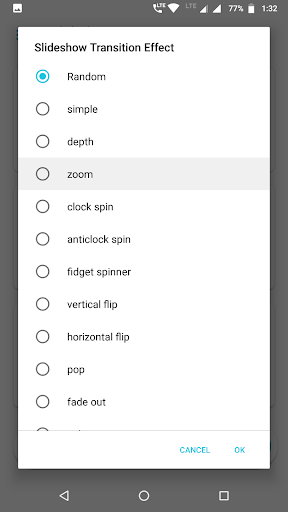
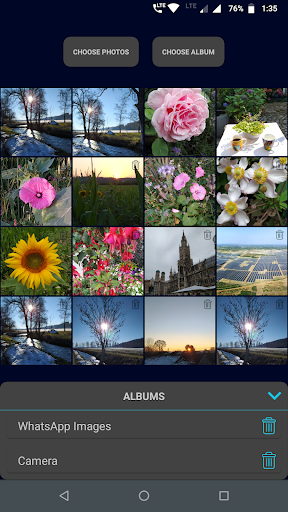
Gallery Slideshow stands out with its user-friendly interface and versatile customization options. Users can select any number of photos or entire folders for their slideshow, ensuring flexibility in how they showcase their images. The app provides a variety of cool transition effects, adding a professional touch to each presentation.
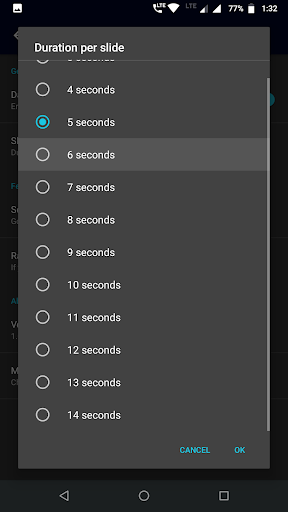
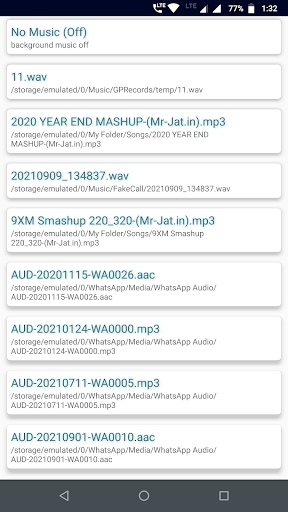
Additional features include sequence or shuffle modes for photo order, background music selection, and adjustable slide durations. Unique options like displaying battery percentage, analog or digital clocks, and even both together make the app suitable for extended viewing sessions. These functionalities ensure that every slideshow is personalized to individual preferences.
Unlike complex video editors or slideshow makers, Gallery Slideshow keeps things simple by focusing solely on enhancing the viewing experience without creating output files. Its intuitive design ensures that users of all technical levels can easily navigate and enjoy their photo collections.
User-friendly interface
Customizable transitions
Flexible photo selection
Background music support
Battery and clock display
No video generation
Limited editing tools
Basic feature set
No status maker
Simple UI only

What celebrity do you look like? Celebs will find your celebrity match!
 4.10
4.10
Edit like a pro with Hypic. Apply filters, AI effects, & magic touch.
4.40
AI photo editor with hair editor, retouch tools, hair color changer & filters!
4.50
Take videos and pictures with the popular TikTok TIME WARP SCAN filter.
4.60
Turn your phone into a professional camera - full DSLR manual photography
4.30
HD Camera Pro with HD Video shooting, Panorama, Photo editor , Beauty Camera.
4.50
Easily create custom gifts, cards, photo books & more on the Shutterfly app!
4.60
Unlock the full potential of your DJI drone with Litchi
4.50
Try an anime version, cartoon yourself, and generate AI hug or aging videos!
3.70
Photo prints, cards, & gifts at Walgreens. Easy ordering & fast local pickup !
4.80
Safe & smart flight with Go Fly drone controller for 40+ drone camera, zone map
4.50
Create Business Headshots, Polaroid Filter, Retake Photos,Profile Pics,AI Photos
4.50
Photo editor & gallery. Crop pictures & edit photos offline, no wifi!
4.50
[3DSteroid Pro] is a stereoscopic application for Android.
4.30
Shooting photos and records video easily and efficient with professional Camera
4.30
Smart, light, and fast photo and video gallery
4.30
The #1 app for B&W film developing featuring an advanced darkroom timer.
4.10
Long exposure camera with computational photography
2.60
Over 800 film simulation recipes for Fujifilm. Black Friday Offer!
4.0


User Reveiws