



TIME WARP SCAN

4.60

Information

Category:

Photography

Price:

Free

Rank:

33

Rating:

4.60

Overview

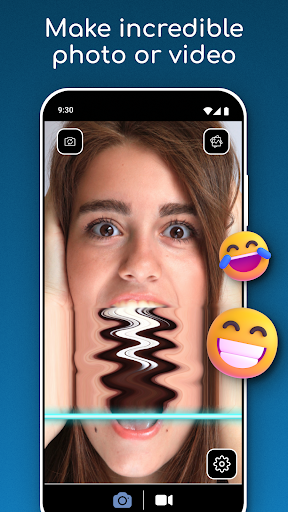
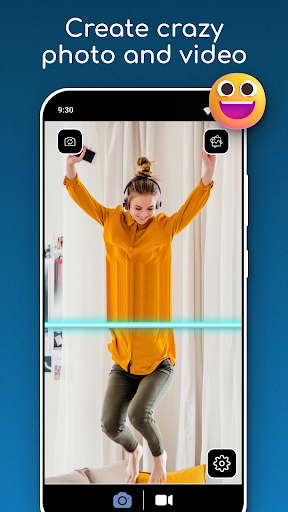
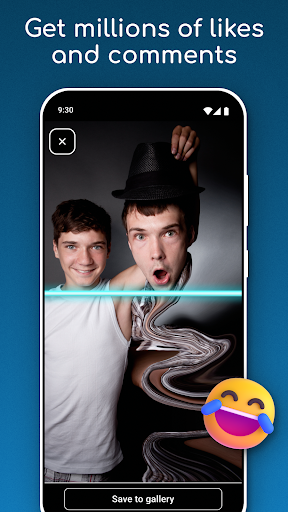
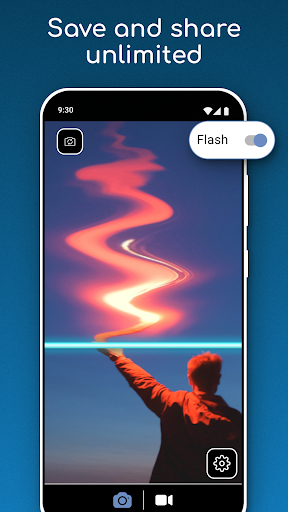
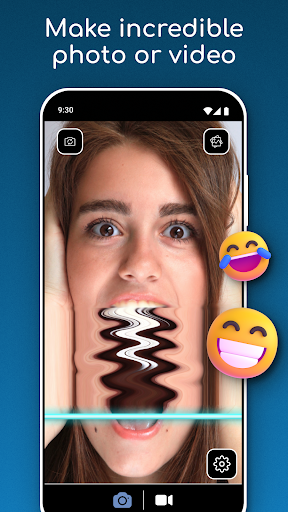
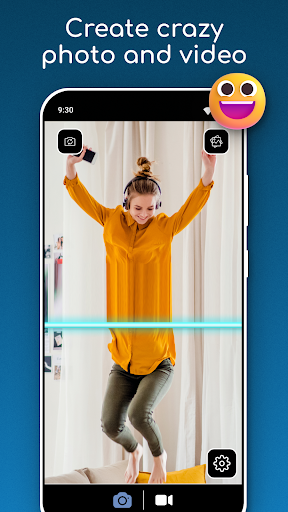
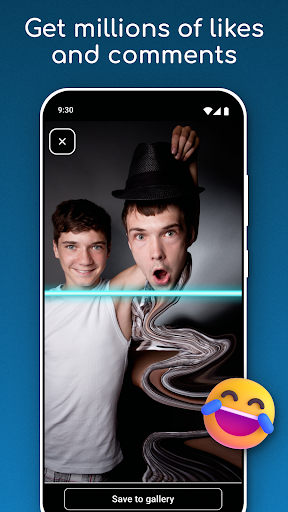
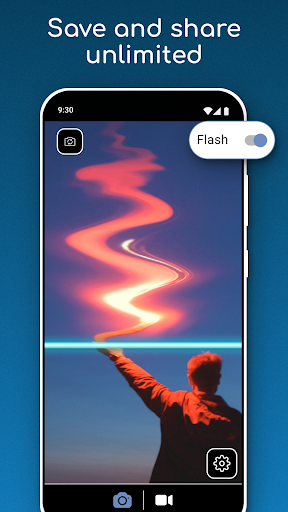
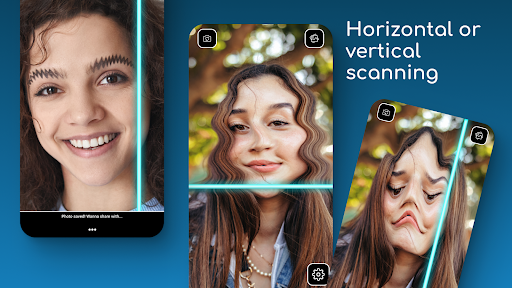
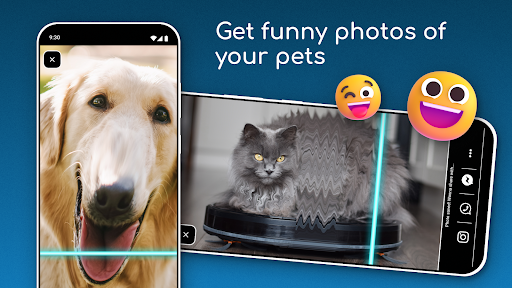
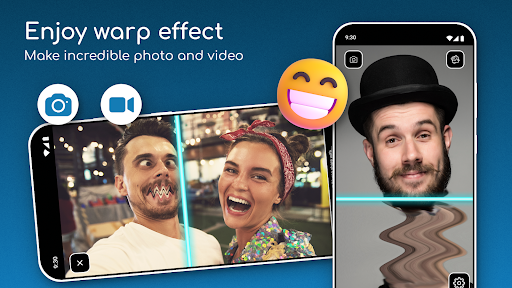
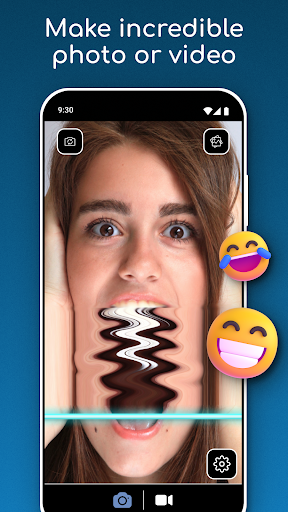
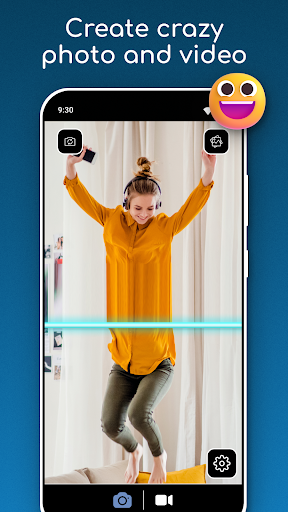
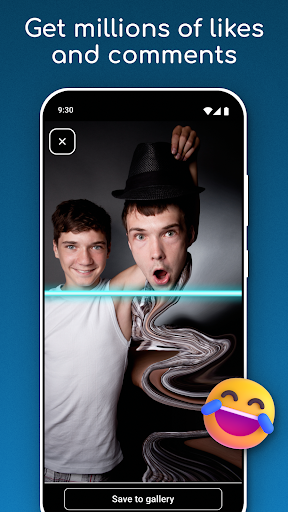
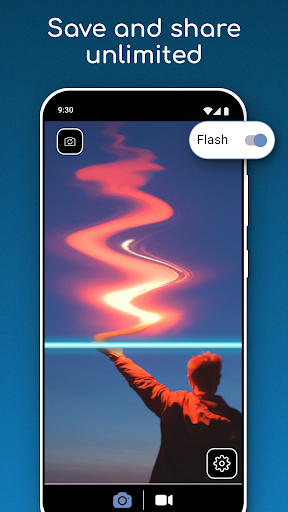
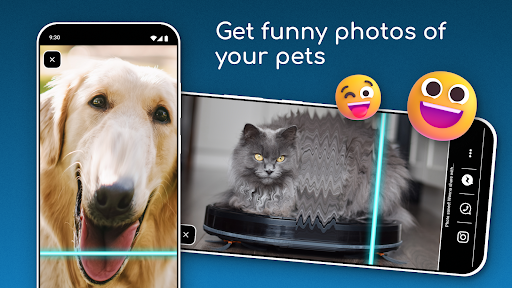
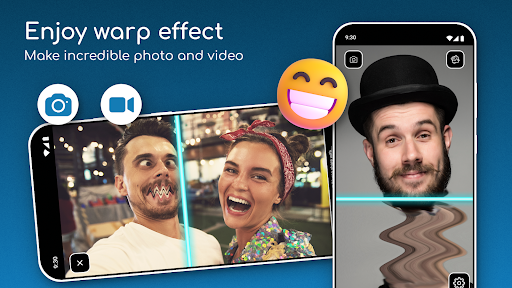
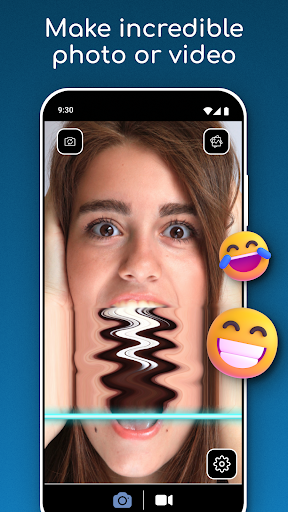
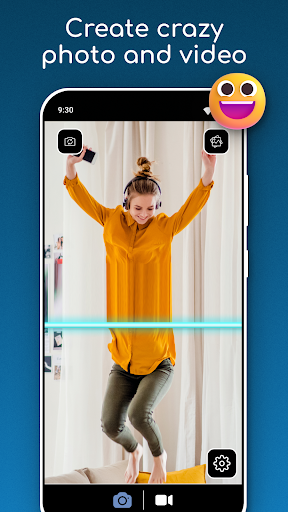
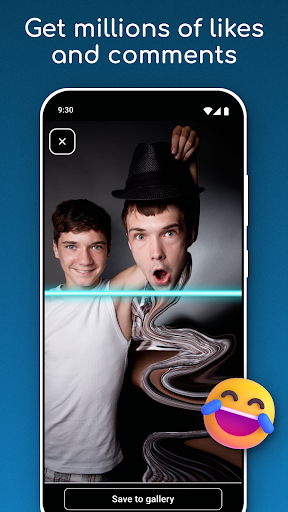
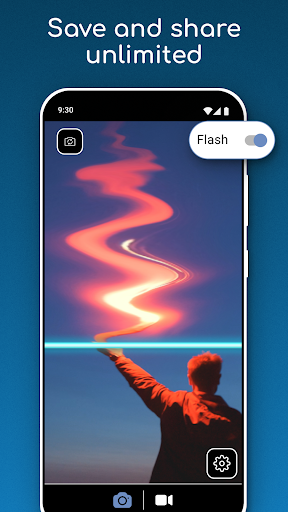
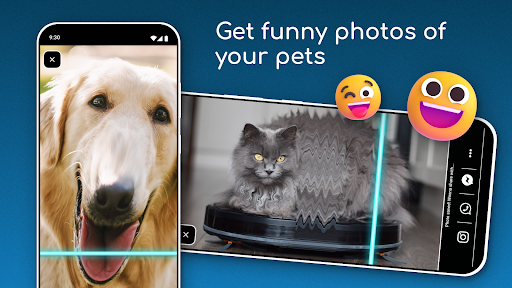
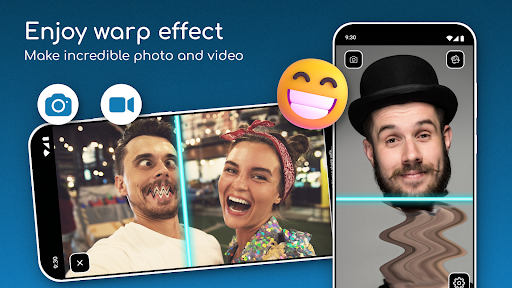
TIME WARP SCAN is a photography app that allows users to create unique and funny content using the Time Warp Effect. The app's core feature is its Blue Line Filter, which adds a distinctive twist to photos and videos. Users can capture moments with friends or produce visually stunning visuals with ease.

The app offers various creative modes such as Face Freeze and Slit Scan, enabling users to experiment with artistic styles. Whether for casual use or more professional creative projects, TIME WARP SCAN provides tools that cater to different needs. Its value lies in making creative photography accessible to everyone without requiring advanced skills or equipment.

Features

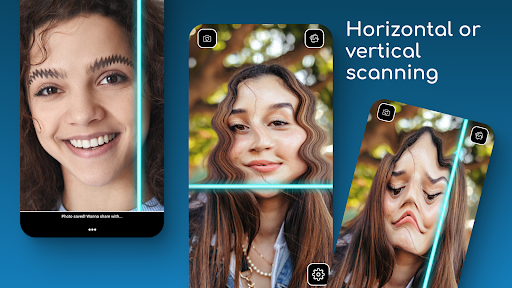
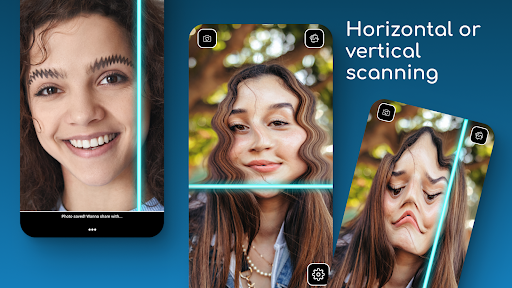
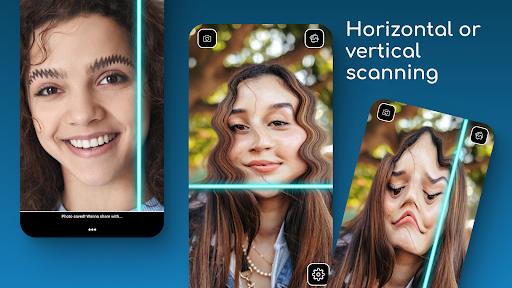
TIME WARP SCAN stands out with its diverse features designed to enhance user experience. One notable feature is the ability to choose scan directions, either horizontal or vertical, allowing for customized content creation. This flexibility ensures that users can tailor their creations according to personal preferences.

Another significant feature is the Warp Camera's Face Freeze mode, which captures unique visual effects. Additionally, the app includes a simple Time Scan Filter, eliminating the need for social media platforms to apply filters. These features collectively offer a comprehensive toolkit for creating engaging and humorous content, setting TIME WARP SCAN apart from other photography apps.

Real-Time Capture & Preview

Real-time capture and preview functionality is essential in photography applications as it allows users to see exactly what the camera is capturing before taking a photo or recording a video This ensures that users can make necessary adjustments to achieve the desired outcome The Time Warp Scan Face Scanner app excels in this area by providing an intuitive real-time capture experience with its unique Time Warp Effect Blue Line Filter When using the app users can instantly see the effects applied to their photos or videos through the camera preview This immediate feedback enables users to fine-tune their compositions ensuring that the final output aligns perfectly with their creative vision Furthermore the ability to choose the scan direction either horizontally or vertically adds another layer of control over the creative process By offering such precise real-time previews the app empowers users to create high-quality content without needing extensive post-production editing The real-time capabilities extend beyond just visual adjustments Users can also experiment with different features like the Warp Camera Face Freeze mode which freezes facial expressions during video recording creating intriguing visual effects All these elements combined provide a seamless and engaging user experience making the Time Warp Scan Face Scanner app a powerful tool for anyone looking to produce standout multimedia content

AI Beauty & Enhancement Naturalness

AI beauty and enhancement features have become increasingly popular in photography apps as they allow users to improve the quality of their photos while maintaining a natural look The Time Warp Scan Face Scanner app incorporates advanced AI technology to enhance images without compromising authenticity One of the standout features is the Timewarp Filter Slit Scan which applies a unique blue line effect across the image This filter not only creates visually striking results but does so in a way that preserves the original essence of the subject The AI algorithms behind this feature intelligently analyze facial features ensuring that enhancements are subtle yet effective For instance when using the Face Warp Scanner Funny Face Filters the app carefully distorts certain aspects of the face to generate humorous effects while keeping other elements intact This balance between creativity and realism sets the app apart from others in the market Additionally the AI-powered enhancements are designed to work seamlessly with the real-time capture functionality allowing users to preview changes instantly This integration ensures that users can make informed decisions about how much enhancement they want to apply Another notable aspect is the Warp Camera Face Freeze mode which leverages AI to freeze specific facial expressions during video recording This feature adds an extra dimension of creativity enabling users to produce videos that are both entertaining and visually appealing Overall the AI beauty and enhancement capabilities of the Time Warp Scan Face Scanner app offer a sophisticated yet user-friendly approach to photo and video editing empowering users to unleash their creativity while maintaining a natural aesthetic

Props

User-friendly interface

Unique visual effects

Customizable scan directions

Easy sharing options

Creative Face Freeze mode

Cons

Requires storage permissions

Limited advanced features

No social media integration

Basic editing tools

May drain battery quickly

Features and Functions

What is this app and what can I use it for?

A photography app for creating fun content with Time Warp Effect.

How do I download and install this app on my device?

Download it via Google Play Store on your Android device.

How do I get started after opening the app for the first time?

Open the app and select the desired filter to begin.

What are the main features and capabilities of this app?

Key features include Blue Line Filter and Face Freeze mode.

How can I customize my experience and adjust preferences?

Adjust scan direction and filter settings in preferences.

How do I save or bookmark my favorite content for later access?

Save your favorite content directly to your device gallery.

How can I share content with friends or on social media?

Share content via direct links or social media platforms.

How do I access detailed information and explore more content?

Access detailed info through the app's help section.

What permissions does this app need and how do I manage them?

The app needs storage permission to save media files.

How do I check for updates and keep the app running smoothly?

Check for updates in the app's settings or Google Play.
Show more

User Reveiws

{{ comment.reviewer_name }}
{{ comment.review_date_formatted}}
{{ comment.review_content }}
{{ tab.name }}
{{ comment.reviewer_name }}
{{ comment.review_date_formatted}}
{{ comment.review_content }}
No reviews with this rating