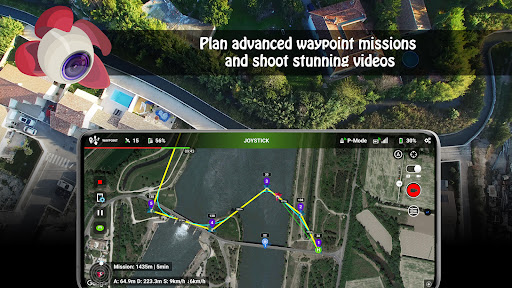
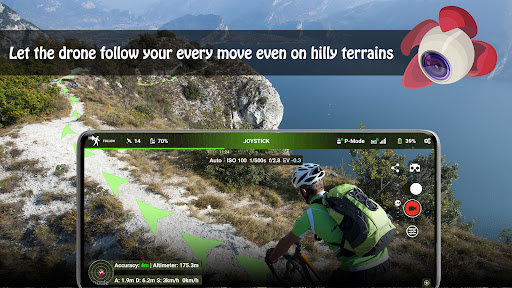
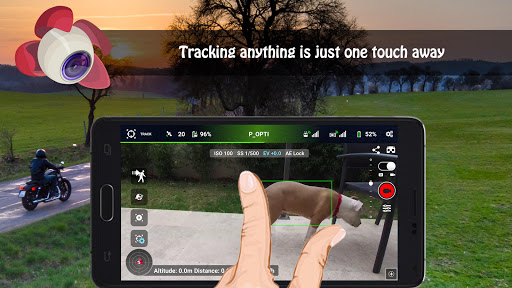
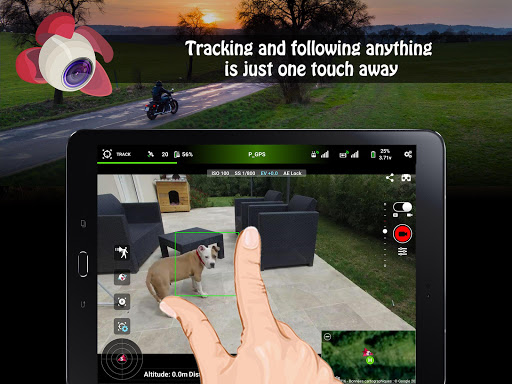

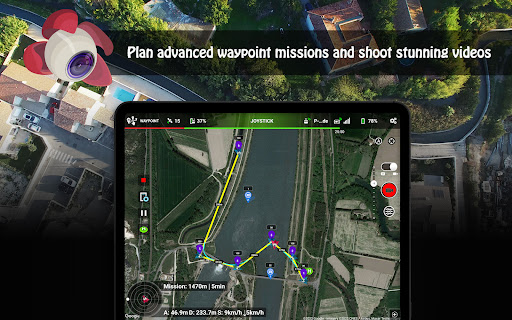
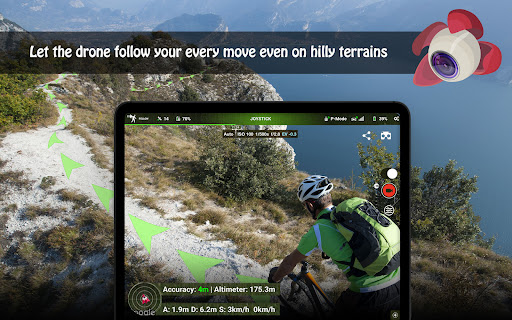
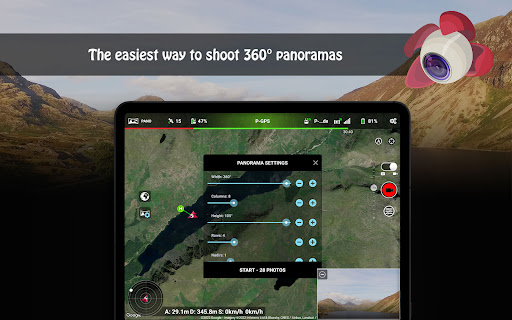
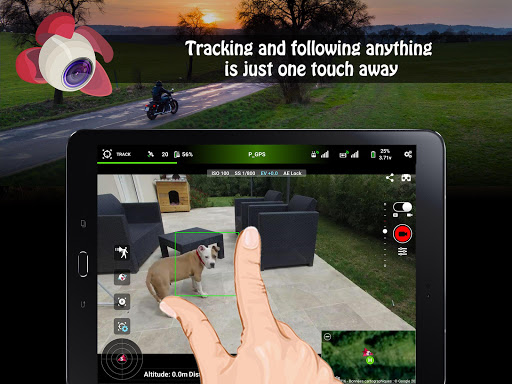
Litchi for DJI Drones is the premier application designed to unlock the full potential of your DJI drone. With compatibility across a wide range of models, Litchi offers an intuitive yet powerful flight experience. The app boasts features such as Waypoint mode, allowing seamless flight plan syncing across devices, and Panorama mode for capturing stunning aerial shots. Whether you're a professional photographer or a drone enthusiast, Litchi provides tools like Track mode and Follow mode that utilize advanced computer vision algorithms to enhance your flying experience.
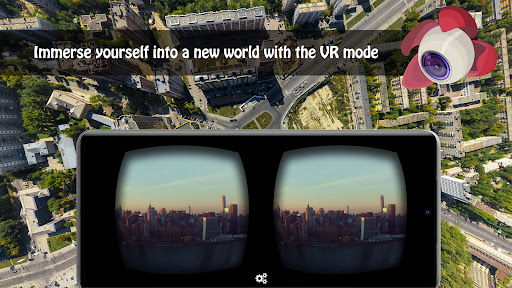
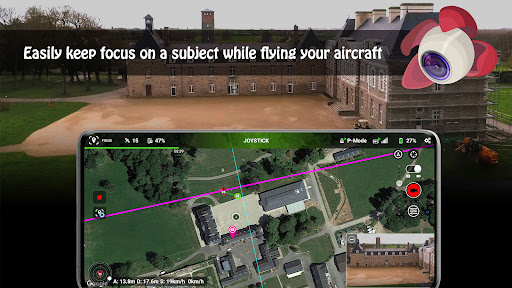
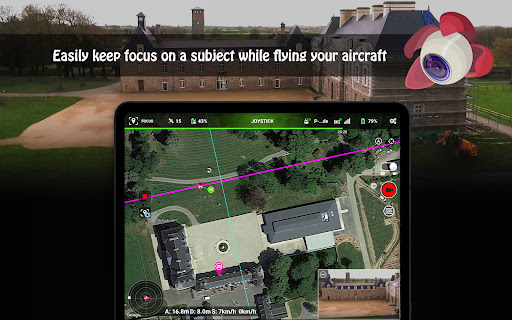
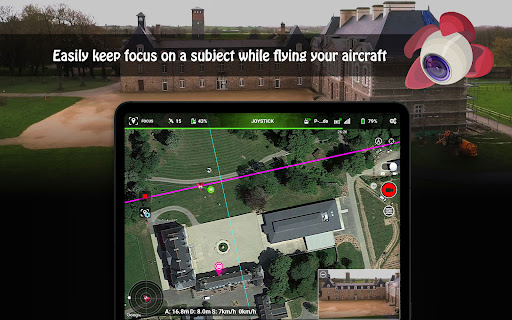
Additionally, Litchi offers unique modes such as VR mode for an immersive FPV experience and Focus mode to assist with complex maneuvers by controlling the gimbal and yaw axis. These features ensure users can capture professional-quality footage while enjoying a user-friendly interface. By integrating with platforms like Airdata.com and providing human-readable flight logs, Litchi not only enhances the flying experience but also simplifies post-flight analysis, making it invaluable for both hobbyists and professionals alike.
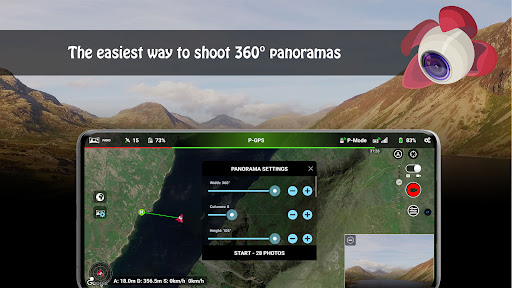
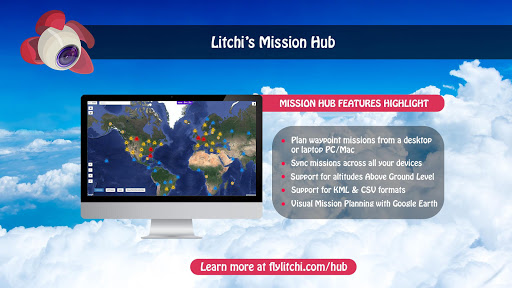
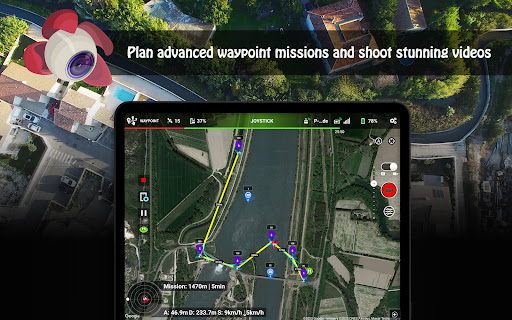
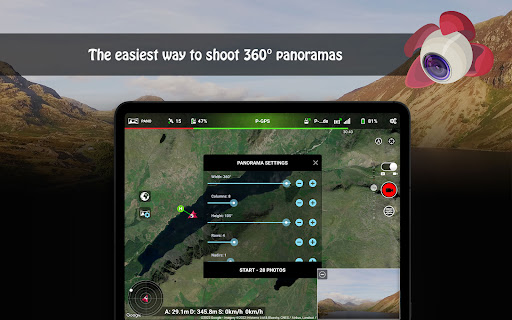
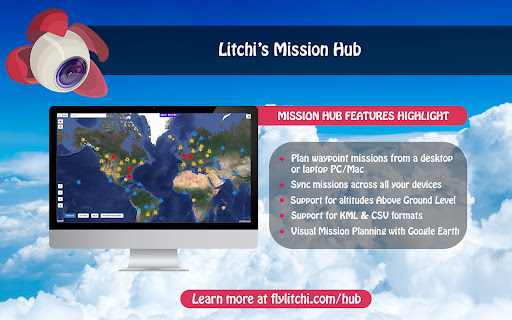
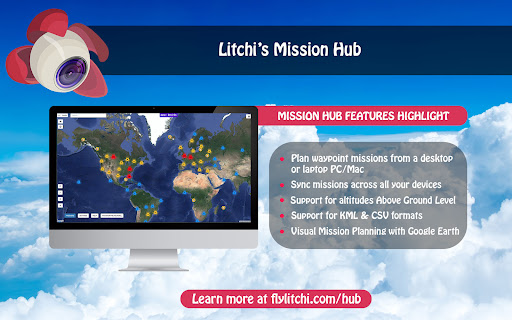
Litchi stands out with its comprehensive feature set tailored for DJI drone pilots. One of its key features is the Waypoint mode, which allows users to create intricate flight paths using an intuitive planner available on multiple platforms including PC and Mac. This ensures synchronized and efficient flights regardless of the device used. Additionally, the Panorama mode enables users to effortlessly capture horizontal, vertical, and 360 spherical panoramas, enhancing photographic capabilities.
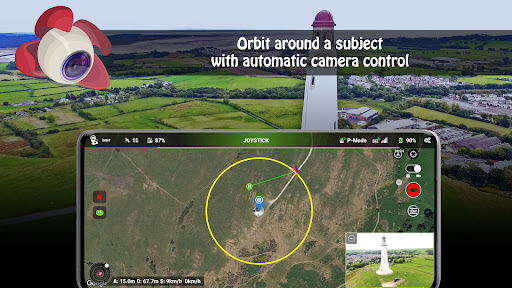
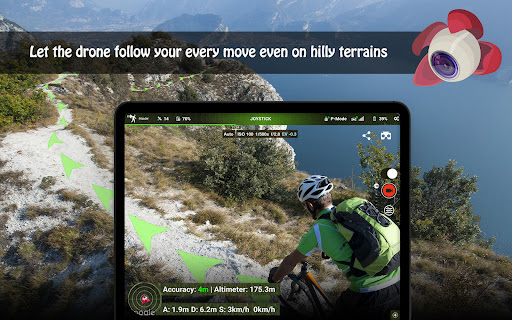
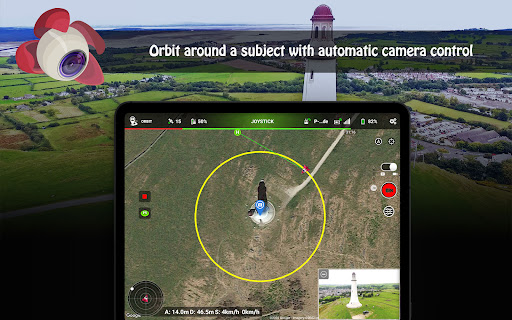
Beyond these, Litchi incorporates advanced modes like Track and Follow, utilizing cutting-edge computer vision algorithms to keep subjects perfectly framed. The VR mode offers an unparalleled immersive experience by leveraging mobile phone technology, requiring separate goggles. Moreover, practical functionalities such as Orbit mode, live streaming to Facebook or RTMP servers, and support for bluetooth controllers underline Litchi's commitment to providing a versatile and powerful toolset for drone enthusiasts, ensuring they have everything needed for a successful flight.
User-friendly interface
Advanced waypoint planning
Immersive VR experience
Professional quality footage
Wide drone compatibility
Not compatible with latest DJI drones
Requires internet for initial setup
Separate goggles needed for VR
Premium pricing for additional features
Complex for beginners

Effortlessly organize, view and share your photos & videos with Gallery app!
 4.40
4.40
Professional video recording application with manual controls for filmmakers!
2.80
Application for remote controlling DSLR
3.00
Movie camera, supports pro recording settings for filming. Try it and be amazed!
4.50
Enhance, retouch & create your story - Share the moment with Photoshop Express.
4.60
Hair color changer, AI haircut app, fun hair editor and buzz cut filter for all!
3.80
Unblur, enhance & restore photos with powerful AI photo enhancer tools.
4.60
Pro version: AR sun/moon tracker for any date. Tool for photographers & planners
4.90
Solocator stamps photos you take with GPS location, Compass Direction, Date/Time
3.80
Find time and duration of different sunlight phases at any location
4.90
Gallery show photo, video, slideshow, is perfect 3D effect private photo albums.
4.80
AI Photo Editor with 100+ Filters, Effects! Remove BG, Retouch & Photo Enhancer.
4.80
Viewfinder, Light meter, Reciprocity failure time, DOF & Bellows Extension
4.60
PhotoSync Bundle Add-On License. Enables all features and services in PhotoSync.
4.60
Edit like a pro with Hypic. Apply filters, AI effects, & magic touch.
4.40
Create AI Photos, Improve and restore quality of blurry, old or damaged pics.
4.20
Catch sunlight, sunrise sunset times and sun phases with the AR sun tracker.
4.10
How old age camera Gender Swap App Face Shape Hairstyle App Hair Styler App fun!
4.00
HD Photo gallery and photo manager to edit, hide private photos, videos & albums
4.4


User Reveiws