
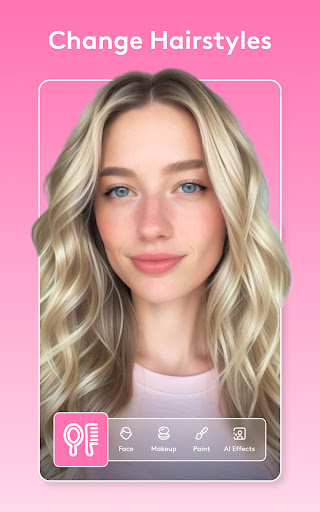
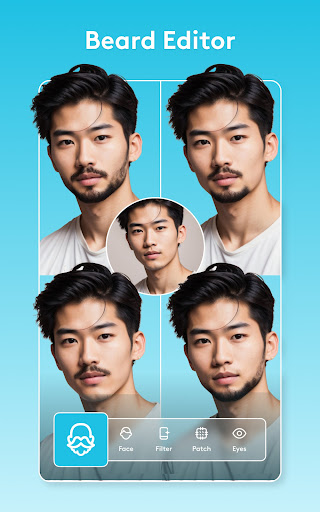

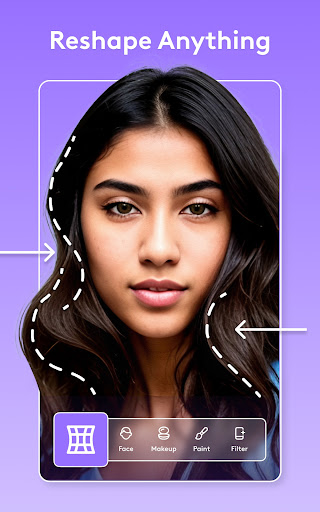
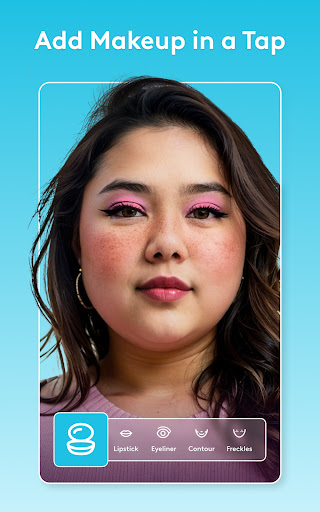
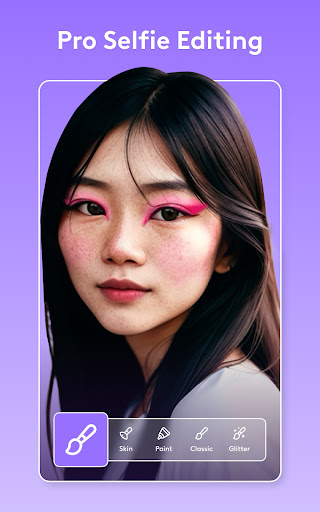

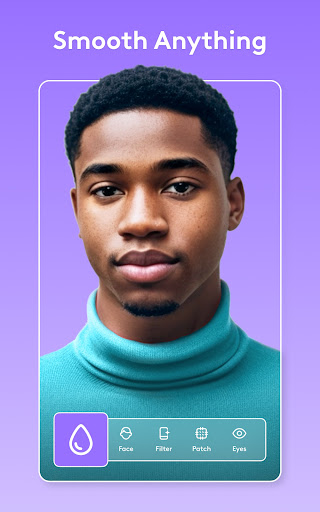
Facetune is the ultimate AI-powered photo and video editor that allows users to effortlessly enhance their digital content. With its comprehensive suite of editing tools, the app enables users to transform ordinary photos and videos into professional-grade creations. Whether you're perfecting a quick selfie or producing polished headshots, Facetune offers an intuitive platform for achieving standout results without requiring advanced technical skills.
The app's core strength lies in its powerful AI capabilities, which simplify complex editing tasks. From one-tap enhancements to detailed manual adjustments, Facetune provides precise control over every aspect of photo and video retouching. Users can smooth skin, reshape features, apply makeup, and experiment with new hairstyles—all within a single application. This makes Facetune particularly valuable for social media enthusiasts and content creators seeking to elevate their visual storytelling.
Facetune distinguishes itself through its innovative AI-driven features that cater to both casual users and creative professionals. The app's one-tap editing tools allow for instant improvements, such as skin smoothing, teeth whitening, and eye brightening, while more advanced options enable detailed retouching of individual frames in videos. Its ability to handle entire video clips with consistent quality sets it apart from conventional photo editors.
Another standout feature is the app's versatility in style experimentation. Users can easily change hair color, try different makeup looks, or even swap backgrounds for a studio-quality effect. Additionally, Facetune's intelligent algorithms continually evolve, offering cutting-edge tools like body reshaping, tan simulation, and smile enhancement. These functionalities ensure that users have everything they need to create flawless visuals tailored to their unique preferences.
User-friendly interface
Advanced AI tools
Versatile editing options
High-quality results
Regular feature updates
Premium subscription required
Steep learning curve
Occasional performance issues
Limited free features
Resource-intensive
Trendy TikTok time warp scan funny filter app brings you unique photos & videos.
 4.40
4.40
HD Photo gallery and photo manager to edit, hide private photos, videos & albums
4.2
Be your best in every shot! Fix, edit and retouch your face in selfies & photos.
3.70
Automatically backup your photos and videos to computer, NAS and Cloud services
4.60
GCamera allows all GCam features on all phone models! Better photos with GCamera
3.30
Enhance, retouch & create your story - Share the moment with Photoshop Express.
4.60
Transform Photos: Edit, Beautify and Craft Memories & Make Collages!
4.10
Unblur, enhance & restore photos with powerful AI photo enhancer tools.
4.60
Edit photos with the picture generator: PS2 & AI Clay filters, cartoon effects.
4.50
AI Photo Editor with 100+ Filters, Effects! Remove BG, Retouch & Photo Enhancer.
4.80
Add Watermark - Sign your pictures with a text or logo. Effective, quick, easy!
4.50
Photo Exif Editor allows to view, add and modify EXIF data of multiple photos
4.50
Create AI photos & videos with Enhancer; restore, fix, beautify, enhance photos
4.50
Effortlessly organize, view and share your photos & videos with Gallery app!
4.40
RAW video capture with advanced controls
4.40
Create & Edit with AI: AI Remove, Enhance, Retouch, Filter
4.10
Astrophotography with your smartphone, photo live stacking and much more!
3.90
USB Storage Access for Photos, Videos, Music and Documents
3.80
Superimpose one photo on top of another using the original Superimpose app!
3.20


User Reveiws