
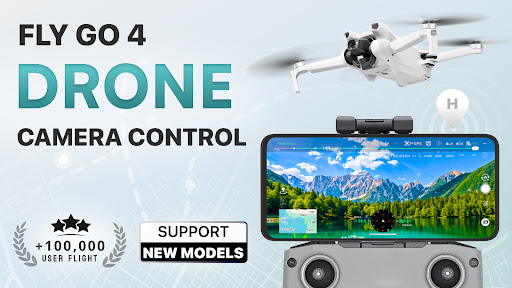


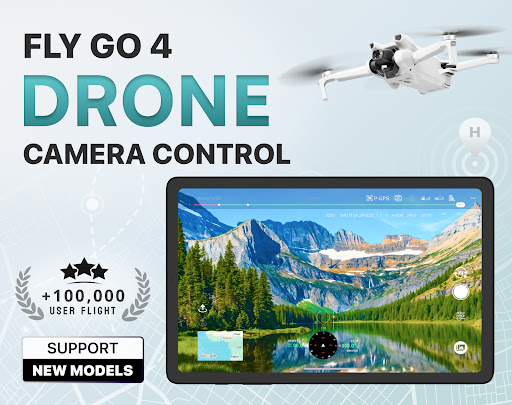
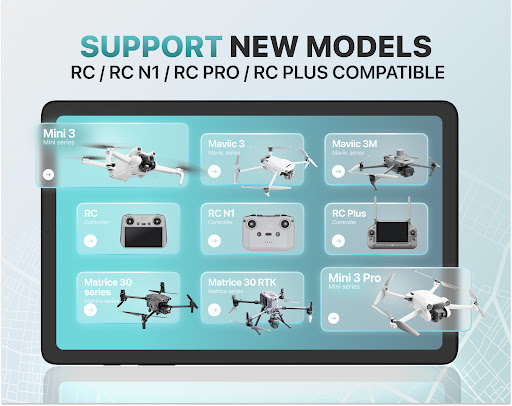

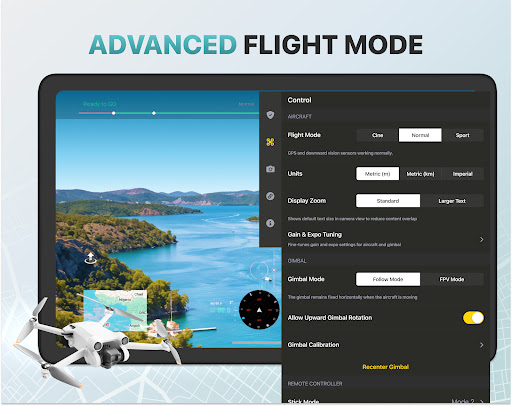

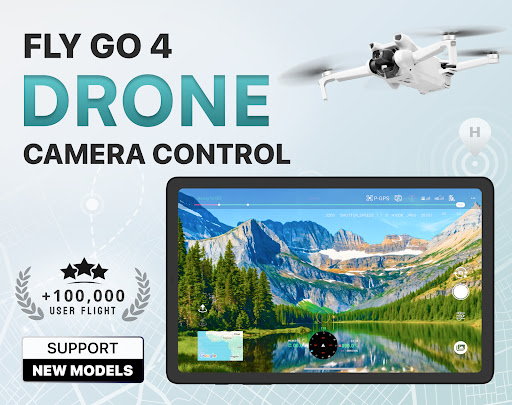
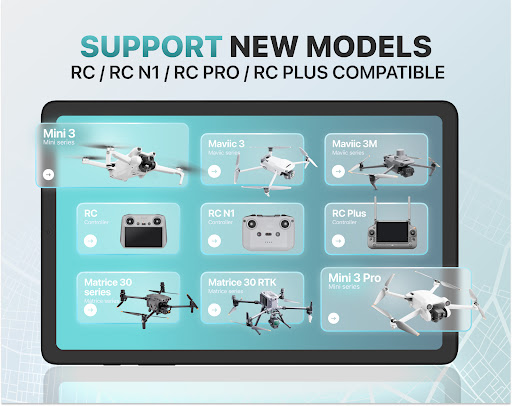

Fly Go 4 Drone Camera Control is a comprehensive drone management app designed for both amateur and professional drone pilots. The application offers seamless compatibility with a wide range of drones, flycams, and UAVs, including popular models like Matrice 350 RTK, DJI Mini 3, and DJI Mavic 3 Enterprise Series. With its intuitive interface, users can effortlessly control their drones directly from their mobile devices.
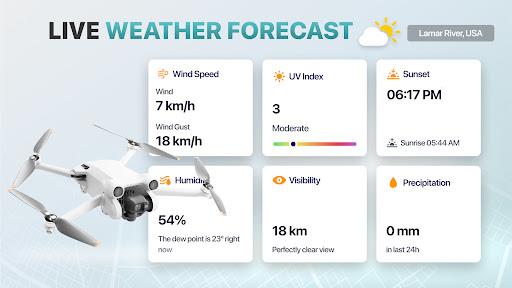
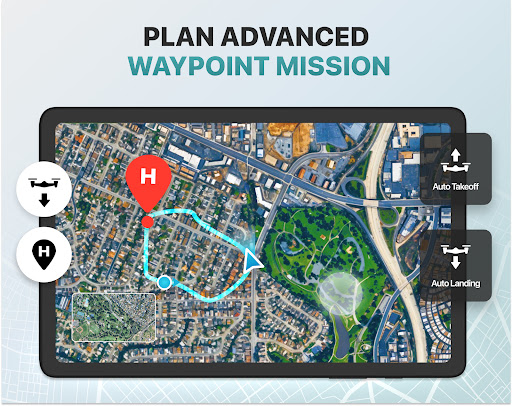
One of the standout features of this app is its ability to provide real-time weather updates, ensuring optimal flying conditions. Additionally, it includes no-fly zone alerts, which help pilots avoid restricted airspaces near airports and military bases. The app also supports advanced camera controls, enabling users to capture stunning panoramic images and videos. Whether you're a beginner or an experienced pilot, Fly Go 4 Drone Camera Control provides all the tools necessary for a safe and enjoyable drone flying experience.
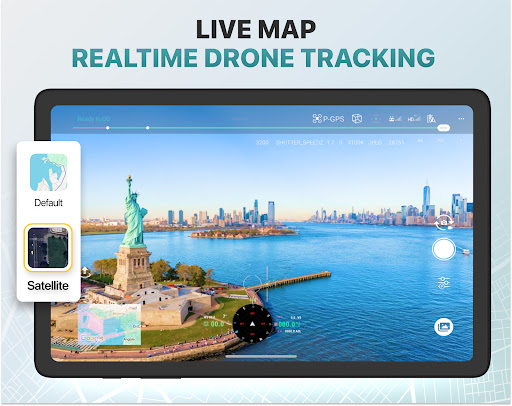
The Fly Go 4 Drone Camera Control app boasts an impressive array of features tailored to enhance the drone flying experience. One of its key functionalities is the real-time camera feed, which allows users to view lag-free video streams directly on their phone screens. This feature enables precise control over the drone's movements and helps capture breathtaking aerial footage with ease.
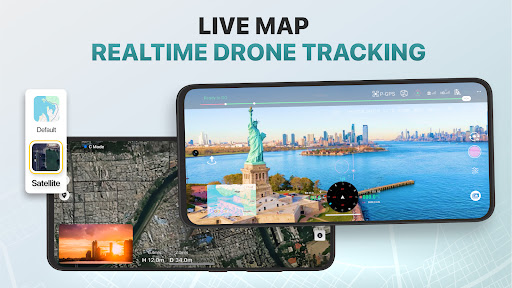
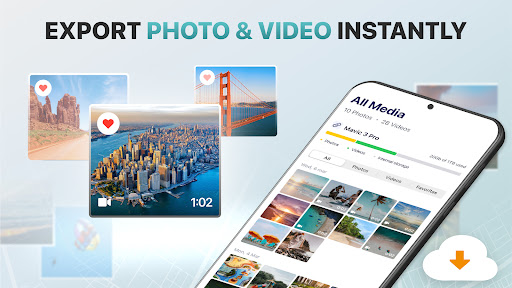
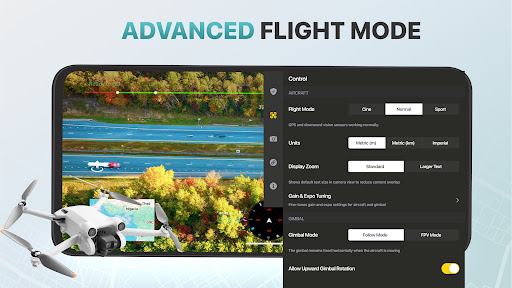
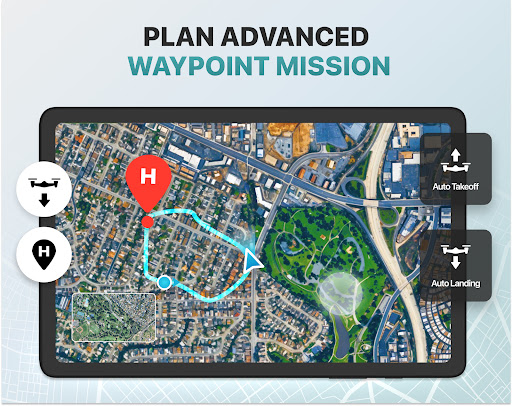
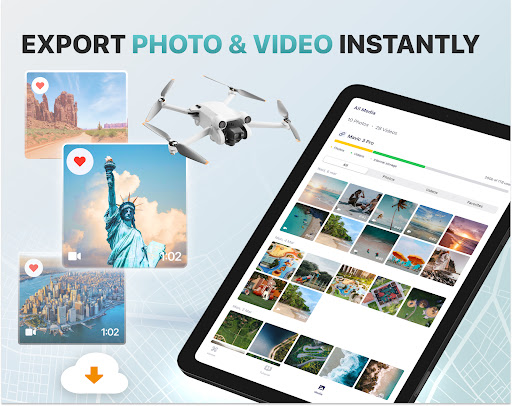
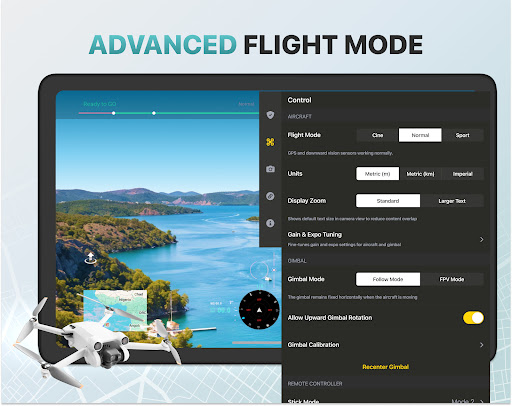
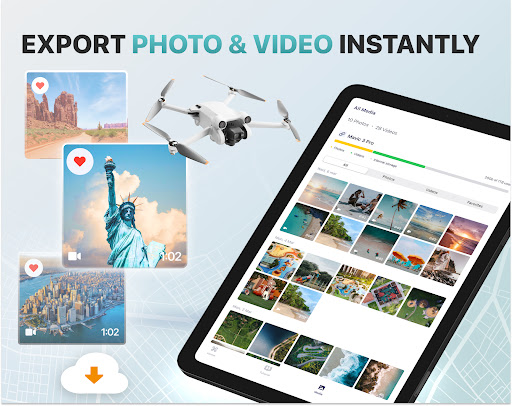
Another notable feature is the smart media export tool, which simplifies the process of transferring captured footage to your device. The app supports various high-quality file formats, making it easy to share and edit content. Additionally, the find my drone functionality uses built-in GPS tracking to help locate your drone quickly in case of loss or emergencies. For beginners, the app offers step-by-step tutorials and intuitive flight modes that simplify complex maneuvers, ensuring a smooth learning curve for new pilots.
User-friendly interface
Wide device compatibility
Real-time weather updates
No-fly zone alerts
Advanced camera controls
Premium subscription required
Limited free trial period
Not an official manufacturer app
Occasional connectivity issues
High cost for lifetime access
A collection of tools and reference tables for DPs, ACs, DITs and Operators.
 4.70
4.70
Effortlessly organize, view and share your photos & videos with Gallery app!
4.40
Find time and duration of different sunlight phases at any location
4.90
Android Native system HD camera app. Never been so simple and faster.
4.70
A must-have app for landscape photographers
4.60
Collage your moments in one tap: 1000+ layouts, filters, stickers, and texts.
4.90
Enhance, retouch & create your story - Share the moment with Photoshop Express.
4.60
AI-powered video creator by MiniMax - Where ideas meet cinema
4.20
PhotoSync Bundle Add-On License. Enables all features and services in PhotoSync.
4.60
Pro version: AR sun/moon tracker for any date. Tool for photographers & planners
4.90
Enhance, upscale, and transform your images — on your device, without limits
4.70
Automatically backup your photos and videos to computer, NAS and Cloud services
4.60
Discover & download millions of art for The Frame TV or Hisense CanvasTV
4.60
Create Business Headshots, Polaroid Filter, Retake Photos,Profile Pics,AI Photos
4.50
Trendy TikTok time warp scan funny filter app brings you unique photos & videos.
4.40
Shooting photos and records video easily and efficient with professional Camera
4.30
live datamoshing
4.00
Astrophotography with your smartphone, photo live stacking and much more!
3.90
Remote control the phone camera shutter from your smartwatch and take a picture
1.60


User Reveiws