HD Camera for Android

4.30

Information

Category:

Photography

Price:

Free

Rank:

61

Rating:

4.30

Overview

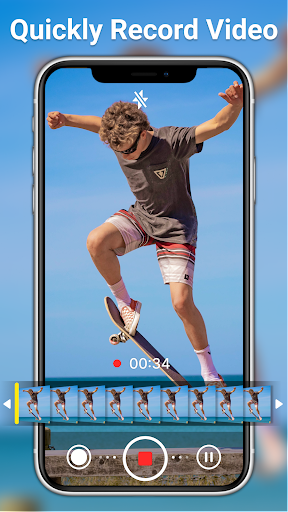
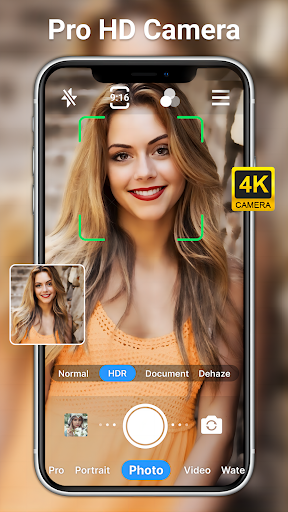
HD Camera for Android is a professional-grade photography application that empowers users to capture high-definition photos and videos with ease. This app offers an extensive suite of features including 1080p full HD shooting, real-time filters, and advanced camera controls.

The app supports both front and rear cameras, providing options like steady shooting, pinch-to-zoom, and various professional shooting modes. Whether capturing moments during the day or night, this app ensures clarity and detail in every shot. Additionally, its intuitive interface makes it accessible for photographers of all skill levels.

With functionalities such as optical/digital zoom, tap-to-focus, and a variety of creative tools like scene modes and white balance settings, HD Camera for Android is perfect for anyone looking to enhance their mobile photography experience.

Features

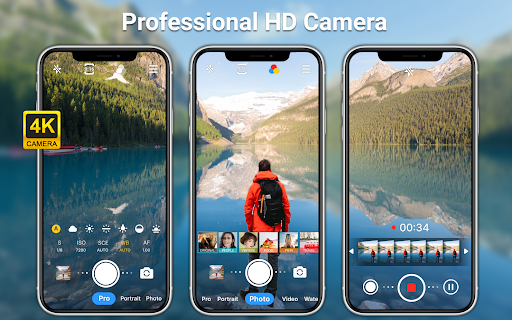
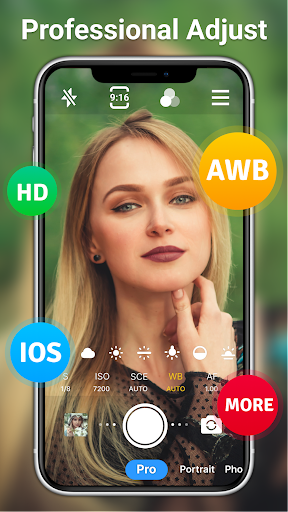
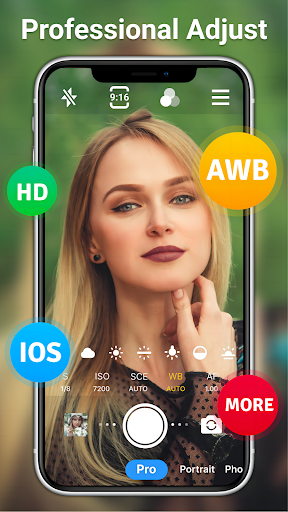
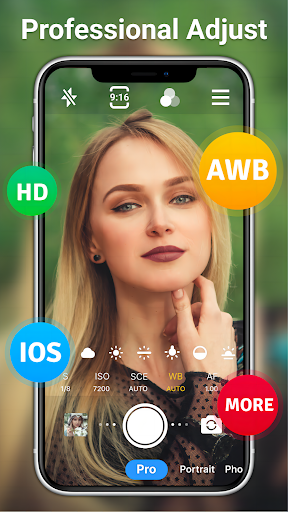
HD Camera for Android stands out with its comprehensive feature set tailored for photography enthusiasts. The app includes professional shooting modes such as ISO, shutter speed adjustments, and white balance settings, allowing users to fine-tune their shots according to different lighting conditions.

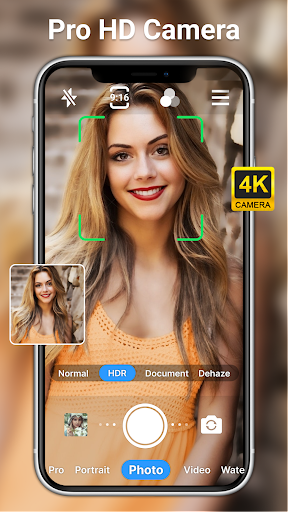
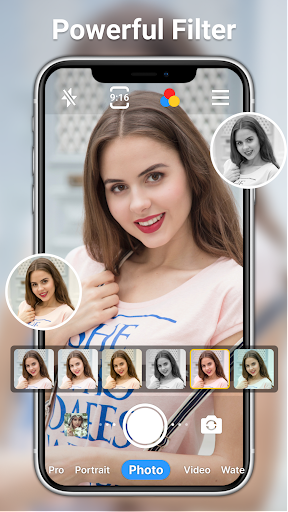
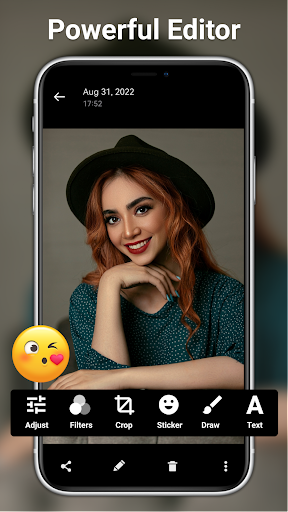
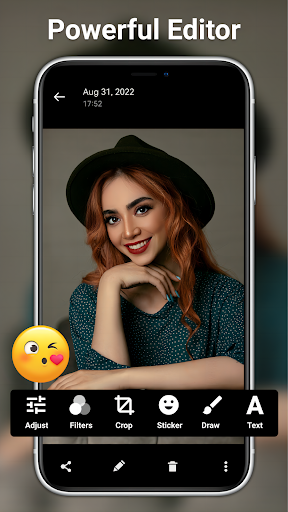
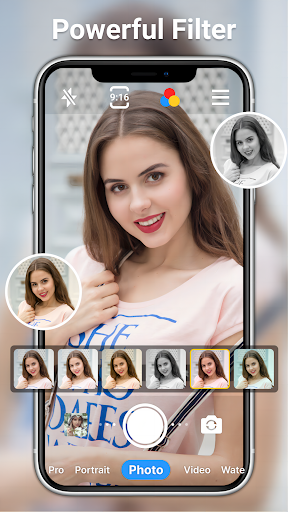
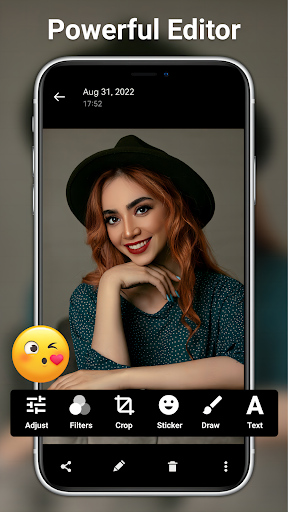
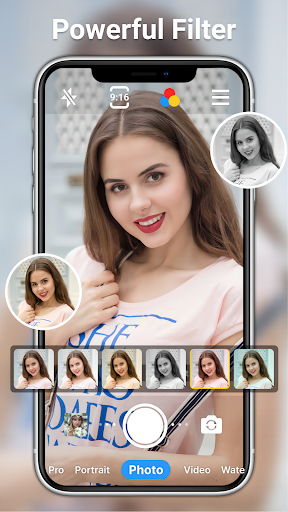
One of the key highlights is the ability to apply real-time filters and effects to both photos and videos. With over 10 filters available, users can explore diverse styles and aesthetics. The inclusion of editing tools further enhances this capability, enabling adjustments to brightness, contrast, saturation, and more.

Additional features include a self-timer, grid lines for better composition, and time-lapse functionality. These thoughtful additions ensure that users have everything they need to produce stunning visuals right from their mobile device.

Real-Time Capture & Preview

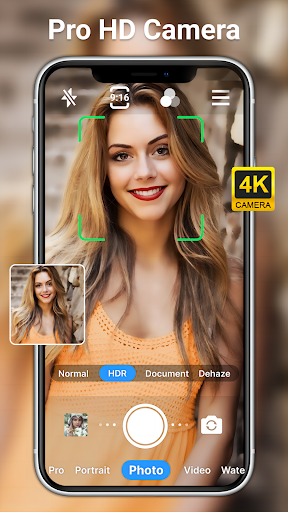
Real-time capture and preview functionality in a photography application refers to the ability to instantly view what the camera sees on the screen as you prepare to take a photo or video. This feature is crucial for ensuring that users can frame their shots accurately and make necessary adjustments before capturing a moment. The HD Camera for Android app excels in this area by offering a full HD 1080p preview mode which allows users to see their subject in great detail and vibrant color even before taking the shot. The app provides an extensive set of controls including optical and digital zoom options tap to focus and focus halo display which enhance the precision of real-time capture. Furthermore the inclusion of professional shooting modes scene modes ISO settings shutter speed adjustments and white balance presets empowers users to fine-tune their photography experience according to different environments and lighting conditions. With features like steady shooting pinch to zoom and grid level users can ensure that their compositions are perfectly aligned and stabilized. The availability of real-time filters adds another layer of creativity enabling users to apply various effects and styles directly within the preview window thus allowing them to visualize the final output beforehand. Overall the real-time capture and preview capabilities of the HD Camera app not only improve the accuracy and quality of photos and videos but also enrich the overall user experience by providing intuitive and responsive tools that cater to both amateur and professional photographers alike.

AI Beauty & Enhancement Naturalness

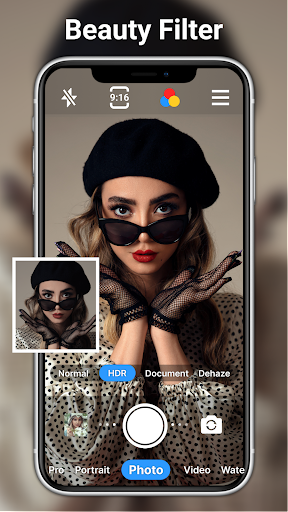
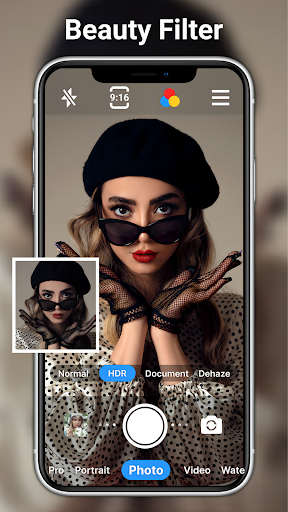
AI beauty and enhancement naturalness in photography applications pertains to the use of artificial intelligence algorithms to improve the aesthetic quality of images while maintaining a realistic appearance. In the context of the HD Camera for Android app this feature plays a significant role in elevating the standard of mobile photography by offering advanced yet subtle enhancements that do not compromise the authenticity of the original image. The app incorporates powerful AI-driven photo editing tools such as one-click facial retouching which intelligently smoothens skin tones removes blemishes and enhances facial features without creating an over-processed look. Additionally the AI restore and AI palettes functionalities allow users to recover lost details and experiment with color grading respectively resulting in more vivid and lifelike photographs. Beyond basic adjustments like brightness contrast saturation exposure and highlights the app provides over twenty specialized photo filters catering to diverse tastes and preferences. These filters are designed to enhance the mood and atmosphere of an image while preserving its natural essence. Moreover the app enables users to add text stickers markup and mosaic elements to their photos further expanding creative possibilities. Importantly all these enhancements are achieved through sophisticated AI algorithms that analyze and adapt to the unique characteristics of each photo ensuring that edits appear organic and true-to-life. By integrating such advanced AI capabilities the HD Camera app delivers a superior photography experience where users can effortlessly achieve professional-grade results that retain the genuineness and charm of their original shots.

Props

User-friendly interface

High-quality photo output

Extensive filter options

Professional shooting modes

Comprehensive editing tools

Cons

Occasional performance lags

Ads may disrupt experience

Advanced features require learning

Limited customer support

Drains battery quickly

Features and Functions

What is this app and what can I use it for?

A professional HD camera app for capturing high-quality photos and videos

How do I download and install this app on my device?

Visit Google Play Store, search for HD Camera, and tap Install to download

How do I get started after opening the app for the first time?

Launch the app, grant necessary permissions, and start taking photos or videos

What are the main features and capabilities of this app?

Includes HD shooting, real-time filters, advanced camera controls, and editing tools

How can I customize my experience and adjust preferences?

Adjust settings like resolution, scene mode, and white balance in the app menu

How do I save or bookmark my favorite content for later access?

Use the Save option to store your favorite photos and videos in the gallery

How can I share content with friends or on social media?

Tap Share button to post content directly to social media platforms

How do I access detailed information and explore more content?

Access detailed info via Settings and explore more features through the main menu

What permissions does this app need and how do I manage them?

Requires camera and storage access; manage in device settings under Apps

How do I check for updates and keep the app running smoothly?

Enable auto-updates in Google Play Store or manually check for updates regularly
Show more

User Reveiws

{{ comment.reviewer_name }}
{{ comment.review_date_formatted}}
{{ comment.review_content }}
{{ tab.name }}
{{ comment.reviewer_name }}
{{ comment.review_date_formatted}}
{{ comment.review_content }}
No reviews with this rating