GPS, Maps, Driving Directions

4.10

Information

Category:

Maps & Navigation

Price:

Free

Rank:

9

Rating:

4.10

Overview

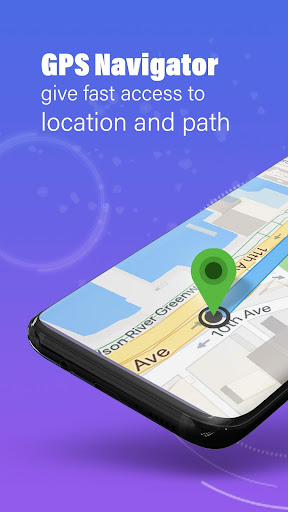
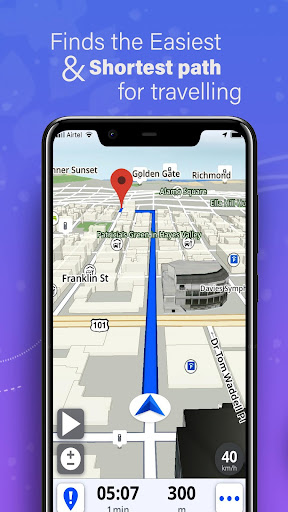
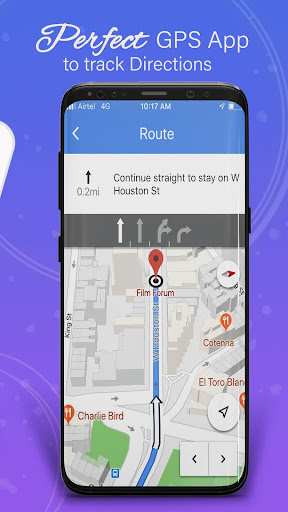
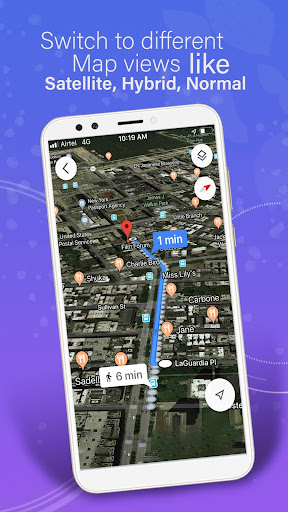
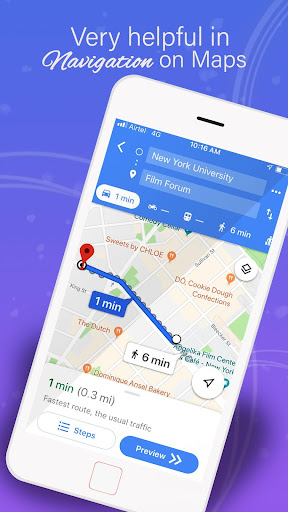
GPS, Maps, Driving Directions is a comprehensive navigation app designed to cater to all your travel needs. Whether you are driving, walking, or cycling, this app provides accurate navigation, real-time traffic data, and turn-by-turn directions to ensure you reach your destination quickly and efficiently.

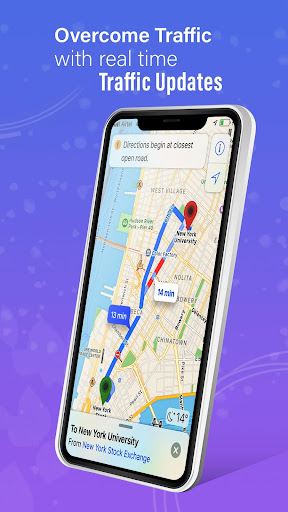
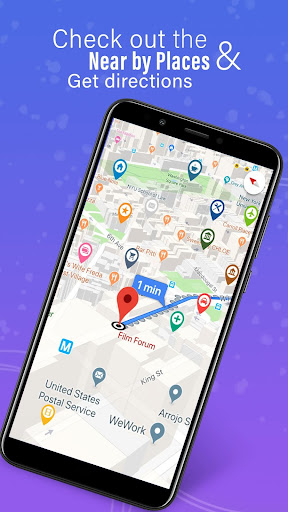
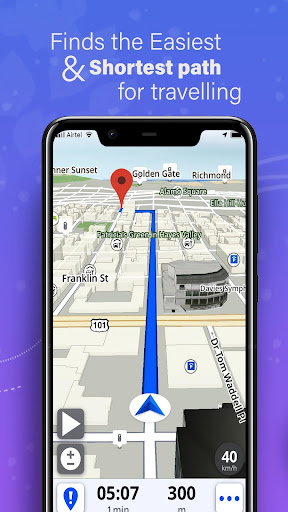
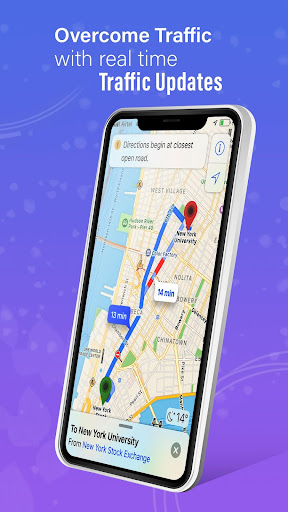
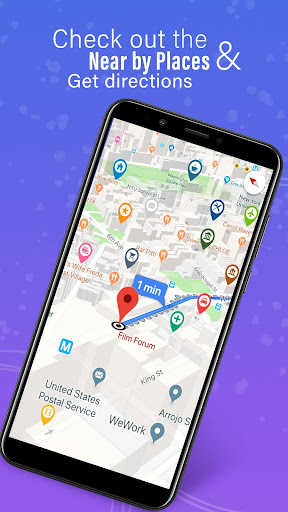
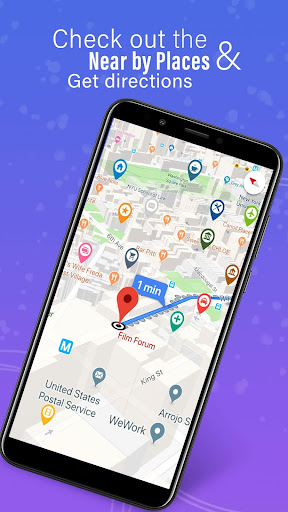
The app offers highly detailed maps with precise GPS navigation for seamless travel experiences both on and off-road. With offline maps available, users can enjoy uninterrupted navigation even without an internet connection. Real-time traffic updates help avoid congestion and find the fastest route, while location sharing allows better coordination with friends and family.

Features

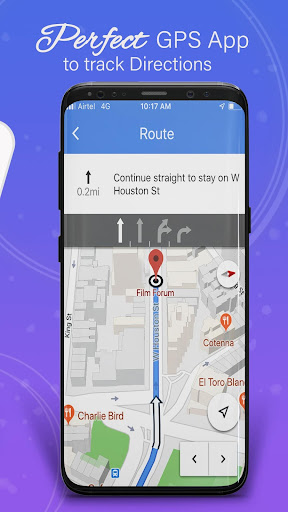
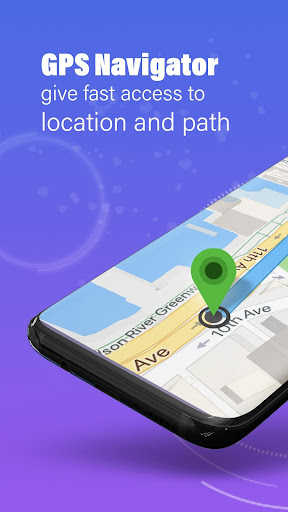
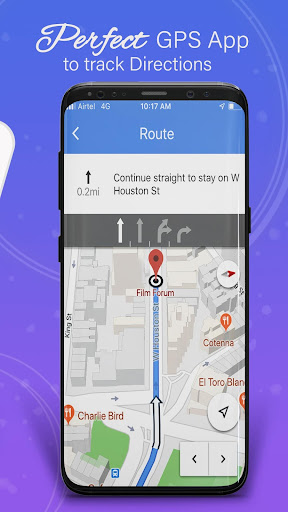
One of the standout features of GPS, Maps, Driving Directions is its robust set of tools that enhance the user's travel experience. The app includes a built-in compass and GPS route finder, ensuring you stay on track during your journeys. Voice navigation and voice directions provide hands-free assistance, making it easier to follow every twist and turn.

Customizable routes allow users to tailor their travel preferences, whether they seek the fastest way, scenic paths, or wish to avoid tolls. Multi-stop navigation with route optimization ensures efficient travel planning. Additionally, weather alerts keep users informed about conditions that may affect their route, adding another layer of safety and preparedness.

Map accuracy

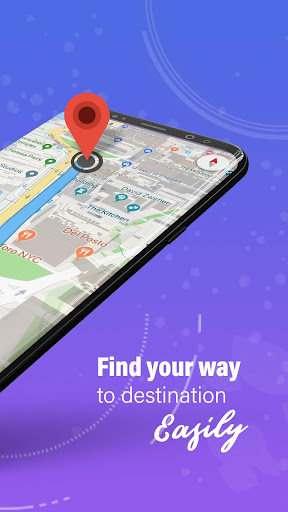
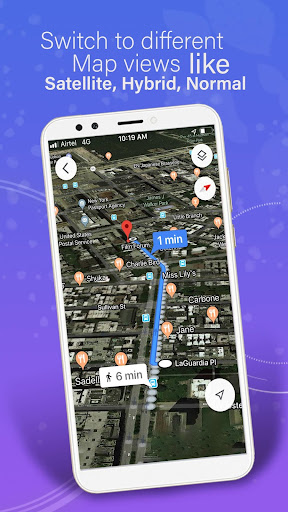
Map accuracy is a fundamental aspect of any navigation application as it ensures users reach their destinations efficiently and safely. In the GPS Maps Driving Directions app precise mapping data forms the backbone of its functionality providing highly detailed maps that cover both common routes and off-road paths. The app utilizes advanced GPS technology to deliver real-time location tracking ensuring that users are always aware of their exact position relative to the map. This level of precision is maintained through regular updates which incorporate the latest geographic information and road changes thus offering an up-to-date navigation experience. For travelers whether driving walking or cycling this means they can trust the app to guide them accurately through unfamiliar territories. Moreover the inclusion of offline maps guarantees uninterrupted navigation even in areas with poor internet connectivity. By downloading regional maps users can continue to receive accurate directions without needing a constant data connection. This feature is particularly beneficial for long trips or adventures in remote locations where network coverage might be unreliable. Overall the commitment to maintaining high map accuracy empowers users to navigate confidently knowing that the information provided is reliable and current.

Route planning

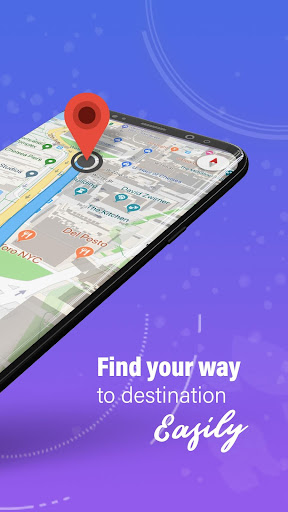
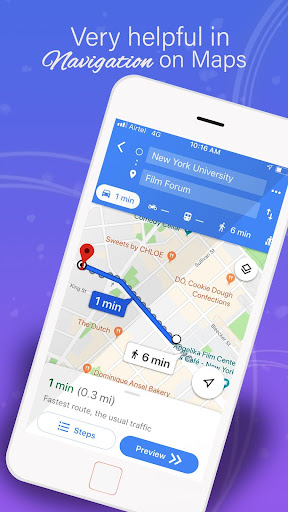
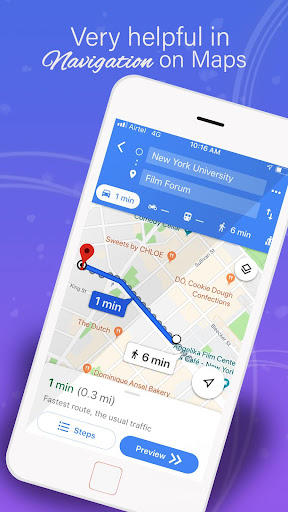
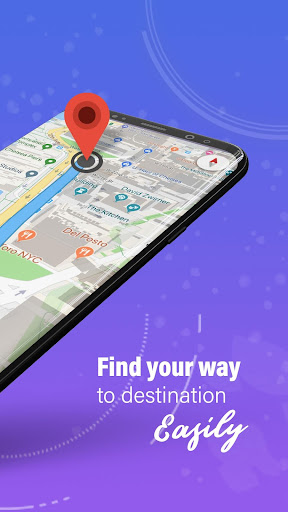
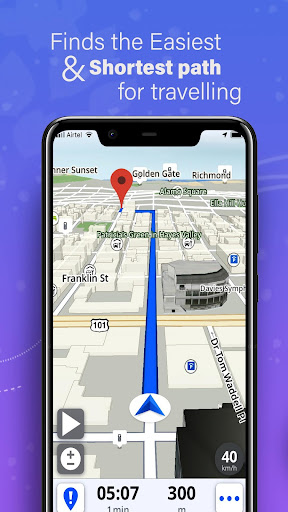
Route planning is an essential feature within the GPS Maps Driving Directions app designed to optimize travel experiences by providing efficient and customizable route options. This functionality allows users to input their destination and receive a variety of route suggestions each tailored to different preferences such as the fastest route the shortest distance or scenic paths. The app's sophisticated algorithms take into account real-time traffic data road conditions and weather alerts to suggest the most suitable routes ensuring minimal delays and maximum safety. Additionally the route planner supports multi-stop navigation enabling users to plan complex journeys with several destinations seamlessly. With automatic rerouting capabilities the app quickly adapts to unexpected changes such as road closures or sudden traffic congestion finding alternative paths to keep users on track. This dynamic approach not only saves time but also reduces stress associated with navigating unfamiliar areas. Furthermore the ability to customize routes according to specific needs like avoiding tolls or selecting bike-friendly paths enhances user satisfaction by catering to individual travel styles. Whether commuting daily embarking on road trips or exploring new places the comprehensive route planning tools ensure that every journey is as smooth and enjoyable as possible. By integrating these advanced features the app stands out as a versatile companion for all types of travelers seeking optimized navigation solutions.

Props

User-friendly interface

Accurate GPS navigation

Real-time traffic updates

Offline map availability

Voice-guided directions

Cons

Occasional GPS inaccuracies

Heavy battery consumption

Limited public transport info

Ads in free version

Complex settings for beginners

Features and Functions

What is this app and what can I use it for?

A versatile navigation app offering GPS, maps, and driving directions for various travel modes.

How do I download and install this app on my device?

Visit Google Play Store, search for the app, and tap Install to download and install it on your device.

How do I get started after opening the app for the first time?

Upon first opening, grant necessary permissions, then input your destination to start navigating.

What are the main features and capabilities of this app?

Key features include real-time traffic updates, offline maps, voice navigation, and customizable routes.

How can I customize my experience and adjust preferences?

Adjust preferences in the settings menu to customize your navigation experience.

How do I save or bookmark my favorite content for later access?

Use the bookmark feature to save favorite locations for easy access later.

How can I share content with friends or on social media?

Share your current location or ETA directly from the app via social media or messaging apps.

How do I access detailed information and explore more content?

Access detailed information by tapping on specific map points or using the search function.

What permissions does this app need and how do I manage them?

The app requires location permissions; manage these in your device settings under app permissions.

How do I check for updates and keep the app running smoothly?

Check for updates in the Google Play Store and enable auto-update for smooth operation.
Show more

User Reveiws

{{ comment.reviewer_name }}
{{ comment.review_date_formatted}}
{{ comment.review_content }}
{{ tab.name }}
{{ comment.reviewer_name }}
{{ comment.review_date_formatted}}
{{ comment.review_content }}
No reviews with this rating