Headunit Reloaded Emulator HUR

2.30

Information

Category:

Maps & Navigation

Price:

$ 4.99

Rank:

1

Rating:

2.30

Overview

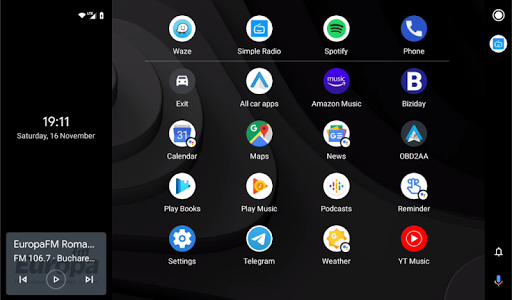
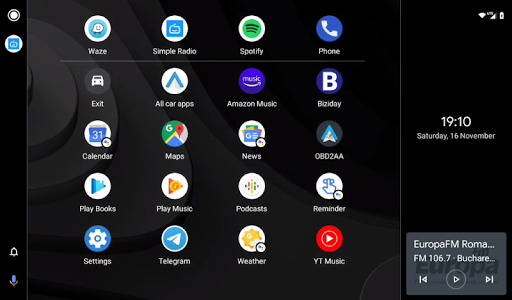
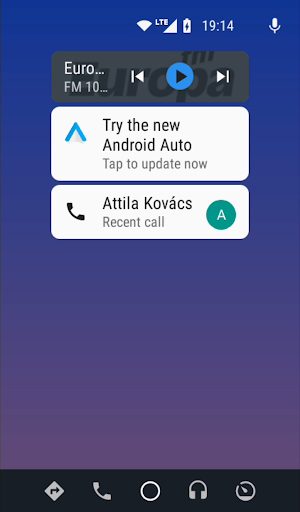
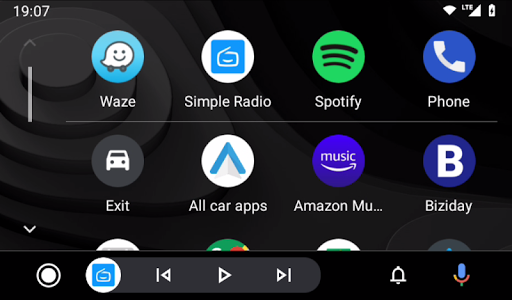
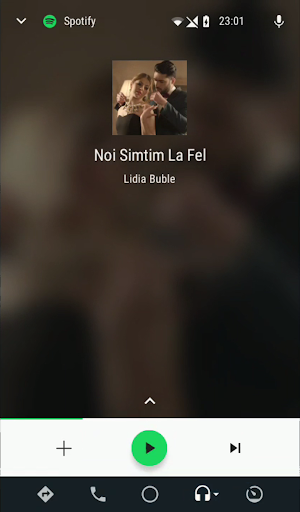
Headunit Reloaded Emulator HUR is a specialized application designed to emulate Android Auto on compatible head units. This app bridges the gap between mobile devices and car entertainment systems, allowing users to enjoy Android Auto's features directly on their vehicle's display.

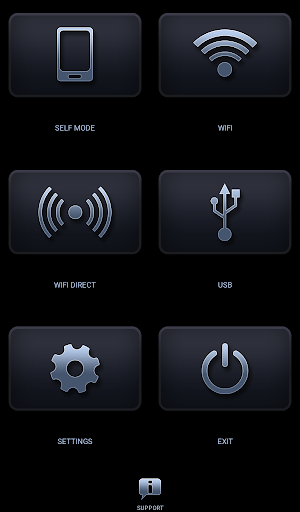
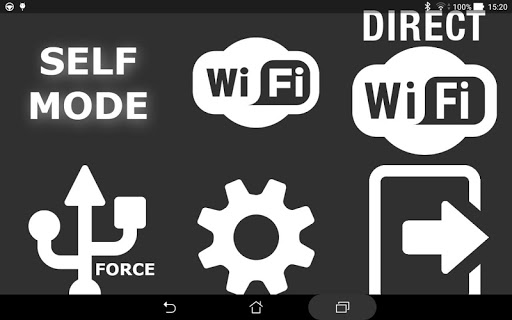
The core functionality includes USB mode for direct connection, WiFi support through hotspot connectivity, and Self Mode for running both Android Auto and HUR on the same device. These features make it highly versatile for various use cases and compatible with multiple Android-powered head units like Joying, Xtrons, and others.

For drivers who want seamless access to navigation, music, and communication apps while driving, this application provides a safe and convenient solution. By enabling essential apps and services on the car's display, it enhances the driving experience without compromising safety.

Features

Headunit Reloaded Emulator HUR offers several notable features that enhance its usability. First, it supports multiple connection modes including USB, WiFi, and Self Mode. The USB mode allows users to connect their devices directly using an OTG cable, ensuring stable performance even on older Android versions.

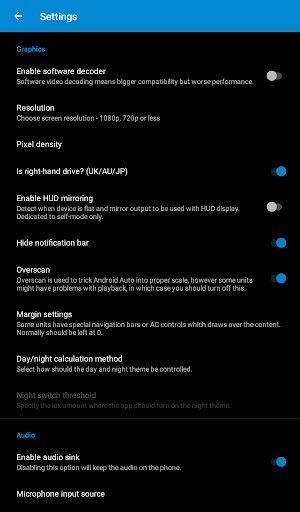
WiFi functionality enables wireless connectivity by setting up hotspots between the phone and car unit. Users can customize which Bluetooth devices trigger the app automatically. Additionally, software decoding options help resolve compatibility issues with certain head units that may initially display a black screen.

Advanced settings provide further customization options such as hardware key support and intent handling. These features ensure broader compatibility across different manufacturers' head units while maintaining optimal performance levels regardless of specific hardware configurations.

Map accuracy

Map accuracy is a crucial feature for any navigation application as it ensures that users receive precise location data and reliable routing information. For Headunit Reloaded Emulator HUR, map accuracy is particularly important because the app is designed to emulate Android Auto functionality on various head units, providing drivers with essential navigation details while on the road. The app achieves high map accuracy by integrating with the Android Auto system which itself relies on Google Maps one of the most accurate mapping services available today. By doing so it leverages Googles extensive database of real-time traffic updates satellite imagery and street view photographs to deliver up-to-date and highly detailed maps. This means that when using Headunit Reloaded Emulator HUR users can expect their vehicle's position to be accurately reflected on the map at all times even in areas where GPS signals may be weak or distorted such as urban canyons or tunnels. Furthermore the integration with Android Auto allows for seamless updates ensuring that any changes to road networks or new developments are quickly incorporated into the mapping data. As a result drivers benefit from having access to current mapping information which helps them make informed decisions about their routes avoid potential hazards and reach their destinations efficiently. In addition to providing accurate geographical data Headunit Reloaded Emulator HUR also supports hardware key inputs and intent actions enabling users to interact with the map interface safely while driving. This combination of advanced mapping technology and user-friendly design makes the app an invaluable tool for anyone looking to enhance their driving experience with reliable navigation assistance.

Route planning

Route planning is another essential aspect of navigation applications like Headunit Reloaded Emulator HUR. It involves calculating optimal paths between two points taking into account factors such as distance travel time current traffic conditions and personal preferences. For users of this app route planning capabilities are enhanced through its deep integration with Android Auto which utilizes sophisticated algorithms developed by Google to analyze vast amounts of data related to road networks historical traffic patterns and live updates from millions of devices worldwide. When setting out on a journey drivers can input their destination directly into the app either manually or via voice commands thanks to the integrated speech recognition feature provided by Android Auto. Once the destination is confirmed Headunit Reloaded Emulator HUR processes this information alongside real-time traffic data to suggest multiple route options each with estimated arrival times and distances clearly displayed on the screen. Users then have the flexibility to choose the most suitable option based on their priorities whether they prefer the fastest route the shortest path or wish to avoid toll roads and highways altogether. Moreover the app continuously monitors ongoing traffic situations during the trip alerting drivers to any unexpected delays or incidents ahead and offering alternative suggestions if necessary. This dynamic approach not only saves valuable time but also reduces stress associated with navigating unfamiliar territories. Additionally since Headunit Reloaded Emulator HUR works across different types of head units including Joying Eonon Grom Vline Xtrons PX5 and PX3 models among others it ensures broad compatibility giving more people access to these powerful route planning tools regardless of their specific automotive setup. Overall the robust route planning functionality offered by Headunit Reloaded Emulator HUR significantly enhances the overall usability of the app making every drive smoother safer and more enjoyable.

Props

User-friendly interface

Multiple connection options

Broad device compatibility

Customizable settings

Regular updates

Cons

Requires technical knowledge

Occasional connectivity issues

Limited customer support

No iOS support

Premium version costs
Features and Functions

What is this app and what can I use it for?

An emulator for Android Auto on car displays

How do I download and install this app on my device?

Search Headunit Reloaded on Google Play and install

How do I get started after opening the app for the first time?

Connect via USB or WiFi and follow prompts

What are the main features and capabilities of this app?

USB, WiFi, Self Mode, customizable settings

How can I customize my experience and adjust preferences?

Adjust settings for decoding, BT triggers

How do I save or bookmark my favorite content for later access?

Not applicable for this app type

How can I share content with friends or on social media?

Share app link via supported apps only

How do I access detailed information and explore more content?

Visit developer's forum for more details

What permissions does this app need and how do I manage them?

USB and storage permissions needed

How do I check for updates and keep the app running smoothly?

Check Google Play for latest updates
Show more

User Reveiws

{{ comment.reviewer_name }}
{{ comment.review_date_formatted}}
{{ comment.review_content }}
{{ tab.name }}
{{ comment.reviewer_name }}
{{ comment.review_date_formatted}}
{{ comment.review_content }}
No reviews with this rating