

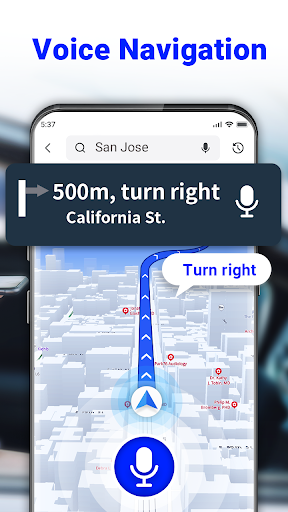

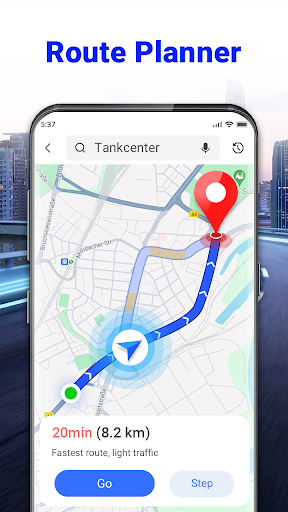

GPS Voice Navigation: Live Map is a cutting-edge navigation application designed to provide drivers, hikers, and travel enthusiasts with accurate, real-time directions through voice commands. This app eliminates the need for paper maps by offering an intuitive, hands-free experience that ensures users can focus on their journey without distraction. With features like voice-guided navigation, shortest route planning, and destination input via voice commands, it enhances both safety and convenience.
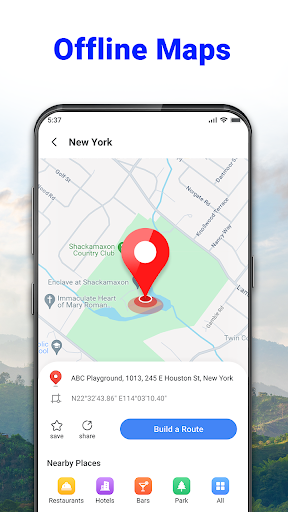
In addition to its core navigation capabilities, the app includes advanced functionalities such as nearby place searches, radar maps for speed checks, and over-speed alerts. Whether commuting daily or exploring new cities, this app equips users with tools to navigate efficiently while avoiding traffic and potential fines. Its offline functionality makes it ideal for travelers who need reliable guidance even without internet access.
One of the standout features of GPS Voice Navigation: Live Map is its robust voice command system. Users can plan routes, search for destinations, and receive turn-by-turn audio instructions without needing to touch their device. The app's ability to operate offline ensures uninterrupted service regardless of connectivity issues, making it especially useful in remote areas or during international travels.
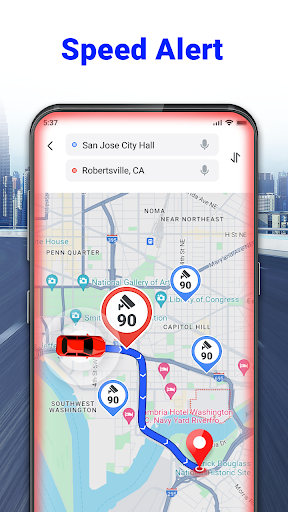
The inclusion of a radar map adds another layer of utility by alerting drivers to speed cameras and potential hazards. Coupled with over-speed alerts and a built-in GPS speedometer, these features promote safer driving practices. Additionally, the app’s capacity to identify nearby points of interest—such as grocery stores, hotels, and parking lots—enhances convenience for users exploring unfamiliar locations. These comprehensive tools collectively create a seamless and secure navigation experience.
User-friendly interface
Accurate voice navigation
Offline map functionality
Real-time traffic updates
Speed camera alerts
Limited customization options
Occasional voice recognition errors
Heavy battery consumption
Ads in free version
Complex setup for beginners
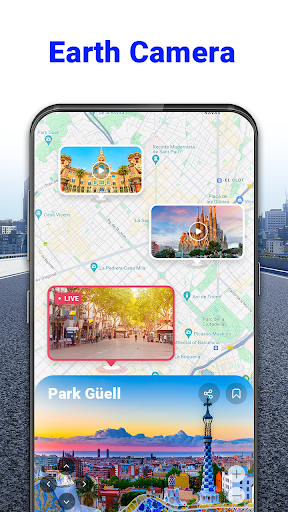
Explore the world with Live Satellite View, 3D Maps, GPS Navigation & Earth Map.
 2.90
2.90
Offline maps & GPS for hiking, travel, fieldwork & outdoor adventures
4.70
GPX Viewer PRO shows tracks, routes and waypoints from gpx and kml files.
4.60
Route tracker, Speedometer, Odometer, Fuel, HUD mode, save route as .GPX
4.40
Parcel map, property lines, owner, acres, land use, zoning and more from Regrid.
4.60
Navigate via GPS Maps of GPS Voice Navigation, driving directions to find routes
3.60
Find routes fast with GPS Maps, GPS Navigation & driving directions.
4.10
Explore Earth with live GPS, satellite view & street navigation
3.60
Get real-time bus and train schedules for easy, hassle-free city transportation.
3.90
LIRR and Metro-North tickets and trips
4.80
Get matched with a nearby driver — you’ll be on your way in minutes.
4.30
Route schedules, maps, and real-time tracking of MTA buses in New York City.
4.20
Navigate seamlessly with Real-Time Traffic, Offline Maps, and Voice Navigation.
4.10
Avoid delays. Get real-time GPS navigation, safety alerts and live traffic.
4.10
TACNAV-X: Precision MGRS navigation, built specifically for the military.
4.00
Navigation, weather, offline maps & tools for smarter, safer travel planning.
4.00
Get route, find shortest path, near by places and weather update
3.90
Drive safe with real-time speed camera radar, police, and traffic alerts
3.80
Explore Live Earth Map with 3D World Map & locate cites, mountains real time.
3.80


User Reveiws