
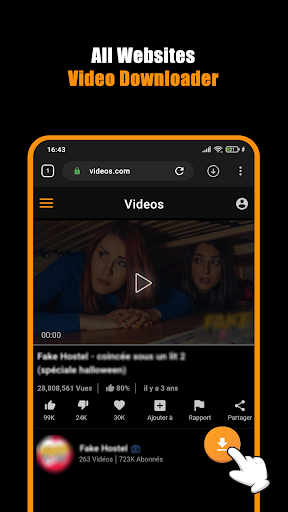
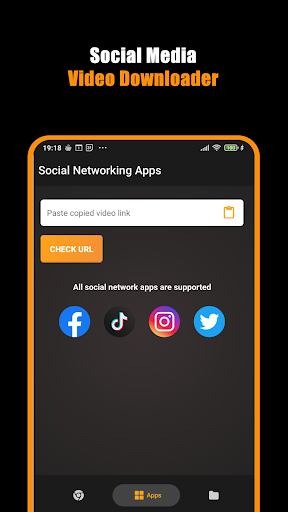
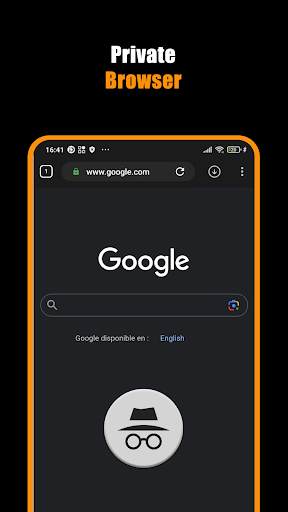

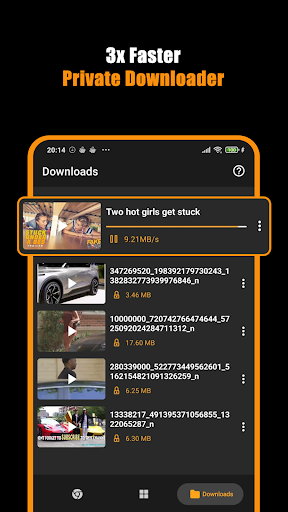
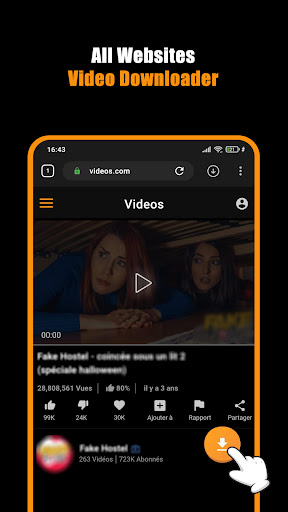
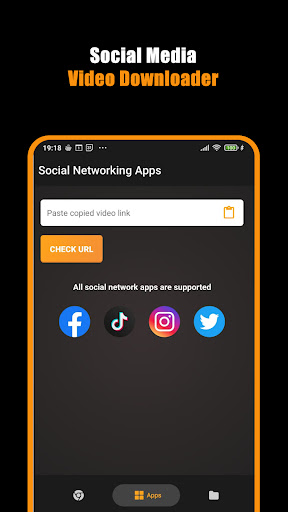
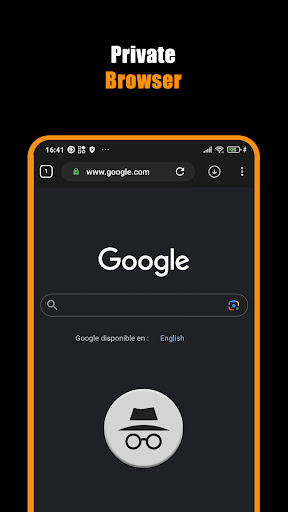
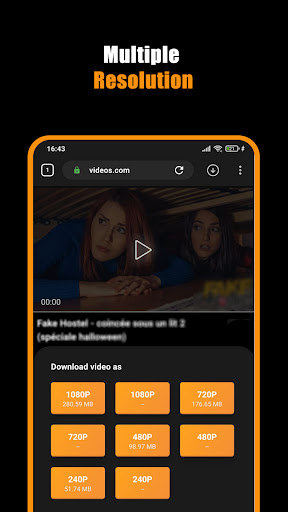
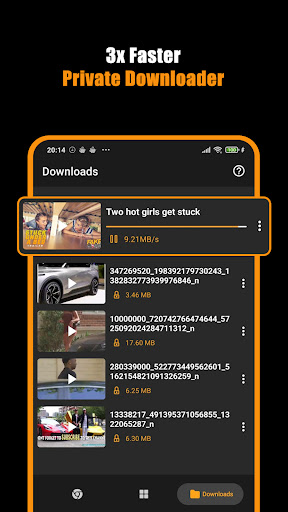
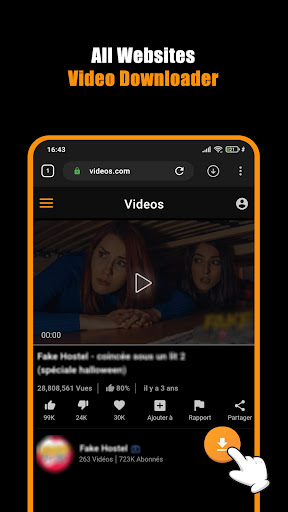

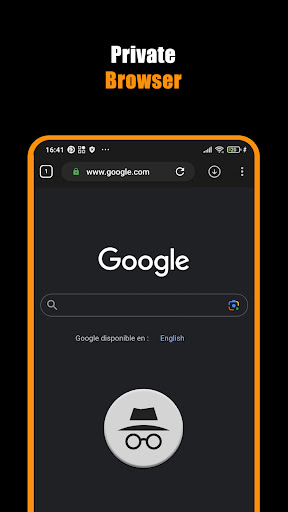
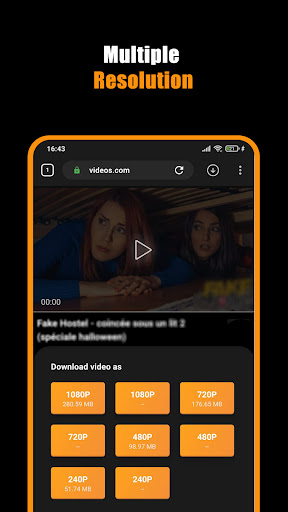
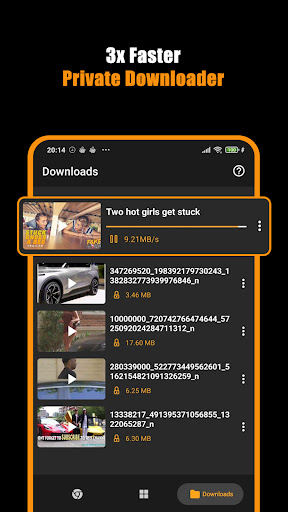
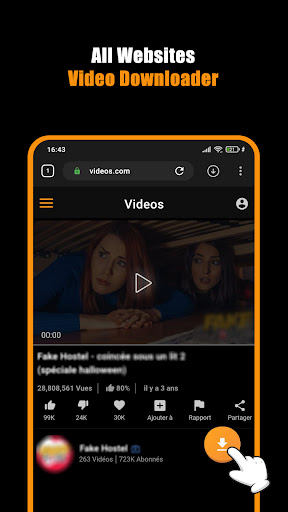
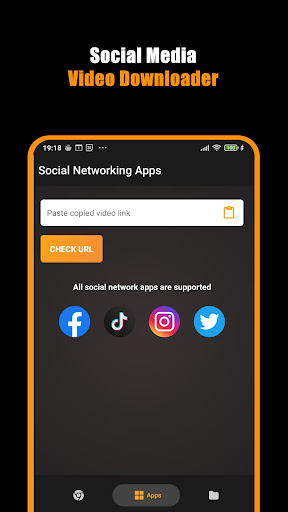
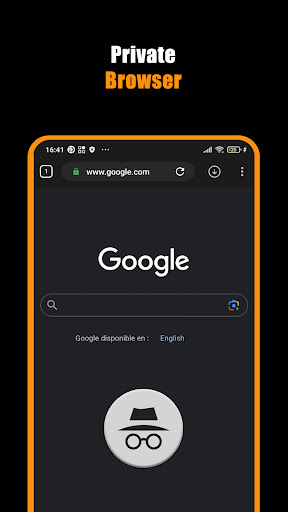

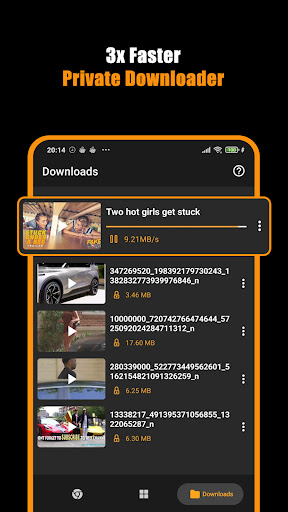
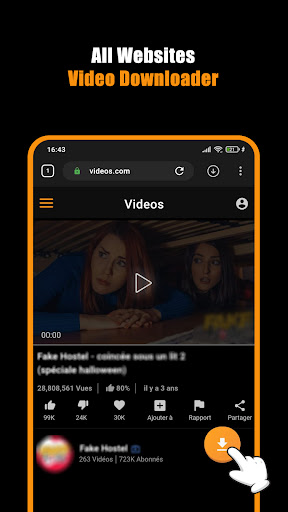
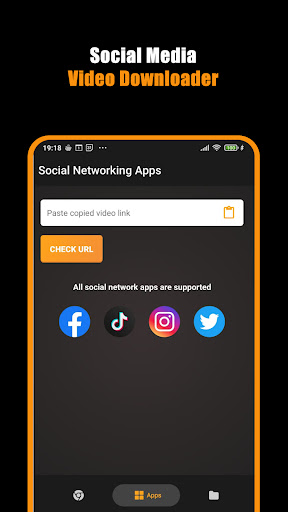
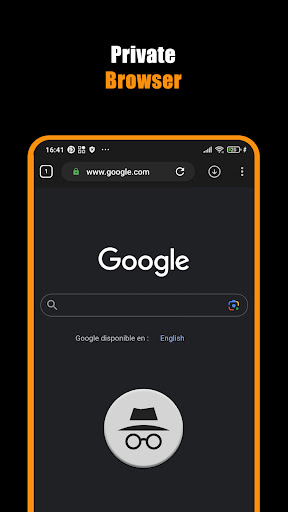
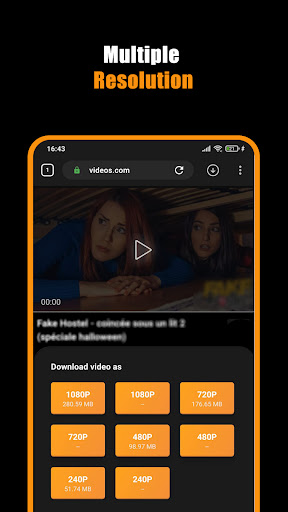
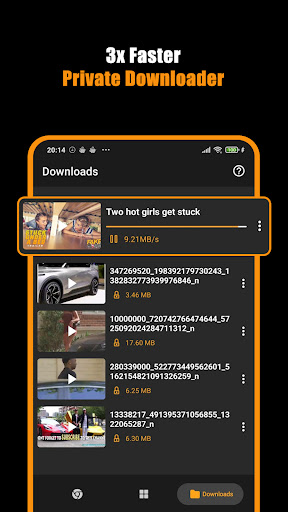
Hub Video Downloader is a versatile video downloading tool designed for users who want to save online videos directly to their devices. The app features a built-in private browser that allows users to browse the web securely while automatically detecting downloadable video content. With support for high-definition video downloads in 2K and 4K resolutions, it ensures premium quality for every saved file. Users can enjoy seamless multitasking with background downloads, pause-resume functionality, and automatic storage to the device gallery.
The application is ideal for individuals seeking a secure and efficient way to download and manage video files. Whether you're saving short clips or full-length movies, Hub Video Downloader provides a reliable solution with its intuitive interface and advanced downloading capabilities. Its privacy-focused design ensures that all browsing activity and downloaded content remain confidential, making it perfect for personal use.
Hub Video Downloader stands out with its comprehensive set of features tailored for modern users. One of its key highlights is the automatic video detection system, which identifies downloadable content as soon as a user visits a website. This eliminates the need for manual searches and streamlines the downloading process. Additionally, the app supports unlimited simultaneous downloads, allowing users to save multiple files at once without any speed compromise.
Another notable feature is the background download capability, enabling users to continue using their devices while files are being saved. The pause and resume options provide flexibility, especially during unstable network conditions. Furthermore, the integrated private browser enhances security by blocking intrusive trackers and erasing all session data upon exit. These robust functionalities make Hub Video Downloader an indispensable tool for managing online multimedia content efficiently.
User-friendly interface
High-speed downloads
Private browsing mode
Supports HD and 4K resolutions
Automatic video detection
No YouTube support
Limited to non-copyrighted content
Requires stable internet
Occasional ads in free version
Gallery organization needed

A full editing room to accompany your Insta360 cameras and handheld gimbals.
 3.30
3.30
Fast video downloader & private browser. Save HD clips to watch offline.
4.40
Full HD Video mp3 Player, MP4 player play 1080p, File manager, Video Downloader
4.40
An easy-to-use and all-round screen recorder with audio
4.80
Fast & Private Video Downloader App. Save all videos easily from the Internet.
4.40
LumaFusion: The Ultimate Storytelling Experience for Video Editing
4.10
A Simple app to download Video & Music from the Internet.
4.70
Livestream, news, & gaming content. Watch, chat, and upload. Join Rumble today!
3.80
Capture the moment and Cut
3.40
Screen recorder with audio to take live videos & Screenshot in high quality!
4.70
HD Video player all format, HD Videos, Cast & Subtitle. No annoying ads.
4.60
Seamlessly connect and control your smart devices, anytime, anywhere with ease.
4.60
Add date and time watermark to photos and videos
4.50
Viddo: Generate Action Figure, AI Anime, AI kiss, AI hug Video from image & text
4.40
Turn your phone into a wireless camera!
4.20
Video player with 4K & 1080P support, popup play, background play and subtitle.
4.20
1)AirPlay/DLNA Mirroring/Streaming, up to 4 connections; 2)Samba/NAS/DMS Player.
4.00
Capture images & record videos for USB Camera, Webcam, Microscopes, Endoscopes
3.80
The smartest M3U IPTV Player your playlists have ever seen.
4.0


User Reveiws