

Download Hub, Video Downloader

4.40

Information

Category:

Video Players & Editors

Price:

Free

Rank:

45

Rating:

4.40

Overview

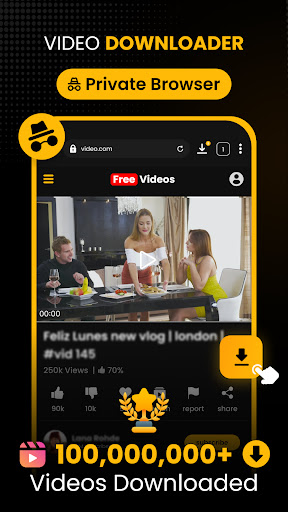
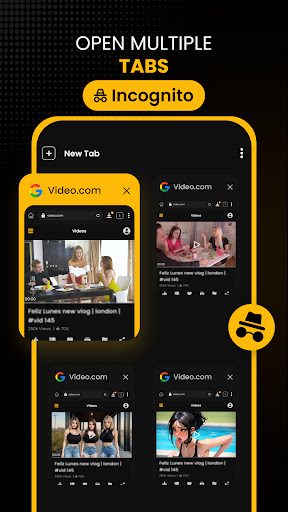
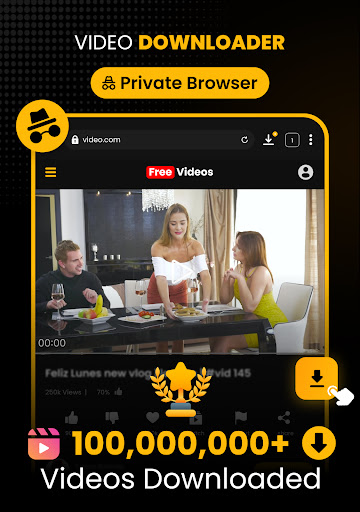
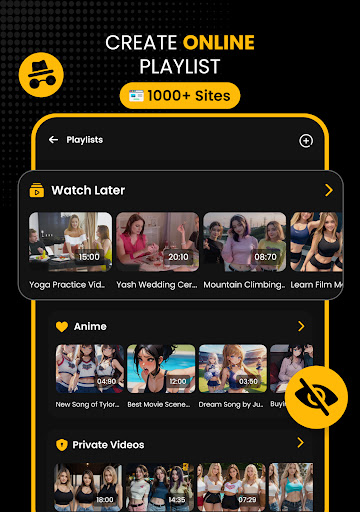
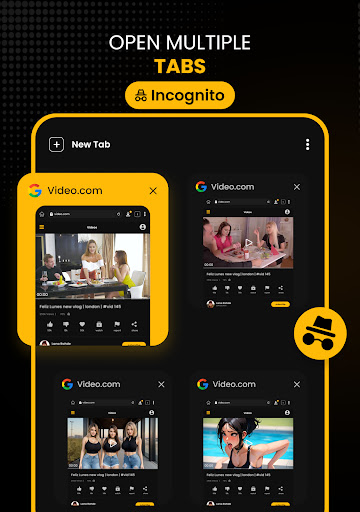
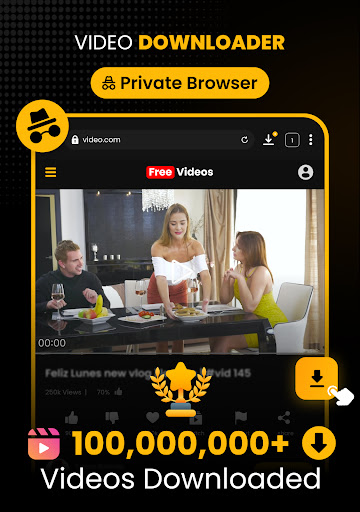
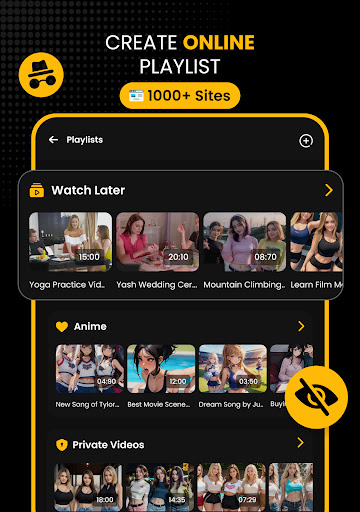
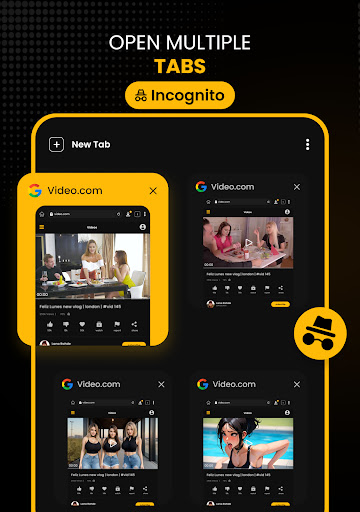
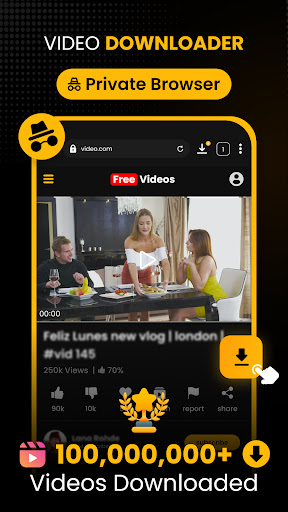
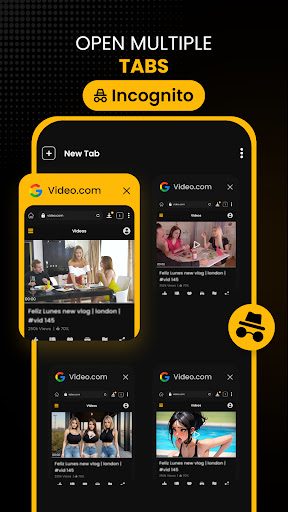
Download Hub is an all-in-one solution for video downloading, private browsing, and file management. This versatile app combines a powerful video downloader with a secure incognito browser and robust file manager. Users can efficiently detect and download videos in various resolutions and formats, from SD to 4K quality. The built-in private browser offers ad-blocking, desktop mode, and multi-tab functionality for seamless web navigation.

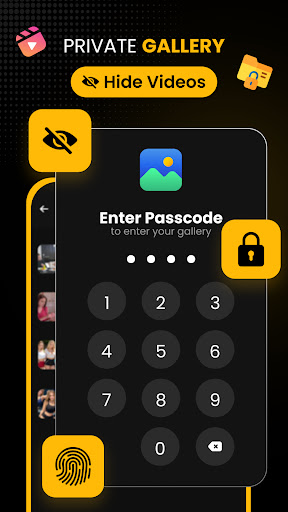
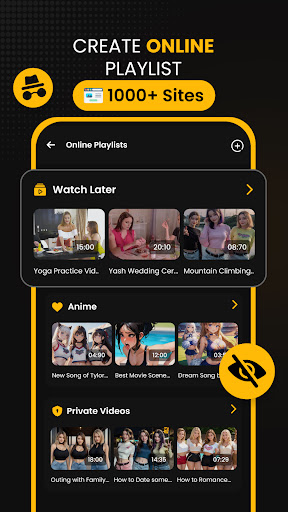
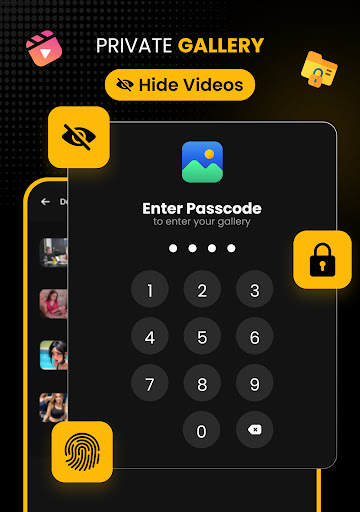
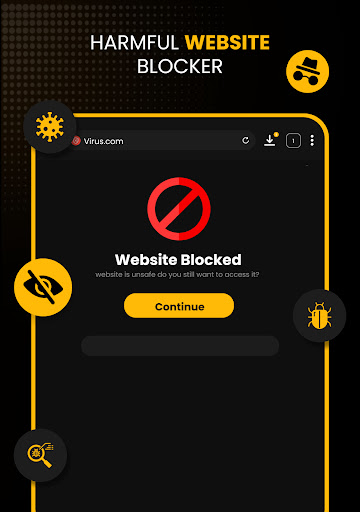
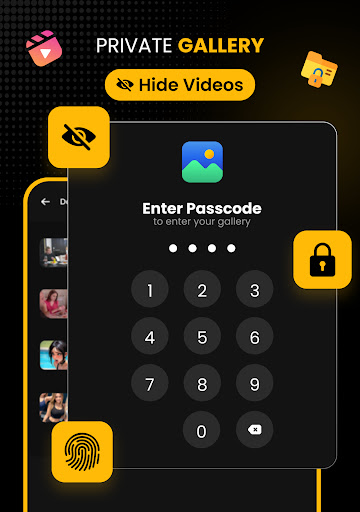
The app's security features include App Lock and a hidden folder for sensitive content, ensuring user privacy. Its advanced file manager supports SD card storage, background downloads, and interrupted download resumption. Download Hub also functions as an audio saver and offline HD player, making it ideal for commuters, students, and privacy-conscious users who need to manage and view media without internet access.

Features

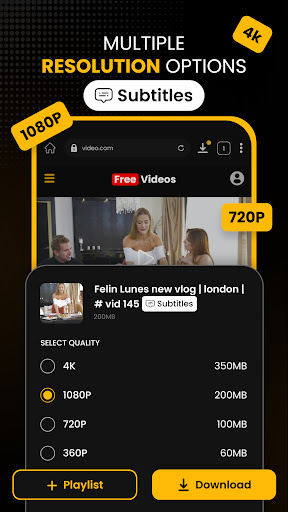
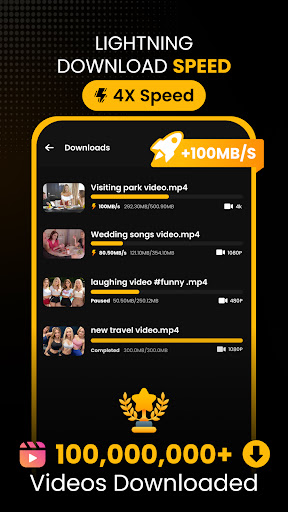
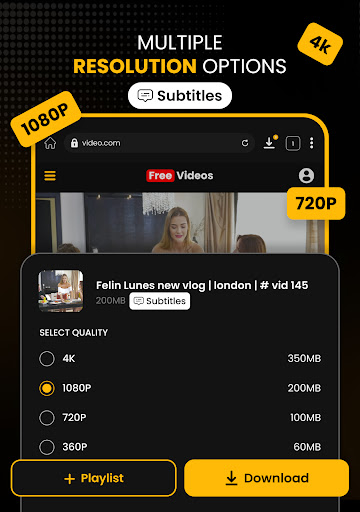
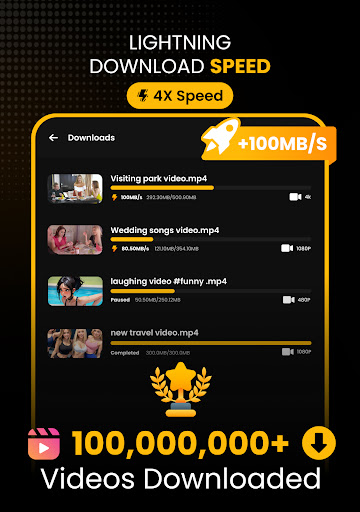
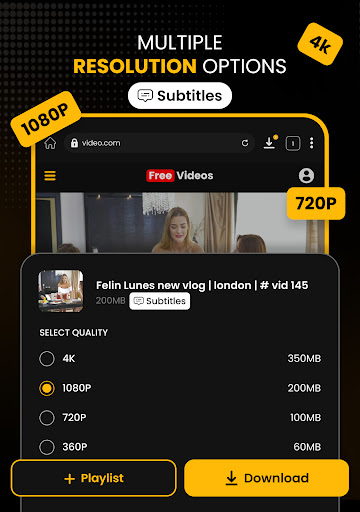
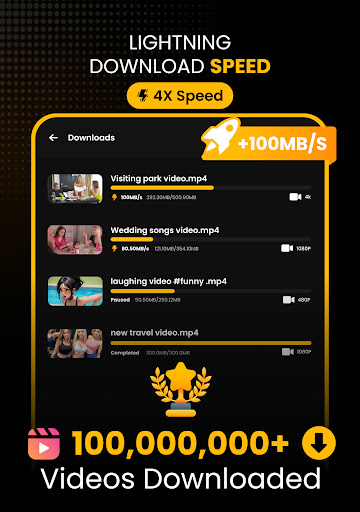
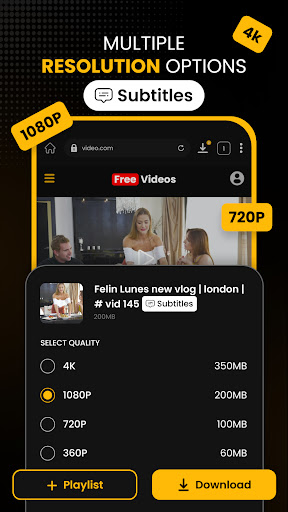
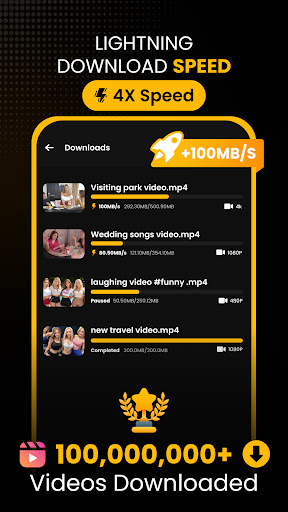
Download Hub distinguishes itself through its comprehensive feature set tailored for media enthusiasts. The Universal Downloader Engine employs multi-threading technology to accelerate download speeds up to 300%, while smart detection automatically identifies downloadable media links. Users can choose from multiple resolutions including HD, 1080p, 2K, and 4K options, supporting various formats like MP4, AVI, and MKV.

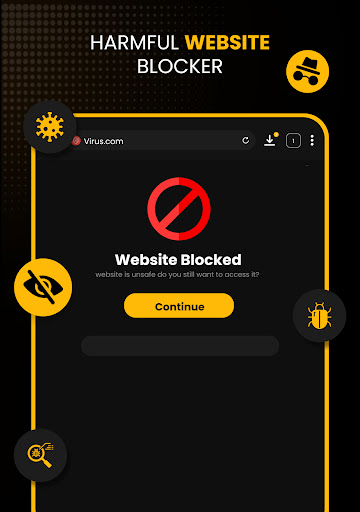
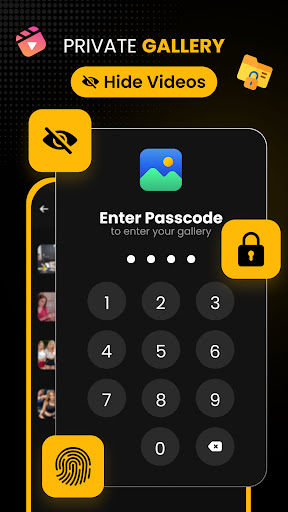
The Secure Private Browser provides complete anonymity with its incognito mode that clears history and cookies. Its ad blocker removes intrusive ads, while desktop mode allows full mobile site functionality. The integrated Security Center offers PIN protection and a private gallery for sensitive files. Advanced File Manager capabilities include SD card support, background service, and resume support for interrupted downloads, giving users complete control over their local storage.

Video format compatibility

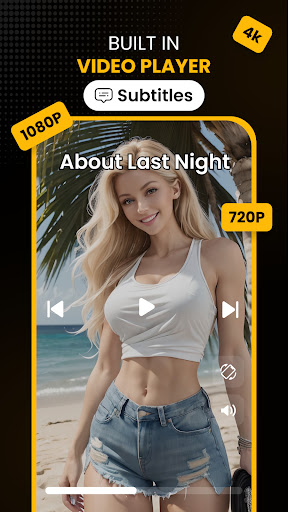
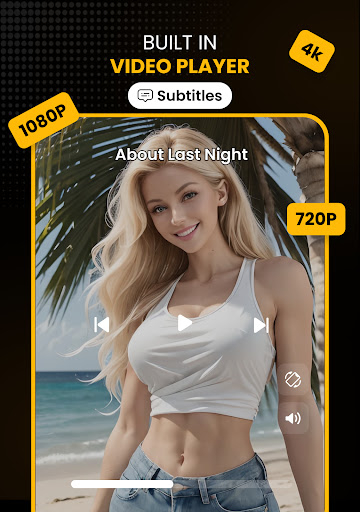
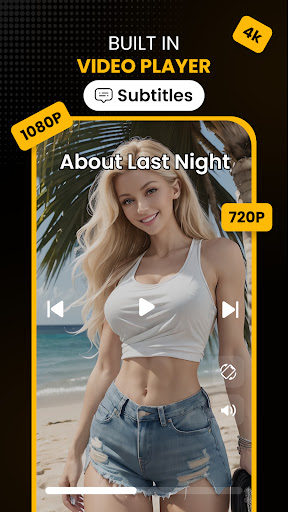
Video format compatibility is a crucial feature for any video player and editor as it determines the range of video files that can be played or edited within the application. For Download Hub, Video Downloader, this feature is particularly important because it supports an extensive list of video formats including MP4, M4V, MOV, AVI, WMV, MKV, FLV, MPG, and more. This wide-ranging support allows users to download and manage videos from various sources without worrying about format incompatibility issues. The app's ability to handle multiple formats ensures that users can enjoy their content in high definition ranging from SD (480p) to crystal clear HD (720p), 1080p, 2K, and even 4K resolutions. By providing resolution control, Download Hub empowers users to choose the quality of their downloads based on their storage capacity and viewing preferences. Moreover, the inclusion of an offline HD player means that once downloaded, users can watch their content anywhere without needing an internet connection. The player supports smooth playback of all saved formats with additional features like gesture controls for volume, brightness, and seek, as well as a night mode for late-night viewing comfort. With such comprehensive video format compatibility, Download Hub stands out as a versatile tool for anyone looking to save and enjoy digital content efficiently.

AI-powered editing features

AI-powered editing features represent the cutting-edge advancement in video players and editors, enabling users to enhance their media with minimal effort. Download Hub incorporates intelligent tools that simplify the editing process through automation and smart detection capabilities. One of the standout AI features is the smart detection system that automatically identifies downloadable media links on web pages. When a video is detected, the download button illuminates instantly, streamlining the process of acquiring new content. Beyond downloading, the application leverages AI to improve file management and organization. Its advanced file manager provides total control over local storage, allowing users to sort files by name, size, or date efficiently. Additionally, the AI aids in extracting audio tracks from video clips, making it possible to save music and sound effects for offline listening. This feature transforms Download Hub into not just a video downloader but also an efficient audio saver. The combination of these AI-powered functionalities results in a seamless user experience where tasks that traditionally required manual intervention are now handled automatically. Users benefit from faster processing times, reduced complexity in managing their media library, and enhanced accessibility to their content. As AI technology continues to evolve, applications like Download Hub will likely expand their suite of automated editing tools, further enriching the user experience and setting new standards for what consumers expect from their video players and editors.

Props

Fast multi-thread downloads

Private browsing experience

HD video resolution support

Secure file encryption

Batch download capability

Cons

No YouTube support

Limited free features

Occasional bugs reported

Requires storage space

Internet connection needed

Features and Functions

What is this app and what can I use it for?

A versatile app combining video downloader, private browser, and file manager

How do I download and install this app on my device?

Find Download Hub on Google Play Store and tap Install to download

How do I get started after opening the app for the first time?

Open the app, grant necessary permissions, and start using its features

What are the main features and capabilities of this app?

Video downloading, private browsing, file management, and audio extraction

How can I customize my experience and adjust preferences?

Adjust settings for resolution, format, and privacy preferences

How do I save or bookmark my favorite content for later access?

Save files directly to Favorites or specific folders within the app

How can I share content with friends or on social media?

Use the Share button to send content via social media or messaging apps

How do I access detailed information and explore more content?

Access detailed information through the app's organized file system

What permissions does this app need and how do I manage them?

App needs storage and internet permissions; manage in settings

How do I check for updates and keep the app running smoothly?

Check Google Play Store regularly for updates and enable auto-update
Show more

User Reveiws

{{ comment.reviewer_name }}
{{ comment.review_date_formatted}}
{{ comment.review_content }}
{{ tab.name }}
{{ comment.reviewer_name }}
{{ comment.review_date_formatted}}
{{ comment.review_content }}
No reviews with this rating