
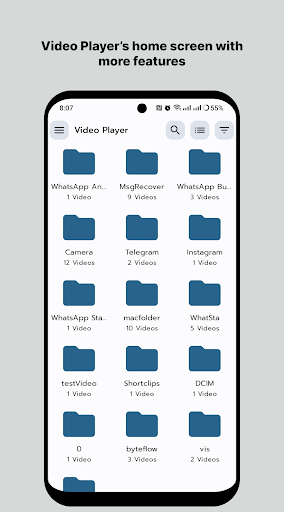

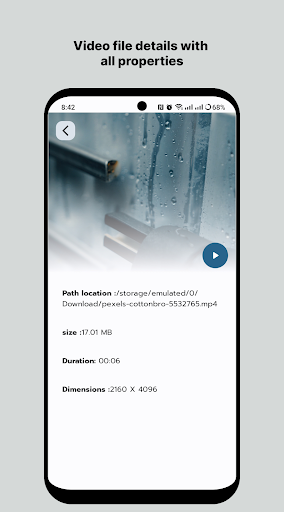
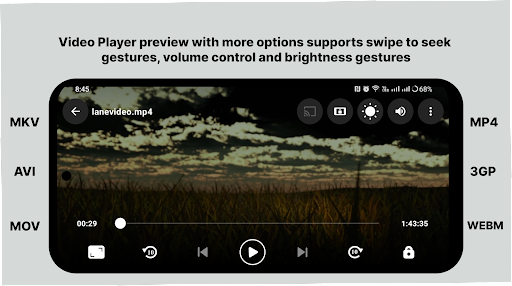
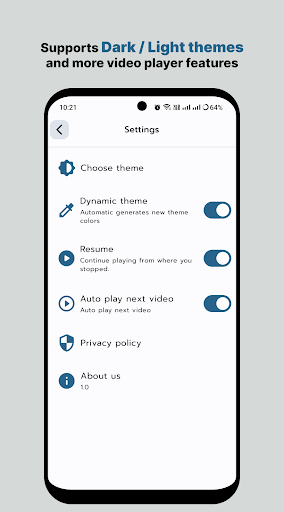

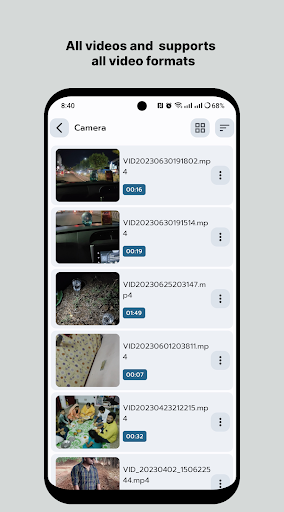
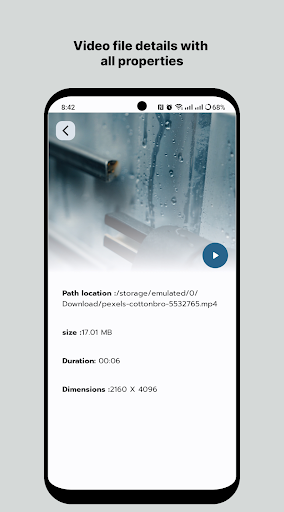
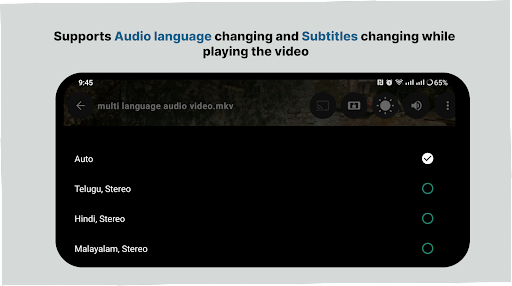
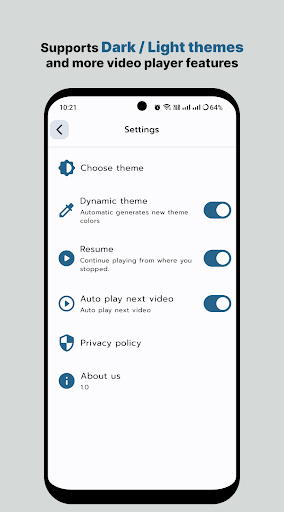
HD Video Player All Format is a versatile video player for Android devices, supporting all video formats with subtitle functionality and without intrusive ads. Designed for both smartphones and tablets, this app offers an ultimate viewing experience by playing videos in up to 4K resolution. Its powerful playback capabilities ensure smooth performance and high-quality visuals, making it ideal for users who demand the best in video playback technology.
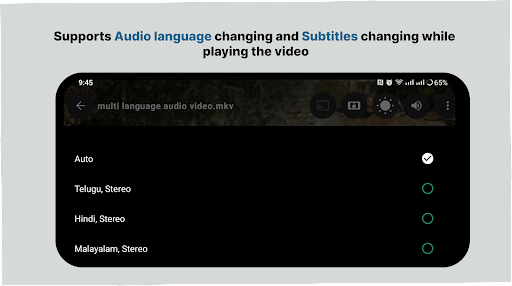
The application stands out with its smart media library that simplifies the process of finding and managing your video files. With features like quick start, smooth playback, and support for multi-track audio, HD Video Player enhances your multimedia experience. Whether you're watching movies or personal recordings, this app provides a seamless and enjoyable experience across all formats.
Among its standout features, HD Video Player All Format offers comprehensive format support, ensuring that no matter what type of video file you have, it will play smoothly. The app's efficient handling of 4K and ultra HD video files guarantees top-notch video quality. Additionally, its intuitive user interface allows for easy navigation and management of your media library.
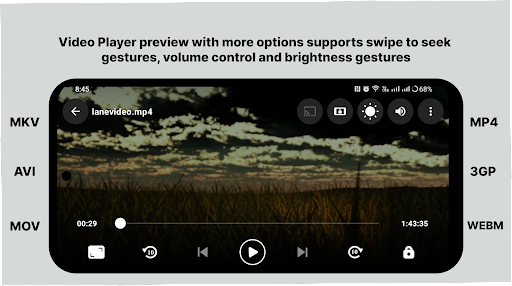
HD Video Player also includes advanced playback controls such as gesture-based volume and brightness adjustments, playback speed control, and aspect-ratio modifications. These features provide users with a customizable viewing experience tailored to their preferences. Moreover, the app's small memory footprint and simple operation make it accessible even on less powerful devices, ensuring broad compatibility and ease of use.
User-friendly interface
High-definition playback
Comprehensive format support
Efficient media library management
Gesture-based controls
Limited iOS availability
No cloud integration
Premium version required for some features
Occasional bugs reported
Ads in free version

Save photos and videos from social apps in one tap.
 3.60
3.60
VLC Remote lets you control your VLC Media Player on Mac, PC or Linux.
4.60
AirMirror is Receiver for Screen Mirroring and Casting from Apple Devices.
3.60
Download website videos fast&privacy
4.40
Movie maker & video editing app with AI effects and green screen
4.30
AI Video Editor:AI Music, Text to Video,Text to Speech,Auto Caption,Video Effect
4.00
Connect EasyCap or UVC devices for recording and broadcast video/audio stream
3.60
Flud is a simple and beautiful BitTorrent client for Android.
4.80
Screen recorder with audio to take live videos & Screenshot in high quality!
4.70
A Simple app to download Video & Music from the Internet.
4.70
Auto video maker with music & exclusive filters. Video editing made simple.
4.50
Video Downloader, Multiple Resolution Options, Video Player
4.50
Fast video downloader & private browser. Save HD clips to watch offline.
4.40
KMPlayer Plus (Divx Codec) officially support Divx codec.
4.30
IPTV-Smarters Player Pro M3U - Watch Live Stream TV Channels with Chromecast
4.00
Online Videos Player
3.90
Explore the largest library of free GIFs, Stickers & Memes - or create your own!
3.90
The essential companion to your Blue Iris PC software
2.50
Video player with powerful streaming playback and various convenient features.
2.10


User Reveiws