
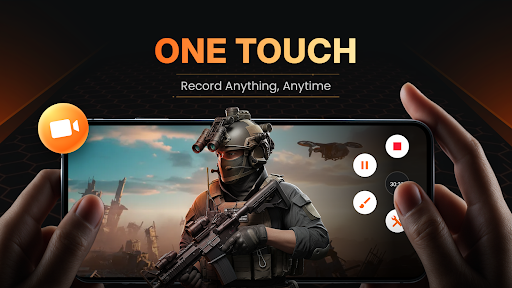
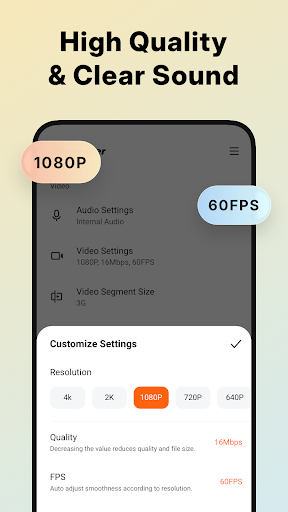
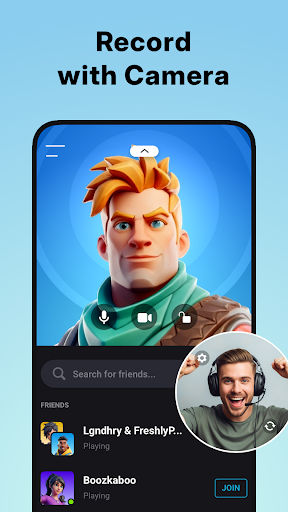
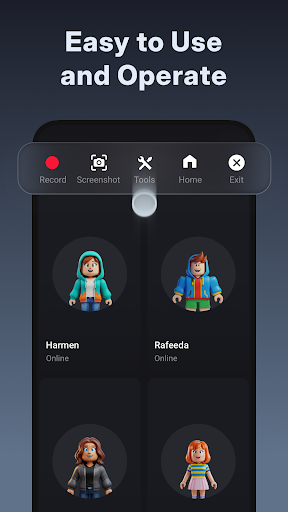
XRecorder is a versatile screen recording application designed for Android users who need to capture high-quality video content, gameplay, and tutorials without limitations. The app offers professional-grade features such as Full HD recording at 1080p resolution with customizable settings up to 120 FPS, ensuring smooth and clear visuals.
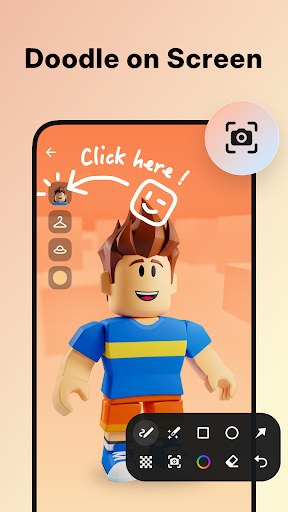
One of the standout capabilities of XRecorder is its ability to record internal audio without background noise, making it ideal for creating polished video content. With additional functionalities like facecam overlay, brush tools for annotations, and an integrated video editor, users can enhance their recordings and create engaging content tailored to various platforms.
This screen recorder proves particularly useful for gamers, content creators, and educators who require a reliable tool to document their work or share knowledge through visually appealing videos. Its intuitive interface and advanced editing options make it accessible even to novice users while satisfying the needs of professionals.
XRecorder distinguishes itself through its comprehensive feature set that caters to both casual and professional content creators. A key highlight is the support for YouTube & RTMP live streaming, enabling users to broadcast gameplay sessions or host live events directly from their devices. The inclusion of facecam functionality allows users to overlay their reactions on top of the recorded content, adding a personal touch.
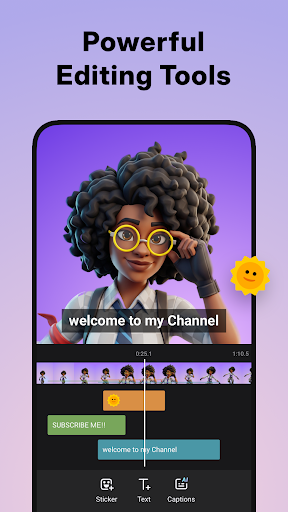
The built-in video editor provides essential tools such as trimming, cropping, rotating, and adjusting playback speed, empowering users to refine their footage effortlessly. Additionally, creative elements like stickers, text overlays, and stylish filters give users the freedom to personalize their videos further. For convenience, the floating ball control offers quick access to recording functions and can be customized in terms of style and opacity.
Another notable aspect is the app's flexibility regarding storage options; users can choose between internal storage or an SD card for saving their recordings. This adaptability extends to other areas too, including resolution adjustments (240p to 1080p), frame rate selections (15FPS to 60FPS), and bitrate configurations up to 12Mbps, allowing users to balance quality with file size according to their specific requirements.
User-friendly interface
High-quality recording
No watermark
Advanced editing tools
Live streaming support
Limited iOS compatibility
Ads in free version
Storage-intensive files
Complex settings for beginners
Occasional bugs reported

The smartest M3U IPTV Player your playlists have ever seen.
 4.5
4.5
Client application for NextPVR software
3.00
Video Player - Unlimited features, 30 days money back guarantee.
4.60
KineMaster, Your Ultimate Video Editor!
4.40
Live TV, anywhere in your home
3.80
1)AirPlay/DLNA Mirroring/Streaming, up to 4 connections; 2)Samba/NAS/DMS Player.
4.00
AI Video Editor with Music, Filter, Slideshow, Effect, Merge & Trim Video.
4.80
Fast private browser with secure, seamless access & supported video downloads!
4.00
Capture the moment and Cut
3.40
VLC Remote lets you control your VLC Media Player on Mac, PC or Linux.
4.60
Browser + Remote for Roku to stream webvideos, online movies and livestreams
4.60
Fast, private downloading, video saving, social media
4.50
Fast video downloader & private browser. Save HD clips to watch offline.
4.40
Movie maker & video editing app with AI effects and green screen
4.30
Powerful Video Editor & Photo Editing App —— Quick Edits & Stunning Effects!
4.30
Make your own Animations, Video and Photo Edits, Visual Effects, and more!
4.00
Kodi media center, a free and open source cross-platform entertainment hub
3.60
Browser for Sony TV to stream web videos, online movies and live tv
3.20
You can play SWF format file!
2.50


User Reveiws