

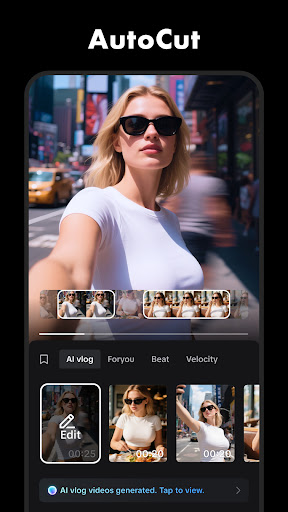
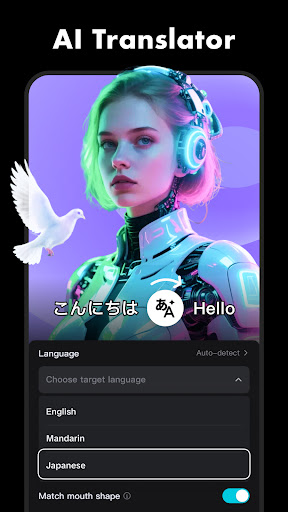
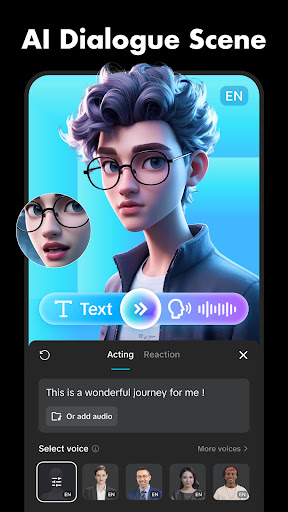
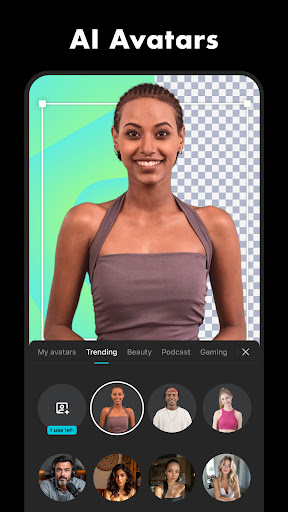


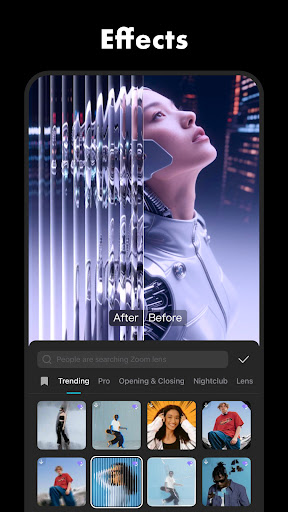
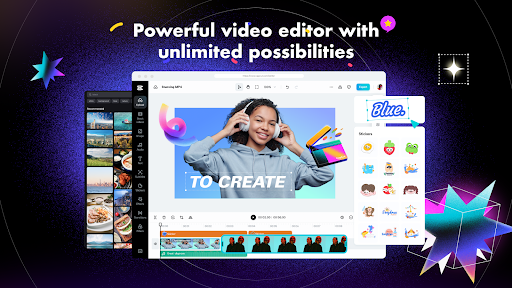
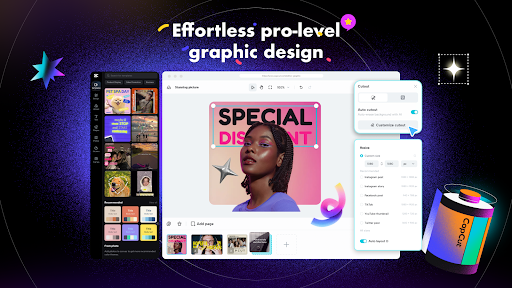
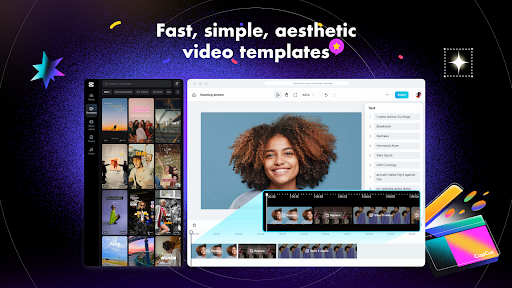
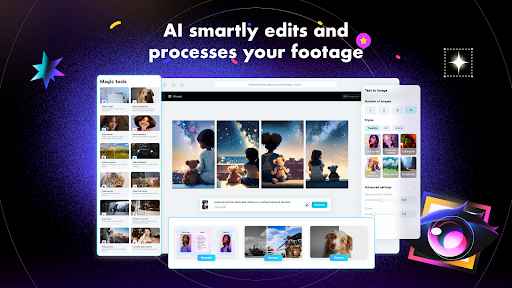

CapCut is a comprehensive video editing application that provides users with an extensive range of tools to create professional-quality videos. The app offers basic editing features such as trimming, splitting, and merging clips, alongside advanced functionalities like keyframe animation, chroma key, and stabilization. CapCut stands out with its intelligent features including auto captions, text-to-speech, and background removal, which streamline the editing process.
The app caters to both beginners and advanced users, allowing anyone to produce stunning content for platforms like TikTok, YouTube, and Instagram. With CapCut's diverse filters, effects, and sound options, users can personalize their videos to match current trends and styles. Its user-friendly interface and powerful editing capabilities make it an ideal choice for turning simple footage into viral video content.
CapCut distinguishes itself through a robust set of features designed to enhance video creation. Users can perform fundamental edits such as adjusting playback speed, animating clips with zoom effects, and applying transitions between scenes. For more sophisticated projects, the app includes keyframe animation, optical flow for smooth slow-motion, and multi-track timeline editing.
In addition to these core functions, CapCut incorporates intelligent tools like automated speech recognition for subtitles, various text-to-speech options, and automatic background removal. These features not only save time but also open up creative possibilities for users. Whether adding trending effects or fine-tuning video parameters, CapCut equips creators with everything needed to produce high-quality, engaging videos.
User-friendly interface
Advanced editing tools
Intelligent automation features
Variety of effects and filters
Supports 4K 60fps exports
Limited advanced color correction
Occasional export errors
Heavy on device resources
Ads in free version
Learning curve for beginners

Auto video maker with music & exclusive filters. Video editing made simple.
 4.50
4.50
Video Downloader is an utility that can save videos and music from web sites
4.20
Create photo video with music & template. AI video maker for stunning slideshow.
4.60
Stream Web Videos to Chromecast, Samsung, LG, Sony, Roku, Fire TV, DLNA + more
4.00
Turn your phone into a wireless camera!
4.20
IPTV Player - Watch live TV from m3m & m3u8 playlist, stream IPTV on mobile
3.30
Video Downloader, Multiple Resolution Options, Video Player
4.50
Powerful video player with advanced hardware acceleration and subtitle supports
4.20
Manage your YouTube channel on the go
4.40
HD video maker with no watermark, no ads & vlog maker with music, PIP, text
4.50
Add date and time watermark to photos and videos
4.50
Fast & Private HD Video Downloader with Built-in Proxy Browser and Video Player.
4.50
KMPlayer Plus (Divx Codec) officially support Divx codec.
4.30
AI Video Editor:AI Music, Text to Video,Text to Speech,Auto Caption,Video Effect
4.00
Make your own Animations, Video and Photo Edits, Visual Effects, and more!
4.00
Explore the largest library of free GIFs, Stickers & Memes - or create your own!
3.90
The essential companion to your Blue Iris PC software
2.50
Video player with powerful streaming playback and various convenient features.
2.10
Play and download HD videos from all sources — fast, simple, and all-in-one.
4.0


User Reveiws