







AirPin PRO

4.00

Information

Category:

Video Players & Editors

Price:

$ 4.99

Rank:

30

Rating:

4.00

Overview

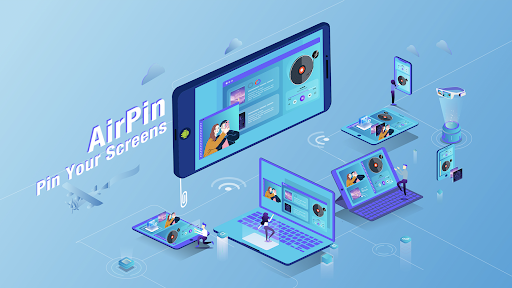
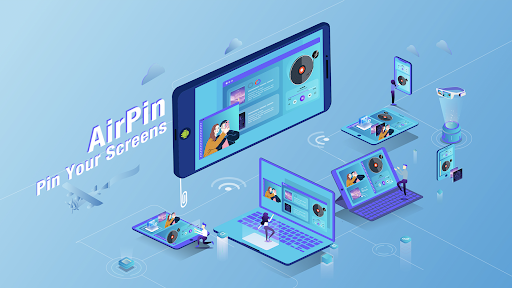
AirPin PRO is a cutting-edge screen mirroring and media streaming receiver app designed for Android phones, tablets, TVs, set-top boxes, and projectors. As the first Android application to support both AirPlay and DLNA protocols since its initial release in July 2012, it enables users to share media and screens from Apple, Windows, and Android devices onto larger displays.

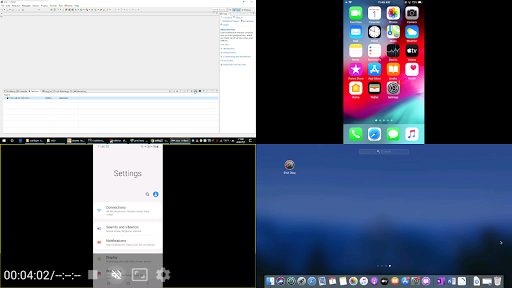
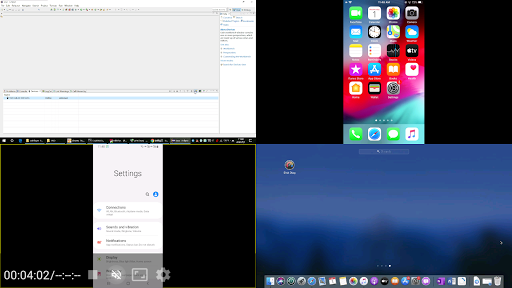
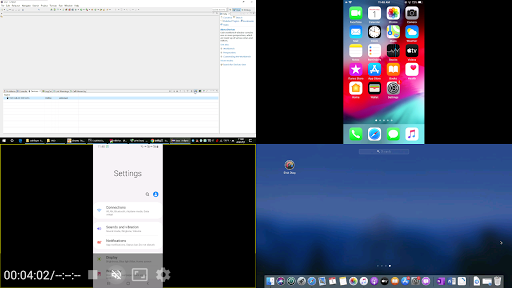
This professional version allows simultaneous display of up to four device screens, enhancing collaborative experiences. With compatibility across various platforms and devices, AirPin PRO facilitates seamless multimedia sharing, making it an ideal solution for presentations, entertainment, and collaborative work environments.

Features

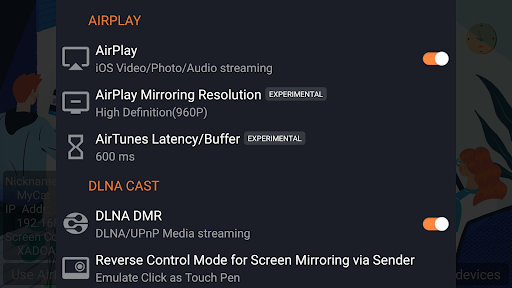
AirPin PRO stands out with its ability to display multiple device screens simultaneously, supporting up to four connections at once. It fully supports AirPlay video and music streaming as well as screen mirroring on all iOS and MacOS versions, ensuring broad compatibility.

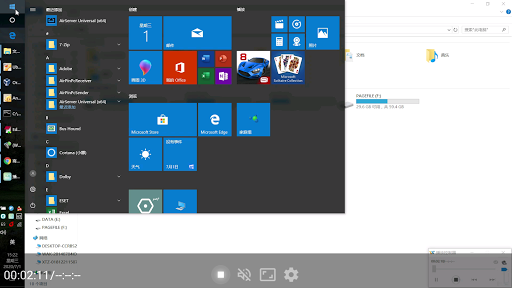
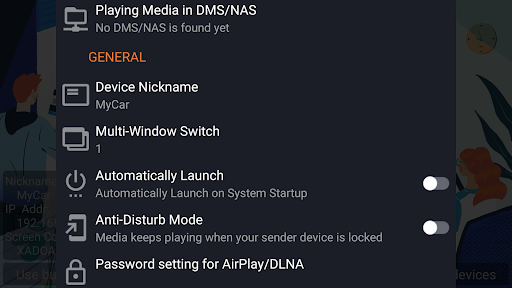
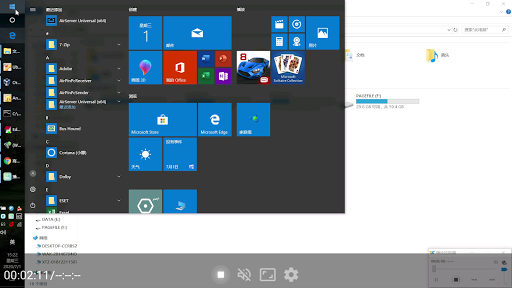
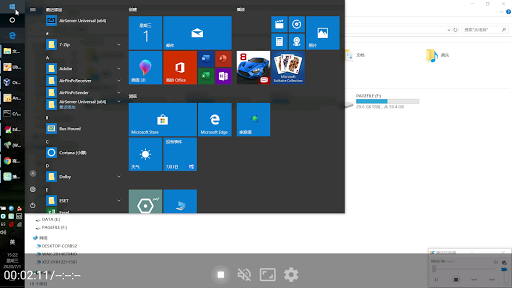
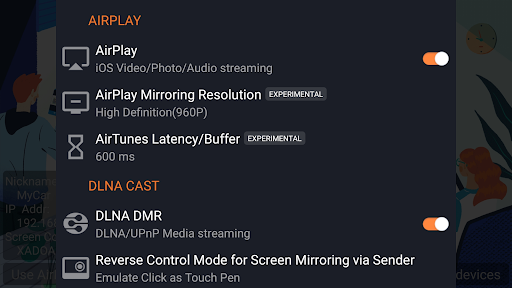
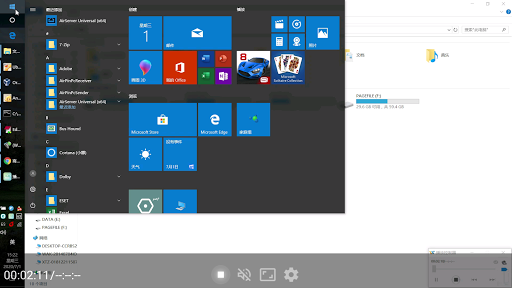
Unique features include being the first app to support the latest YouTube AirPlay streaming, slideshow functionality for AirPlay photo streaming, and AirPlay password protection. Additionally, it's the only app that functions as both a Renderer and Player for Android-based TVs, allowing direct media pulling from DLNA, NAS, and Samba servers. The app also supports Windows streaming via AirPinPcSender.exe and Android mirroring through AirPinCast, providing versatile connectivity options.

Video format compatibility

Video format compatibility refers to an application's ability to recognize and process various video file types ensuring users can play back their media without issues Regardless of the source or encoding method AirPin PRO demonstrates exceptional versatility in this area supporting a wide array of video formats This comprehensive compatibility is crucial for users who work with multiple devices and platforms as it eliminates the need for format conversion or additional software The app supports mainstream formats such as MP4 MKV AVI MOV and many others which covers most user needs When you stream content from your iPhone iPad MacBook Windows PC or Android device to AirPin PRO you can be confident that the video will play smoothly The application also supports high-definition and even 4K video playback making it suitable for professional presentations and home entertainment alike This ensures crisp clear visuals regardless of the content's resolution Additionally AirPin PRO's support for both AirPlay and DLNA protocols further enhances its video format flexibility Allowing seamless streaming from Apple Windows and Android ecosystems This cross-platform support combined with its extensive format library makes AirPin PRO a reliable choice for screen mirroring and media streaming across different operating systems and devices Whether you're sharing business presentations streaming movies or conducting video conferences AirPin PRO's robust video format compatibility ensures uninterrupted playback and maintains the quality of your visual content across all supported platforms

AI-powered editing features

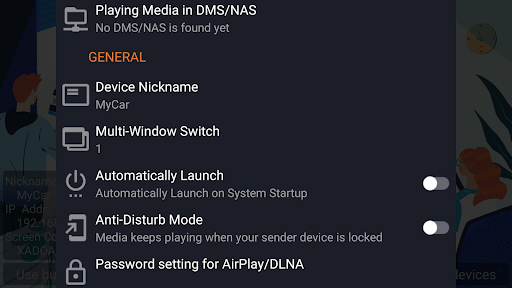
AI-powered editing features represent the integration of artificial intelligence technologies into video processing applications enabling smarter faster and more intuitive editing capabilities While AirPin PRO primarily focuses on screen mirroring and media streaming it incorporates several AI-driven functionalities that enhance the overall user experience These intelligent features help automate routine tasks optimize video quality and provide users with professional-grade tools without requiring advanced technical knowledge One notable AI feature is the application's automatic optimization of streamed content The software intelligently adjusts video parameters based on network conditions and device capabilities ensuring smooth playback without manual configuration This dynamic optimization helps maintain consistent quality even when streaming across different networks or to various display devices Another significant AI-powered aspect is the application's ability to handle complex media transformations For example when pulling media from DLNA NAS or Samba servers AirPin PRO automatically converts file formats and resolutions as needed This intelligent conversion process saves users time and effort while maintaining optimal video quality The application also features smart background audio processing which eliminates delays and synchronization issues commonly associated with streaming content Furthermore AirPin PRO's anti-disturb mode demonstrates AI-based intelligence by continuing video playback even when the controlling device disconnects This feature particularly useful during presentations or extended viewing sessions ensures uninterrupted playback and prevents accidental interruptions Although not a dedicated video editor AirPin PRO's AI-powered features contribute significantly to its overall functionality providing users with enhanced streaming quality automated optimization processes and intelligent playback management These capabilities make the application particularly valuable for both casual users and professionals seeking reliable high-quality media streaming solutions

Props

Multi-screen display

Wide protocol support

Innovative features

Seamless cross-platform

Regular updates

Cons

Premium pricing

Complex setup

Occasional bugs

Limited free version

Device compatibility

Features and Functions

What is this app and what can I use it for?

AirPin PRO streams media/screens to big screens via AirPlay/DLNA.

How do I download and install this app on my device?

Download AirPin PRO from Google Play Store on your Android device.

How do I get started after opening the app for the first time?

Launch AirPin PRO and follow on-screen instructions to connect devices.

What are the main features and capabilities of this app?

Supports multi-screen display, AirPlay, DLNA, and more for versatile streaming.

How can I customize my experience and adjust preferences?

Adjust settings within the app to customize streaming preferences.

How do I save or bookmark my favorite content for later access?

Use built-in bookmarking to save favorite content for future access.

How can I share content with friends or on social media?

Share content directly through AirPin PRO's integrated sharing options.

How do I access detailed information and explore more content?

Access detailed info by exploring the app's comprehensive media library.

What permissions does this app need and how do I manage them?

Requires network permissions; manage in device settings.

How do I check for updates and keep the app running smoothly?

Check for updates in Google Play Store to keep AirPin PRO current.
Show more

User Reveiws

{{ comment.reviewer_name }}
{{ comment.review_date_formatted}}
{{ comment.review_content }}
{{ tab.name }}
{{ comment.reviewer_name }}
{{ comment.review_date_formatted}}
{{ comment.review_content }}
No reviews with this rating