
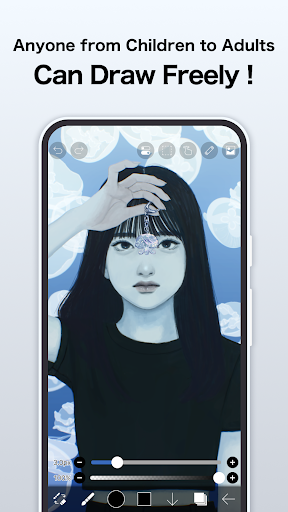
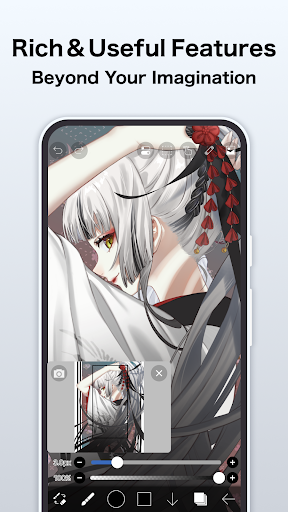


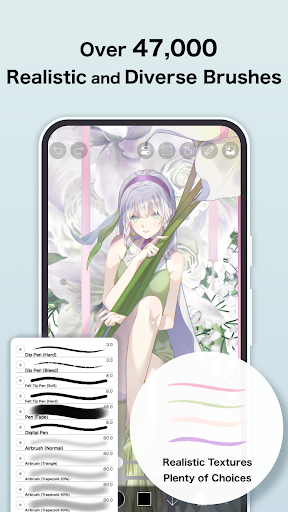

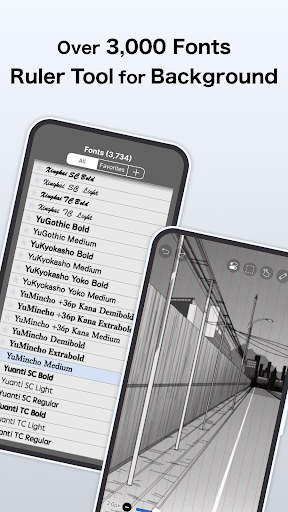
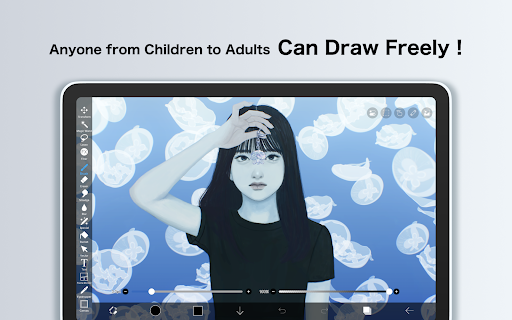
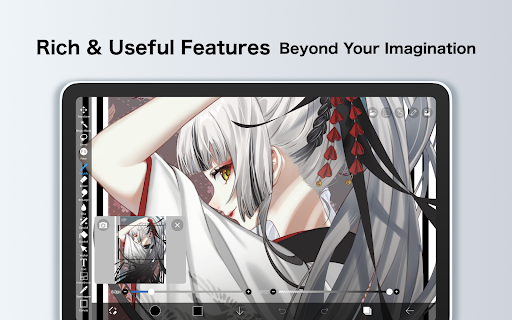
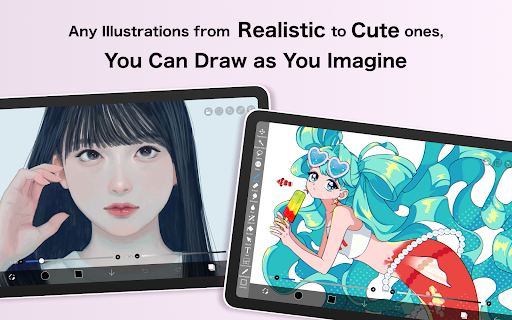
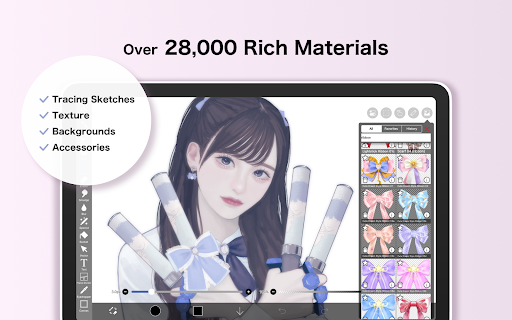
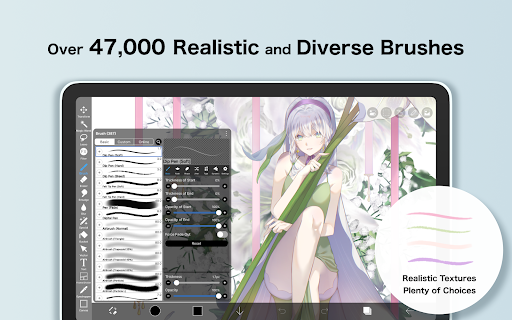
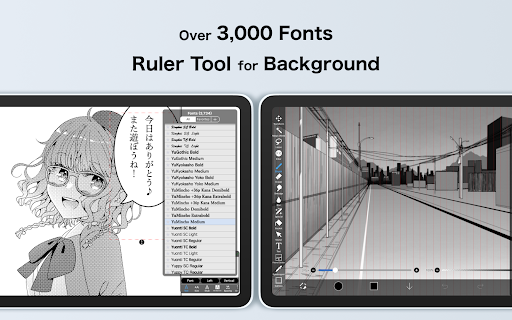
ibis Paint is a premier digital art studio designed for both amateur and professional artists. This app offers an extensive suite of creative tools including over 47000 brushes, 27000 materials, and 2100 fonts, enabling users to produce highly detailed artwork directly on their mobile devices. With advanced features like stroke stabilization, various rulers, and blending modes, it ensures precision and versatility in every creation.
The application stands out with its unique ability to record drawing processes, making it an excellent educational tool for art enthusiasts. Its social sharing functionality allows users to showcase their artistic journey by publishing time-lapse videos of their work. Whether you're sketching casual doodles or crafting professional-grade illustrations, ibis Paint provides the necessary tools to bring your imagination to life.
ibis Paint distinguishes itself through its comprehensive feature set tailored for digital artists. The app's brush engine supports smooth drawing at up to 60 fps, offering a diverse range of brush types from dip pens to oil brushes. This ensures that every stroke feels natural and responsive, catering to different artistic styles and techniques.
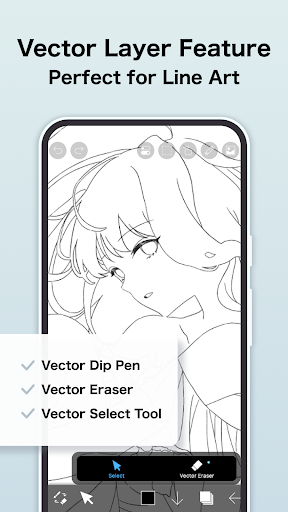
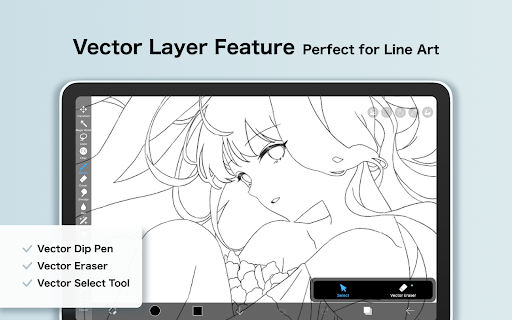
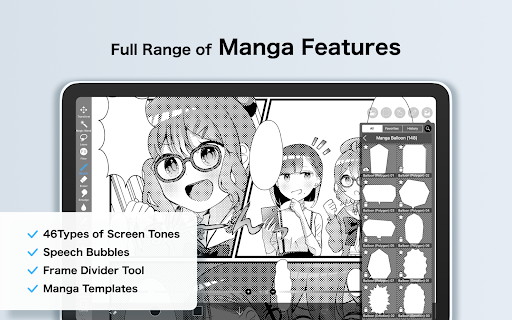
Layer management in ibis Paint is exceptionally robust, allowing unlimited layers and providing individual parameter settings such as opacity and blending modes. The inclusion of manga-specific tools like advanced text functions and screentones makes it particularly appealing for comic artists. Additionally, the Prime Membership unlocks professional-grade features including vector tools and cloud storage, elevating the creative possibilities for serious artists.
User-friendly interface
Extensive brush library
Advanced layer options
Time-lapse recording
Social sharing capabilities
Prime Membership required
In-app purchases can add up
Steep learning curve
Occasional performance issues
Limited free version functionality

Discover Cartoon Dream : Unleash Your Creativity with CuttingEdge AI
 4.50
4.50
Floor Plan Creator lets you create, edit and share floor plans.
4.00
Digital Drawing: Draw & Paint
4.10
Unleash your drawing and painting potential
4.50
Art of Combination Wear OS Watch faces
4.0
See Color, Paint Color
4.90
Passport size photo maker, create ID photo and visa photo in seconds
4.80
Convert image to JPG PNG HEIC PDF, support almost all kinds of image formats
4.70
Turn your drawings into flipbook-style animations with simple creative tools
4.60
Digital, Abstract, Classic - all types of color wheels in one app!
4.60
Kling AI is an image and video generation and editing studio powered by AI.
4.50
Photo blender app to create overlay photos & double exposure.
4.40
Trace, draw, and create art with AR - from memes to masterpieces!
4.30
OneUI 8.5 icons ✨ Smooth, modern & based on the latest Play Store design ??
4.10
Paint with oils and sketch with natural tools on a realistic virtual canvas.
3.80
Create trending AI photos & videos with powerful effects and 3D styles.
3.20
Meet the magic aı 3d photo generator and smart AI video generator app.
3.20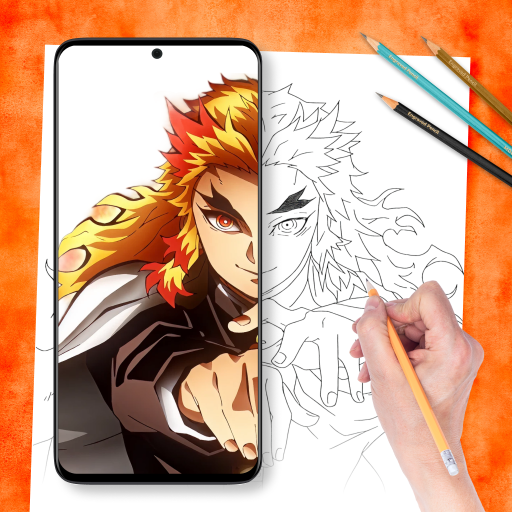
Draw anime easily with AR guidance, sketch templates & trace tools!
3.10
Your Essential Color Theory Guide: Red, Yellow, Blue (RYB)
4.1


User Reveiws