
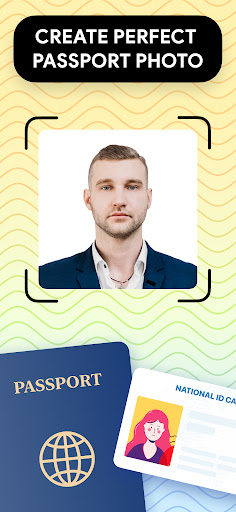

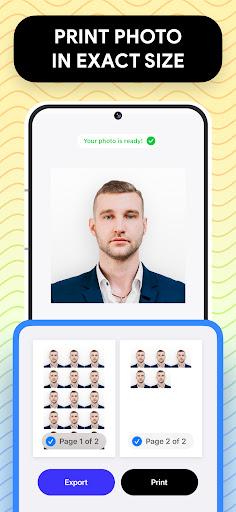
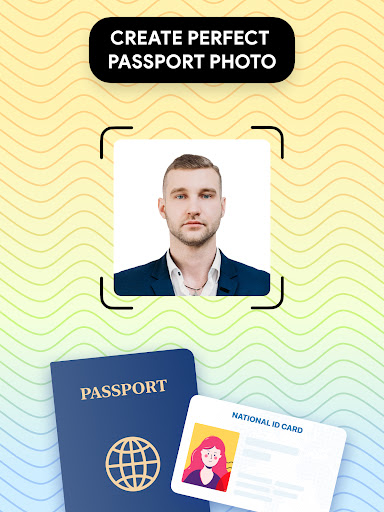
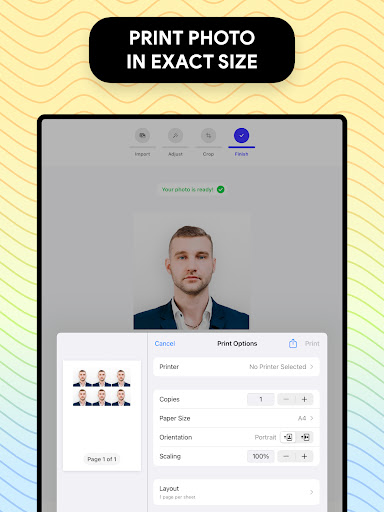
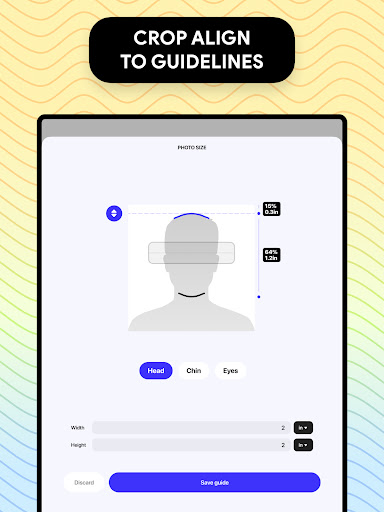
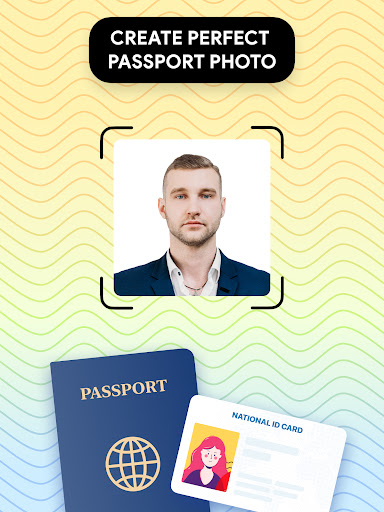

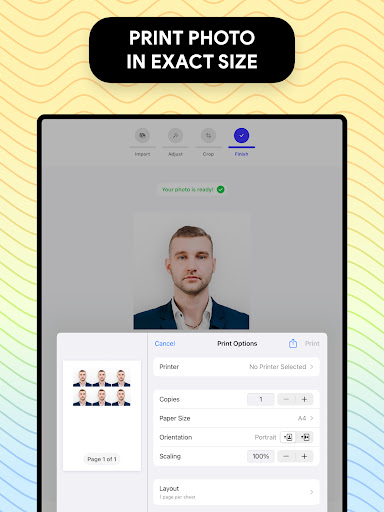

Passport Photo - ID Photo Print is a professional passport photo editor designed to help users create high-quality passport, visa, and ID photos that meet government requirements. The app offers precise size adjustments for various photo dimensions such as 3x4, 4x4, 4x6, 5x7, or 2x2, making it easy to print directly from your phone.
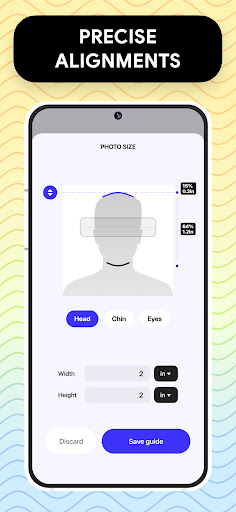
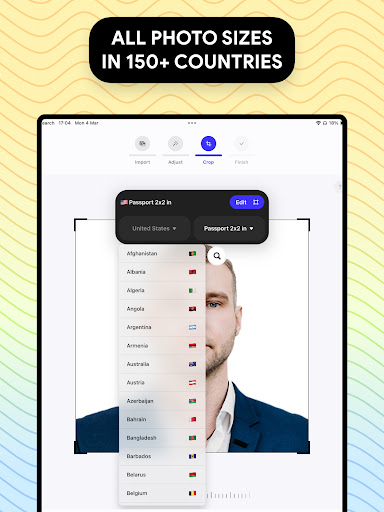
With its comprehensive set of editing tools, Passport Photo ensures that users can adjust brightness, temperature, and sharpness while also providing background removal features to create clean white or custom-colored backgrounds. Its database of international passport photo regulations makes it an ideal solution for users needing to update their passport pictures quickly and easily at home.
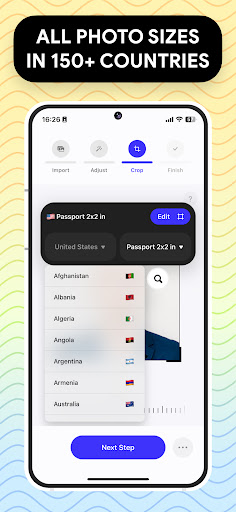
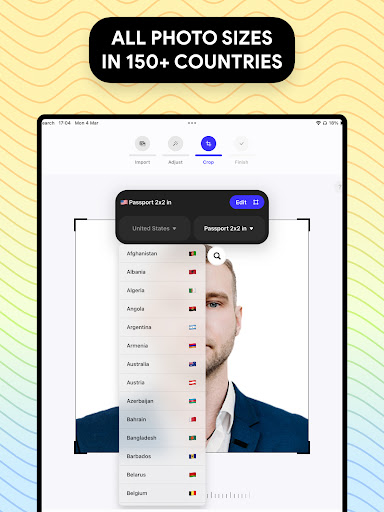
Passport Photo - ID Photo Print stands out with its robust feature set tailored specifically for passport and visa photo creation. One key feature is the ability to customize photo sizes instantly, including popular dimensions like 3x4, 4x6, and 2x2, ensuring compatibility with different country requirements.
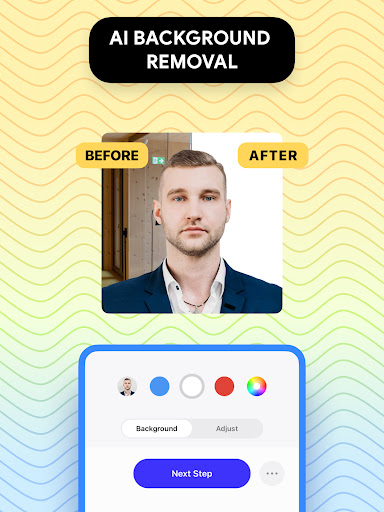
The app includes advanced editing capabilities such as brightness adjustment, temperature control, and sharpening tools, allowing users to enhance their photos effortlessly. Additionally, the built-in background remover simplifies the process of creating images with white or colored backgrounds, eliminating the need for professional studio setups. These features collectively ensure that users can produce professional-grade passport photos from the comfort of their homes.
User-friendly interface
Comprehensive editing tools
Wide range of size options
Background removal feature
Global regulation database
Limited creative filters
No batch processing
Premium feature costs
Occasional ads
Learning curve for tools
Download now for a stylish and functional timepiece
 4.1
4.1
Learn how to draw with step-by-step tutorials, fun lessons & multiplayer drawing
4.70
Stylish letters, Stylish Keyboard, Symbols, Emojis, Cool nickname
4.40
Image/ Text to Video Generator
4.40
Art of Combination Wear OS Watch faces
4.2
Create stunning video, photo & magic from text with FlixAI GPT video generator.
3.10
Image resizer to resize, crop, rotate, flip, change dpi photo or picture in bulk
4.60
Create and Design Custom Logos in Seconds with AI-Powered Tools!
4.40
Draw, make movies & animate cartoons easily with our 2D animation maker app
4.40
See Color, Paint Color
4.90
Castle is social media for creating and playing games!
4.60
Draw anime & manga drawing, art with templates to create stunning picture!
4.50
Trace, draw, and create art with AR - from memes to masterpieces!
4.30
Beauty Camera - Selfie Camera is the ultimate beauty camera and selfie app
4.30
Resize photos and print photos in exact size with our powerful photo printer!
3.80
AI Art Generator transforms your words into AI generated art & paintings.
3.70
Vidu is an AI video generator made for creators and aspiring makers.
3.30
Art of Combination Wear OS Watch faces (for Wear OS 5+ devices)
3.00
Your Essential Color Theory Guide: Red, Yellow, Blue (RYB)
4.4


User Reveiws