
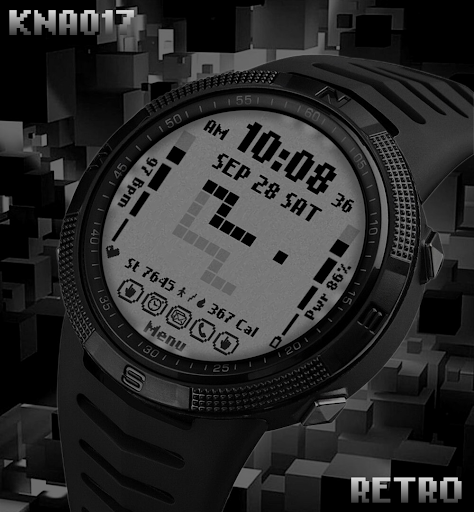

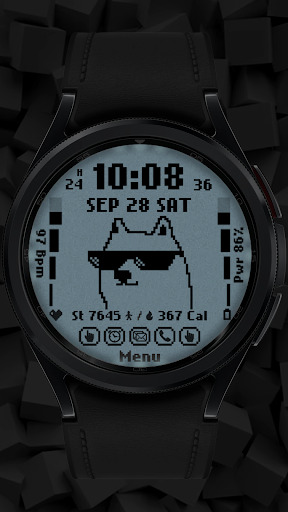
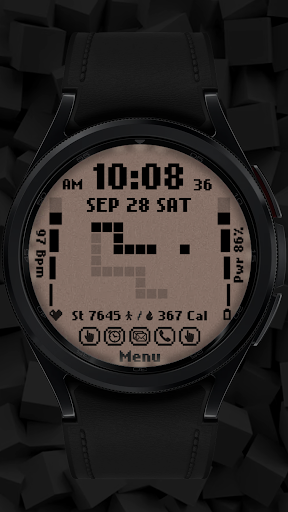
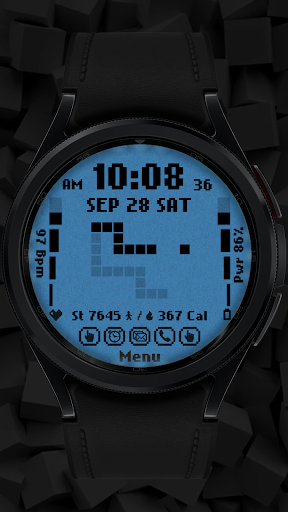
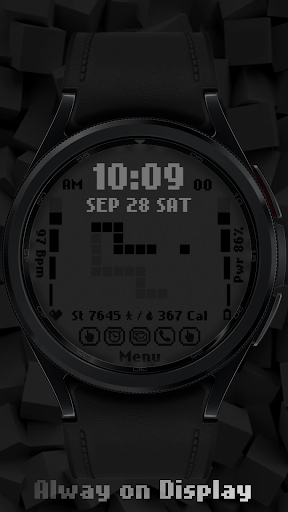
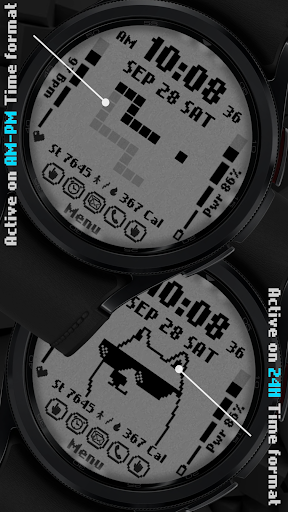
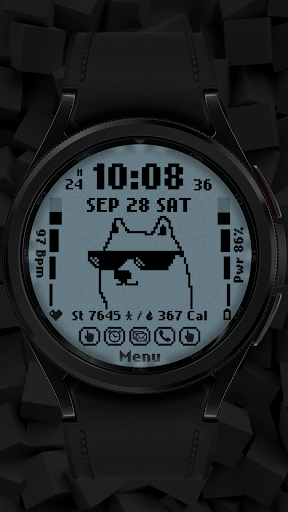
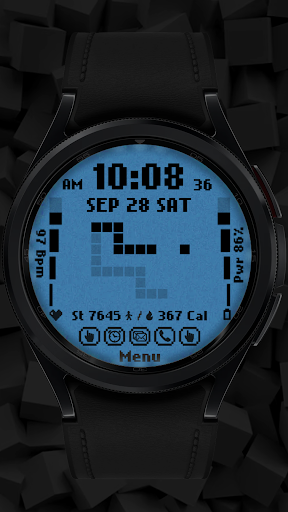
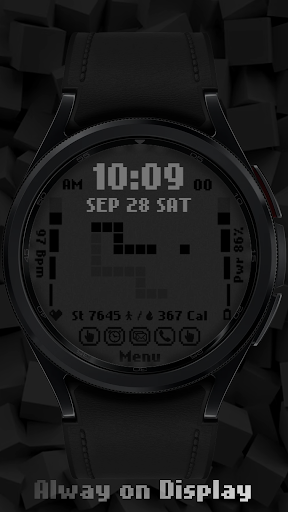


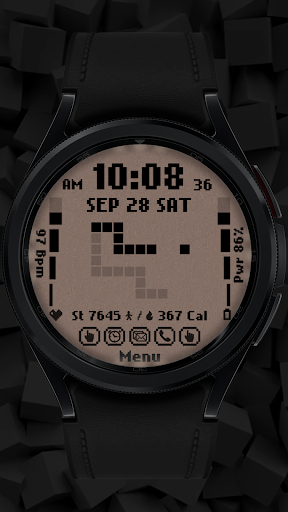


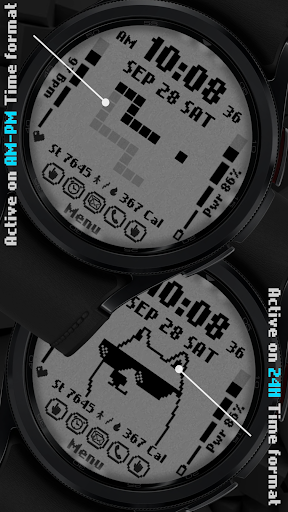
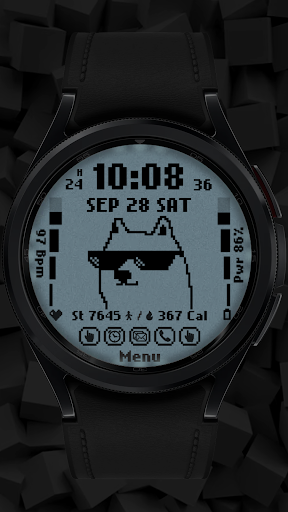
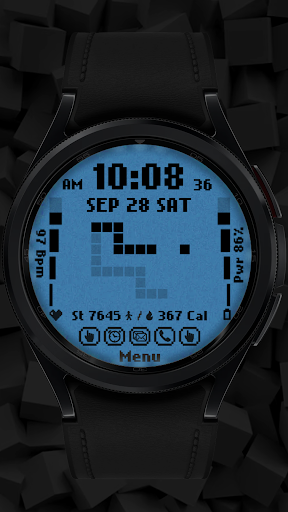
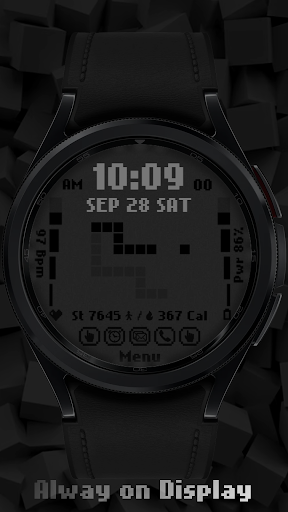
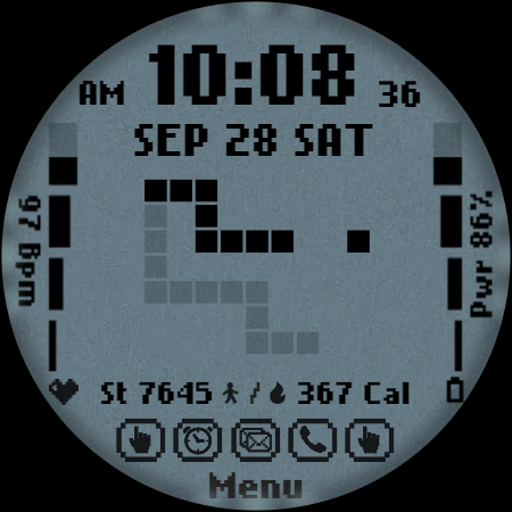
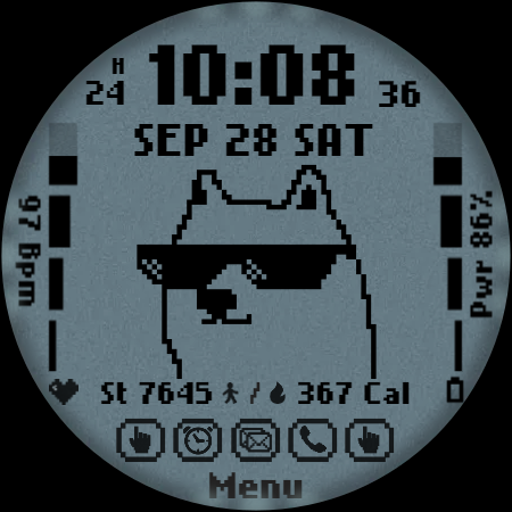
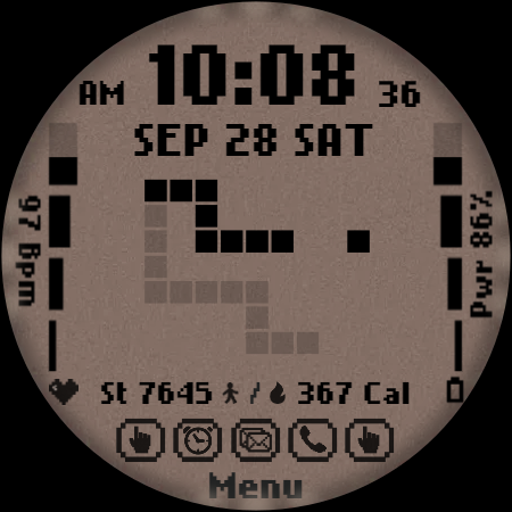
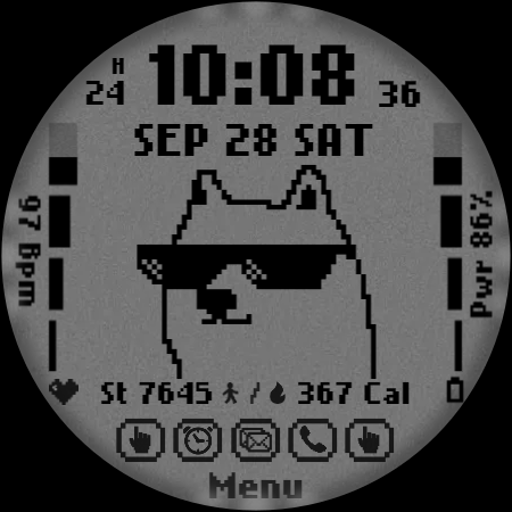
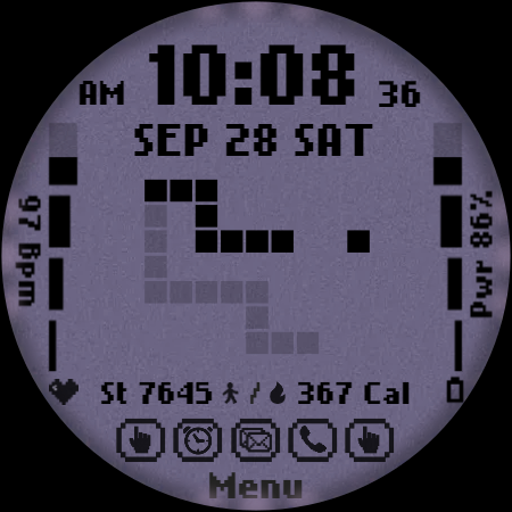

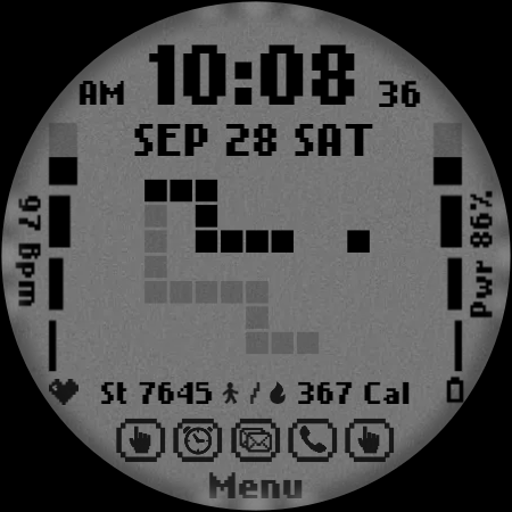
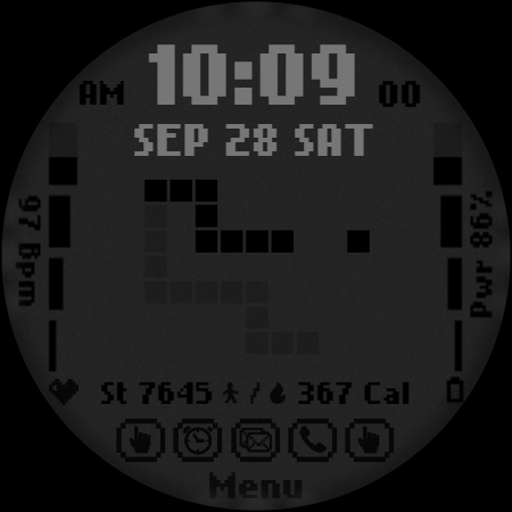
[KNA017] RETRO is a stylish watch face designed for Wear OS devices, offering users the ability to customize their smartwatch display with various complications. Compatible with API level 30+ devices such as Google Pixel and Galaxy Watch 4, 5, 6 series, this app brings a retro aesthetic to your wrist while providing essential information like time, date, steps count, heart rate, battery level, and calories burned.
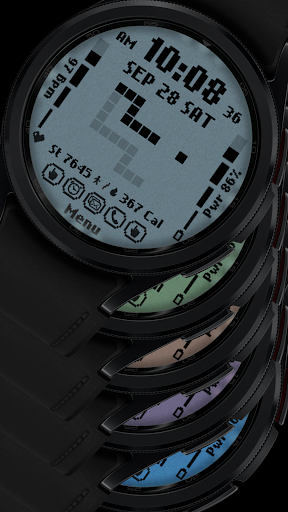
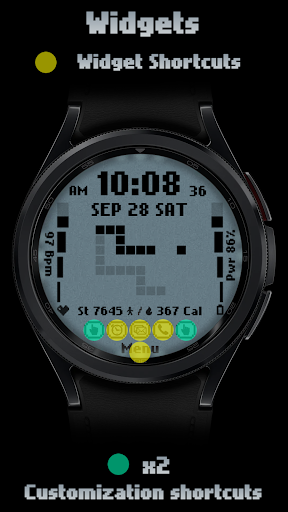
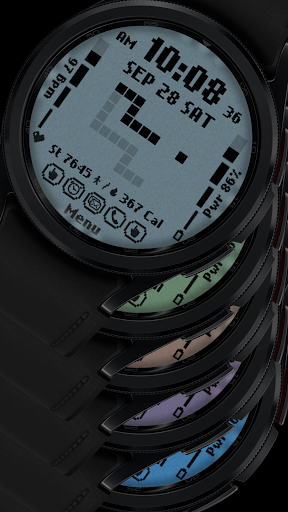
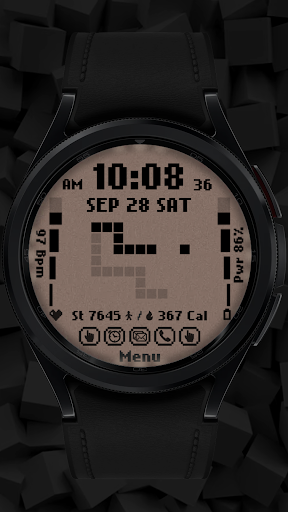
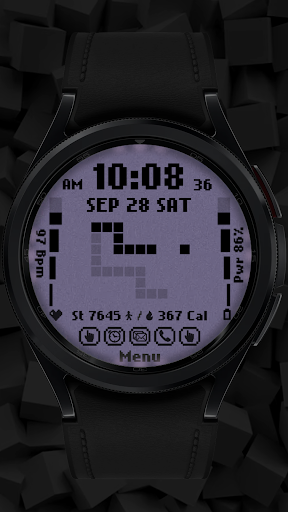
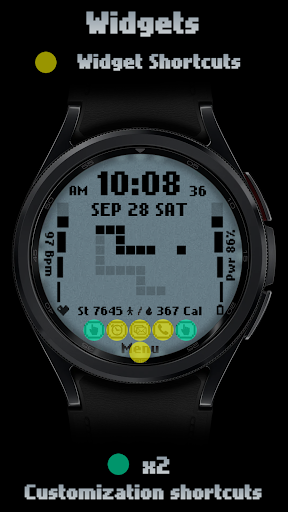
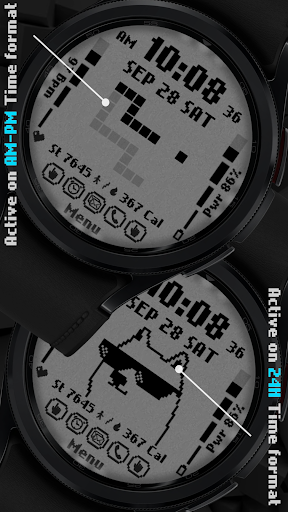
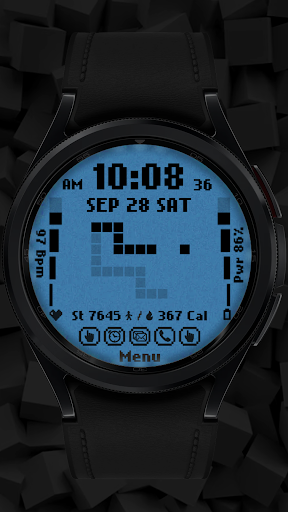
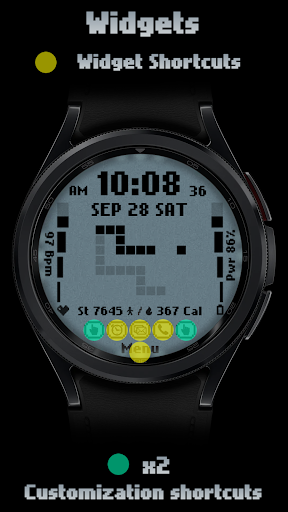
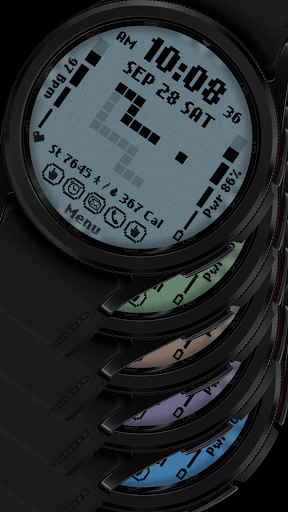
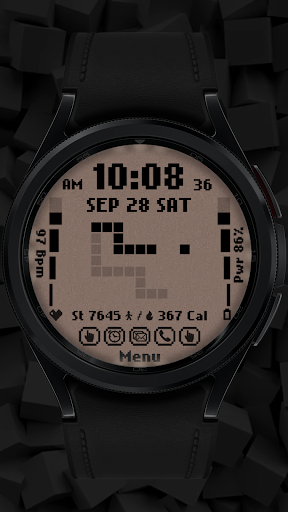
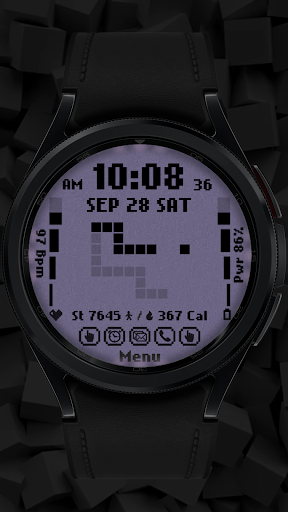
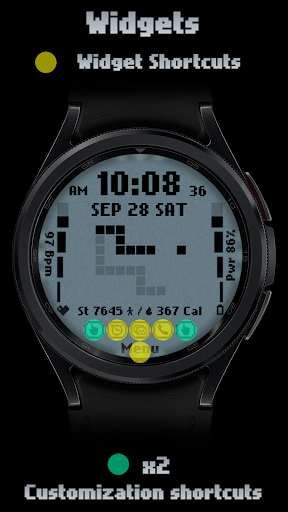
The watch face features digital styles in both 12-hour and 24-hour formats, six color options, and six unique styles. It also includes two customizable shortcuts that allow users to tailor the display to their preferences. Whether you want weather updates or a world clock, [KNA017] RETRO provides the flexibility to show the data most relevant to you. This makes it an ideal choice for users looking to balance functionality with personal style on their smartwatches.
[KNA017] RETRO stands out with its versatile customization options and attention to detail. The app offers digital time displays in both 12-hour and 24-hour formats, complete with animated transitions that change based on the time of day. Users can view additional information such as the date, day of the week, month, step count, heart rate, battery level, and calorie calculations directly on their watch face.
One of the key highlights is the ability to customize complications. You can choose from a variety of data points including weather forecasts, world clocks, sunrise/sunset times, and more. With six different colors and styles available, users can personalize their watch face to match their mood or outfit. The intuitive setup process requires just a touch and hold on the display followed by tapping the 'Customize' option, making it easy for anyone to adjust settings without hassle.
Highly customizable
Retro design appeal
Accurate health tracking
Versatile complication options
User-friendly interface
Limited device compatibility
No automatic application
Some features unavailable
Requires latest Android
Occasional bugs reported

Vidu is an AI video generator made for creators and aspiring makers.
 3.30
3.30
Apply cartoon, caricature, and portrait effects to make your photos stand out!
3.60
AI Assistant, powered by ChatGPT GPT-4 & GPT-4o. Your intelligent companion.
3.50
Photo blender app to create overlay photos & double exposure.
4.40
Create color palette from Image, RGB & RYB Color wheel harmonies, Color Scheme
4.50
AI Art Generator transforms your words into AI generated art & paintings.
3.70
AR Anime Drawing: How to draw anime with AR drawing & sketching apps!
4.00
Painting, drawing, & sketching
4.50
Kling AI is an image and video generation and editing studio powered by AI.
4.50
Convert image to JPG PNG HEIC PDF, support almost all kinds of image formats
4.70
Digital, Abstract, Classic - all types of color wheels in one app!
4.60
Image resizer to resize, crop, rotate, flip, change dpi photo or picture in bulk
4.60
Draw anime & manga drawing, art with templates to create stunning picture!
4.50
Draw Trace image sketch by, AR art projector app, Easy to trace any image.
4.50
Stylish letters, Stylish Keyboard, Symbols, Emojis, Cool nickname
4.40
Text to Image, Image to Video & AI Chat
4.20
Design your dream room with AI. Get decor ideas & plan home interiors
3.90
Art of Combination Wear OS Watch faces (for Wear OS 5+ devices)
3.90
Create trending AI photos & videos with powerful effects and 3D styles.
3.20


User Reveiws