
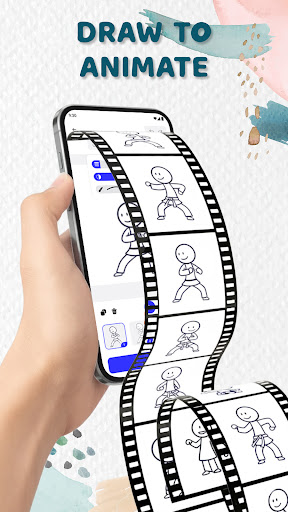
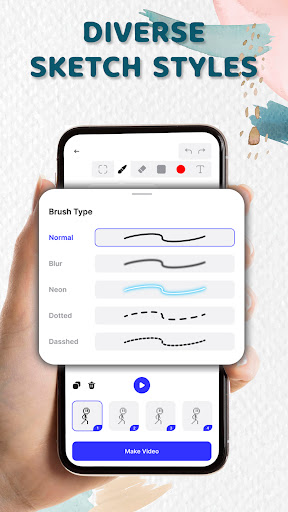
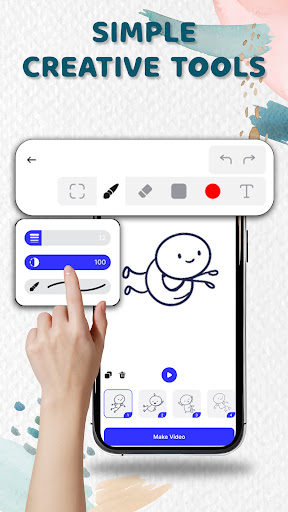
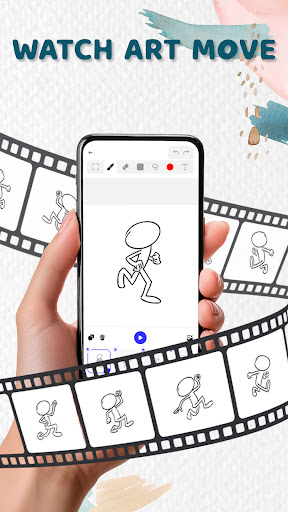
Animation Draw: Flip Maker is a creative app designed for artists and hobbyists who want to bring their sketches to life through animation. The app offers an intuitive platform where users can create frame-by-frame animations, transforming simple drawings into dynamic stories.
With features like flipbook-style animation, users can relive the classic charm of hand-drawn animations in a digital format. Whether you're crafting short comics, experimenting with character movements, or exploring various art styles, Animation Draw provides all the necessary tools to express your creativity.
This app is perfect for beginners and experienced animators alike, offering a range of drawing tools such as pen size adjustment, color options, and onion skinning for seamless motion. Animation Draw: Flip Maker is not just about the final output but also about enjoying the process of making art move.
Animation Draw: Flip Maker stands out with its comprehensive set of features tailored for both novice and advanced users. One of the key highlights is the ability to create animations in a flipbook style, reminiscent of traditional animation techniques but enhanced with modern technology.
The app includes user-friendly drawing tools that allow customization of pen sizes, colors, and more. Onion skinning is another valuable feature, enabling creators to see multiple frames at once for smoother transitions between movements. This makes it easier to control and refine animations.
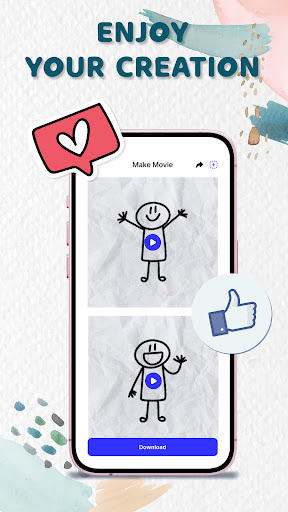
Additionally, Animation Draw supports exporting animations in popular formats like GIF and MP4, allowing users to share their creations easily on social media or with friends and family. These robust features make it an ideal choice for anyone looking to explore the world of animation or enhance their storytelling capabilities.
User-friendly interface
Powerful drawing tools
Supports multiple formats
Perfect for beginners
Enhances creativity
Limited advanced features
Occasional bugs
Requires patience
No collaborative tools
Few tutorials

Art of Combination Wear OS Watch faces (for Wear OS 5+ devices)
 3.00
3.00
Create trending AI photos & videos with powerful effects and 3D styles.
3.20
Design your dream room with AI. Get decor ideas & plan home interiors
3.90
Remove Background, Magic Eraser, Photo Enhancer, Story Templates, Collage Maker
4.30
Your Essential Color Theory Guide: Red, Yellow, Blue (RYB)
4.4
Unleash Your Creativity with Draw Cartoon - AR Drawing App
4.10
Bring One UI 8.5 Icons to life -elegant dark icons with a modern, premium touch.
4.30
Inky runs Inkscape on Android devices and Chromebooks
2.90
Sketch and paint on your device with the feel and freedom of drawing on paper
4.00
Image resizer to resize, crop, rotate, flip, change dpi photo or picture in bulk
4.60
Photo editor for art, avatars, filters & fun transformations.
4.60
Digital illustration drawing & painting pad app to paint Anime and Manga art
4.50
AI generated images & photos, turn your words into drawing, painting & pictures.
4.30
Create Logos, Tattoos, AI Art & more with our AI Photo Generator & Design Editor
4.20
Your homescreen as an elegant glass with customized blur, lighting, and visuals.
3.70
Apply cartoon, caricature, and portrait effects to make your photos stand out!
3.60
Vidu is an AI video generator made for creators and aspiring makers.
3.30
Premium version of Shimeji-ee app with no ads & no limit active shimeji
4.2
A luxurious gold watch face for an elegant and refined look.
4.1


User Reveiws