Kling AI

4.50

Information

Category:

Art & Design

Price:

Free

Rank:

12

Rating:

4.50

Overview

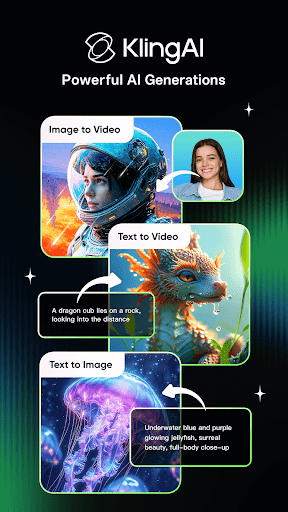
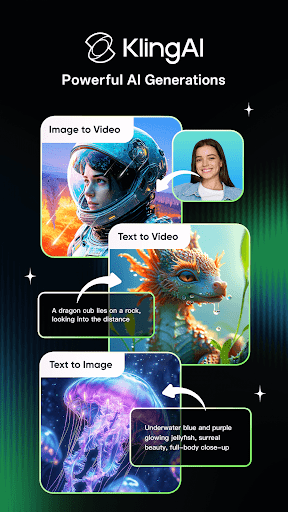
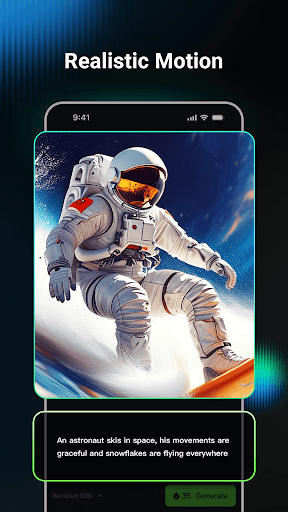
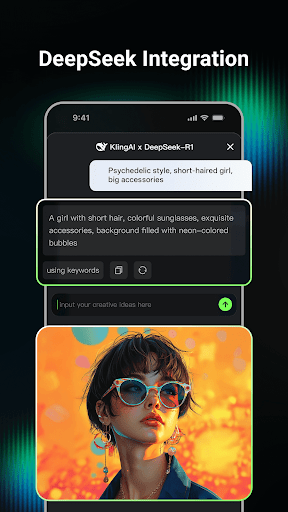
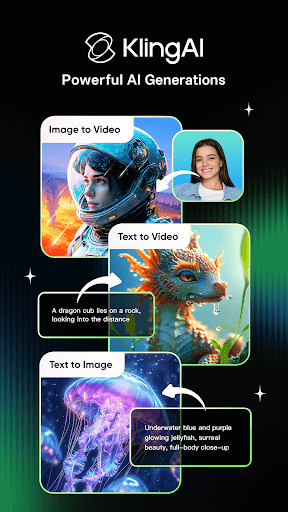
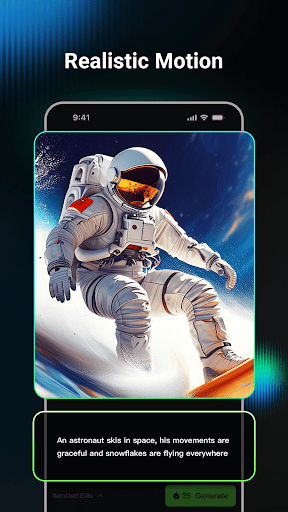
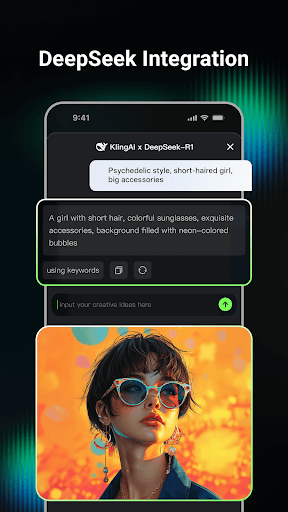
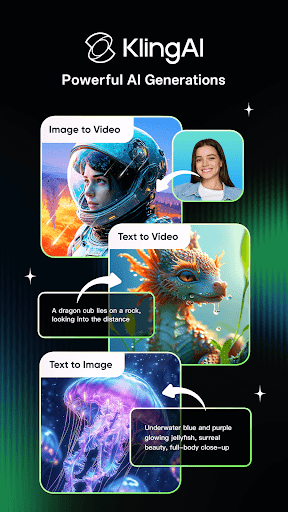
Kling AI is a cutting-edge creative studio powered by advanced AI models, designed for creators who seek innovative ways to produce video and image content. The app leverages Kling large model and Kolors large model to enable high-quality Text-to-Video, Image-to-Video, Text-to-Image, and Image-to-Image generation.

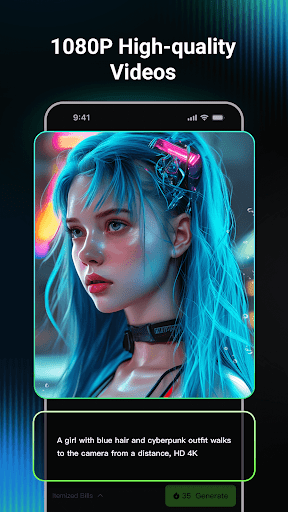
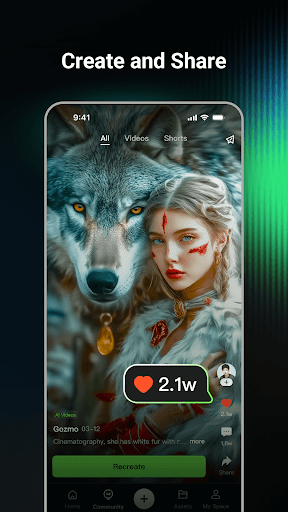
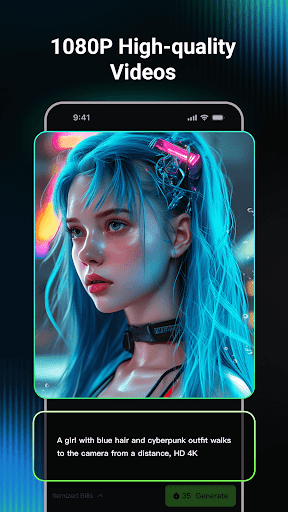
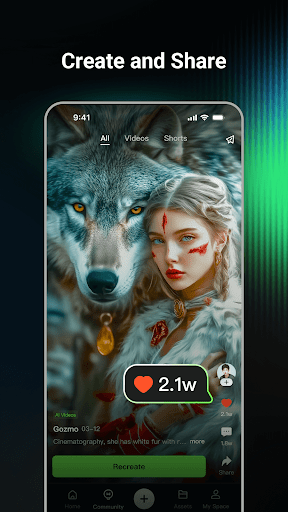
With features like video extension up to 3 minutes in 1080P resolution and a collaborative community space, Kling AI empowers users to bring their ideas to life while drawing inspiration from fellow creators. Whether you're an artist, marketer, or hobbyist, this app offers the tools needed to unleash your imagination.

Features

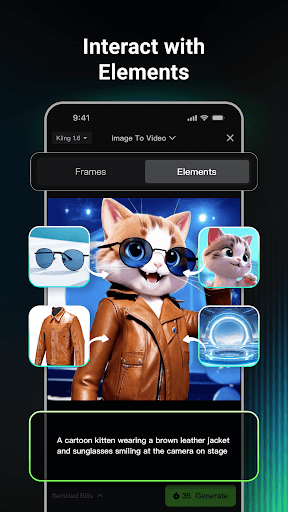
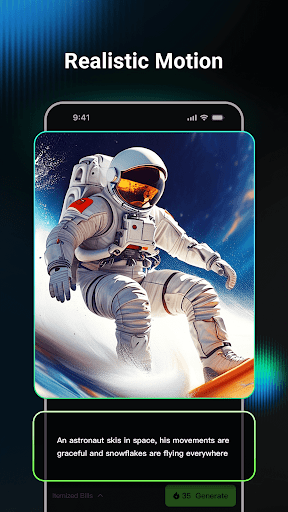
Kling AI stands out with its robust set of creative tools tailored for modern digital artists. The AI video generation supports both Text-to-Video and Image-to-Video, allowing users to transform simple prompts into professional-grade videos with resolutions up to 1080P.

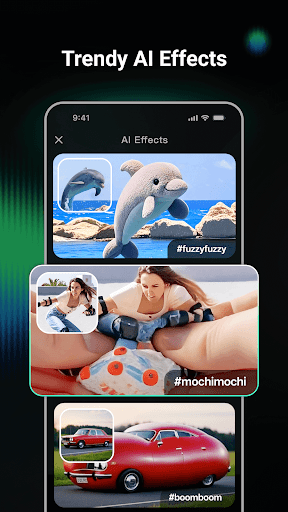
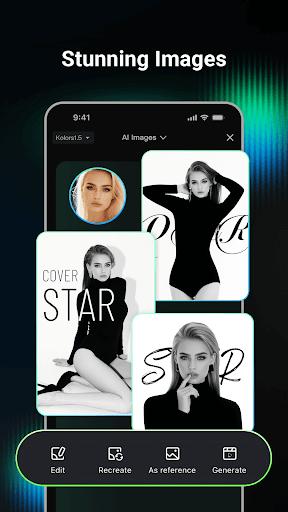
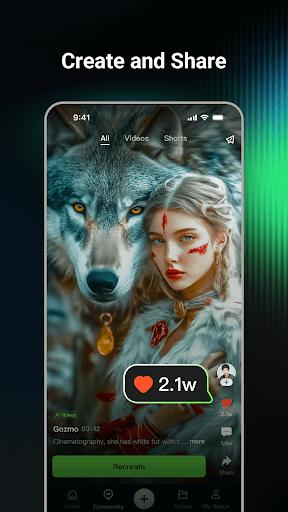
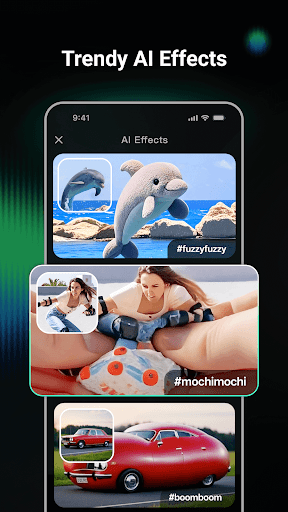
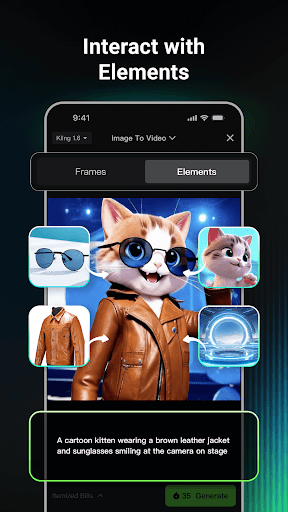
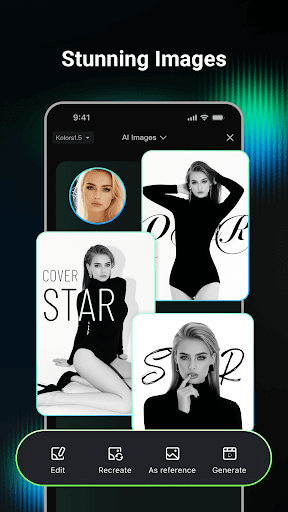
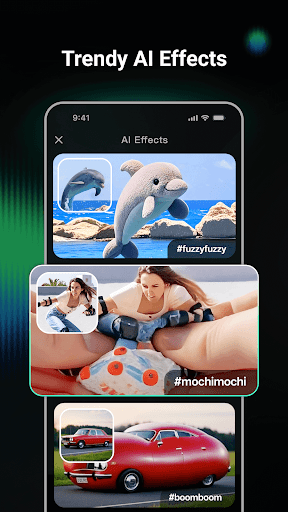
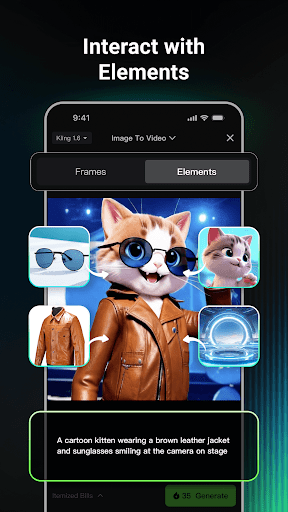
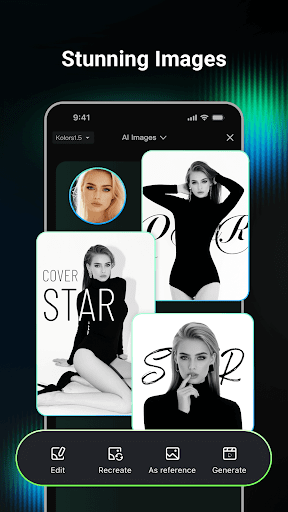
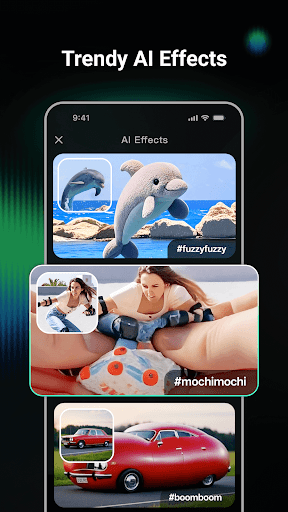
The AI image generation feature provides versatile options for creating images in various styles and dimensions. Users can also convert images into videos effortlessly. Additionally, the Clone & Try function lets users replicate community-shared projects, while the built-in community fosters collaboration and idea exchange among creators.

Creative tool completeness

In the realm of digital art and design Kling AI distinguishes itself through its comprehensive suite of creative tools designed to cater to a wide array of artistic needs. At its core Kling AI leverages advanced Kling and Kolors large models to facilitate both video and image generation and editing. This technological foundation empowers creators with capabilities such as Text-to-Video Image-to-Video Text-to-Image and Image-to-Image transformations. The inclusion of these varied functionalities ensures that whether an artist is looking to generate high-quality videos up to 1080P resolution or create images in multiple dimensions and styles they can do so within this single platform. Furthermore the platform's video extension feature allows for the creation of extended content up to three minutes long offering additional creative freedom. By integrating these sophisticated tools into an intuitive interface Kling AI not only meets but exceeds the expectations of artists seeking a versatile digital canvas. The practical benefit for users lies in the platform's ability to consolidate a vast array of creative processes into one accessible location thereby streamlining workflow and enhancing productivity. Artists can swiftly transition from conceptualization to realization without the need for multiple specialized applications thus fostering an environment where imagination can be rapidly transformed into tangible digital art.

Canvas/format flexibility

Kling AI further enhances the creative process by providing unparalleled canvas and format flexibility tailored to meet the diverse needs of modern artists and designers. Understanding that creativity knows no bounds the platform offers a dynamic workspace where users can explore various dimensions and styles for their projects. Whether it's generating images in different aspect ratios or creating videos that adhere to specific format requirements Kling AI accommodates these needs with ease. The platform supports a seamless conversion process from images to videos allowing creators to experiment with multimedia formats effortlessly. This adaptability extends to the collaborative features as well where artists can engage with a community of like-minded individuals drawing inspiration from shared works and even cloning projects to modify and adapt them to their unique visions. Such flexibility not only broadens the scope of what can be achieved within the platform but also encourages experimentation and innovation. For users this means the ability to tailor their creative output precisely to their intended medium and audience specifications without being constrained by rigid formatting limitations. As a result Kling AI stands out as a powerful ally for creators who demand both precision and versatility in their digital toolkit enabling them to push the boundaries of their artistic expression while maintaining complete control over the final presentation format.

Props

Advanced AI models

High-quality output

Versatile creation tools

Active creator community

Innovative Clone & Try

Cons

Steep learning curve

Premium feature costs

Limited free usage

Requires good hardware

Occasional bugs

Features and Functions

What is this app and what can I use it for?

Kling AI is an AI-powered creative studio for generating videos and images from text or image inputs

How do I download and install this app on my device?

Visit Google Play Store, search for Kling AI, and tap Install to download and set up the app on your device

How do I get started after opening the app for the first time?

After launching, explore the main dashboard, try sample projects, and adjust settings to customize your workspace

What are the main features and capabilities of this app?

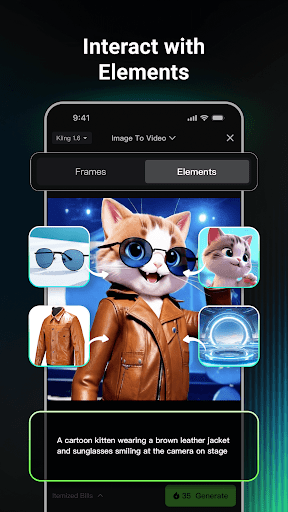
Key features include AI video generation, AI image creation, community collaboration, and Clone & Try functionality

How can I customize my experience and adjust preferences?

Access Settings to modify preferences like resolution, style presets, and default project templates for convenience

How do I save or bookmark my favorite content for later access?

Use the Save or Bookmark option within each project to store your favorite works for future reference

How can I share content with friends or on social media?

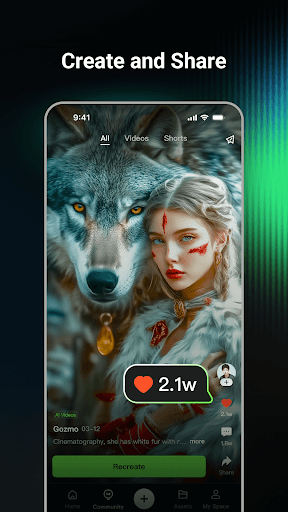
Tap Share, choose friends or social media platforms, and post your creations directly from the app interface

How do I access detailed information and explore more content?

Browse the Discover section or use search filters to find detailed information and explore more creative content

What permissions does this app need and how do I manage them?

The app requires camera and storage permissions; manage these in your device settings under App Permissions

How do I check for updates and keep the app running smoothly?

Enable automatic updates in Google Play Store settings or manually check for updates to keep the app optimized
Show more

User Reveiws

{{ comment.reviewer_name }}
{{ comment.review_date_formatted}}
{{ comment.review_content }}
{{ tab.name }}
{{ comment.reviewer_name }}
{{ comment.review_date_formatted}}
{{ comment.review_content }}
No reviews with this rating