
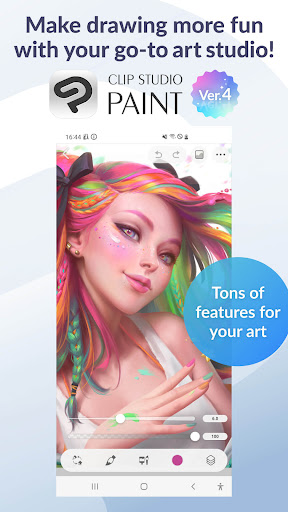
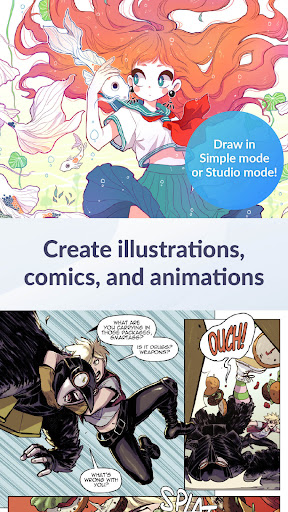
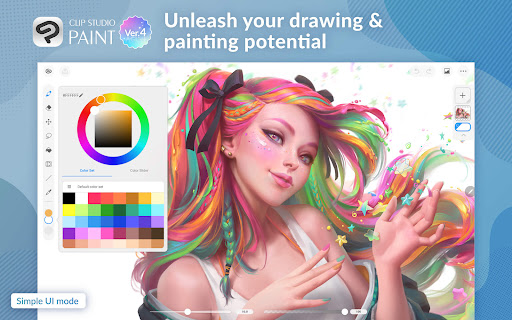
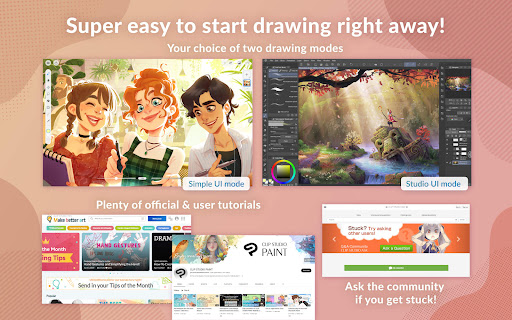
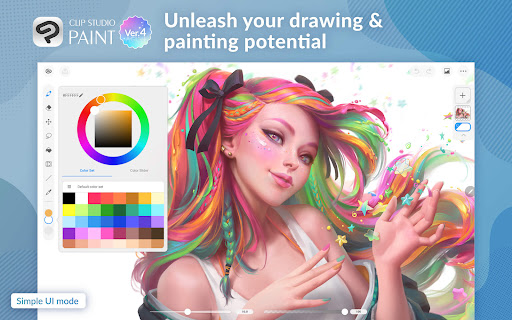
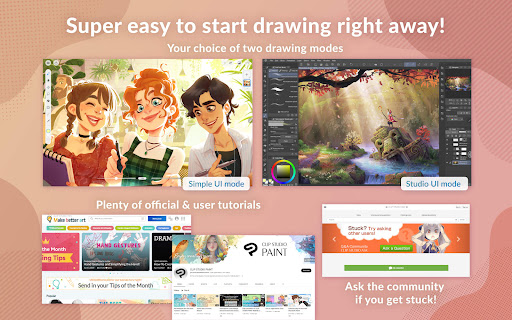
Clip Studio Paint is a premier digital art application designed for artists and creators who want to bring their ideas to life. With its robust set of features, it caters to both beginners and professionals in the Art & Design category. The app offers a free 30-day trial, allowing users to explore its extensive capabilities without any initial investment.
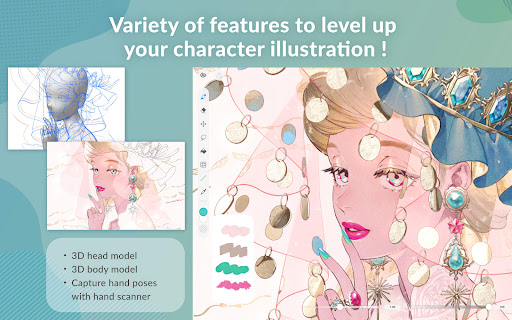
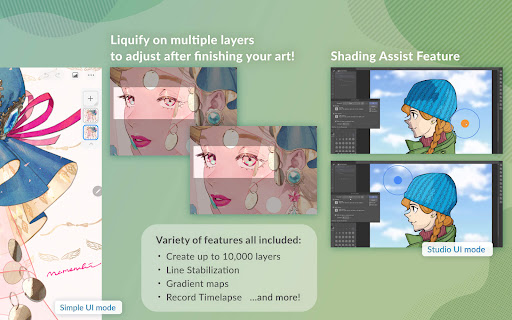
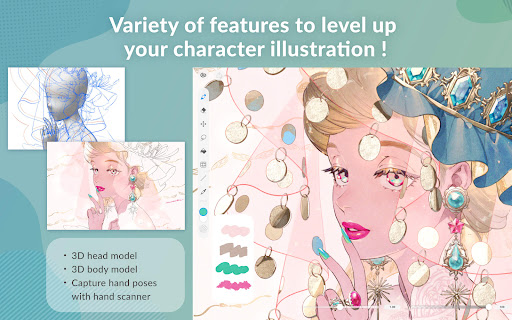
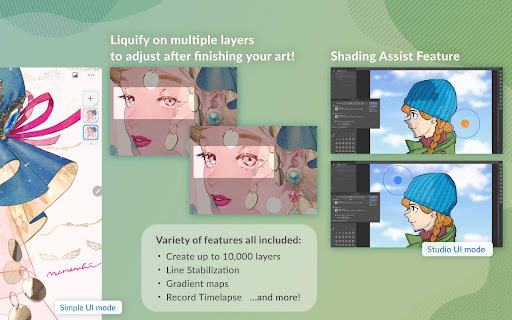
The application supports advanced drawing and painting techniques with up to 10,000 layers, 3D model posing, and liquify tools for instant adjustments. It also includes powerful features like gradient maps, live video capture for reference, puppet warp, and snap functions for precise object placement. These functionalities make it an ideal choice for creating detailed character art and complex illustrations.
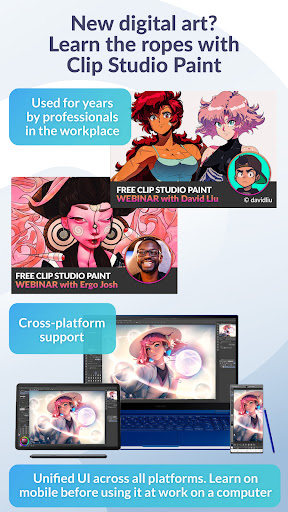
Clip Studio Paint is available on multiple platforms including tablets and smartphones. While the smartphone version offers 30 free hours each month, tablet users can subscribe to monthly or annual plans. Subscribers gain access to cloud storage, the latest features, and materials, making it a versatile tool for comic, manga, or webtoon creation.
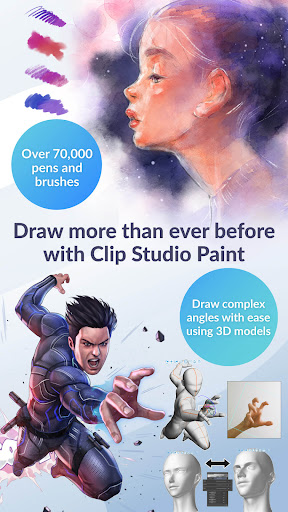
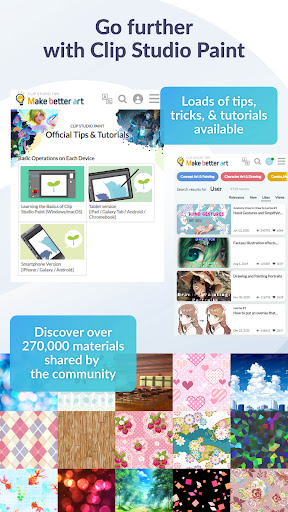
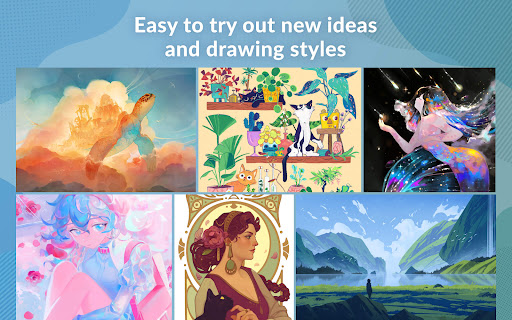
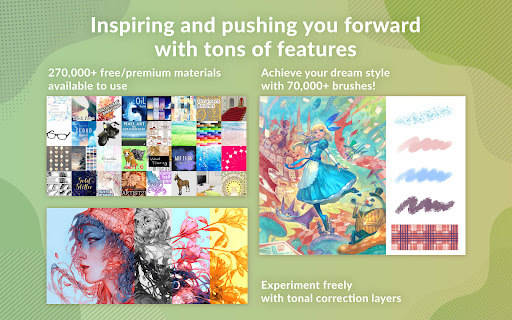
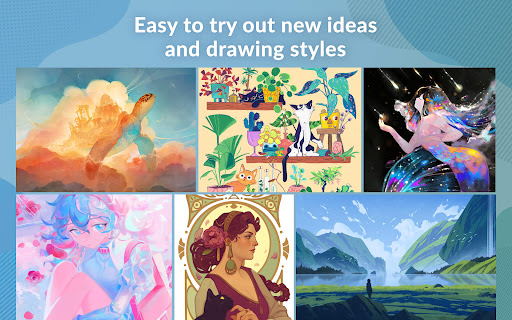
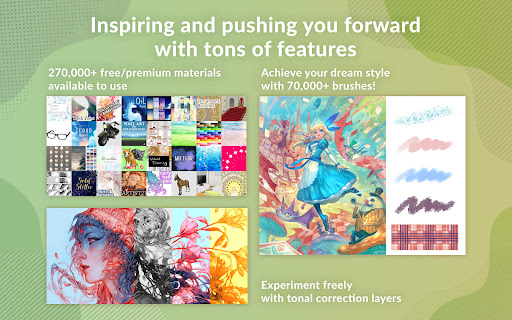
Clip Studio Paint stands out with its comprehensive suite of artistic tools tailored for digital creators. One of its key features is the ability to download over 270,000 free and premium materials, including brushes with various textures, which inspire new drawing styles and ideas. This vast library is complemented by customizable brush settings that allow artists to adjust texture, shape, dual brush settings, color mixing, spray effects, and more.
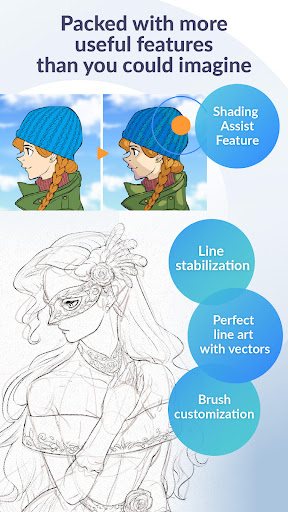
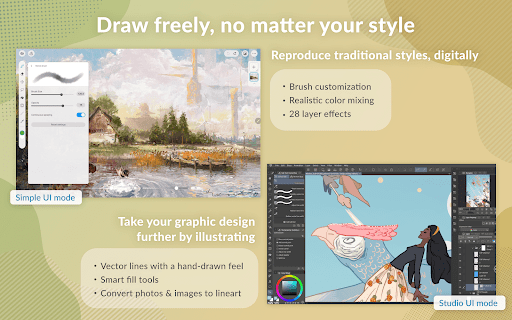
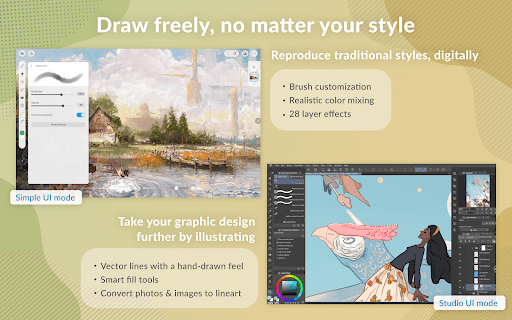
The app's vector-based drawing engine ensures that artwork can be scaled without quality loss, while 28 layer effects provide additional touch-up options. Artists can blend colors realistically using perceptual color mixing and draw smoother lines with line stabilization. Vector layers enable precise control over lines through control points, and smart fill tools help lay down flat colors efficiently.
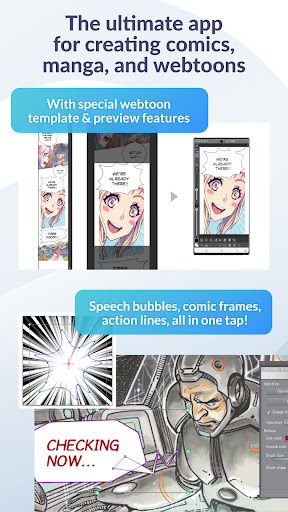
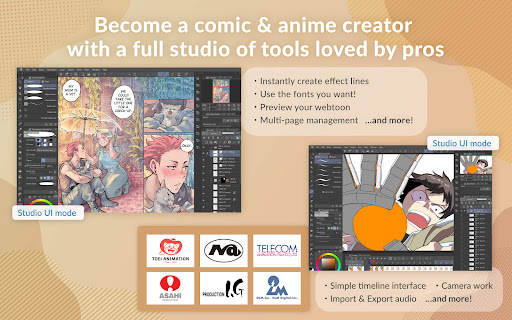
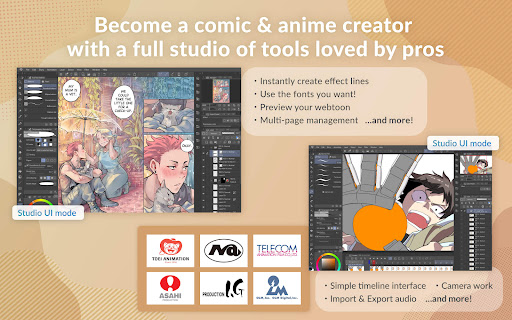
For comic and manga creators, Clip Studio Paint offers specialized tools such as speech bubbles, frames, action lines, shading assist, and multi-page management. Animators can create anything from GIFs to full-length animations with sound, camera movements, and tweening. These diverse features ensure that Clip Studio Paint remains a top choice for digital artists across different mediums.
User-friendly interface
Extensive feature set
Vast material library
Powerful customization options
Cross-platform availability
Subscription required for full access
Steep learning curve for beginners
High system requirements
Limited free trial on smartphones
Occasional bugs reported

The ultimate tool for creating animations
 4.60
4.60
Learn how to draw with step-by-step tutorials, fun lessons & multiplayer drawing
4.70
Easy 3D drawing design maker & creator. Model designing, Sculpting. Create&paint
4.00
Draw on screen: FP sDraw is a simple and lightweight drawing app
4.70
The perfect place to start sketching! Use Sketchbook to draw and paint sketches.
4.50
Draw glowing spinners, relax, and spin your creative art
4.60
800+ Drawing, Painting Lessons App to Practice, Sketch & Paint Art.
4.30
Your homescreen as an elegant glass with customized blur, lighting, and visuals.
3.70
Beauty Camera - Selfie Camera is the ultimate beauty camera and selfie app
4.30
See Color, Paint Color
4.90
Your AI soulmate — meaningful chats, and unique emotional moments
4.70
Minecraft & Roblox Clothes
4.70
Share the joy of painting with ibis Paint! Drawing anime and manga art.
4.50
Draw, make movies & animate cartoons easily with our 2D animation maker app
4.40
Trace, draw, and create art with AR - from memes to masterpieces!
4.30
Create Logos, Tattoos, AI Art & more with our AI Photo Generator & Design Editor
4.20
Resize photos and print photos in exact size with our powerful photo printer!
3.80
Inky runs Inkscape on Android devices and Chromebooks
2.90
Transform photos into amazing monochrome dither art with professional algorithms
4.5


User Reveiws