Floor Plan Creator

4.00

Information

Category:

Art & Design

Price:

Free

Rank:

47

Rating:

4.00

Overview

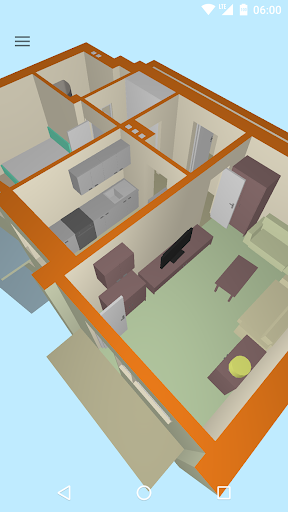
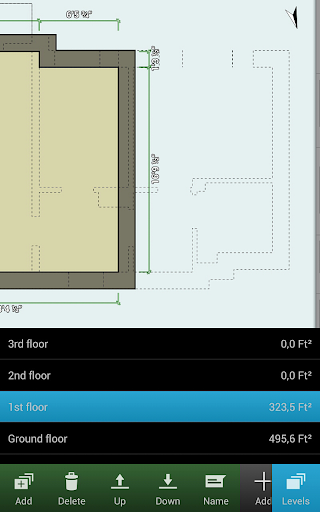
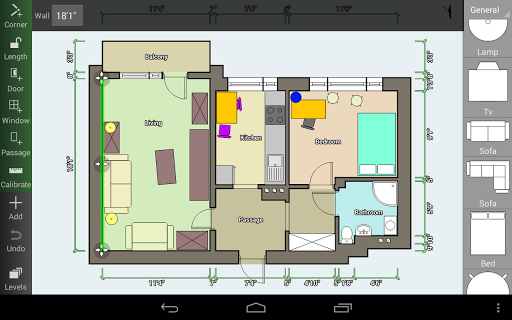
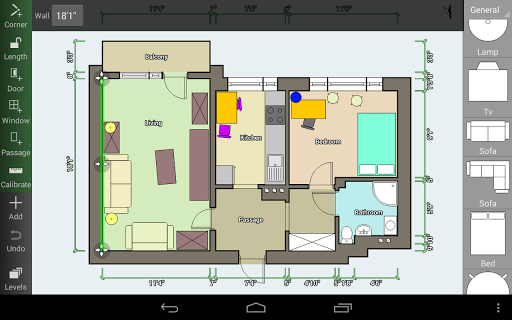
Floor Plan Creator is a comprehensive design tool that allows users to create detailed and precise floor plans. The app supports multiple floors per project, automatic calculations for room dimensions, and includes a 3D tour mode.

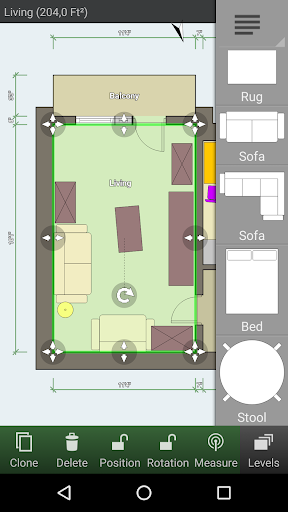
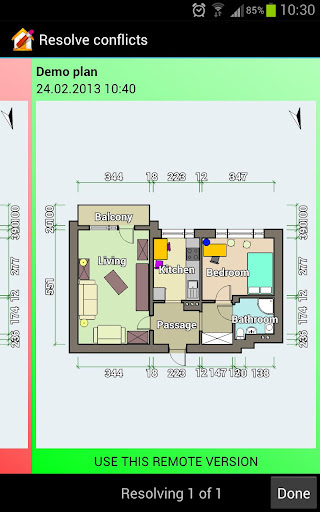
With its extensive symbol library and support for user-defined dimension lines, the app caters to both amateur home designers and professionals. Cloud synchronization and cross-device editing enhance its utility for collaborative projects and on-the-go modifications.

Features

The app boasts an array of features including S-Pen and mouse support, making it versatile for different devices. Its automatic calculation capabilities extend to room, wall, and level areas as well as perimeter measurements and symbol counts.

Users can visualize their designs in 3D and furnish their virtual spaces with an inclusive symbol library. Advanced functionalities like cloud synchronization, exporting options, and compatibility with various units and bluetooth laser meters make Floor Plan Creator stand out in the Art & Design category.

Creative tool completeness

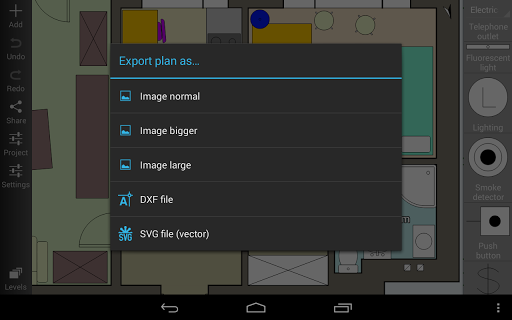
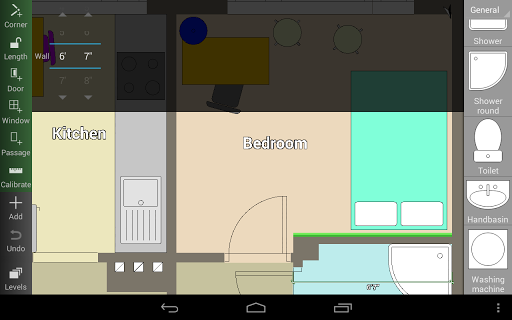
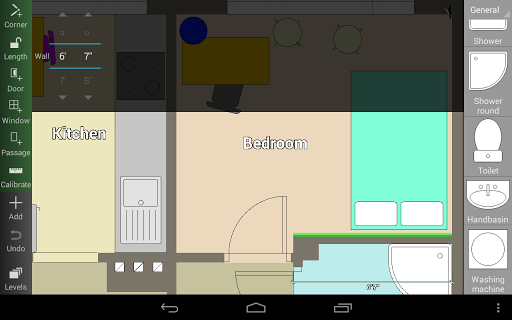
Floor Plan Creator offers a comprehensive suite of creative tools that cater to both amateur home designers and professionals in the Art & Design industry. The application allows users to create detailed and precise floor plans with support for multiple floors and rooms of any shape, although it is limited to straight walls only. One of the key features is its automatic calculation capabilities, which provide essential metrics such as room, wall, and level area; perimeter; and counts of symbols, ensuring precision in every design. The inclusion of an S-Pen and mouse support enhances the drawing experience, offering users more control and accuracy. Additionally, the app provides a 3D tour mode, allowing creators to visualize their designs in three dimensions, thus adding depth and realism to the planning process. A rich symbol library featuring doors, windows, furniture, electrical components, and fire survey elements empowers users to add intricate details to their floor plans. User-defined dimension lines further enhance the ability to show and modify distances and sizes within the plan. For those requiring seamless mobility and collaboration, cloud synchronization ensures automatic backup and sharing of plans between devices, albeit as a paid feature. Users can also edit their uploaded plans on the web platform, expanding the versatility of this creative tool. Export options include image, PDF, DXF, and SVG formats, with print-to-scale functionality available as a premium feature. Supporting both metric and imperial units, Floor Plan Creator stands out as a versatile and complete package for anyone looking to bring their architectural visions to life.

Canvas/format flexibility

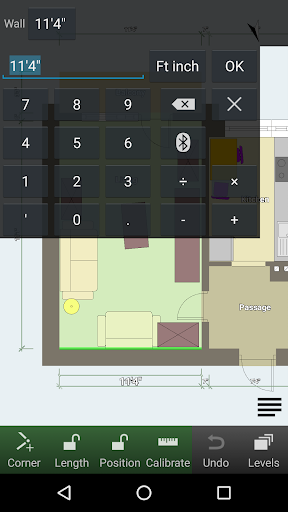
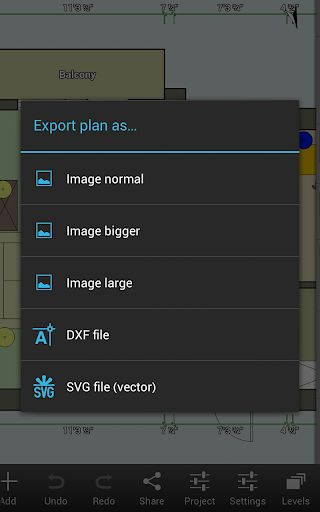
The canvas and format flexibility of Floor Plan Creator makes it an indispensable tool for users who require adaptability in their design projects. This application supports projects with multiple floors, each accommodating rooms of any shape, albeit with straight walls only, providing a flexible canvas for diverse architectural layouts. The true power of its format flexibility lies in its compatibility with various measurement systems, as it adeptly handles both metric and imperial units, catering to a global audience with differing standards. Moreover, the app's integration with bluetooth laser meters from renowned brands like Bosch, Hersch, Hilti, Leica, Stabila, Suaoki, and CEM adds another layer of precision and convenience to the design process. These devices enable accurate measurements that seamlessly translate into the digital plans within the app. Another highlight is the user-defined dimension lines feature, which allows for meticulous adjustments of distances and sizes directly on the canvas, giving users unprecedented control over their designs. When it comes to output, Floor Plan Creator does not disappoint. It offers extensive export options including image files, PDFs, DXFs, and SVGs, with the added benefit of print-to-scale functionality for those needing physical copies of their plans. This range of formats ensures that whether the plan is destined for a client presentation, a construction site, or professional printing, the user has the right format at their disposal. Furthermore, the paid cloud synchronization feature extends this flexibility beyond individual devices, enabling real-time collaboration and access across multiple platforms, including the web-based editor at floorplancreator.net. This cross-device compatibility ensures that users can continue their work uninterrupted, regardless of their location or device at hand.

Props

User-friendly interface

Comprehensive feature set

Cloud synchronization

Cross-platform editing

Extensive export options

Cons

Paid features necessary

Complex for beginners

Limited free version

Occasional bugs reported

Advanced tools may overwhelm casual users

Features and Functions

What is this app and what can I use it for?

Floor Plan Creator lets you design detailed floor plans and view them in 3D

How do I download and install this app on my device?

Download from Google Play Store and install by following on-screen instructions

How do I get started after opening the app for the first time?

Start by creating a new project and exploring tutorials within the app

What are the main features and capabilities of this app?

Create multi-floor plans, calculate dimensions, add furniture, and more

How can I customize my experience and adjust preferences?

Adjust settings via the preferences menu to tailor your experience

How do I save or bookmark my favorite content for later access?

Use the bookmark feature to save favorite plans or elements for later use

How can I share content with friends or on social media?

Share your creations directly through the app's sharing functionality

How do I access detailed information and explore more content?

Access details by selecting items and explore more via the library

What permissions does this app need and how do I manage them?

The app requires storage and location permissions; manage these in settings

How do I check for updates and keep the app running smoothly?

Regularly check Google Play Store for updates and ensure auto-update is enabled
Show more

User Reveiws

{{ comment.reviewer_name }}
{{ comment.review_date_formatted}}
{{ comment.review_content }}
{{ tab.name }}
{{ comment.reviewer_name }}
{{ comment.review_date_formatted}}
{{ comment.review_content }}
No reviews with this rating