
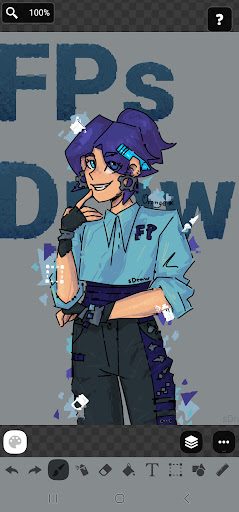
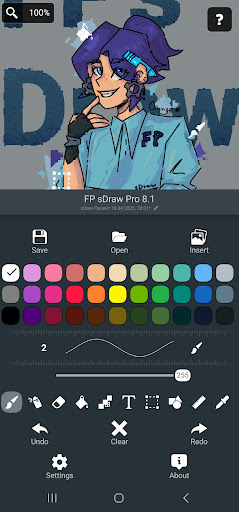
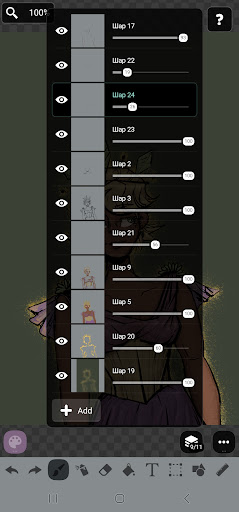
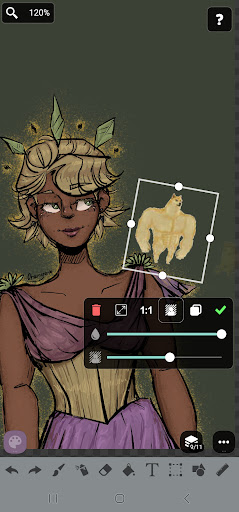

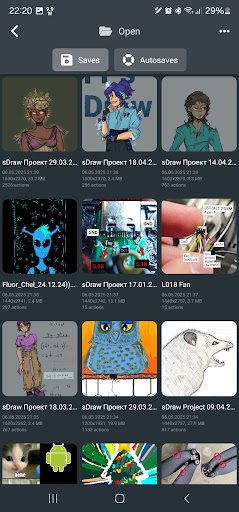
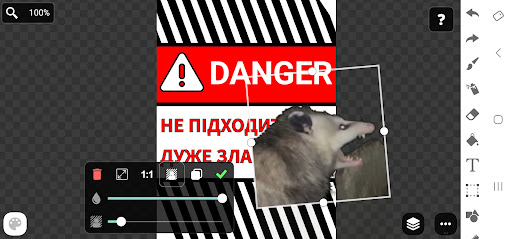
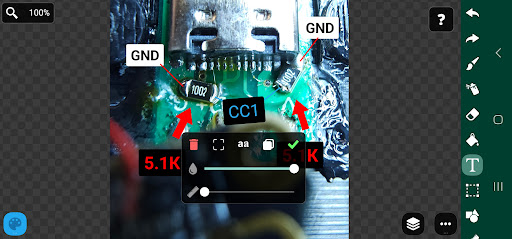
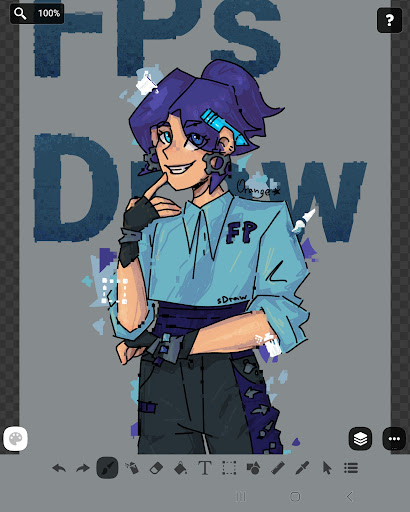
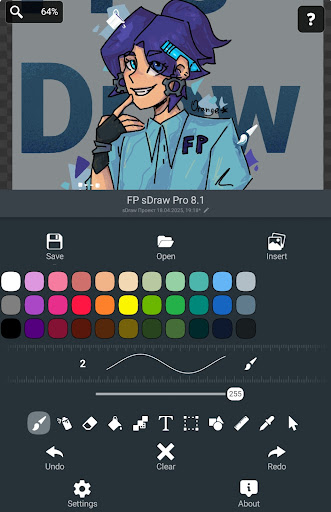
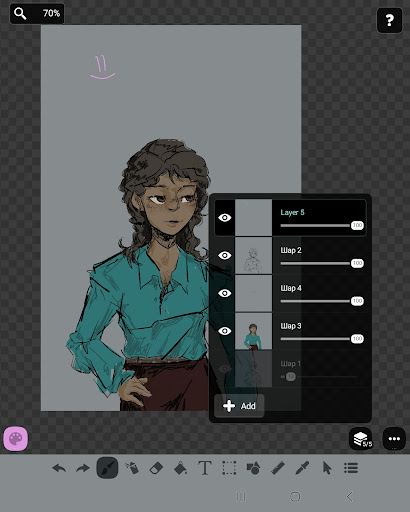
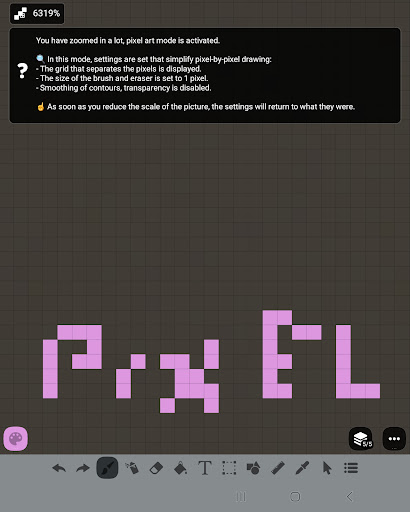
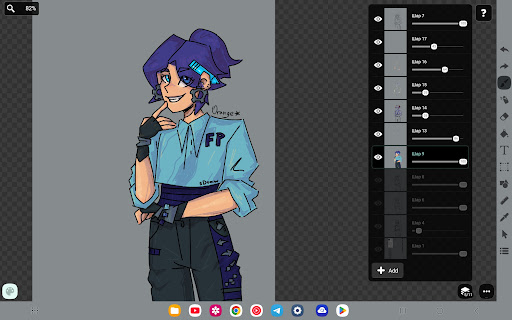
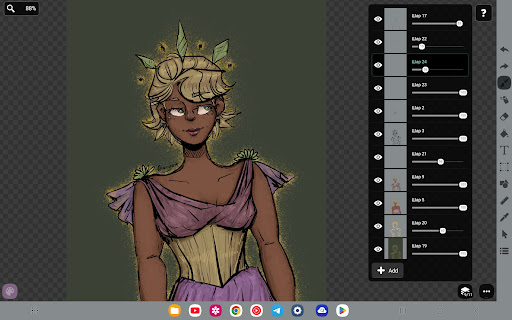

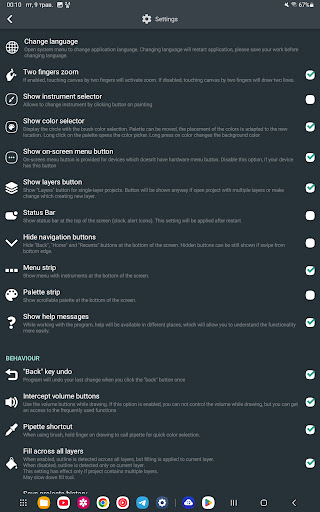
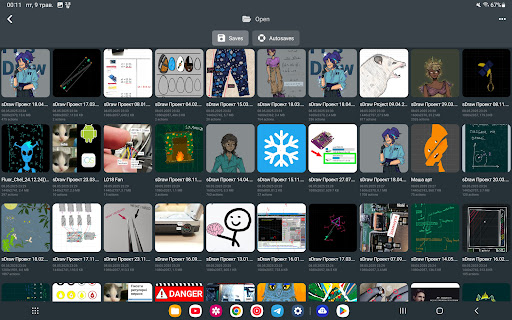
FP sDraw Pro is a streamlined drawing application tailored for users who need a simple yet powerful tool for creative tasks. This app allows you to create memes, sketch diagrams, and experiment with various drawing styles without any distractions. With support for layers, airbrushing, text insertion, and more, it provides a complete set of features for both casual doodlers and serious artists.
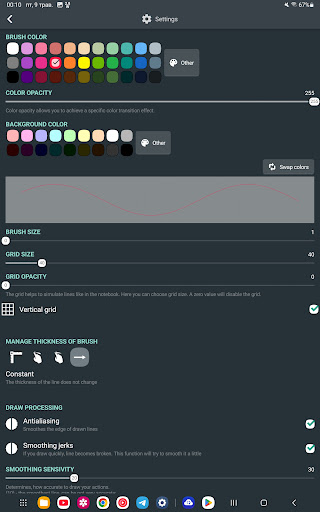
One of the standout aspects of FP sDraw Pro is its lightweight design. The app occupies less than 1MB of space, installs quickly, and runs smoothly even on older devices. It offers customization options for UI elements, stylus support, automatic backups, and helpful tips that appear only when necessary. These features ensure an uninterrupted and efficient drawing experience.
Whether you're marking up images, sketching ideas, or creating detailed artwork, FP sDraw Pro delivers a seamless experience. Its compatibility with both small tasks and complex projects makes it a versatile choice for anyone interested in digital art.
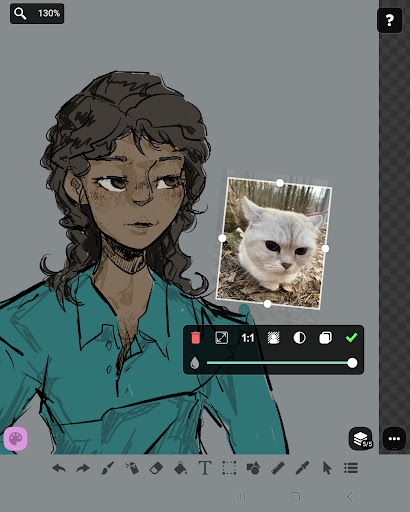
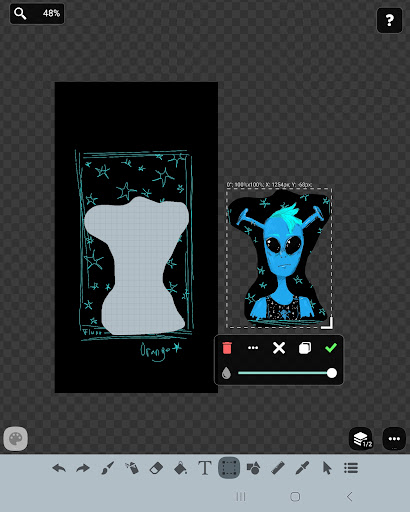
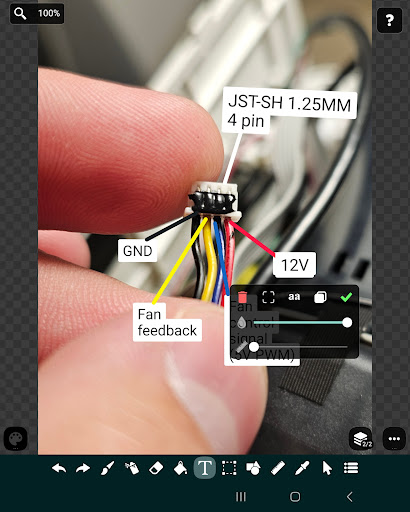
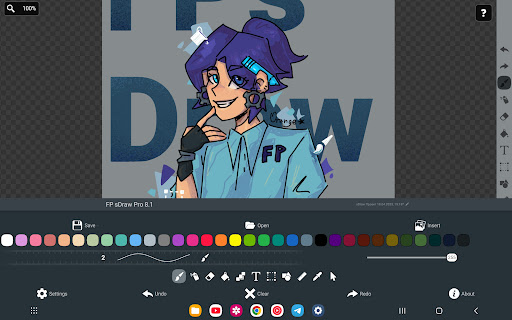
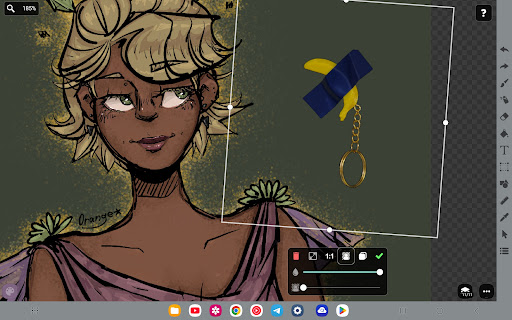
FP sDraw Pro boasts a rich set of features designed to enhance your drawing experience. The app supports multiple layers, allowing you to organize and manage complex sketches with ease. You can insert images from your gallery, use brushes and erasers, apply airbrush effects, fill colors, add text, and utilize selection tools to refine your work.
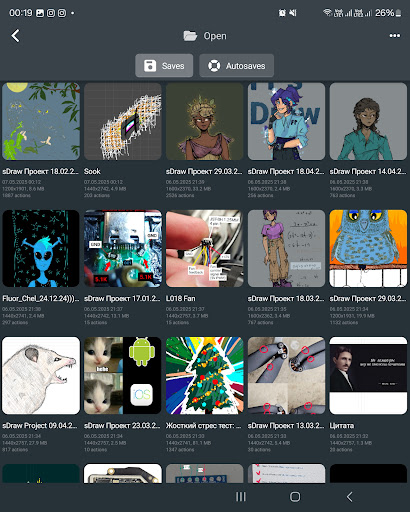
In addition to these core features, FP sDraw Pro includes specialized tools such as a ruler for precision drawing, an eyedropper for color selection, and a mosaic effect for unique textures. The app also supports styluses like sPen and Active Pen, making it suitable for users who prefer tactile drawing experiences. Automatic backup functionality ensures that your creations are always safe.
The free version of FP sDraw Pro is fully functional, while the Pro version offers additional perks. These include removing the 'sDraw' label from saved images, eliminating promotional messages, and supporting the developer. Both versions are compatible, ensuring a smooth transition if you choose to upgrade.
User-friendly interface
Lightweight and fast
No ads or distractions
Customizable UI elements
Automatic backup feature
Limited advanced features
Basic UI design
Fewer filters compared to competitors
No cloud sync in free version
Small user community

Floor Plan Creator lets you create, edit and share floor plans.
 4.00
4.00
Design your dream room with AI. Get decor ideas & plan home interiors
3.90
AI Face Swap, Video Effects Editor, Realtime Morph, Funny Video FX,AI Filters
3.70
Photo blender app to create overlay photos & double exposure.
4.40
Draw beautiful mandala's very easily
4.60
Draw Trace image sketch by, AR art projector app, Easy to trace any image.
4.50
Android 14 style widgets and wallpapers app.
4.5
Draw, make movies & animate cartoons easily with our 2D animation maker app
4.40
Unleash your inner artist! Sketchar: AR Drawing for Limitless Creativity
4.40
Digital, Abstract, Classic - all types of color wheels in one app!
4.60
Digital illustration drawing & painting pad app to paint Anime and Manga art
4.50
Kling AI is an image and video generation and editing studio powered by AI.
4.50
Image/ Text to Video Generator
4.40
Sketch, plan, take notes and illustrate on an infinite canvas.
4.20
Custom Character Creator & PFP Maker!
4.20
Create stylish invitation cards using templates for weddings, birthdays & RSVP.
4.20
Easy 3D drawing design maker & creator. Model designing, Sculpting. Create&paint
4.00
Design unique, funny and adorable cat stickers that reflect your own style!
3.80
Premium version of Shimeji-ee app with no ads & no limit active shimeji
4.4


User Reveiws