
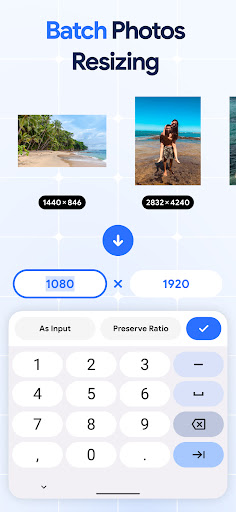
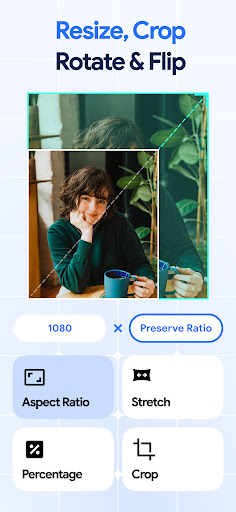
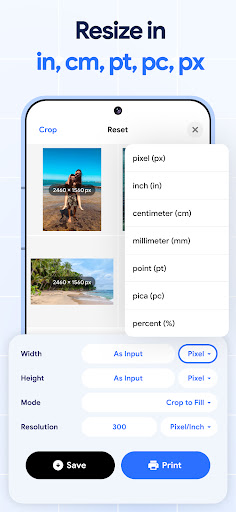

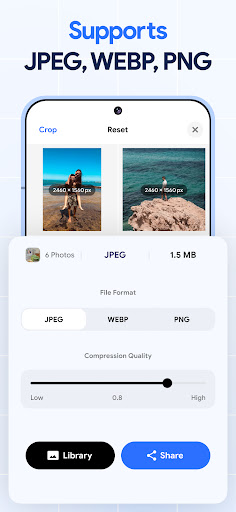
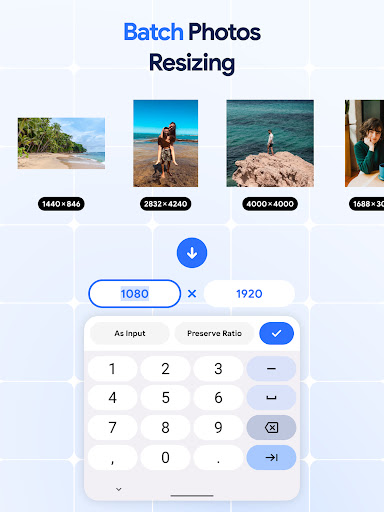
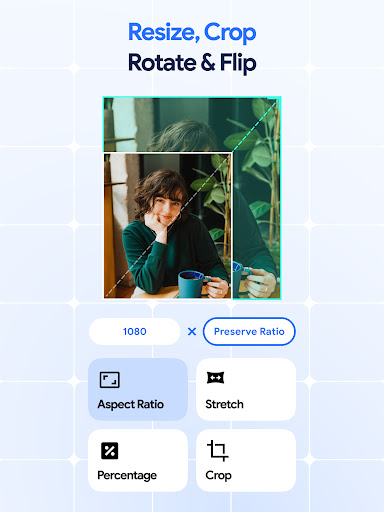
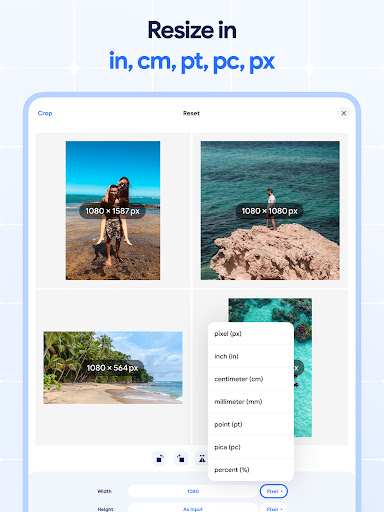

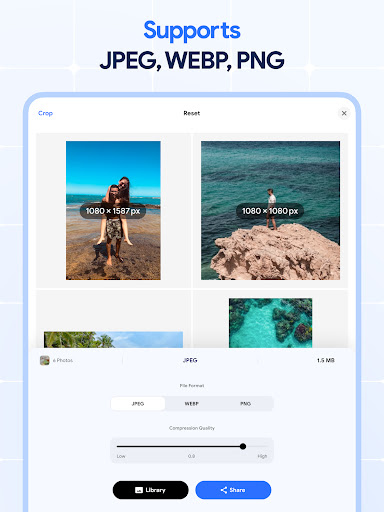
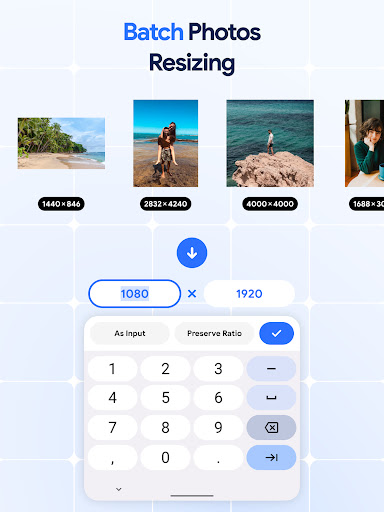
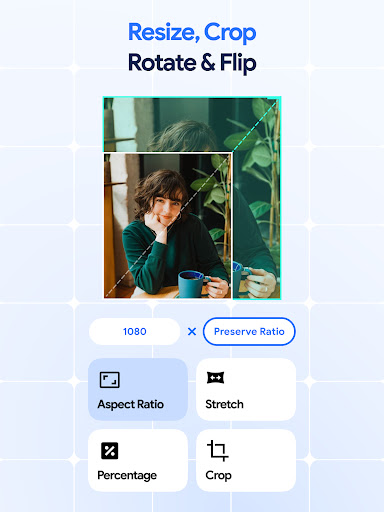
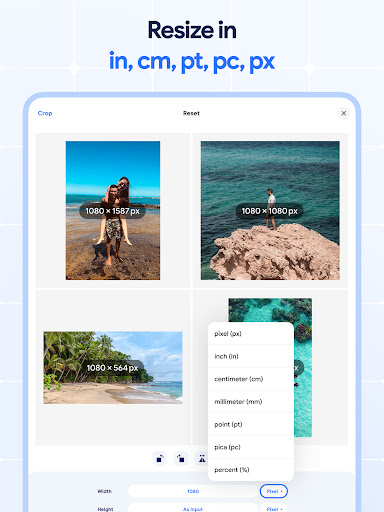
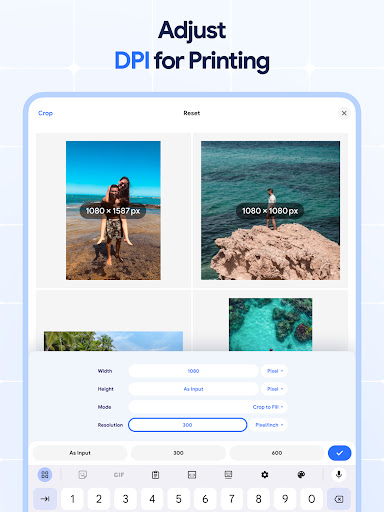
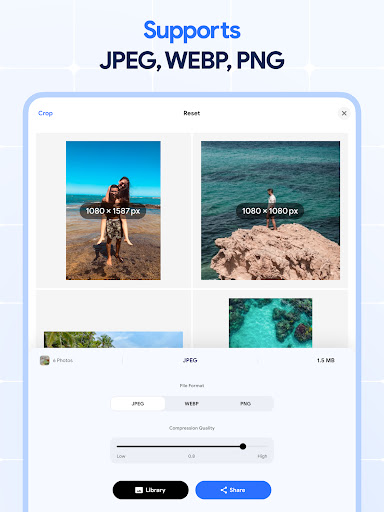
Image Resizer: Crop Photo is a versatile tool designed for resizing, cropping, rotating, flipping, and compressing images. This app caters to users who need to adjust image sizes for social media, optimize storage, or prepare photos for printing with better dpi settings. With its intuitive interface, the app allows both quick edits and detailed adjustments.
The application stands out with its batch processing capabilities, enabling users to resize, crop, rotate, or compress multiple images simultaneously. Whether you're looking to shrink photo size for faster uploads or enhance resolution for high-quality prints, this app provides all necessary tools in one place. Its comprehensive feature set makes it an essential utility for photographers, designers, and casual users alike.
Image Resizer offers a robust suite of features that cater to various image editing needs. The app's resizing functionality allows users to quickly adjust photo dimensions for different platforms, while the cropping tool helps remove unwanted parts with precision. Additionally, the batch processing option streamlines workflows by enabling simultaneous edits on multiple pictures.
Beyond basic resizing, the app includes advanced tools like dpi changer for adjusting print quality, photo compressor for reducing file sizes without significant quality loss, and rotation/flip options for creative edits. These features ensure that users can perform complex image manipulations with ease, making Image Resizer a comprehensive solution for both professional and personal use cases.
User-friendly interface
Batch processing
High-quality results
Comprehensive editing tools
Efficient performance
Limited advanced filters
No cloud integration
Premium features locked
Occasional bugs
Ads in free version

The ultimate tool for creating animations
 4.60
4.60
Image/ Text to Video Generator
4.40
Logo Generator powered by AI: Create stunning logos effortlessly!
4.70
Unleash your drawing and painting potential
4.50
Your Essential Color Theory Guide: Red, Yellow, Blue (RYB)
4.5
Your homescreen as an elegant glass with customized blur, lighting, and visuals.
3.70
Retouch photos. Create or edit images. Endless capabilities.
2.70
Turning simple sketches into captivating tales filled with life and motion
3.90
How to draw anime step by step for beginner easily by AR drawing sketch & paint.
3.60
Create stunning art with AI.
4.80
Mobile pixel art editor. Simple. Fast. Portable.
4.80
Draw on screen: FP sDraw is a simple and lightweight drawing app
4.70
Convert image to JPG PNG HEIC PDF, support almost all kinds of image formats
4.70
Create color palette from Image, RGB & RYB Color wheel harmonies, Color Scheme
4.50
Beauty Camera - Selfie Camera is the ultimate beauty camera and selfie app
4.30
Floor Plan Creator lets you create, edit and share floor plans.
4.00
Design your dream room with AI. Get decor ideas & plan home interiors
3.90
Art of Combination Wear OS Watch faces (for Wear OS 5+ devices)
3.00
Android 14 style widgets and wallpapers app.
4.2


User Reveiws