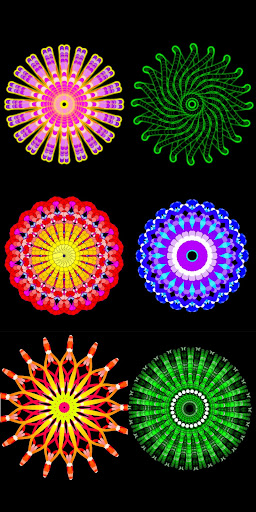
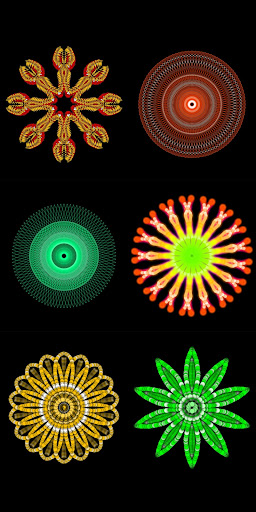
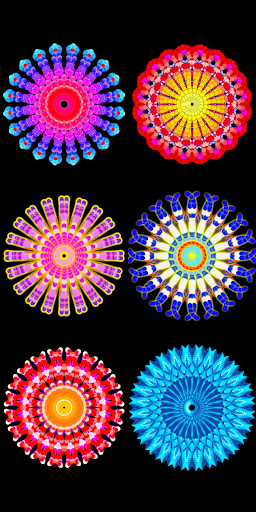
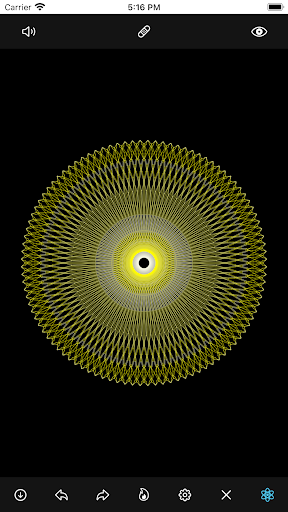
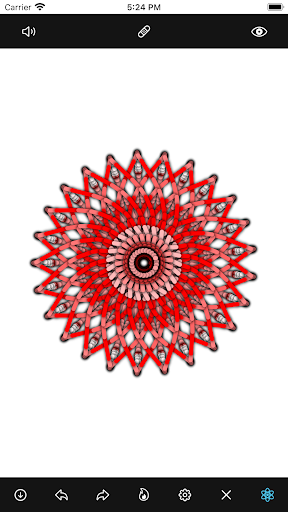
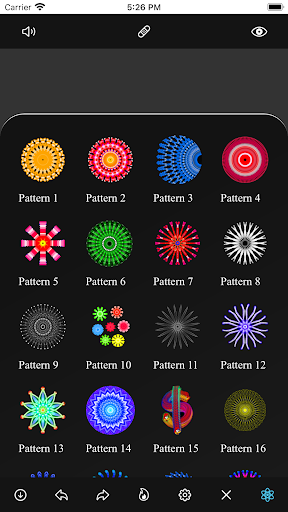
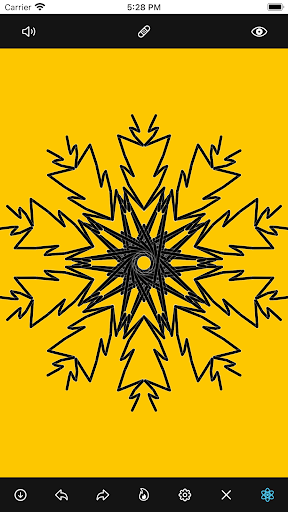
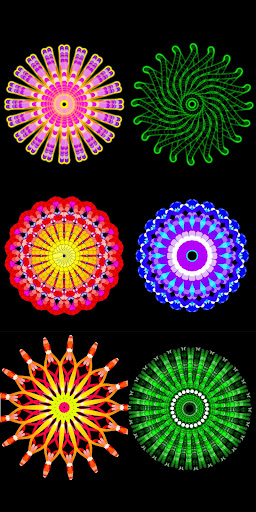
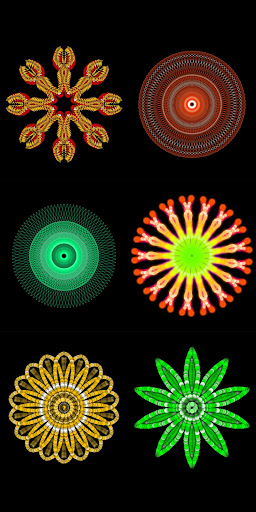
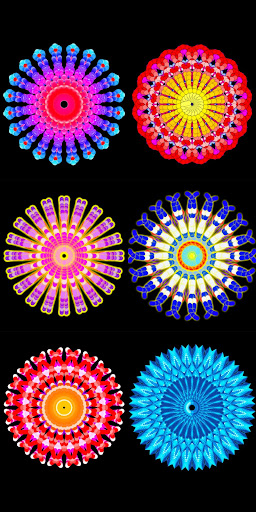
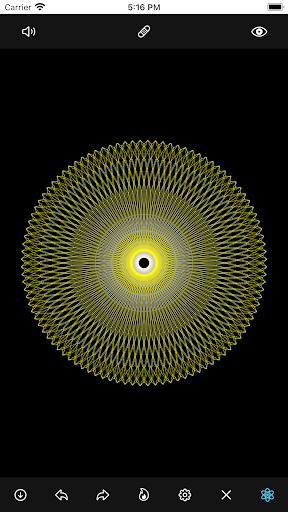
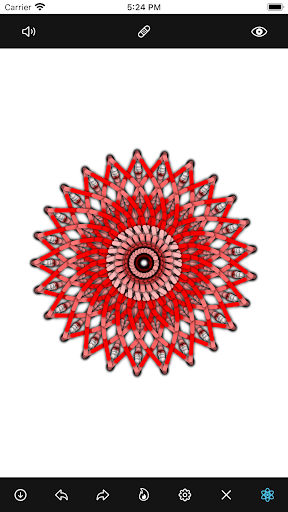
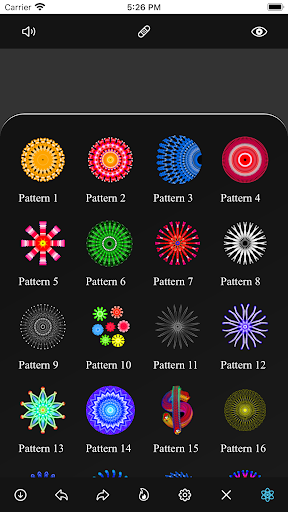
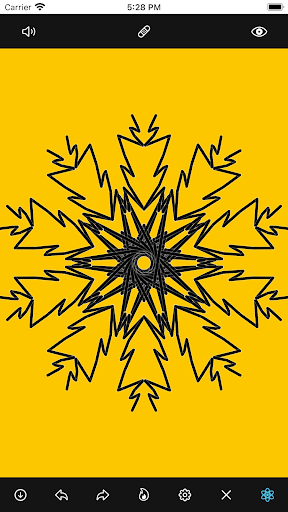
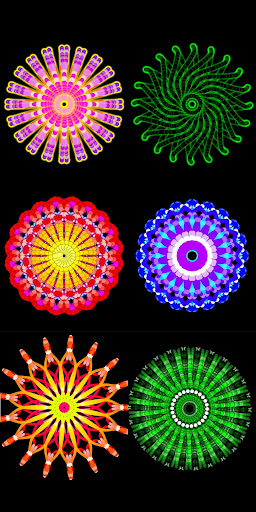
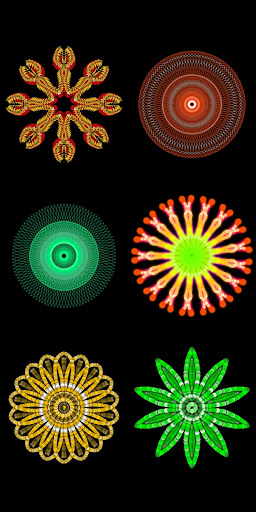
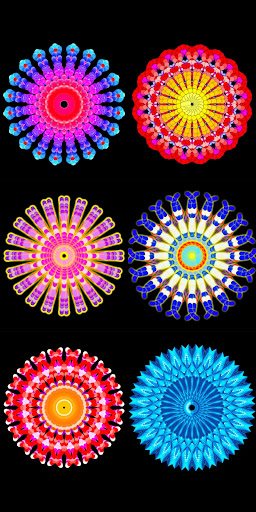
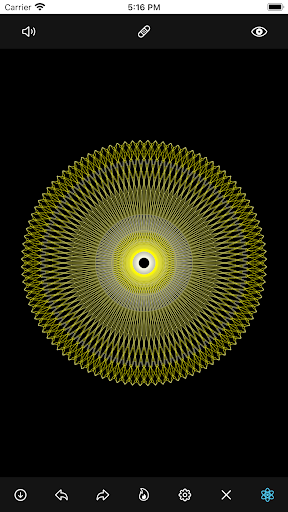
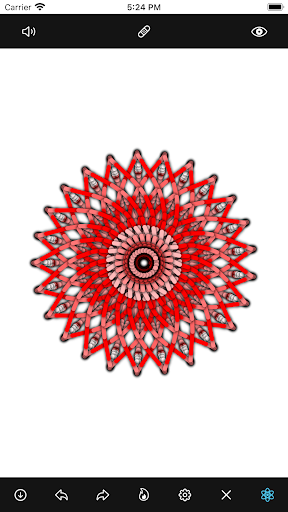
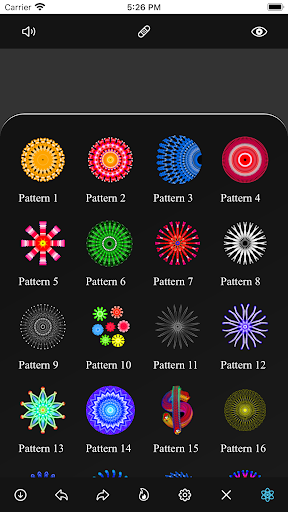
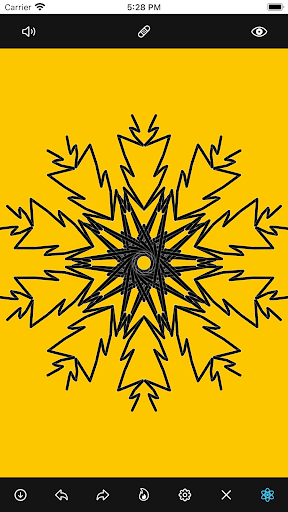
Mandala Maker 360 is a creative tool designed for both beginners and experienced artists to create stunning mandala drawings with ease. The app offers an intuitive interface that allows users to generate intricate designs in just a few steps. Whether you're looking to explore your artistic side or enhance your design skills, this application provides the perfect platform.
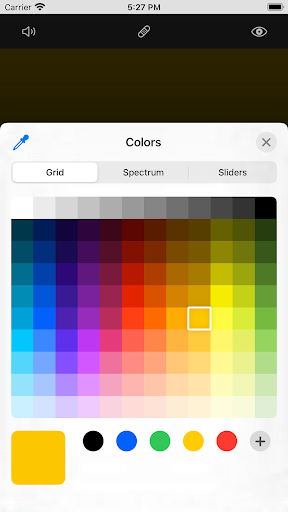
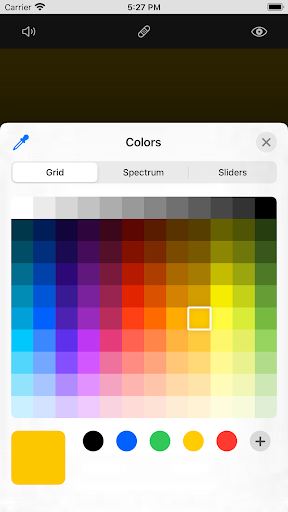
With advanced customization options, users can modify canvas symmetry, background color, brush settings, and even apply shadows. The inclusion of predefined patterns and over 50 images ensures that creativity knows no bounds. This makes Mandala Maker 360 not only a drawing app but also a comprehensive design studio right on your mobile device.
Ideal for art enthusiasts, designers, and hobbyists, this app transforms simple ideas into complex mandala artworks. Its versatility and user-friendly features make it a valuable tool for anyone interested in digital art, offering both entertainment and educational value.
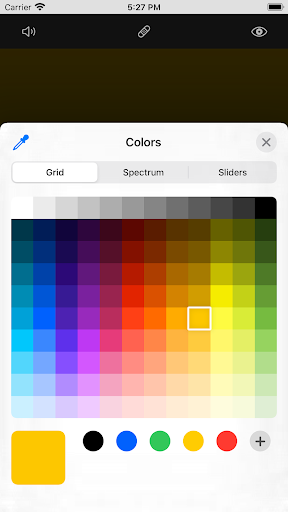
Mandala Maker 360 stands out with its extensive range of features tailored to enhance the drawing experience. One of the key highlights is the robust canvas customization, allowing users to change background colors, adjust canvas centers, and apply mirroring effects. These features ensure that every creation is unique and personalized.
The app also excels in brush customization, providing multiple brush styles, color types, and sizes. Users can experiment with random color selections and various brush types to achieve the desired effect. Additionally, the image customization feature includes over 50 images that can be resized and modified, adding another layer of creativity to your projects.
Shadow properties and predefined patterns further enrich the design process. With options to apply random shadows and select from different shadow sizes and colors, users can add depth and dimension to their artwork. The availability of multiple patterns ensures endless possibilities for creating captivating mandalas, making Mandala Maker 360 a top choice for digital artists.
User-friendly interface
Extensive customization options
Variety of brush styles
Over 50 images included
Predefined patterns available
Limited free features
Occasional bugs reported
In-app purchases required
Steep learning curve
Ads can be intrusive

Create trending AI photos & videos with powerful effects and 3D styles.
 3.20
3.20
Remove Background, Magic Eraser, Photo Enhancer, Story Templates, Collage Maker
4.30
See Color, Paint Color
4.90
Make your phone cooler and have a fantastic experience
4.80
Nano Banana AI Image Generator, Anime Filter, AI Portrait, AI Photo Generator
4.30
Your AI soulmate — meaningful chats, and unique emotional moments
4.70
A luxurious gold watch face for an elegant and refined look.
4.2
Retouch photos. Create or edit images. Endless capabilities.
2.70
Multiplayer Drawing game, Coloring, Painting・Sketch, Handwriting・Paint, draw
4.30
Digital, Abstract, Classic - all types of color wheels in one app!
4.60
Photo editor for art, avatars, filters & fun transformations.
4.60
Bring One UI 8.5 Icons to life -elegant dark icons with a modern, premium touch.
4.30
Unleash Your Creativity with Draw Cartoon - AR Drawing App
4.10
Sketch and paint on your device with the feel and freedom of drawing on paper
4.00
Turning simple sketches into captivating tales filled with life and motion
3.90
Paint with oils and sketch with natural tools on a realistic virtual canvas.
3.80
Apply cartoon, caricature, and portrait effects to make your photos stand out!
3.60
Sketch, trace and master AR drawing with awesome anime art!
3.30
Inky runs Inkscape on Android devices and Chromebooks
2.90


User Reveiws