[KNA002] SHINE

4.5

Information

Category:

Art & Design

Price:

$ 1.49

Rank:

13

Rating:

4.5

Overview

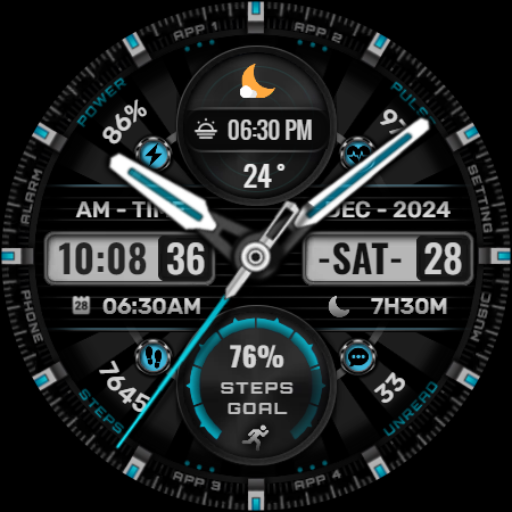
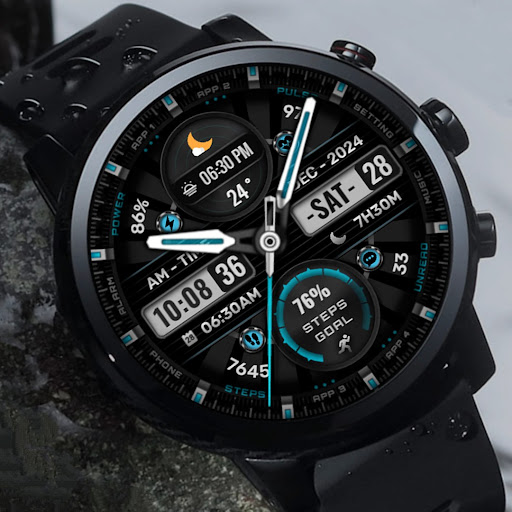
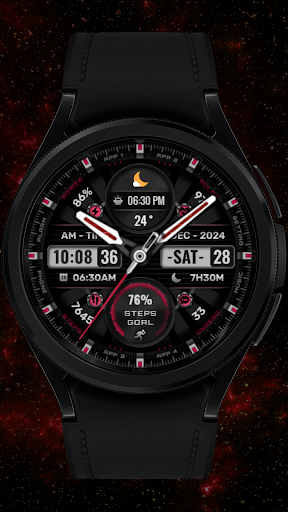
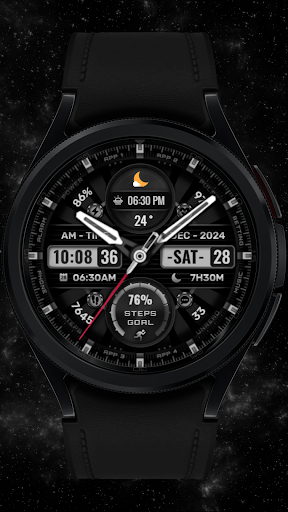
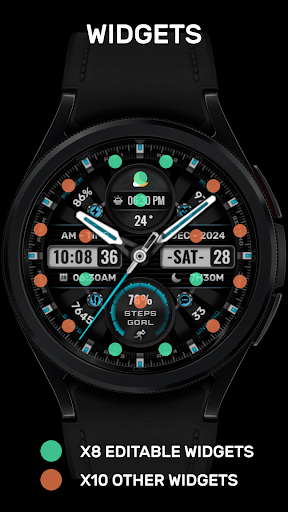
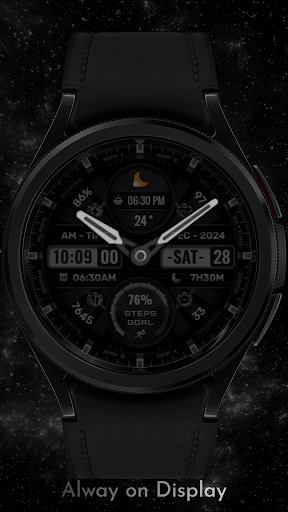
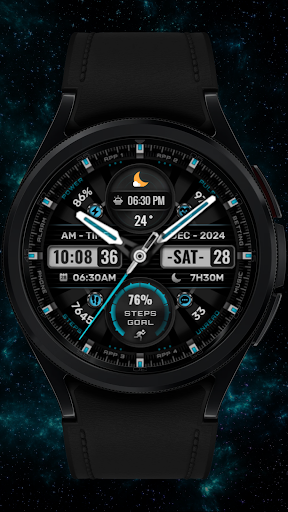
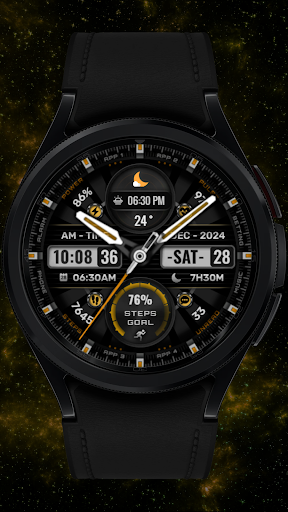
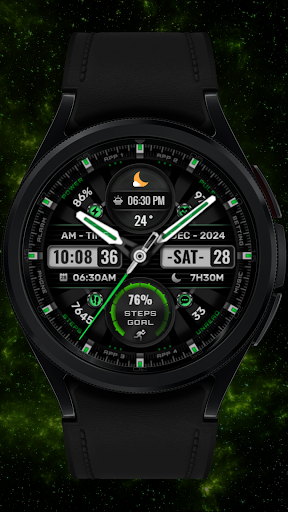
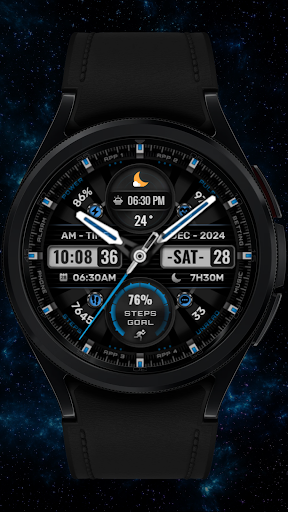
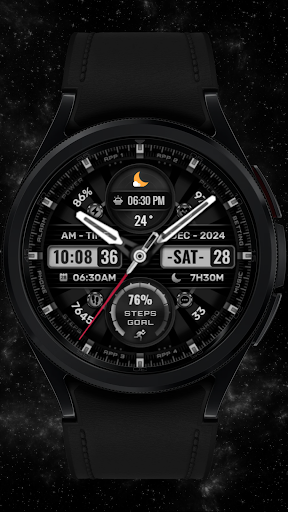
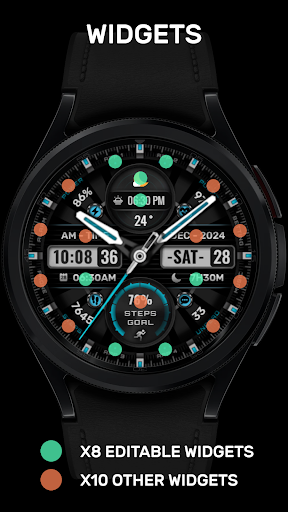
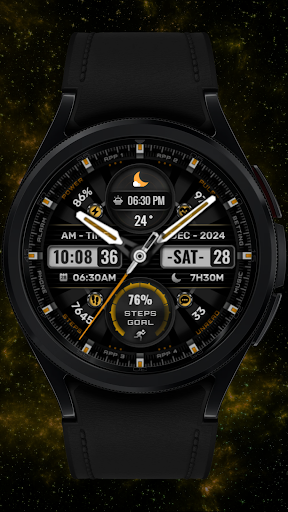
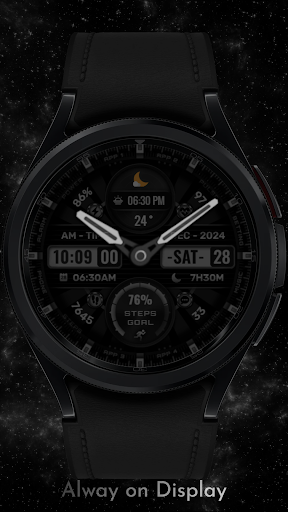
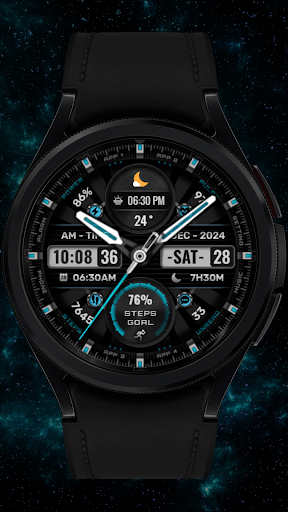
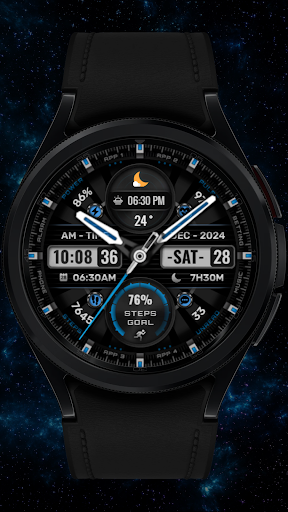
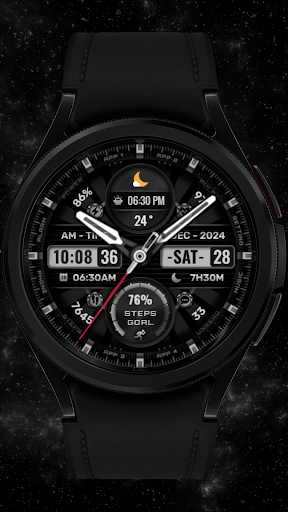
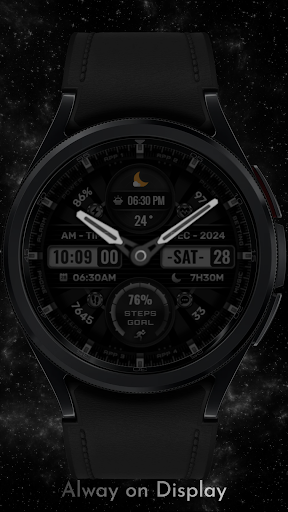
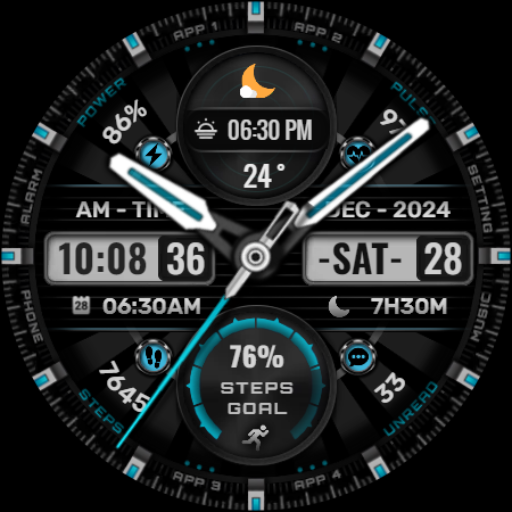
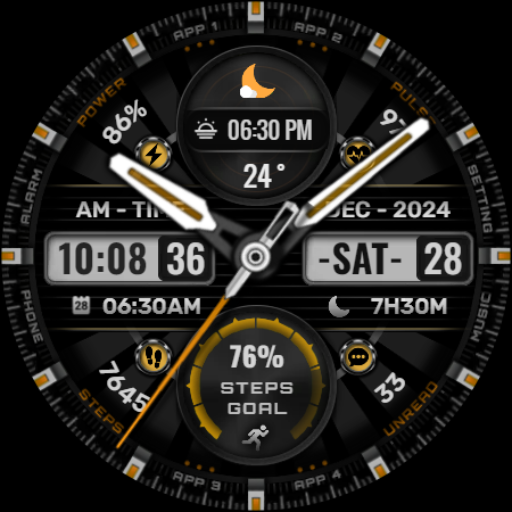
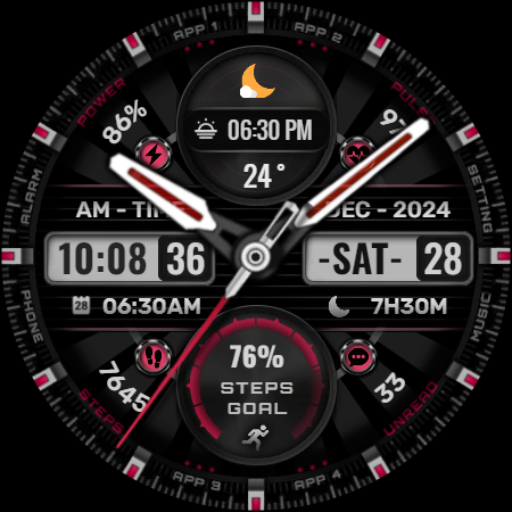
[KNA002] SHINE is a sophisticated Wear OS watch face designed for users seeking both style and functionality. This customizable watch face offers hybrid styles with eight editable complications, allowing you to tailor your smartwatch display to suit your personal preferences.

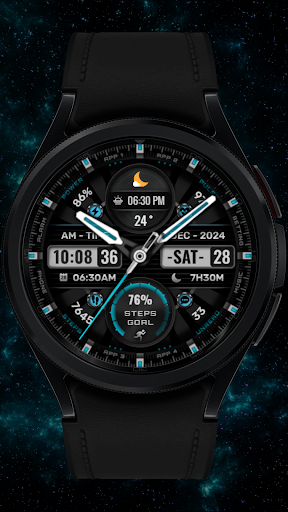
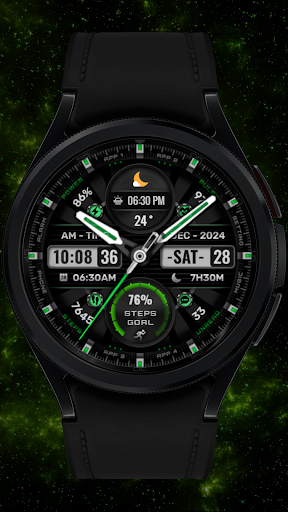
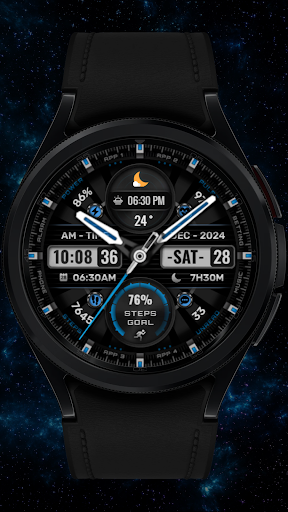
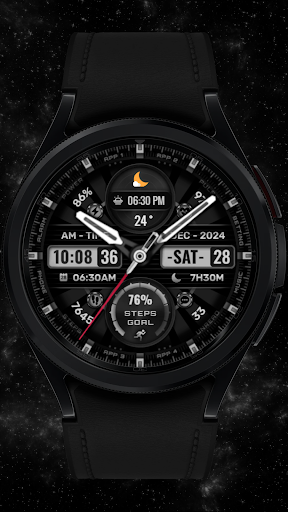
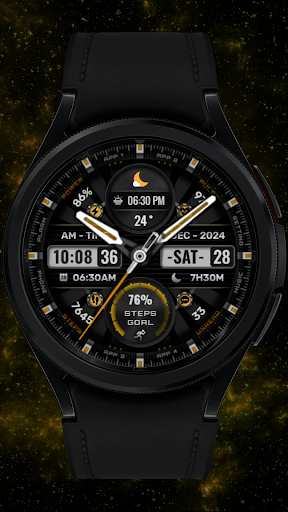
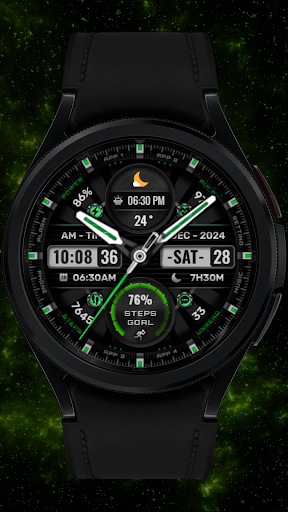
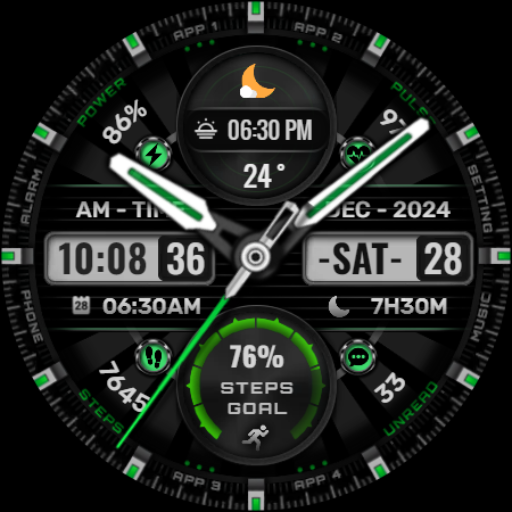
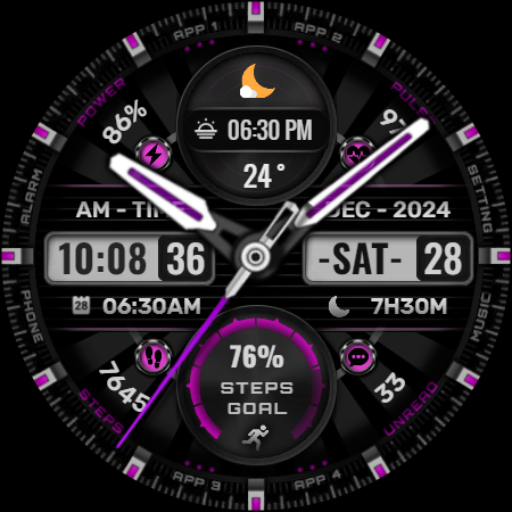
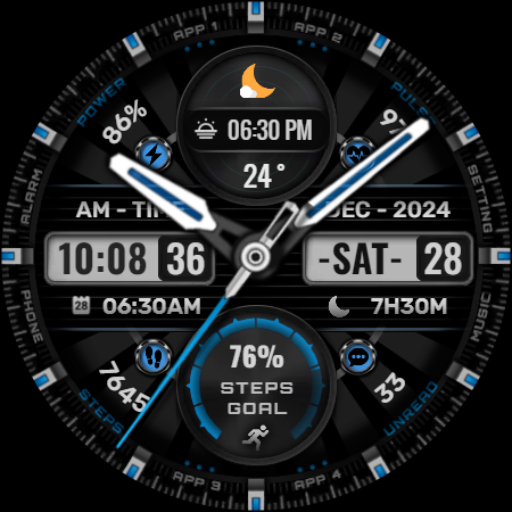
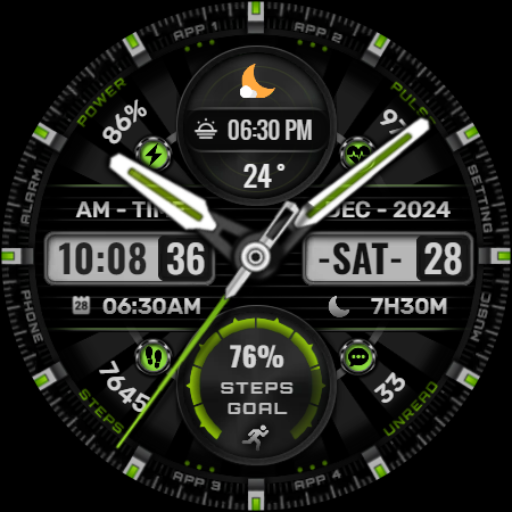
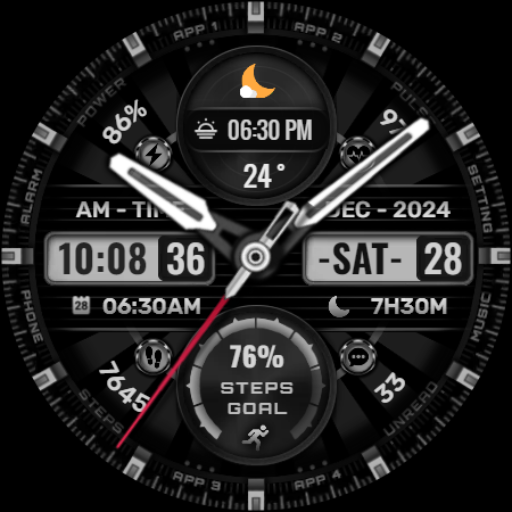
Key features include date, day of the week, month display, and various data points such as steps count, heart rate, battery level, calendar events, and sunrise & sunset times. With support for 8 color backgrounds, analog hands, and step progress indicators, this app provides both aesthetic appeal and practical utility.

Ideal for users with compatible Wear OS devices like Google Pixel watches and Galaxy Watch series 4, 5, and 6, [KNA002] SHINE transforms your smartwatch into a personalized timepiece that delivers essential information at a glance.

Features

The [KNA002] SHINE watch face stands out with its extensive customization options. Users can choose from hybrid styles and select among eight different complications, including steps count, heart rate monitoring, battery level indication, and more.

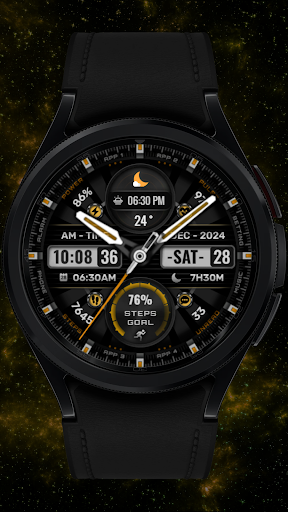
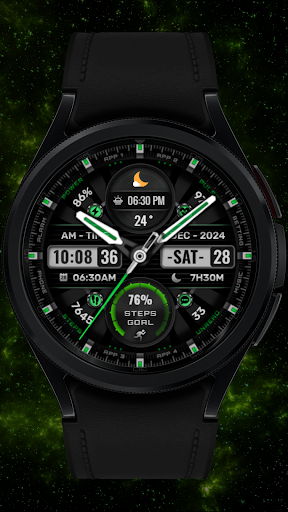
One of the key innovations is the ability to customize each complication with various data types. For instance, users can display weather updates, world clocks, barometer readings, or even sunrise and sunset times. The app also supports multiple color schemes for backgrounds, analog hands, and step progress indicators, giving users complete control over their watch's appearance.

This level of customization ensures that each user can create a unique watch face that perfectly matches their lifestyle and preferences while maintaining optimal functionality across compatible Wear OS devices.

Creative tool completeness

The concept of creative tool completeness refers to the extent to which an application provides users with a comprehensive set of features and functionalities that enable them to fully express their creativity. In the case of the SHINE Wear OS watch face, this notion is vividly brought to life through its rich array of customization options and complications. Users are not merely passive recipients of a pre-designed watch face; instead, they are empowered to mold and shape their timepiece's appearance and functionality according to their personal preferences and needs. The watch face offers hybrid styles that blend digital and analog elements seamlessly, providing information such as date, day of the week, and month in an elegant format. Furthermore, it includes eight editable complications that can display a multitude of data types including steps count, heart rate, battery level, calendar events, and even sunrise and sunset times. This extensive suite of features ensures that users have everything they need to create a personalized and functional watch face that suits their lifestyle perfectly. The ability to customize colors for the background, analog hands, and steps progress further enhances this creative freedom, allowing for a high degree of personalization. By offering these robust creative tools, the SHINE watch face stands out as a paragon of completeness in the realm of wearable technology, ensuring that users can craft an experience that is uniquely theirs while maximizing both aesthetic appeal and practical utility.

Canvas/format flexibility

Canvas and format flexibility within a design application pertains to the capacity of users to modify and adapt various visual and functional elements to suit their individual tastes and requirements. For the SHINE Wear OS watch face, this principle is manifested through its versatile customization capabilities that cater to a wide range of user preferences. Upon installation, users are encouraged to engage with the watch face by touching and holding the display, then tapping on the customize option to unlock its full potential. This process reveals a canvas that is not only limited to static visuals but extends into dynamic functionalities through customizable complications. These complications serve as interactive widgets that can be tailored to show different types of information such as weather updates, world clocks, barometer readings, and more. Such flexibility ensures that whether a user prioritizes fitness tracking metrics like step counts and heart rates or seeks practical details like calendar events and unread message counts, the SHINE watch face can accommodate these needs effortlessly. Moreover, compatibility with API level 30+ devices including Google Pixel watches and Galaxy Watch series underscores its adaptive nature across various hardware formats. It is important to note that while some advanced features might be device-specific due to hardware limitations, overall canvas flexibility remains uncompromised. This harmonious blend of adaptable design elements coupled with broad device support exemplifies how SHINE excels in providing a flexible canvas for users to personalize their smartwatch experience extensively. By prioritizing both visual aesthetics and functional versatility, SHINE ensures that every user can enjoy a bespoke timekeeping companion that resonates with their unique style and demands.

Props

Highly customizable

Eight complications

Multiple color options

User-friendly interface

Comprehensive data display

Cons

Limited device compatibility

Requires latest Android

Some features unavailable

No automatic application

Complex customization

Features and Functions

What is this app and what can I use it for?

A customizable Wear OS watch face with complications

How do I download and install this app on my device?

Download via Google Play Store on compatible Wear OS devices

How do I get started after opening the app for the first time?

Touch hold display then tap Customize option to set up

What are the main features and capabilities of this app?

Offers date time steps heart rate battery complications

How can I customize my experience and adjust preferences?

Use touch hold method to access customization settings

How do I save or bookmark my favorite content for later access?

Save favorite settings through customization interface

How can I share content with friends or on social media?

Share app details via Play Store or direct link sharing

How do I access detailed information and explore more content?

Explore detailed features through customization menu

What permissions does this app need and how do I manage them?

Needs basic permissions managed through device settings

How do I check for updates and keep the app running smoothly?

Check Play Store for updates and ensure system compatibility
Show more

User Reveiws

{{ comment.reviewer_name }}
{{ comment.review_date_formatted}}
{{ comment.review_content }}
{{ tab.name }}
{{ comment.reviewer_name }}
{{ comment.review_date_formatted}}
{{ comment.review_content }}
No reviews with this rating