

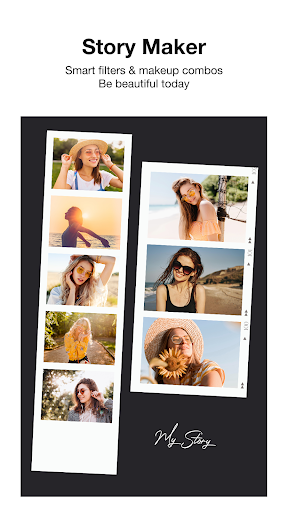
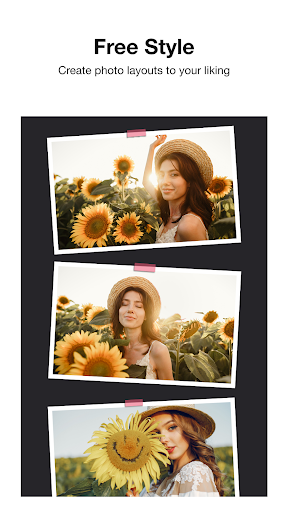
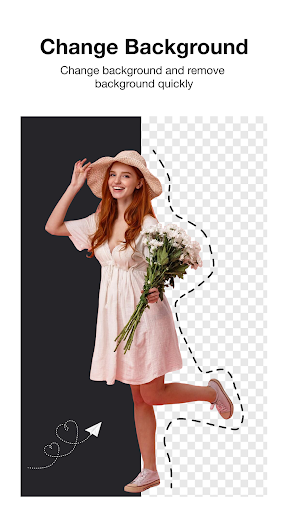
Beauty Camera - Selfie Camera is a versatile photo editing app designed for users who want to enhance their photos with professional-grade tools while keeping the process fun and easy. The app offers real-time beauty filters, virtual makeup effects, and an extensive collection of stickers and frames, making it perfect for creating eye-catching selfies and creative photo collages.
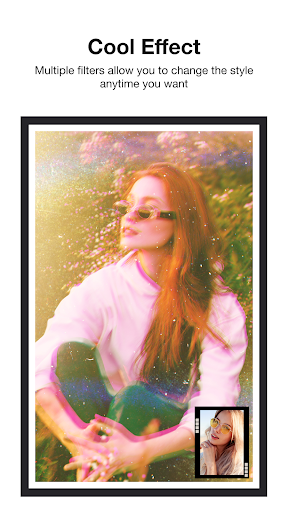
In addition to its powerful editing capabilities, Beauty Camera supports advanced features like drawing directly on images, adding custom text, and using over 30 stylish filters. Whether you're aiming for vintage aesthetics or modern chic, this app caters to various styles. Its intuitive interface allows users to personalize their photos effortlessly, making it suitable for both casual photographers and social media enthusiasts.
The app's standout feature is its ability to combine beauty enhancement with creative expression, allowing users to produce high-quality, visually appealing content that can be instantly shared across multiple platforms. This makes it an ideal tool for anyone looking to elevate their photography game while maintaining a playful touch.
Beauty Camera - Selfie Camera stands out with its comprehensive suite of photo editing tools. One of its key features is the one-tap filter system, which applies professional retouching effects instantly, ensuring your photos look polished without requiring advanced skills. Additionally, the app provides virtual makeup options, such as lipstick and blush adjustments, enabling users to achieve flawless selfies every time.
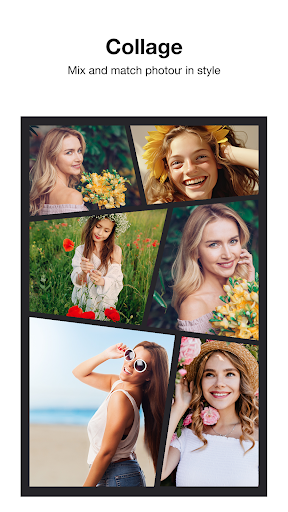
Beyond basic editing, the app includes creative elements like stickers, colorful backgrounds, and artistic frames. Users can also create photo collages by selecting from over 40 layouts and combining up to six images in a single project. Gestures like zooming, rotating, and flipping further enhance usability, giving users complete control over their compositions.
Another notable aspect is the app's sharing functionality. Once edited, photos can be exported directly to popular social media platforms like Instagram, Facebook, and Twitter. With these robust features, Beauty Camera empowers users to express themselves creatively while maintaining convenience and accessibility.
User-friendly interface
Wide range of filters
Fun sticker collection
Advanced editing tools
Instant social sharing
Limited free features
Ads may interrupt workflow
Premium subscription required
Occasional lag on older devices
Some tools lack customization

The ultimate tool for creating animations
 4.60
4.60
Sketch, trace and master AR drawing with awesome anime art!
3.30
Create neon drawing with magic doodle and fun doodle art effects!
4.50
Your Essential Color Theory Guide: Red, Yellow, Blue (RYB)
4.2
Art of Combination Wear OS Watch faces
4.3
Create stunning art with AI.
4.80
2D animation studio for Android tablets - unlimited layers, infinite timeline
4.70
Kling AI is an image and video generation and editing studio powered by AI.
4.50
AI Tattoo Generator: Create Tattoo Designs & Get Ideas! Ink & Stencil Maker
4.50
Minecraft & Roblox Clothes
4.70
Learn how to draw with step-by-step tutorials, fun lessons & multiplayer drawing
4.70
Digital illustration drawing & painting pad app to paint Anime and Manga art
4.50
800+ Drawing, Painting Lessons App to Practice, Sketch & Paint Art.
4.30
Sketch, plan, take notes and illustrate on an infinite canvas.
4.20
Create Logos, Tattoos, AI Art & more with our AI Photo Generator & Design Editor
4.20
Get creative and make art with your Sesame Friends!
4.00
Design your dream room with AI. Get decor ideas & plan home interiors
3.90
Your homescreen as an elegant glass with customized blur, lighting, and visuals.
3.70
Download now for a stylish and functional timepiece
4.5


User Reveiws