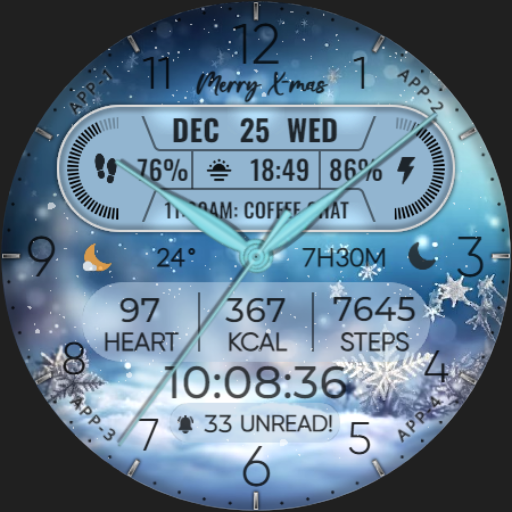
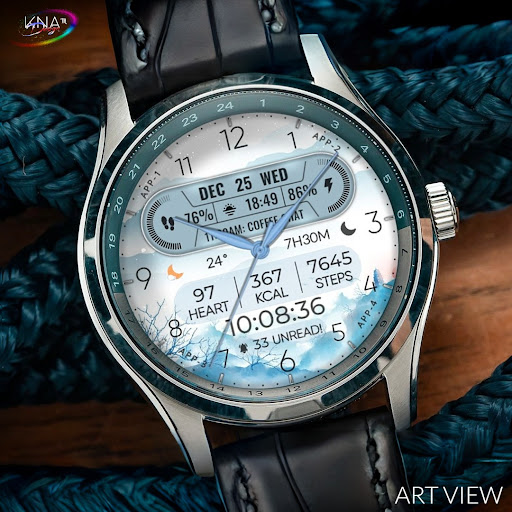
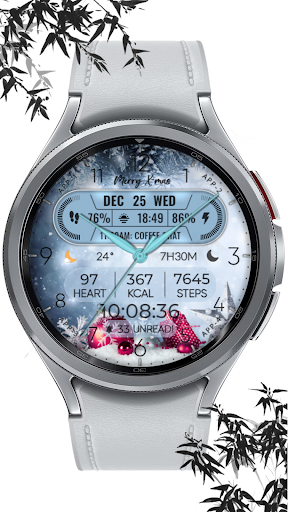
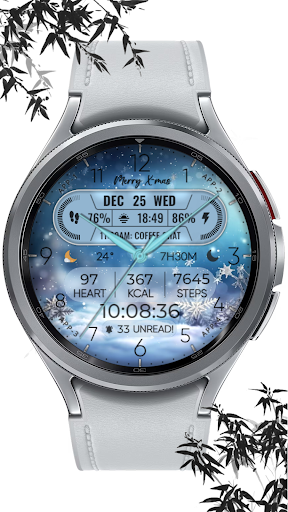
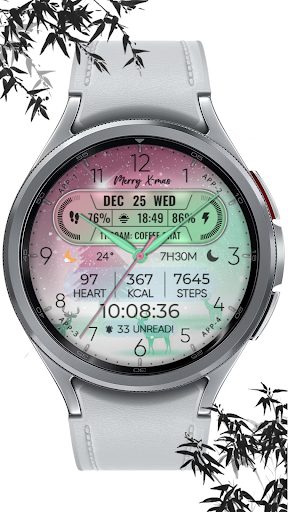
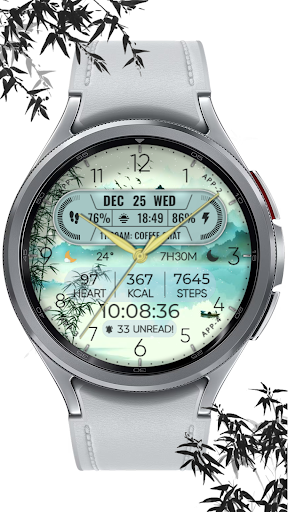
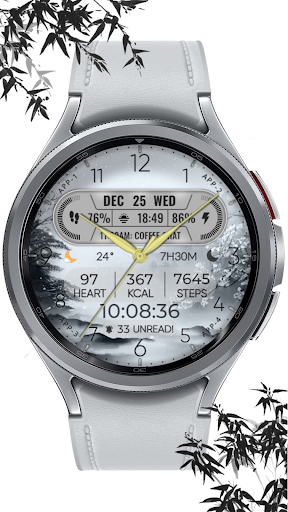

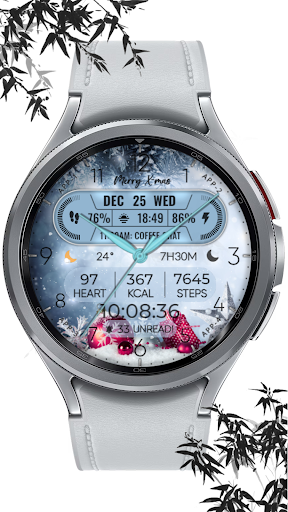
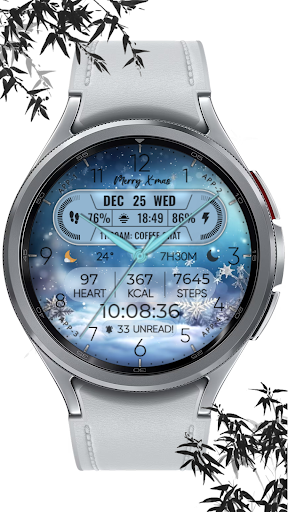
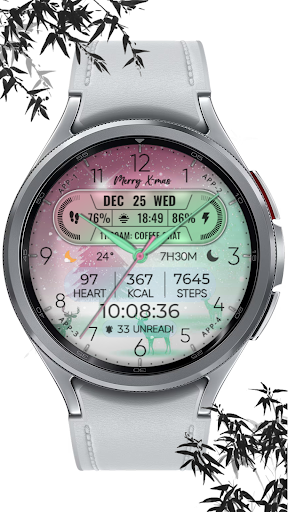
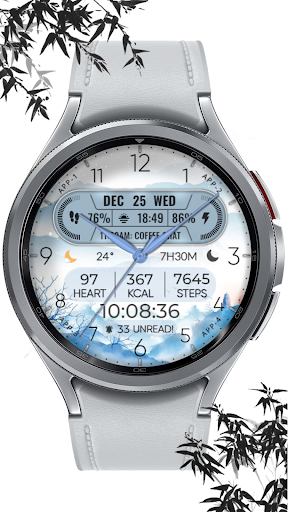
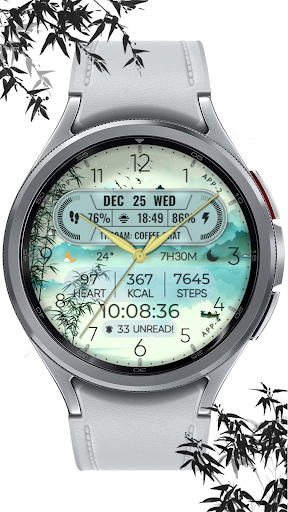
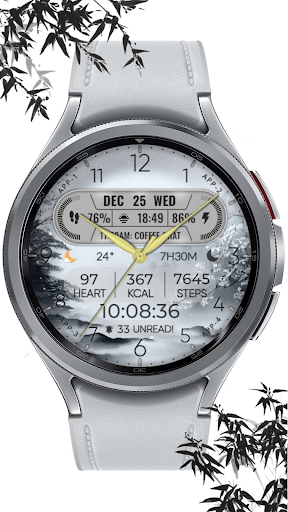
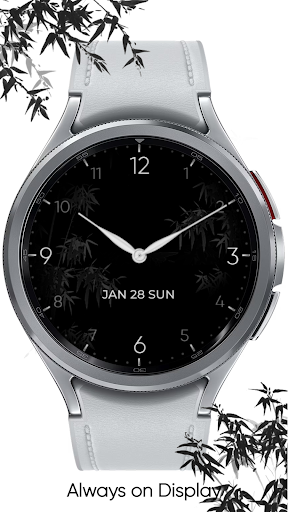

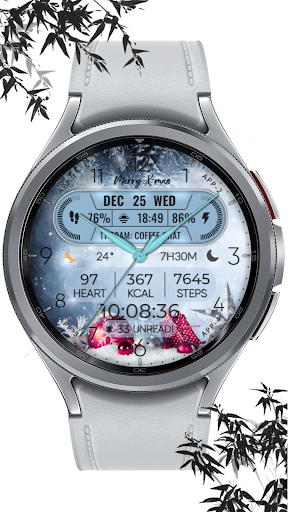
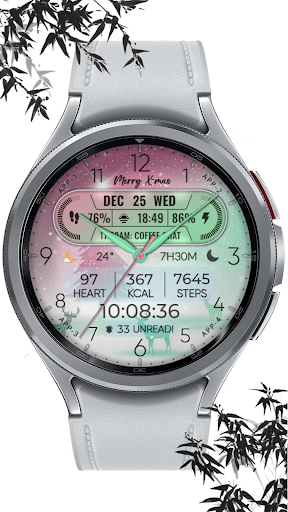
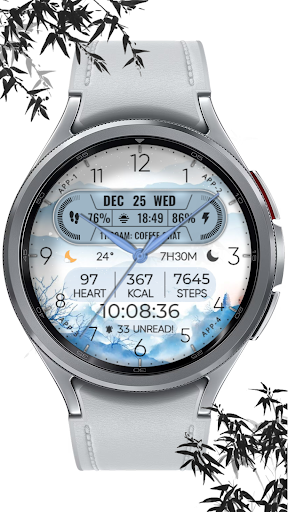
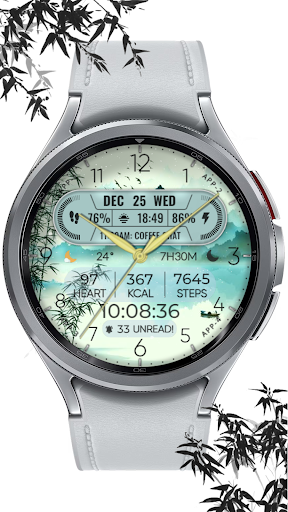
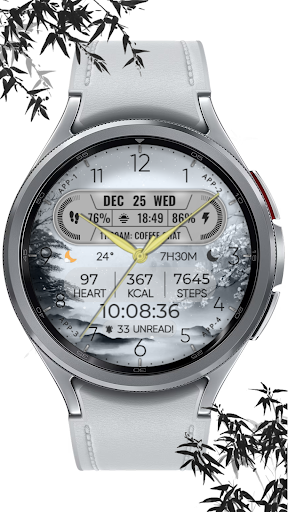
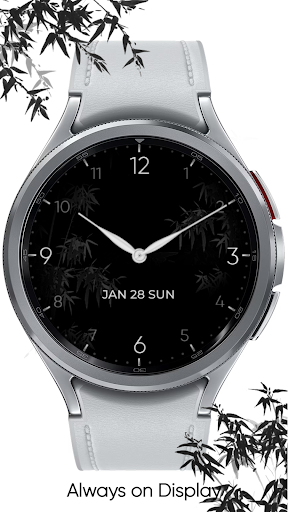

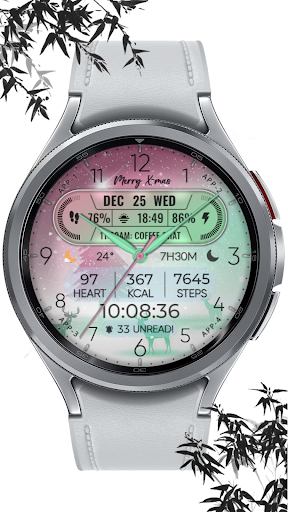
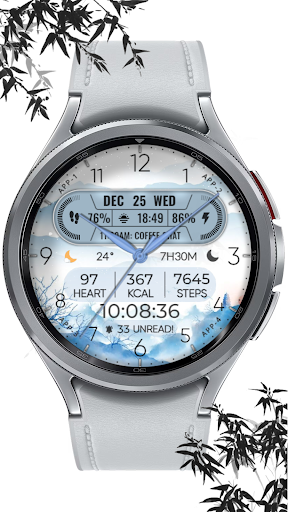
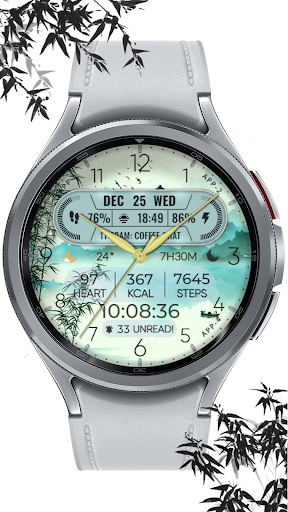
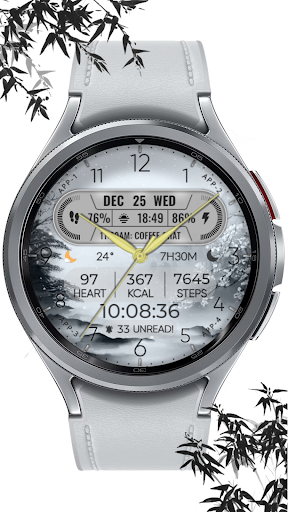

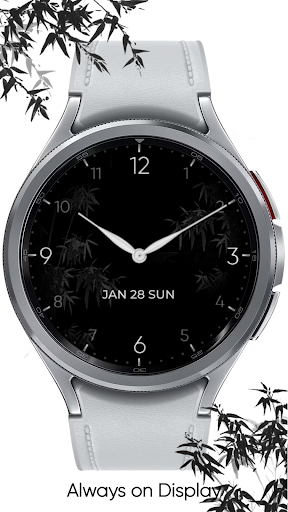
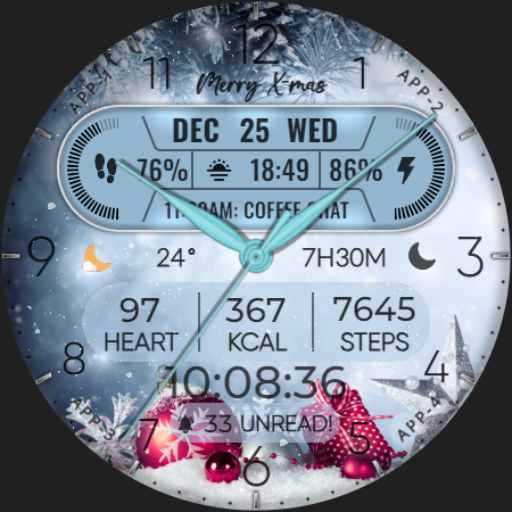
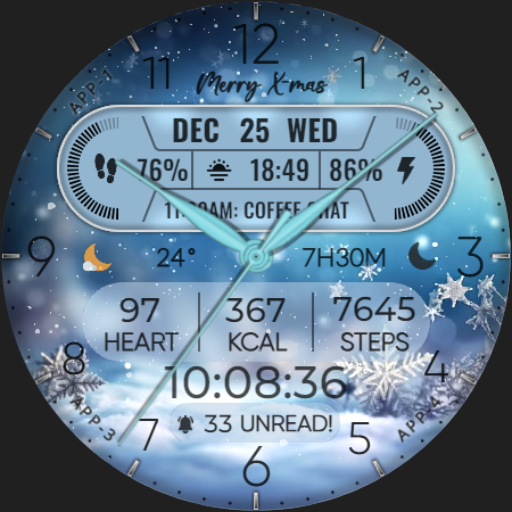
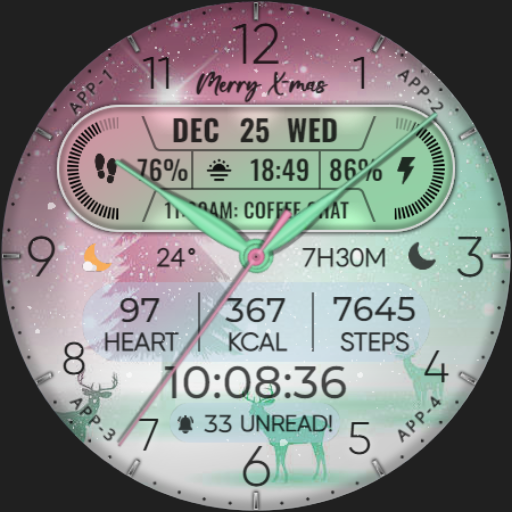


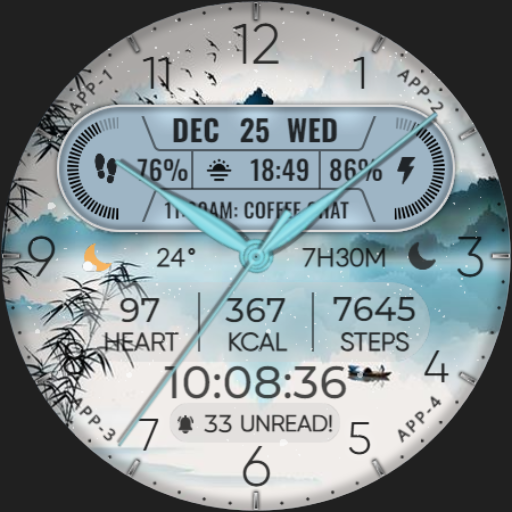
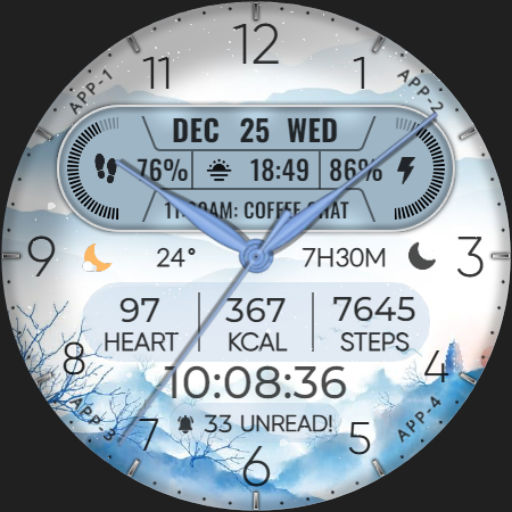
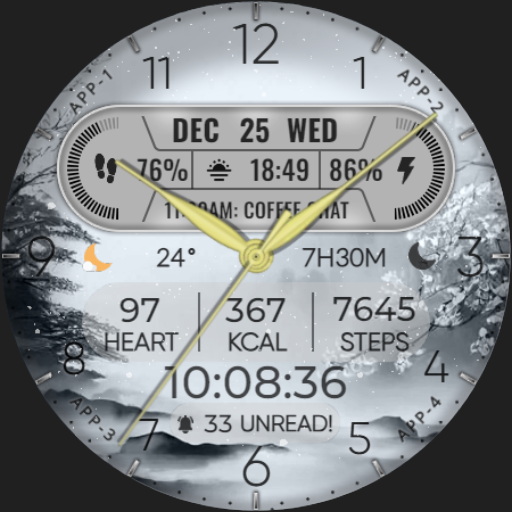
[KNA004] ART VIEW is a sophisticated watch face designed for Wear OS devices, offering users the ability to customize their smartwatch display with a variety of complications. This application transforms your smartwatch into a personalized timepiece that not only tells time but also provides essential data at a glance.
With its hybrid styles and customizable features, this app allows you to tailor your watch face to match your personal style and needs. Whether you want to track your fitness goals with step count and heart rate or stay informed with calendar events and unread messages, [KNA004] ART VIEW has got you covered. Its compatibility with API level 30+ devices ensures that you can enjoy these features on the latest smartwatches like Google Pixel and Galaxy Watch series.
The true value of [KNA004] ART VIEW lies in its ability to enhance user experience by providing both aesthetic appeal and functional utility. The app's customization options allow for a unique blend of style and substance, making it an ideal choice for those who appreciate design and practicality in their wearable technology.
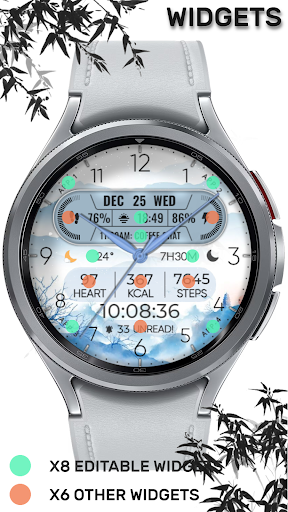
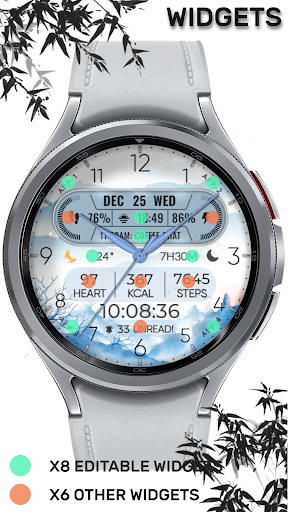
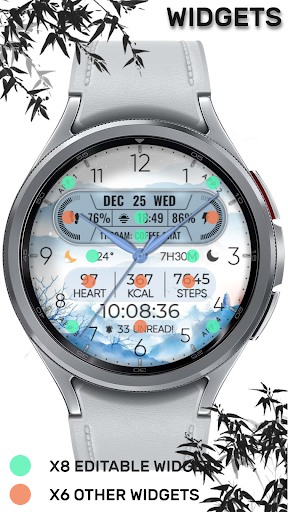
[KNA004] ART VIEW stands out with its rich set of features tailored for personalization enthusiasts. One of the key aspects is the availability of eight editable complications, which means users can choose from a wide array of data points such as weather, world clock, and even barometer readings to display on their watch face.
In addition to complications, the app offers ten different colors and styles, giving users the freedom to change the look of their watch face according to their mood or outfit. The inclusion of date, day of the week, and month ensures that users have all the temporal information they need without having to unlock their phone.
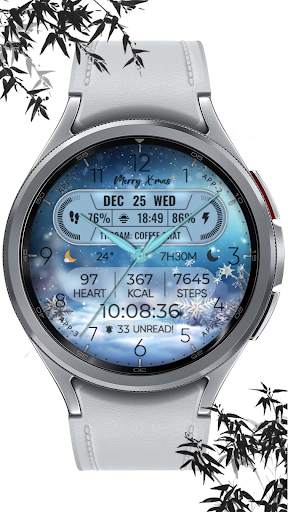
What sets [KNA004] ART VIEW apart is its attention to detail, such as the snow falling animation for the X-max festival, adding a festive touch to your device during the holiday season. Each feature is designed to provide both visual delight and practical information, ensuring that users get the most out of their smartwatch experience.
Highly customizable
Variety of styles
Compatible with latest devices
Comprehensive health tracking
Festive animations included
Limited device support
No automatic application
Potential battery drain
Some features may be unavailable
Requires manual setup

AI generated images & photos, turn your words into drawing, painting & pictures.
 4.30
4.30
Your Essential Color Theory Guide: Red, Yellow, Blue (RYB)
4.5
See Color, Paint Color
4.90
Create color palette from Image, RGB & RYB Color wheel harmonies, Color Scheme
4.50
Convert image to JPG PNG HEIC PDF, support almost all kinds of image formats
4.70
Create stunning art with AI.
4.80
Get an overview over all your embroidery threads, projects and more.
4.60
Create and Design Custom Logos in Seconds with AI-Powered Tools!
4.40
Multiplayer Drawing game, Coloring, Painting・Sketch, Handwriting・Paint, draw
4.30
Passport size photo maker, create ID photo and visa photo in seconds
4.80
Learn how to draw with step-by-step tutorials, fun lessons & multiplayer drawing
4.70
Minecraft & Roblox Clothes
4.70
Draw glowing spinners, relax, and spin your creative art
4.60
The perfect place to start sketching! Use Sketchbook to draw and paint sketches.
4.50
Draw Trace image sketch by, AR art projector app, Easy to trace any image.
4.50
Kling AI is an image and video generation and editing studio powered by AI.
4.50
Text to Image, Image to Video & AI Chat
4.20
Art of Combination Wear OS Watch Faces
3.30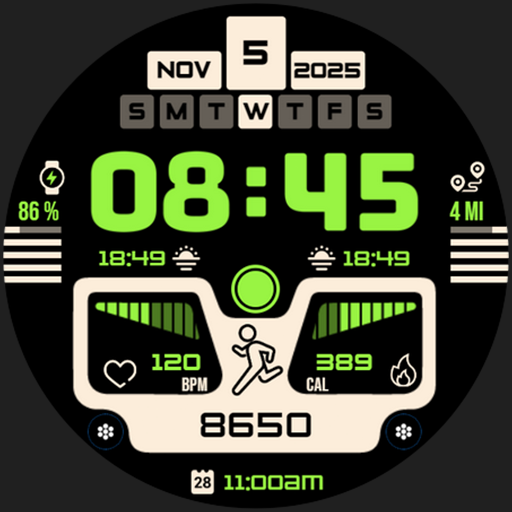
Download now for a stylish and functional timepiece
4.2


User Reveiws